react-native-hold-to-call-button
v1.0.2
Published
React Native button where the user has to hold the button in order to call the onPress function


Readme
React Native Hold to Call Button
React Native component for a button that is called after the user holds down on the button for a set duration
Getting Started
Installation
yarn add react-native-hold-to-call-buttonor
npm install react-native-hold-to-call-button --saveUsage
You can use the button anywhere in your react native app
Basic Example
import { HoldToCallButton } from "react-native-hold-to-call-button";

export const App = () => {
  return (
    <HoldToCallButton
      onHoldFinished={() => {
        //  do something cool
      }}
    >
      Hold to Confirm
    </HoldToCallButton>
  );
};
Customization
Styles can be customized so that colors of the workflow match your app's theme and tone via props.
import { HoldToCallButton } from "react-native-hold-to-call-button";

export const App = () => {
  return (
    <HoldToCallButton
      onHoldFinished={() => {
        //  do something cool
      }}
      // customization options
      pressDownDurationMilliseconds={1500} // change time it takes to call onHoldFinished
      primaryColor="pink" // animation color
      inactiveColor="red" // button background when not pressed down
      disabled={false} // disabling prevents onHoldFinished from being called and from the animation starting
      loading={false} // set true if your action onHoldFinished takes time
      fontFamily={fonts.bold} // set the font to your apps theme
      fontSize={10} // change font size
      borderRadius={50} // custom button border radius
    >
      Hold to Confirm
    </HoldToCallButton>
  );
};
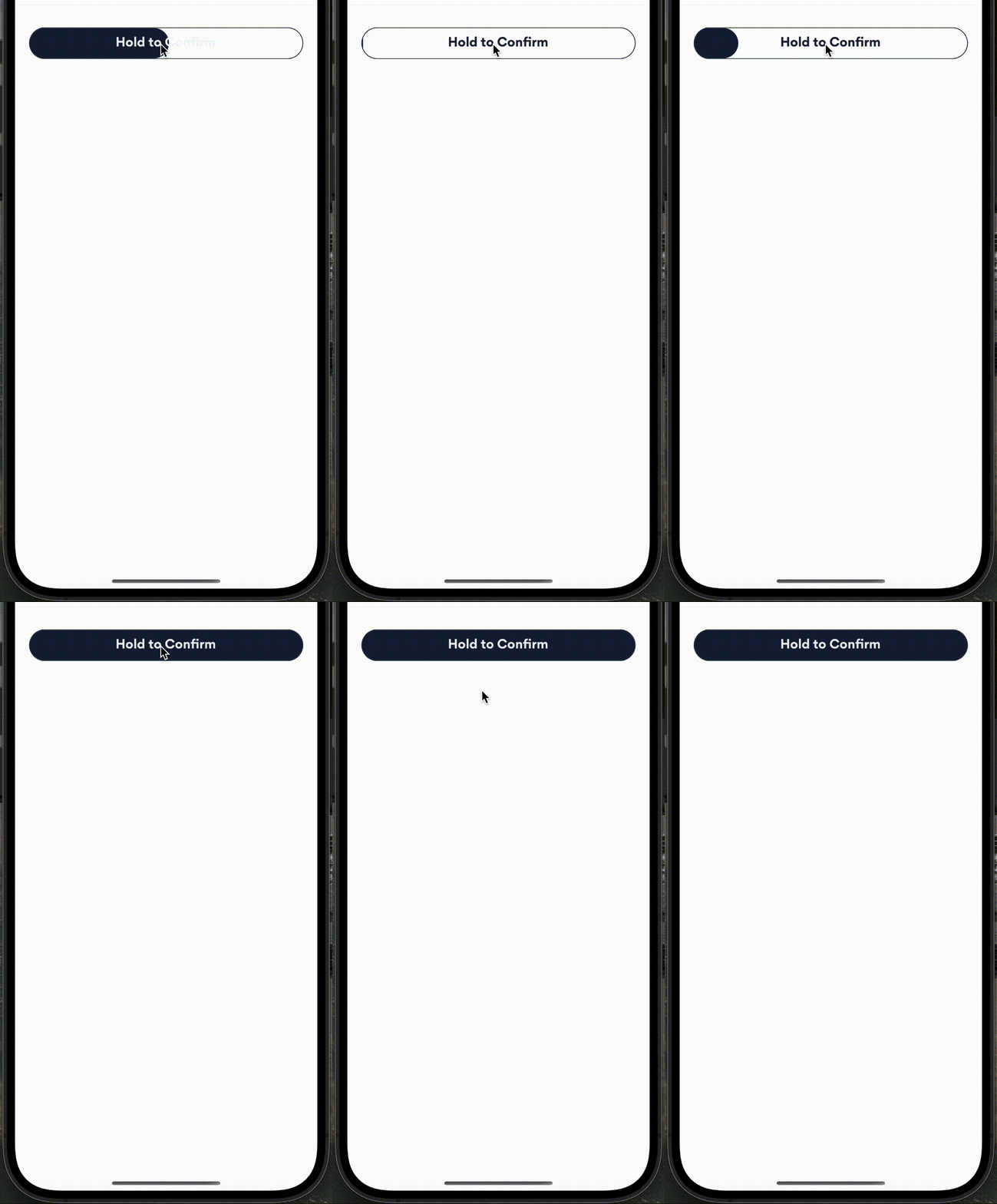
Screenshots
Images of this library in use in production
Hold to Call
The animation is smoother in real life, the gif does not do it justice.