
react-native-loginmodule
v1.1.8
Published
React Native Login module

Maintainers
 hussian123
Readme
Signup Login Module for react-native
This module is helpful to create the login and signup page with al the validations, this module make the app deisgn in simple way without writing validations in project, all the required validation are done in the module.
No need to TextInput onChange events when using this module.
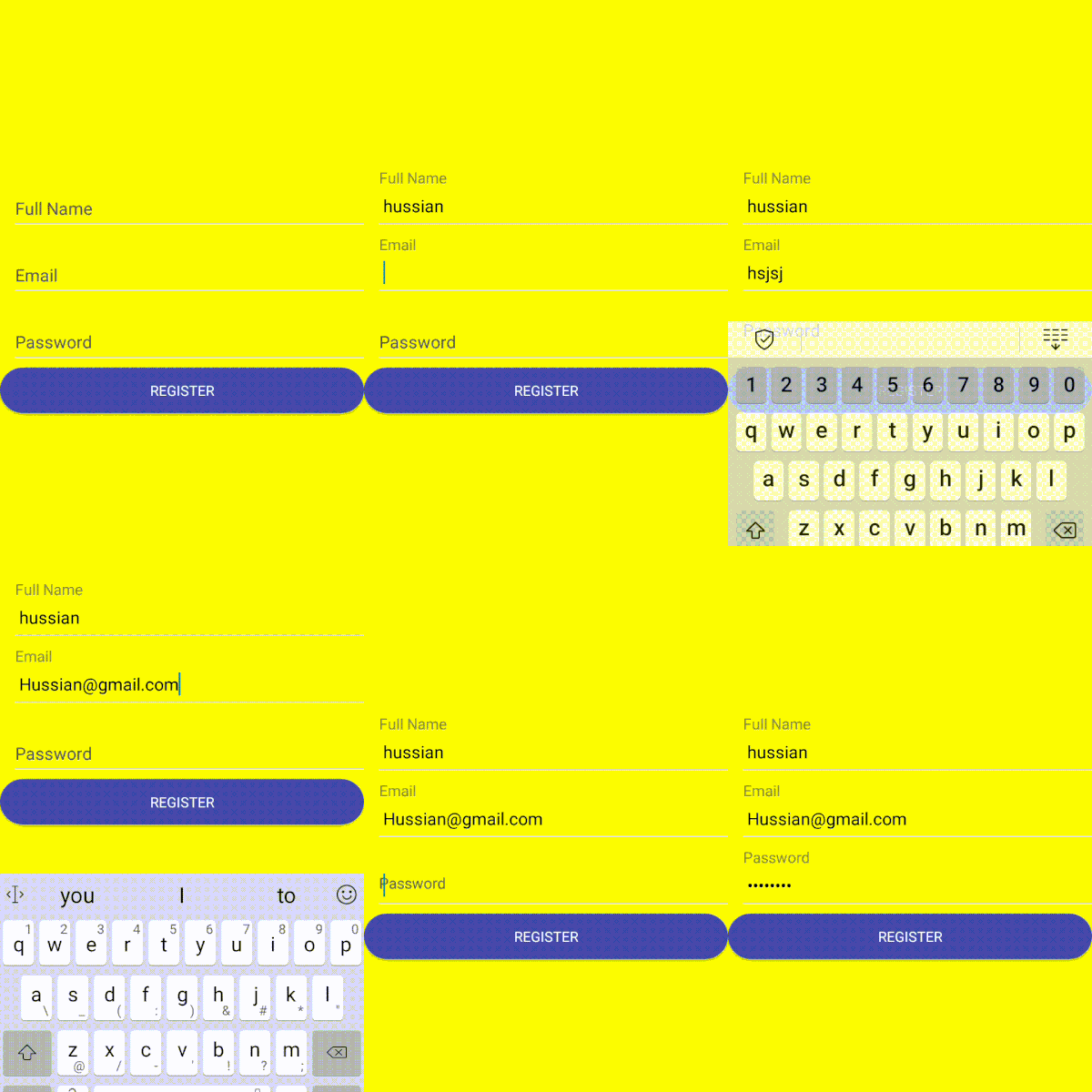
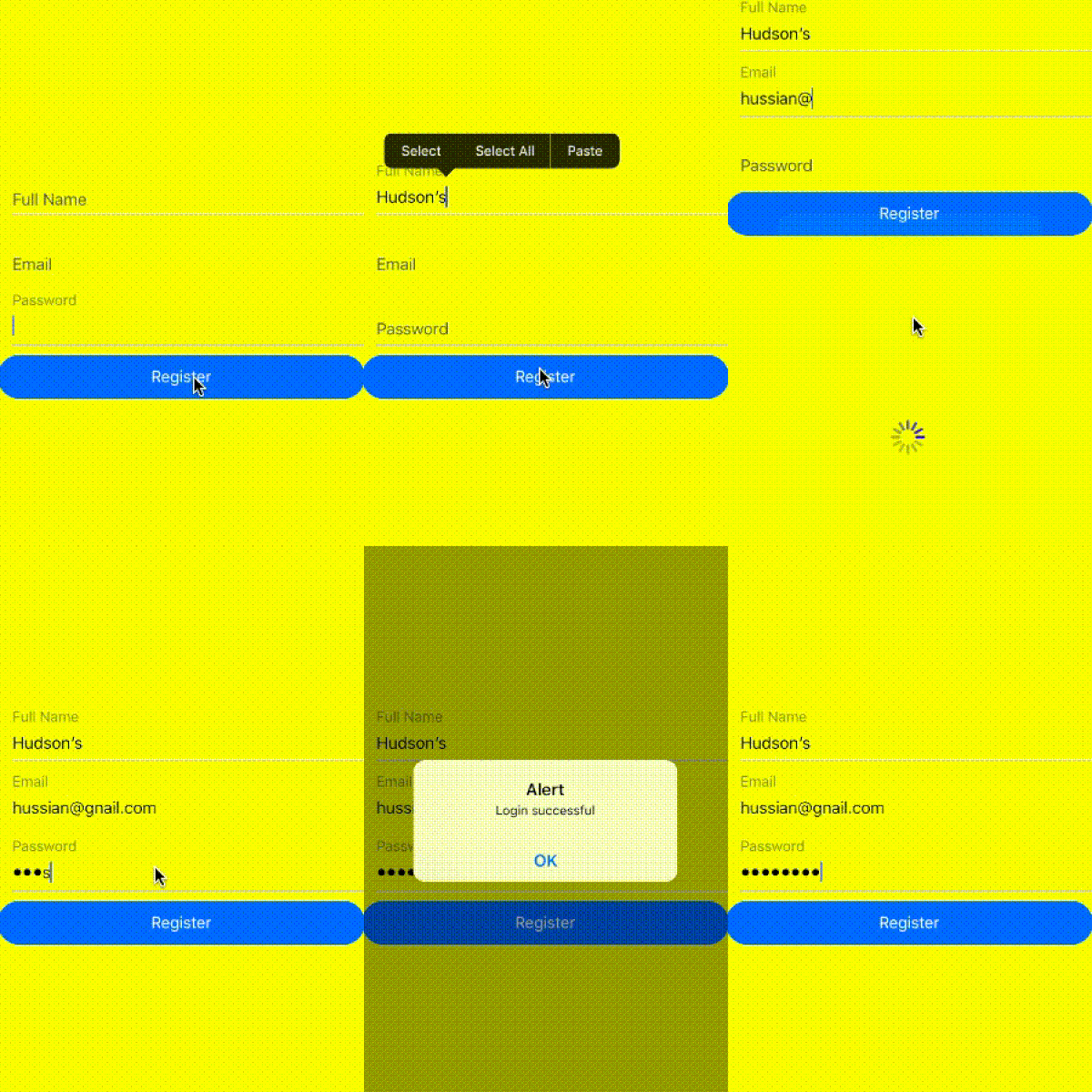
Pre-requisites
react-native, node.js and a platform-specific tools needed to compile native NPM module (which you may already have);
when you creating react-native init projectName.
Installation
To install the react-native-loginmodule, simply run the following command within your app's directory:
npm i react-native-loginmodule --saveDevelopment
##Example:
import {UserName, EMail, Password, CustomButton, ButtonAction} from 'react-native-loginmodule';
import React, {Component} from 'react';
import {Container, Content, Form} from 'native-base';
export default class Sample extends Component {
Login(){
let AppName = "xxx APP" // Name of the app
const url = 'xxxx url' //Api url
const fields={EMail:'EMail',Password:'Password'} // Input fields that used in this class imported from this module
const headers = {'Content-Type':'application/json','Authorization':'bearer {{token}}'}
//pass the key like 'Login' for login and 'register' for register
const parameters = {'AppName':AppName,'url':url,'headers':headers,'fields':fields,'field':'Login'}
ButtonAction(parameters).then((res)=>{
if(res != undefined){
//alert(JSON.stringify(res))
if(res.isvalid != undefined){
console.log('res')
\\this is for handling validation alerts
}else{
alert ('RES ID: ' + res.id);
}
}
})
}
return (
<Container>
<Content contentContainerStyle={{flex:1,justifyContent: 'center'}}>
<Form>
<UserName />
<EMail />
<Password />
</Form>
<CustomButton onPress={this.Login.bind(this)}>Login</CustomButton>
</Content>
</Container>
);
}###To handle Logout
LogoutAction().then((res)=>{
console.log("res:"+res)   \\here in res it will return logout sucess
})
Fields included in this module
Note: use the fields like this only
   <EMail />
   <FirstName />
   <LastName />
   <Password />
   <PhoneNumber />
   <UserName />
   <FullName />
To apply your custom styles
<EMail style={{width:200,height:60....}}/>Button used for login and signup
<CustomButton />