
react-native-mask-textinput
v0.1.0
Published
react-native input field mask

Maintainers
 mharoon.j
Readme
react-native-mask-textinput
You can integrate this component in your code very easily. Just install by
yarn add react-native-mask-textinput
OR
npm install react-native-mask-textinput
Example:
.
.
import MaskField from "react-native-mask-textinput";
.
.

export default class App extends Component {
  constructor(props) {
    super(props);
    this.state = { text: "" };
  }

  onTextChange = (value) => {
    this.setState({ text: value });
  };

  render() {
    return (
      <View style={styles.container}>
        <MaskField
          mask="[000][0000000]" // no spaces between square brackets
          keyboardType="numeric"
          value={this.state.text}
          onChangeText={this.onTextChange}
          delimiter=" "
        // countryCode="+9"
        //  countryCodeContainerStyle={{backgroundColor: "grey"}}
        //  countryCodeTextStyle={{color: "red"}}
        />
      </View>
    );
  }
}


const styles = StyleSheet.create({
  container: {
    flex: 1,
    backgroundColor: "#fff",
    alignItems: "center",
    justifyContent: "center",
  },
});
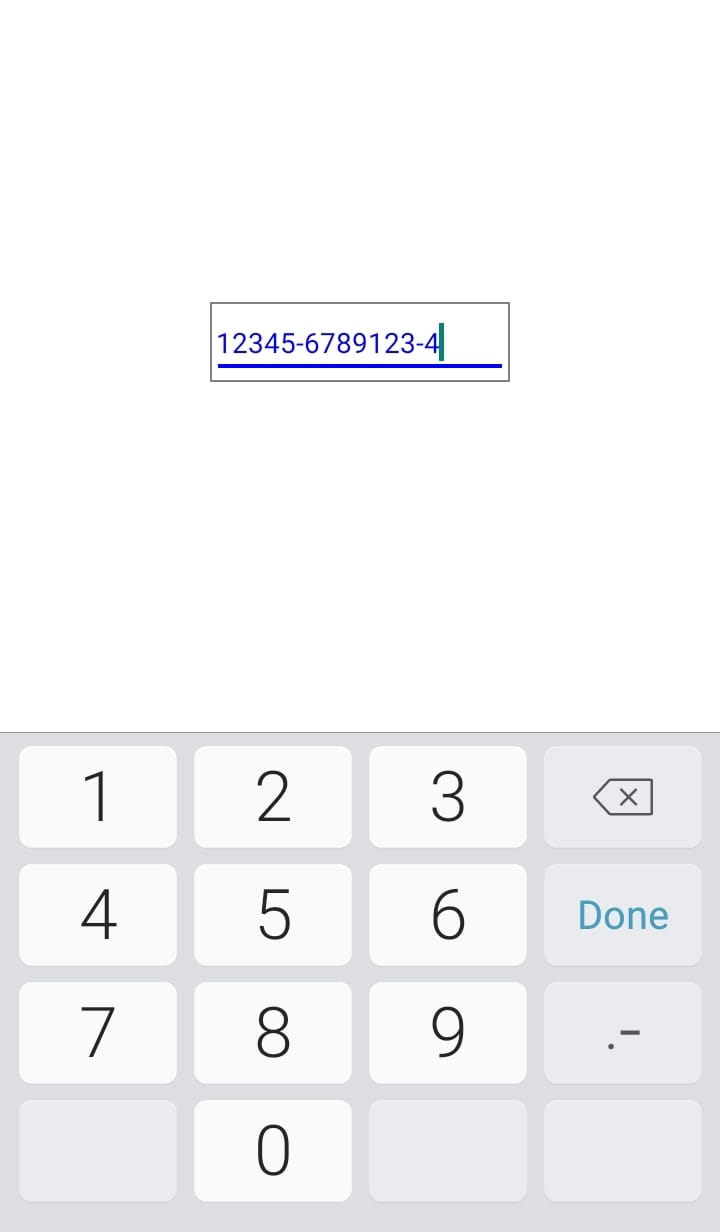
Simple
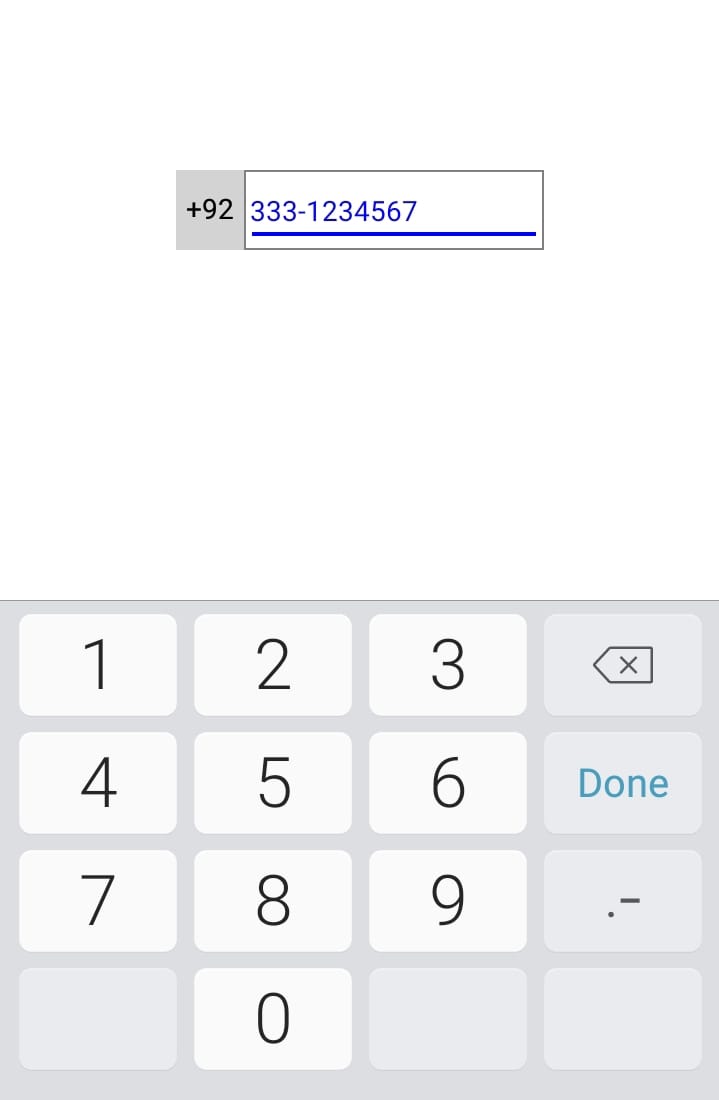
With Country Code
| Props | Description | | ------------ | ------------ | | value | Set value of input field | | onChangeText | Takes a function to be called every time the text changed | | Mask | "[00][00]" this will give "12 34". Dont give space in square brackets. Curly brackets are accepted in square brackets like "[(000)][00]" which will give "(123) 45". | | Delimiter | Default delimiter is " " space. You can use delimiter like "-" | | countryCode | You can also put a constant before input field. This is optional | | countryCodeContainerStyle | Styling country code container. Optional field | | countryCodeTextStyle | Styling country code Text. Optional field |