
react-native-navbar-control
v1.0.1
Published
React Native component to control android navigation bar

Maintainers
 iamir
iamirReadme
React Native Navbar Control
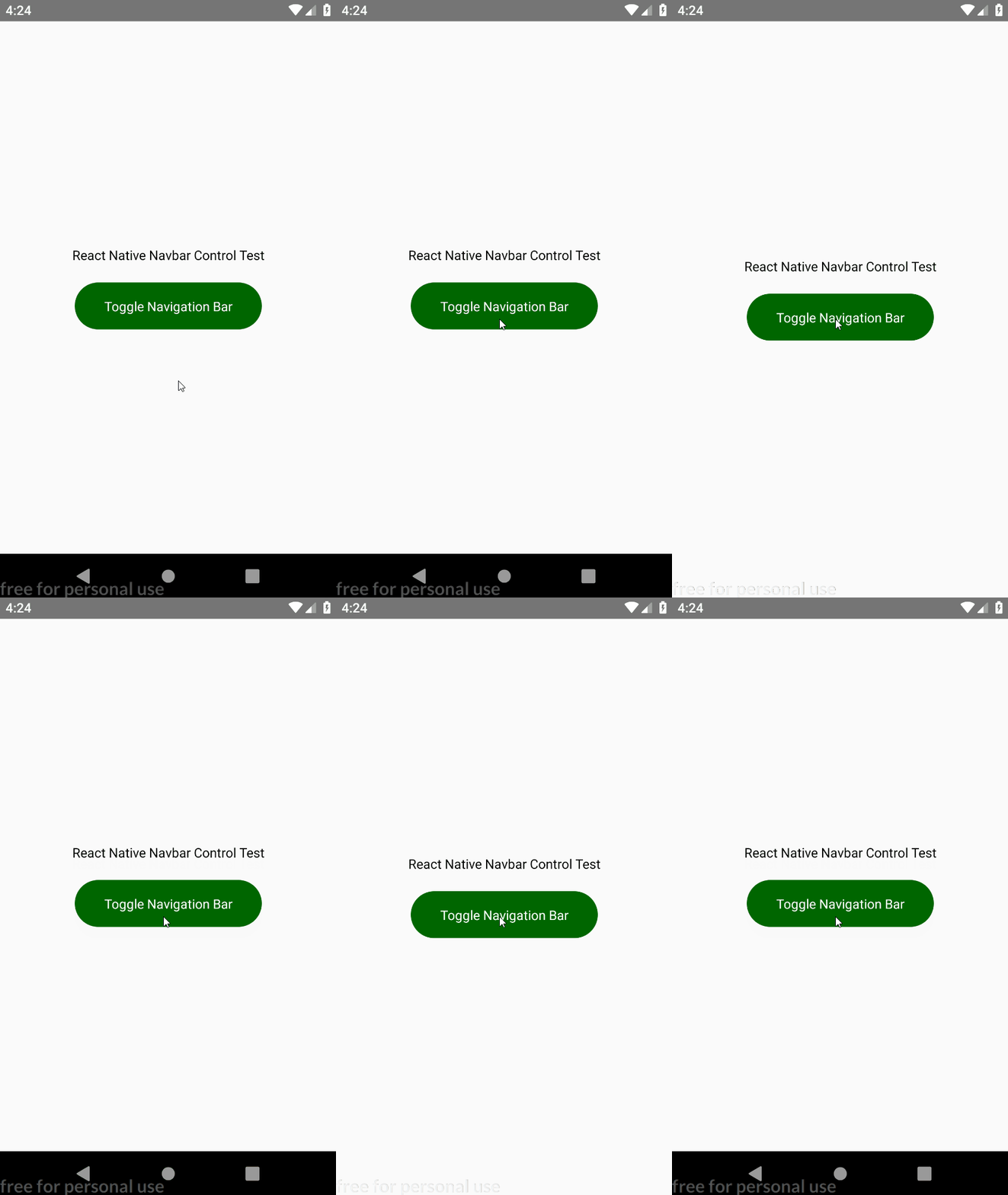
Hide or show Android navigation bar easily whenever you want
Preview
Install
yarn add react-native-navbar-control

// or

npm i --save react-native-navbar-control
Note: For users with react-native version < 0.60.x:
react-native link react-native-navbar-controlUsage
import { HideNavigationBar, ShowNavigationBar } from 'react-native-navbar-control';

// ------------------------------------
/* now use these functions whenever and where ever you want */
// ------------------------------------
Example
import React from 'react';
import { View, Text, TouchableOpacity } from 'react-native';
import { HideNavigationBar, ShowNavigationBar } from 'react-native-navbar-control';

let showNavbar = true;
class App extends React.Component {

  toggleNavigationBar() {
    if (showNavbar) {
      HideNavigationBar();
      showNavbar = false;
    }
    else {
      ShowNavigationBar();
      showNavbar = true;
    }
  }

  render() {
    return (
      <View style={{ flex: 1, justifyContent: 'center', alignItems: 'center' }}>
        <Text>React Native Navbar Control Test</Text>
        <TouchableOpacity
          style={{
            marginTop: 20, width: 200, height: 50,
            backgroundColor: '#006600', borderRadius: 50,
            justifyContent: 'center', alignItems: 'center'
          }}
          onPress={() => this.toggleNavigationBar()}
        >
          <Text style={{ color: 'white' }}>Toggle Navigation Bar</Text>
        </TouchableOpacity>
      </View>
    );
  }
}
export default App;