
react-native-orzhtml-listview
v1.0.10
Published
FlatList with pull-to-refresh and infinite scrolling for Android and iOS React-Native apps

Maintainers
 carson_orzhtml
Readme
react-native-orzhtml-listview
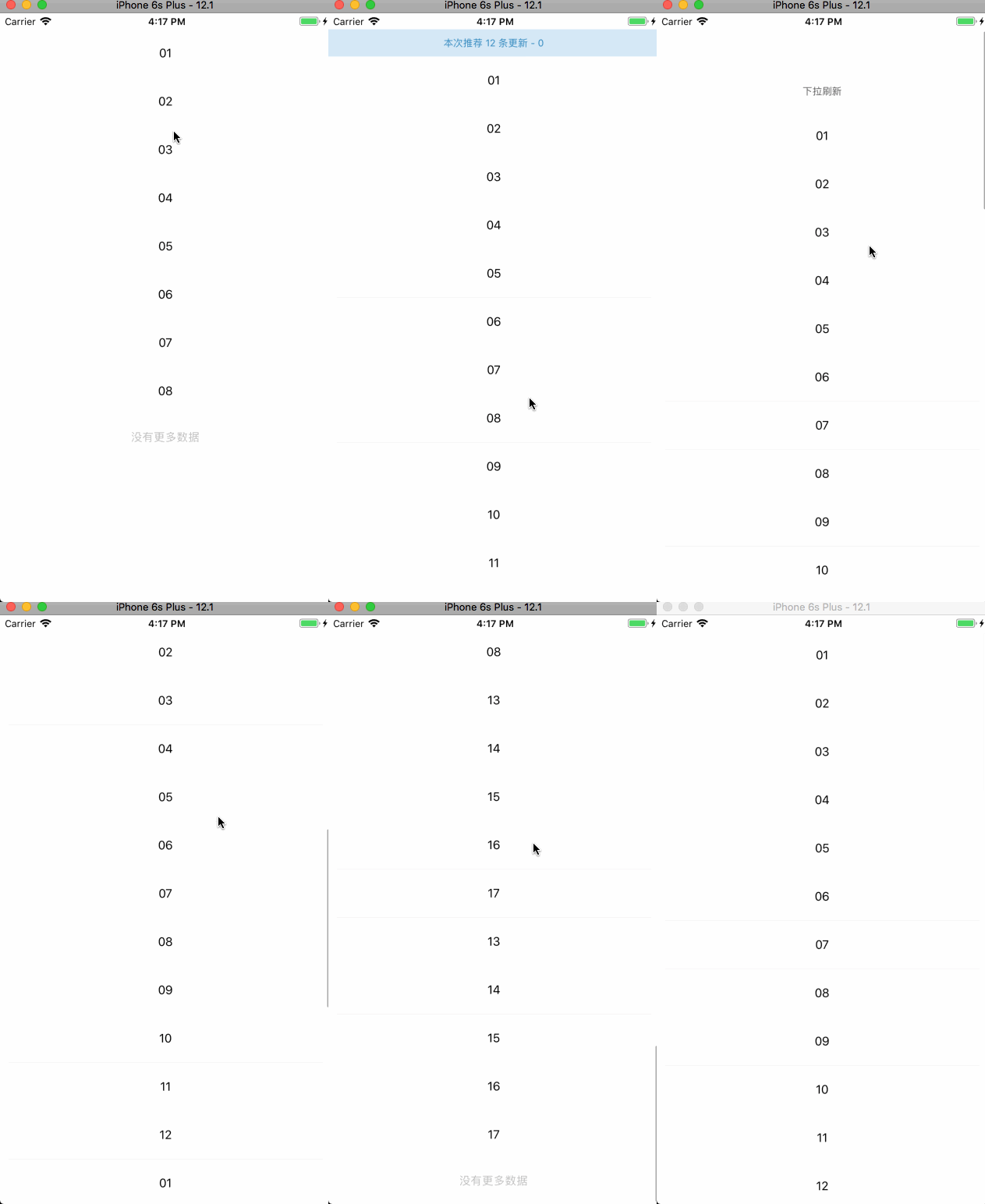
FlatList with pull-to-refresh and infinite scrolling for Android and iOS React-Native apps.
基于FlatList的上拉、下拉刷新组件。
Install
npm install react-native-orzhtml-listview --save
or
yarn add react-native-orzhtml-listview
Props
Prop | Description | Type | Required/Default
------ | ------ | ------ | ------
initialNumToRender|首屏加载数量|number|10
refreshable|是否可刷新|bool|true
setRefreshing|刷新状态回调方法|func|null
setRefresh|刷新方法|func|null
setEndReached|加载更多方法|func|null
noRefresh|下拉是否是刷新|bool|false
renderItem|渲染项目|func|null
PaginationBtnView|分页按钮视图|func|null
PaginationFetchingView|分页拖动视图|func| null
PaginationAllLoadedView|分页加载完成视图|func|null
PaginationWaitingView|分页加载中视图|func|null
EmptyView|空内容视图|func|null
HeaderView|头部视图|func|null
refreshableTitle|可刷新的标题|string|null
refreshableColors|可刷新的颜色|array| ['dimgray', 'tomato', 'limegreen']
refreshableProgressBackgroundColor|可刷新的进展背景颜色|string|#fff
refreshableSize|可刷新的大小|string|null
refreshableTintColor|可刷新的色调的颜色|string|lightgray
customRefreshControl|自定义刷新控制|func| null
pagination|是否显示分页|bool|true
allLoadedText|加载完成文字|string|End of List
spinnerColor|等待加载动画的颜色|string|undefined
waitingSpinnerSize|等待加载动画的大小|string|small
waitingSpinnerText|等待加载的文案|string|Loading...
paginationBtnText|分页按钮文案|string|Load more...
emptyViewText|空视图的文案|string|Sorry no data
handle ref
method | description
------ | ----------
firstAddData | 第一次数据加载
updateDataSource | 手动更新数据
refresh | 手动刷新
getRows | 获取已存的所有数据
scrollToEnd | 滚动到底部: 参考 FlatList scrollToEnd
scrollToIndex | 将位于指定位置的元素滚动到可视区的指定位置: 参考 FlatList scrollToIndex
scrollToItem | 这个方法会顺序遍历元素。尽可能使用 scrollToIndex 代替: 参考 FlatList scrollToItem
scrollToOffset | 滚动列表到指定的偏移(以像素为单位),等同于 ScrollView 的 scrollTo 方法: 参考 FlatList scrollToOffset