
react-native-tomatohut-player
v0.0.6
Published
react-native播放器,Video Player
Downloads
3

Maintainers
 mx8
mx8Readme
react-native-tomatohut-player



简介
包装react-native-video,添加了部分自己需要的功能,对于没有开发的属性可以自己fork该项目去加,或者提出issue,有空我会写下(小声逼逼:小菜鸡一个,难的不会,简单的懒~)
只写了Android,IOS没看,应该都差不多,具体的自己调试(没有Mac也没法调试,有土豪的话可以给我捐一台,我不会介意的,哈哈哈)
安装(windows)
npm install [email protected] --save
npm install react-native-linear-gradient --save
npm install react-native-orientation --save
npm install react-native-keep-awake --save
npm install react-native-vector-icons --save
npm install react-native-tomatohut-player --save
echo D | xcopy node_modules\react-native-vector-icons\Fonts android\app\src\main\assets\fonts /e
功能
- 滑屏快进
- 全屏
- 开始时间
- 双击暂停
- 用的时候再写
截图
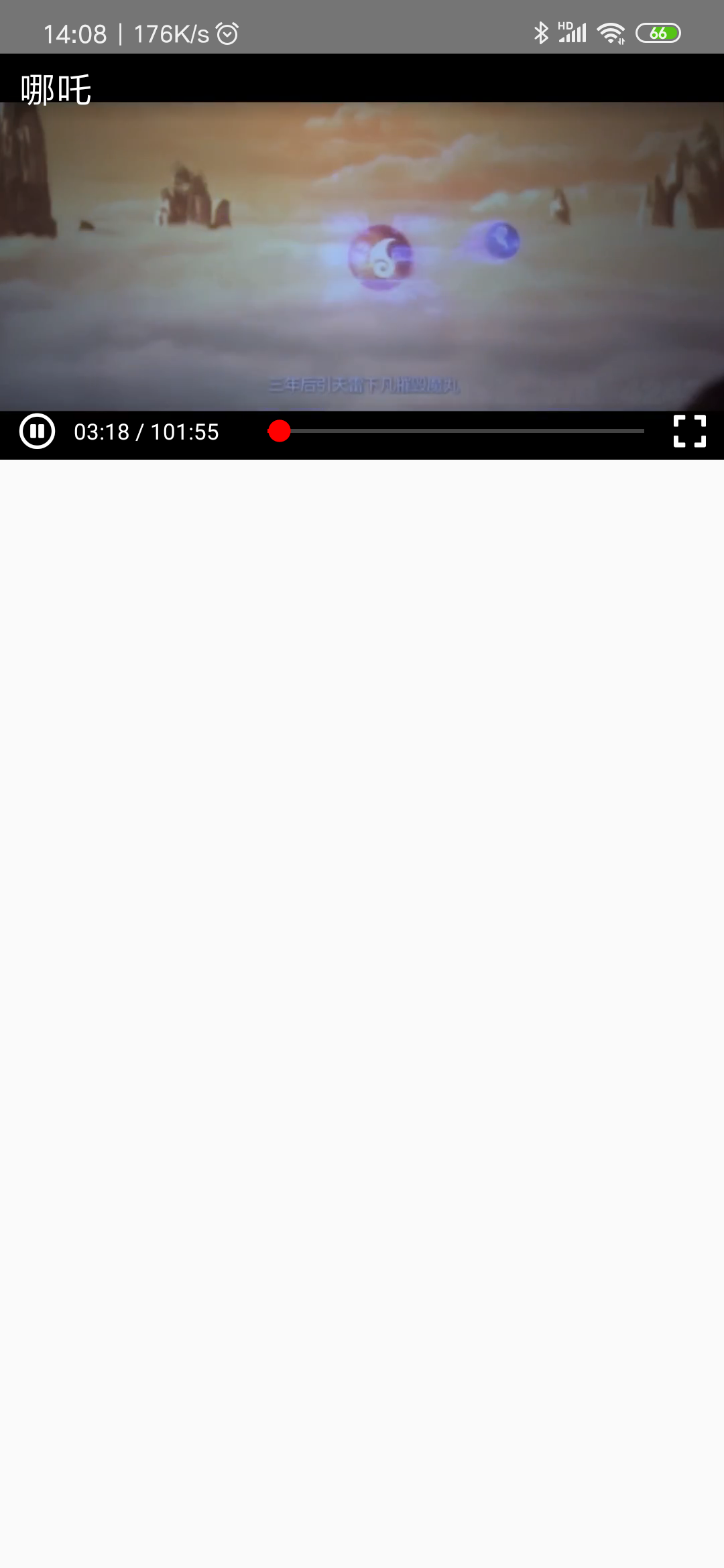
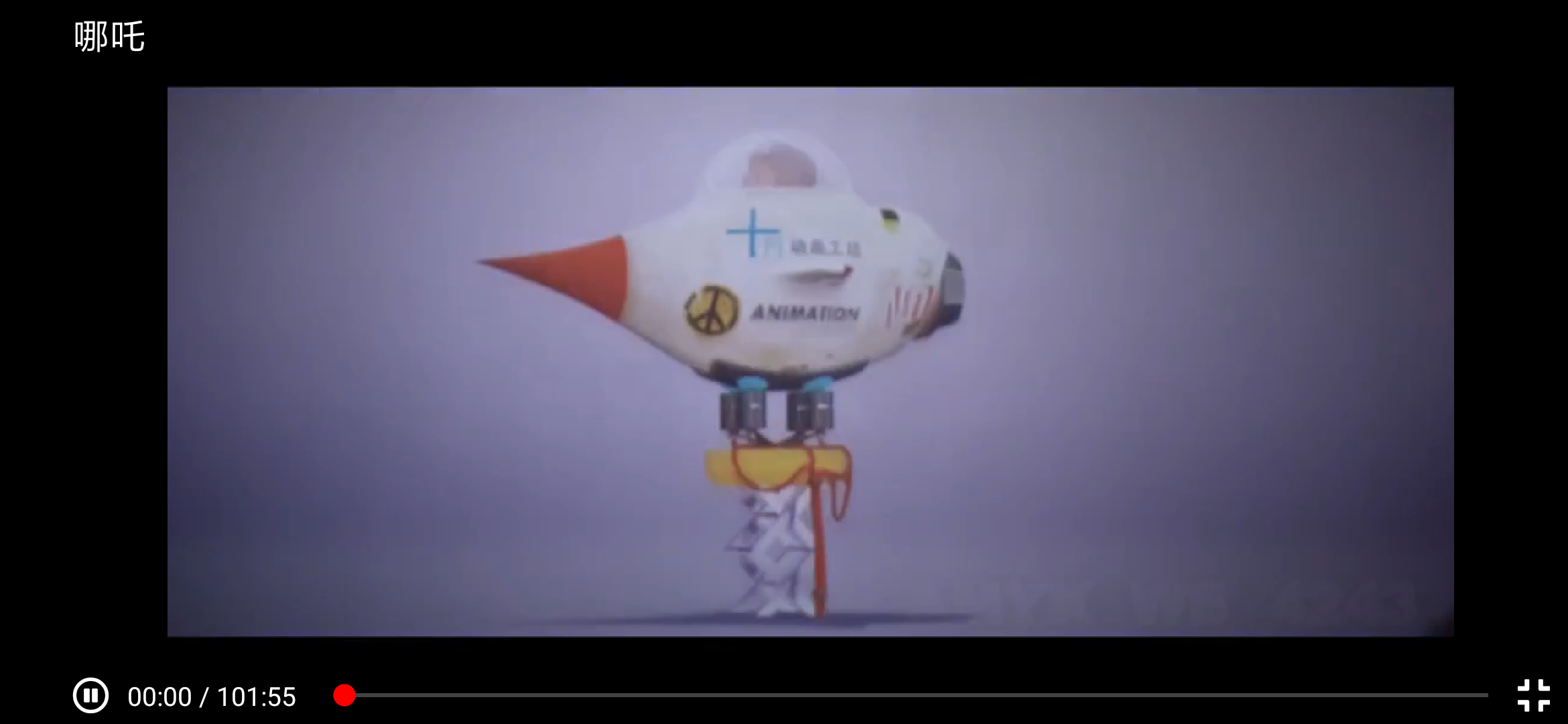
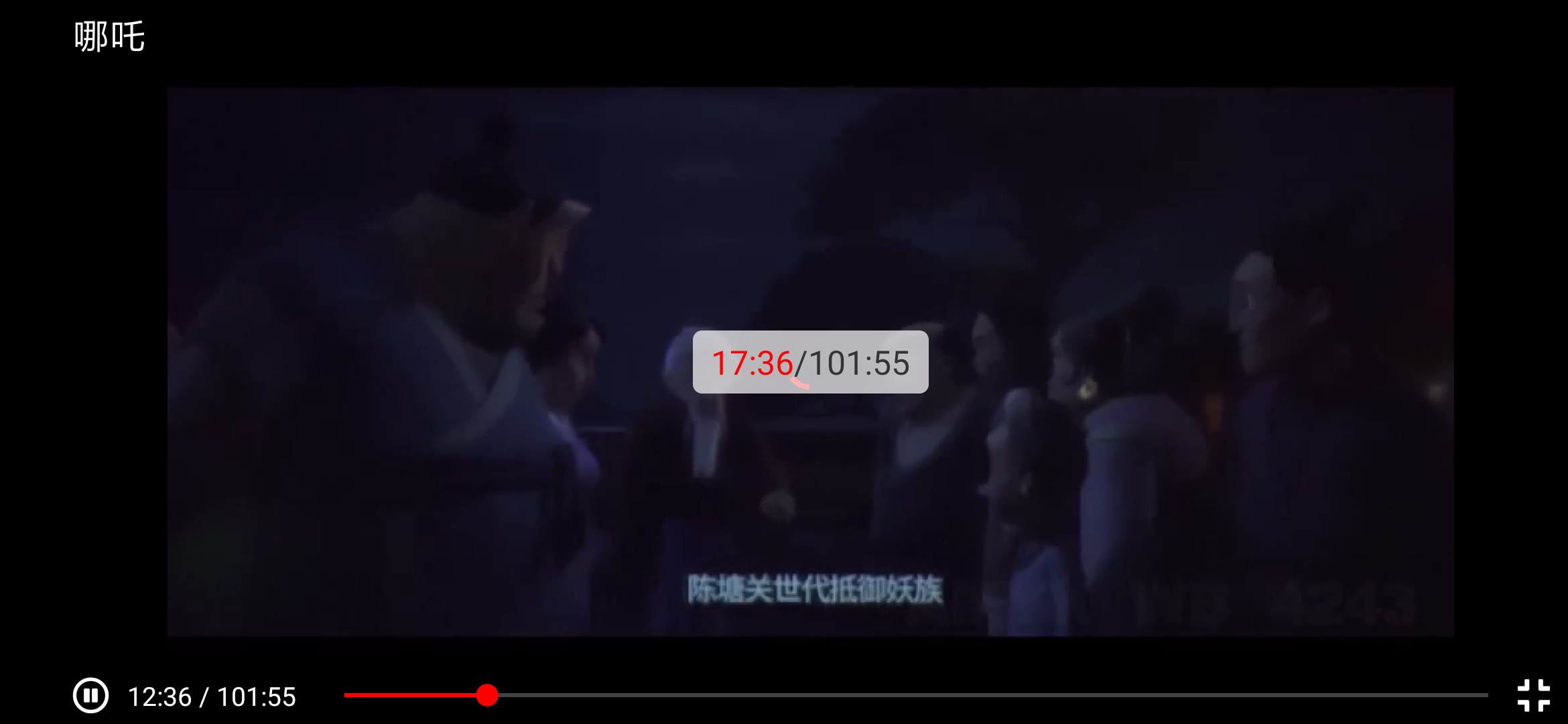
实例
import React, {Component} from 'react';
import Video from 'react-native-tomatohut-player';

export default class App extends Component{
    render() {
        return (
            <Video
                source={{uri: 'https://ifeng.com-l-ifeng.com/20190803/28355_135e0628/index.m3u8'}}
                themeColor={'red'}
                title={'哪吒'}
                // onFullScreen={(value) => console.log(value)}
                // startTime={1000}
                // onProgress={(event) => console.log(event)}
            />
        );
    }
}
属性
| 名称 | 备注 | |---|---| |source|资源路径(写法见react-native-video#source)| |themeColor|加载按钮与silder滑块颜色,见图| |title|视频标题名称| |startTime|视频开始时间| |titleLeft|标题左边组件,可以放置一个后退图标|
方法
| 名称 | 备注 | |---|---| |onFullScreen|返回是否全屏(true为全屏)| |onProgress|返回播放参数(见react-native-video#onprogress)| |onEnd|播放结束(见react-native-video#onend| |onError|播放失败(见react-native-video#onerror|