
react-native-user-onboard
v1.0.0
Published
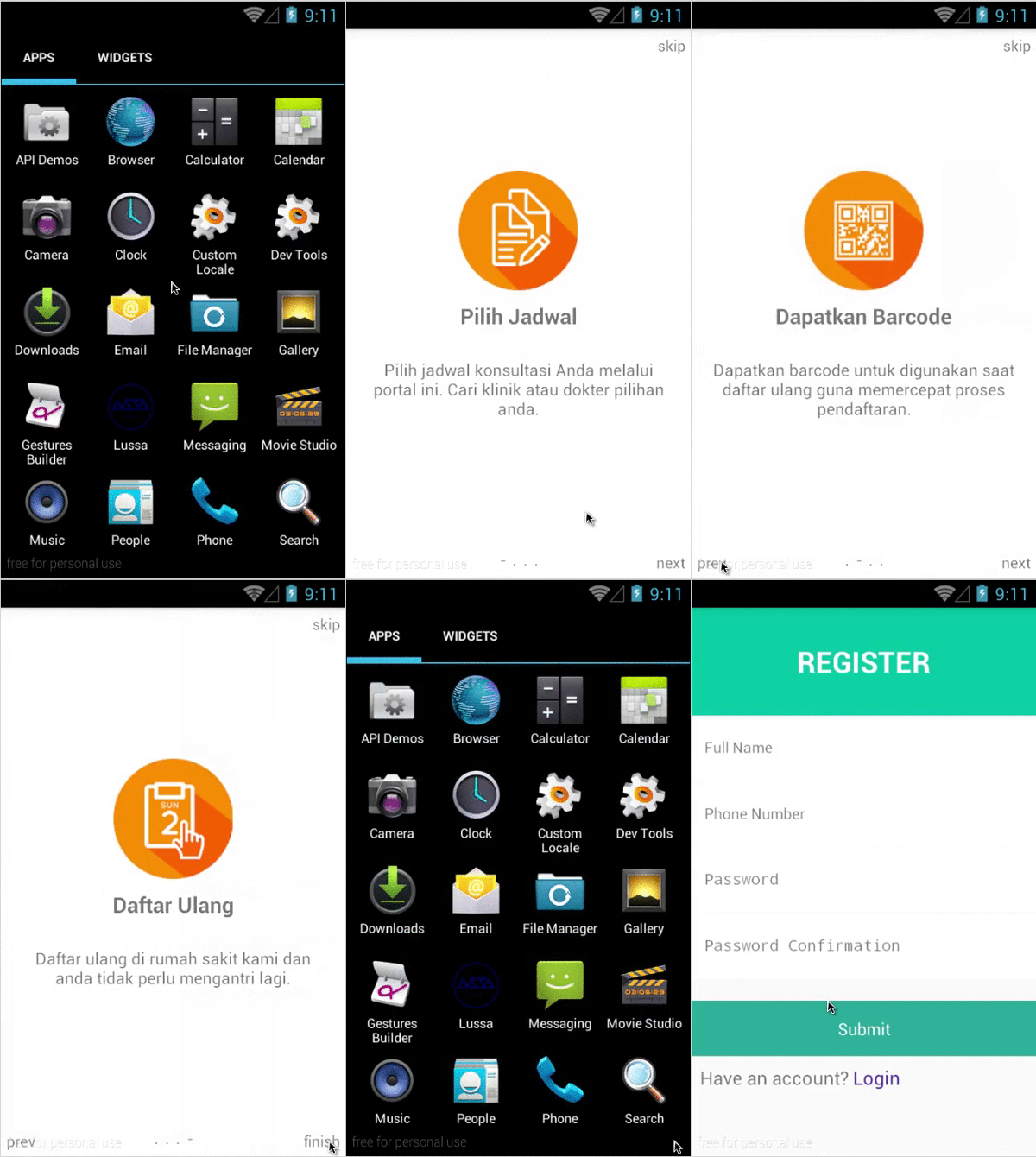


Readme

Installation
npm i react-native-user-onboardGenerate Files
Before generate library files to your react-native-project, make sure that lussatech-cli is installed globally in your machine, otherwise use this command to install it:
npm i lussatech-cli -gIf lussatech-cli have been installed, change directory to your react-native-project and run this command:
lussatech generate react-native-user-onboardthen the library files will be added automatically inside your react-native-project, e.g.
react-native-project
|_ ...
|_ lib
  |_ react-native-user-onboard
    |_ ...
    |_ index.js
    |_ ...
Usage
...
import UserOnboard, {   // sample app
/* available components */
  First,
  Second,
  Third,
  Fourth
} from './lib/react-native-user-onboard';

class Name extends Component {
  render() {
    return (
      <UserOnboard           // sample calling component
        onFinish={() => {
          /* when the setup wizard or user onboard is finished,
             call your view or component or anything you want here.
           */
          return <Register />
        }}
      />
    );
  }
}
...
Customize views
To customize views, update First.js, Second.js, Third.js and Fourth.js or create your own Components based on your need and import that Components to index.js, e.g.
# lib/react-native-user-onboard/index.js

...
import First from './First';
...

export default class extends Component {
  ...
  componentDidMount() {
    /* check whether the user is open the apps for the first time
     *   based on the secret string at asynstorage
     */
    AsyncStorage.getItem(key)
      .then((value) => {
        /* first time open the apps */
        if (value === null || value !== secret) {
          this.onFirst().done(() => {
            /* store secret string at asynstorage for marking */
            AsyncStorage.setItem(key, secret);
            /* open the setup wizard or user onboard */
            setTimeout(() => {
              this.setState({finish: false});
            }, 1234);
          });
        }
      })
      .catch((error) => {
        ...
      })
      .done(() => {
        ...
      });
  }
  ...
}

const key    = '';             // asynstorage key
const secret = '';             // secret string for marking
const scenes = [First, ... ];  // list of components to be used for user onboard