
react-parallax-mousemove
v2.0.1
Published
Mousemove parallax layers for React with spring physics, zero dependencies, and TypeScript types

Maintainers
 adamwade2384
Readme
react-parallax-mousemove
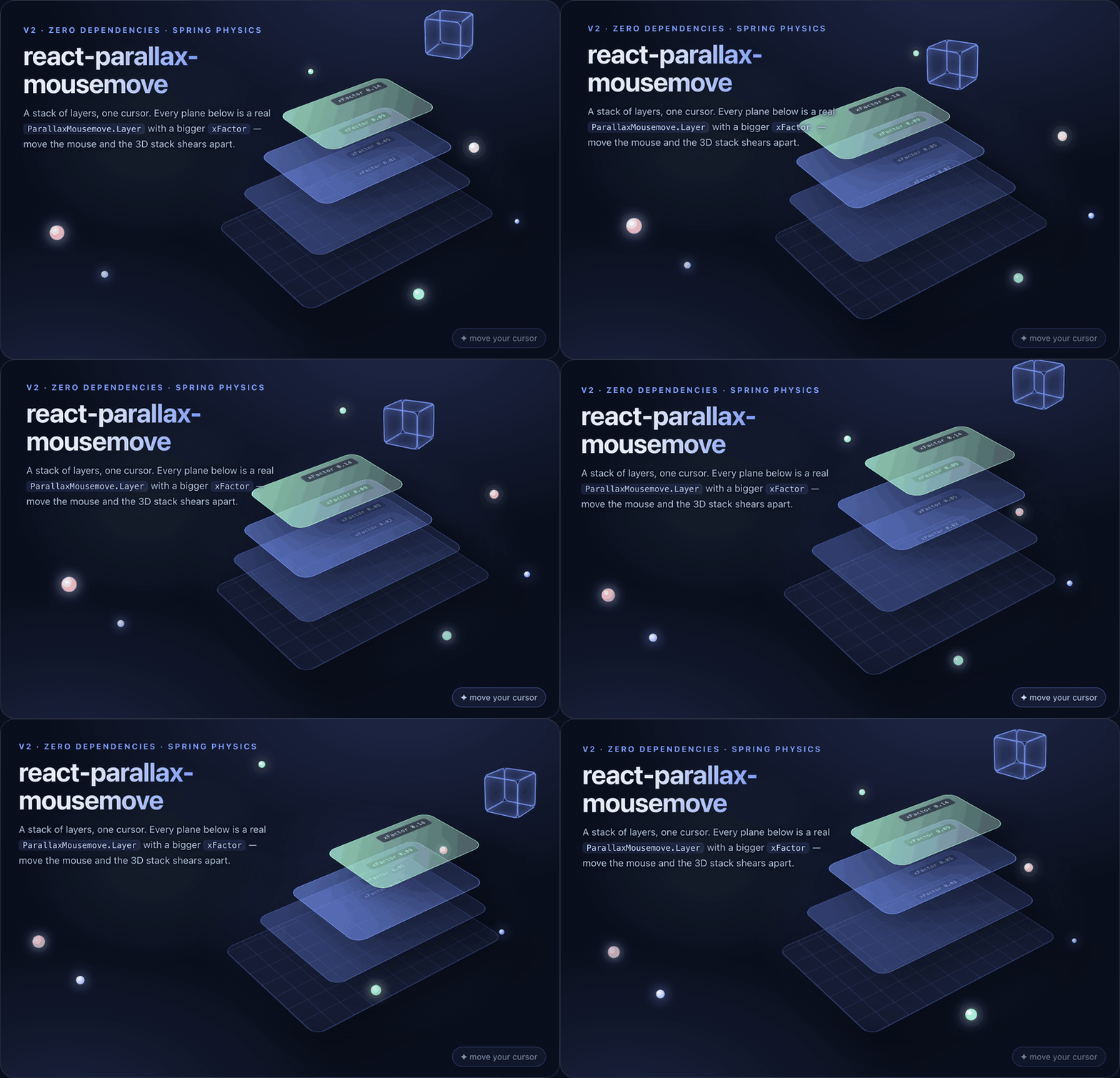
Mousemove parallax layers for React. Wrap your scene in a container, give each layer an x and y factor, and the layers drift with spring physics as the cursor moves relative to the center of the window. Inspired by react-springy-parallax.
Version 2 is a full modernization: function components and hooks, TypeScript with bundled type declarations, zero runtime dependencies (the react-motion dependency is gone, replaced by a small built-in spring), and a requestAnimationFrame loop that writes transforms straight to the DOM so mouse movement never triggers React re-renders.
Live demo
react-parallax-mousemove.vercel.app — every prop of the container and layers, live.
Install
npm install react-parallax-mousemoveRequires React 16.8 or newer. Works with React 17, 18, and 19. ESM and CommonJS builds are both shipped.
Usage
import ParallaxMousemove from 'react-parallax-mousemove';

const App = () => (
  <ParallaxMousemove containerStyle={{ position: 'relative', overflow: 'hidden' }} fullHeight>
    <ParallaxMousemove.Layer
      config={{ xFactor: 0.05, yFactor: 0.05 }}
      layerStyle={{ position: 'absolute', inset: 0 }}
    >
      <img src="/sky.png" alt="" />
    </ParallaxMousemove.Layer>

    <ParallaxMousemove.Layer
      config={{
        xFactor: -0.15,
        yFactor: -0.15,
        springSettings: { stiffness: 50, damping: 30 },
      }}
      layerStyle={{ position: 'absolute', inset: 0 }}
    >
      <img src="/foreground.png" alt="" />
    </ParallaxMousemove.Layer>
  </ParallaxMousemove>
);
Positive factors move the layer away from the cursor, negative factors move it with the cursor, and larger magnitudes move farther. Layers with different factors create the depth effect.
API
ParallaxMousemove (container)
| prop | type | default | description | | ------ | ------ | ------ | ------ | | containerStyle | CSSProperties | undefined | Style for the wrapping div. Never mutated. | | fullHeight | boolean | false | Keep the container at window height, updated on resize. |
ParallaxMousemove.Layer
| prop | type | default | description | | ------ | ------ | ------ | ------ | | config | LayerConfig | {} | Movement factors and spring settings, see below. | | layerStyle | CSSProperties | undefined | Style for the layer div, merged over the animated transform. | | disabled | boolean | false | Freeze the layer. Also applied automatically when the user has prefers-reduced-motion set. |
LayerConfig
| option | type | default | description | | ------ | ------ | ------ | ------ | | xFactor | number | 0 | Horizontal movement per pixel of cursor distance from the window center. | | yFactor | number | 0 | Vertical movement per pixel of cursor distance from the window center. | | springSettings | SpringSettings | { stiffness: 170, damping: 26 } | Spring feel, compatible with the v1 numbers. |
SpringSettings
| option | type | default | description | | ------ | ------ | ------ | ------ | | stiffness | number | 170 | Higher snaps to the target faster. | | damping | number | 26 | Higher settles with less oscillation. | | precision | number | 0.01 | Threshold below which the spring is considered at rest. |
All types are exported: ParallaxMousemoveProps, LayerProps, LayerConfig, SpringSettings. The Layer is also available as a named export, ParallaxLayer.
Migrating from v1
The component API is unchanged: the same container and ParallaxMousemove.Layer structure, the same containerStyle, fullHeight, layerStyle, and config props, and springSettings numbers feel the same. Differences:
- react-motion is no longer a dependency, so its prop-type warnings are gone.
- The container renders children immediately. v1 rendered a "not yet ready" placeholder before mount.
fullHeightno longer writes to yourcontainerStyleobject, which crashed on resize in v1.- Movement is driven by requestAnimationFrame instead of a 75ms setTimeout, so layers track the cursor smoothly.
- TypeScript declarations are bundled.
- The package requires React 16.8+ for hooks.
Development
npm install
npm test            # vitest, 21 tests
npm run typecheck   # tsc strict mode
npm run build       # tsup, emits ESM + CJS + .d.ts to dist/
License
MIT