
react-qrcode-pretty
v3.3.1
Published
Qrcode generator for react apps with many customization options


Readme
react-qrcode-pretty



Qrcode generator for react apps with many customization options.
Installation
Run the command below in the terminal to install react-qrcode-pretty in your project
npm i react-qrcode-prettyOr with Yarn
yarn add react-qrcode-prettyResources
- QrcodeCanvas: React Element to generate a Qrcode with canvas.
- QrcodeSVG: React Element to generate a Qrcode with SVG.
- useQrcodeDownload: React Hook to download Qrcode in browser.
Qrcode Props
|Prop|Type|Default|Details|
|---|---|---|---|
| value | string | | Qrcode payload (required) |
| size | number | auto | Size of the qrcode without margin and padding |
| color | string { 'eyes': string, 'body': string } | '#000000' | Foreground color for the entire qrcode or for each part (eyes and body) of the qrcode |
| colorEffect | gradient-dark-vertical gradient-dark-horizontal gradient-dark-diagonal gradient-light-vertical gradient-light-horizontal gradient-light-diagonal colored shades none { 'eyes': colorEffect, 'body': colorEffect } | 'none' | Apply effects to coloring |
| mode | Numeric Alphanumeric Byte Kanji | 'Byte' | Mode that payload (value) will be logged |
| level | L M Q H | 'M' | Error correction level |
| modules | [0-40] | 0 | Number of qrcode modules. 0 is auto |
| image | string { src: string; width ?: number; height ?: number; positionX ?: number; positionY ?: number; overlap ?: boolean; } | undefined | Settings for the image to be inserted into the qrcode |
| margin | number | 0 | Margin size. Area without background color |
| padding | number | 0 | Padding size. Area with background color |
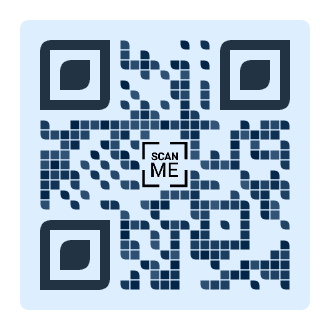
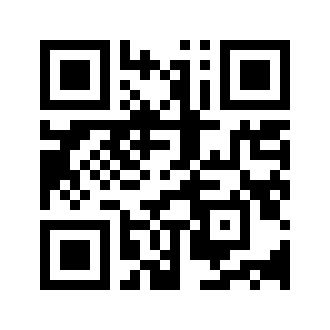
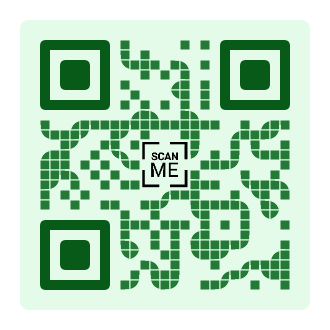
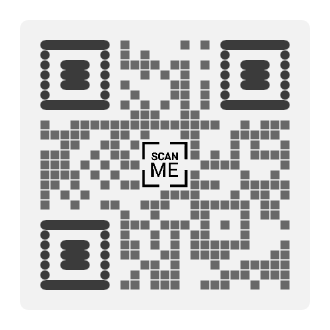
| variant | standard rounded dots circle fluid reverse shower gravity morse italic inclined { 'eyes': variant, 'body': variant } | 'standard' | Style applied to the entire qrcode or each part (eyes and body) of it |
| divider | boolean | false | Active a small separation between the qrcode body points |
| bgColor | string | '#FFFFFF' | Background color |
| bgRounded | boolean | false | Background color rounded |
| internalProps | HTMLAttributes<HTMLCanvasElement \| SVGSVGElements> | undefined | The internal props attributes |
| onReady | (element : HTMLCanvasElement \| SVGSVGElements) => void | undefined | Provides element properties and methods when available. To be used with the useQrcodeDownload hook. |
Code Example
import {
    QrcodeCanvas,
    useQrcodeDownload
} from "react-qrcode-pretty";

export function QrcodeCustom({ value = 'react-qrcode-pretty' }) {

    const [ setQrcode, download, isReady ] = useQrcodeDownload();

    return (

        <div>

            <QrcodeCanvas
                value={ value }
                variant={{
                    eyes: 'gravity',
                    body: 'fluid'
                }}
                color={{
                    eyes: '#223344',
                    body: '#335577'
                }}
                padding={ 20 }
                margin={ 20 }
                bgColor='#ddeeff'
                onReady={ setQrcode }
                bgRounded
                divider
            />

            <br />

            <button
                onClick={ () => download('qrcode_file_name') }
                disabled={ !isReady }
            >Download Qrcode</button>

        </div>

    );

}

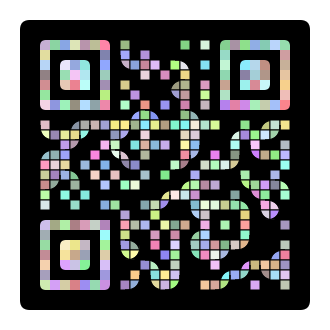
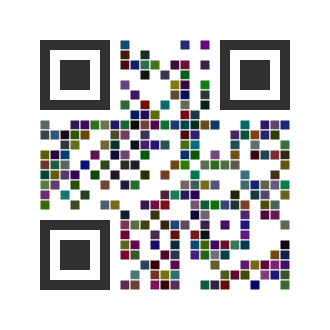
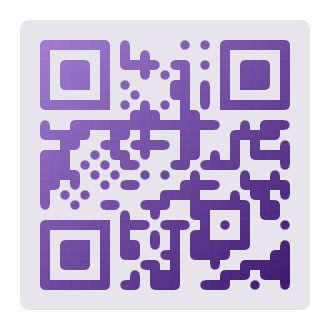
export default QrcodeCustom;Qrcode Examples
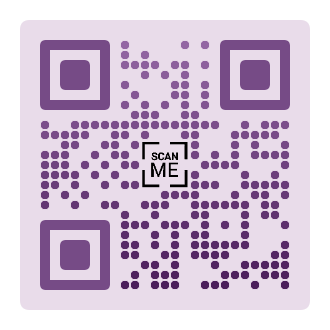
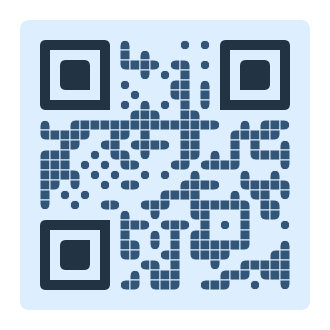
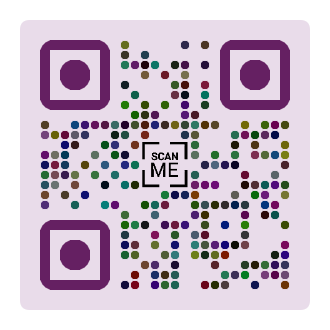
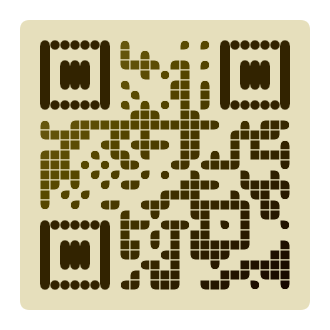
Author
License
This project is under the MIT license - see file LICENSE for details.