
react-roulette-board
v0.1.14
Published
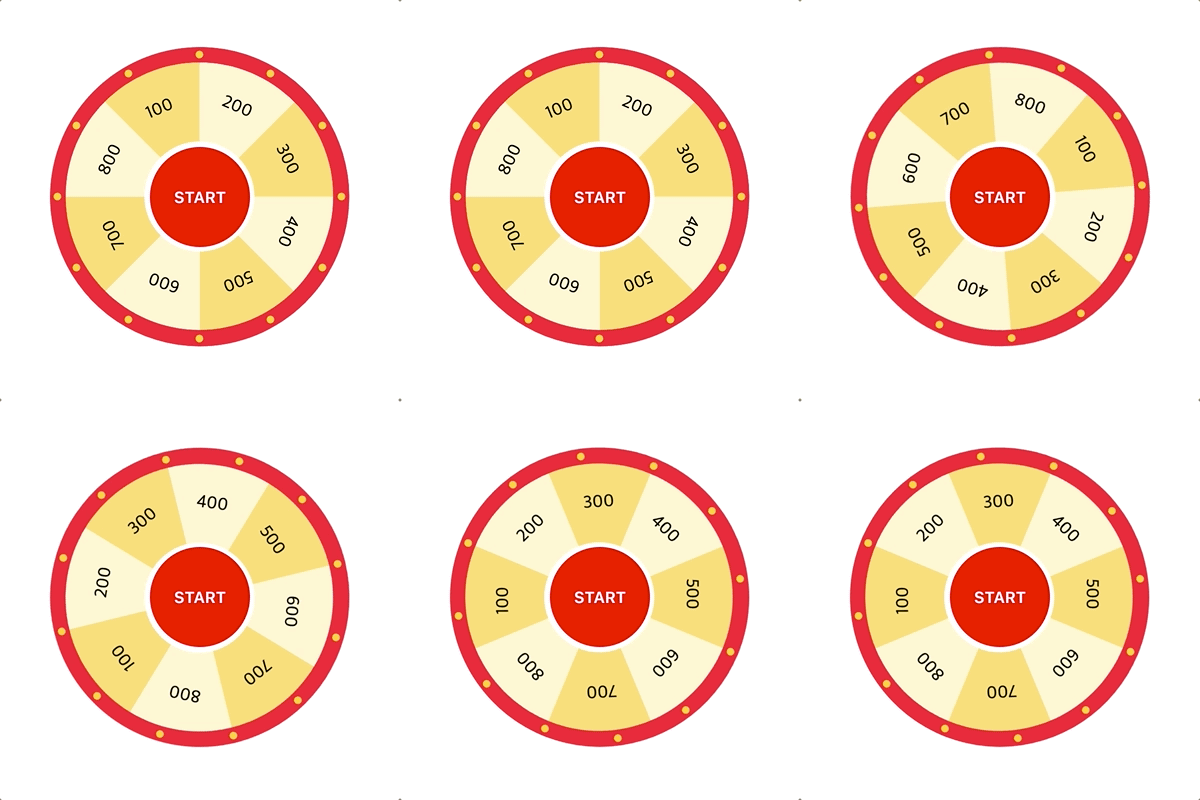


Readme
react-roulette-board
Installation
npm
npm install react-roulette-boardExample
import React from "react";
import { RouletteBoard } from "react-roulette-board";

const PinComponent = () => {
  return (
    <div
      style={{
        width: 100,
        height: 100,
        borderRadius: "50%",
        backgroundColor: "red",
        display: "flex",
        alignItems: "center",
        justifyContent: "center",
        fontWeight: "bold",
        color: "#FFFFFF",
      }}
    >
      START
    </div>
  );
};

const App = () => {
  return (
    <RouletteBoard
      size={8}
      targetIndex={2}
      rotateCount={30}
      onStart={false}
      onEnd={({ index, degree }) => {
        console.log("end", index, degree);
      }}
      width={300}
      height={300}
      backgroundImageSrc="https://example.com/assets/testImage.png"
      pinComponent={<PinComponent />}
    />
  );
};
Props
| Prop | Required | Default | Type | Description | | ------------------ | -------- | ------- | ------------------------------------------ | -------------------------------------- | | size | ⭕️ | 2 | number | The number of roulette compartment | | targetIndex | ⭕️ | 0 | number | Target Index | | rotateCount | ❌ | 30 | number | The number of roulette to rotate | | onStart | ⭕️ | false | boolean | Start to rotate | | onEnd | ❌ | - | ({ index: number, degree: number}) => void | Executed when the roulette is finished | | width | ❌ | 300 | number | The width of the roulette board | | height | ❌ | 300 | number | The height of the roulette board | | backgroundImageSrc | ⭕️ | "" | string | Image to be put on the roulette board | | pinComponent | ❌ | - | node | Children elements for pin |