
react-scanner-studio
v1.4.1
Published
A portable, interactive dashboard for analyzing React component usage, tracking design system adoption, and discovering unused components across your codebase.

Maintainers
 vimalmunjani
Readme
React Scanner Studio
A portable, interactive dashboard for analyzing React component usage across your codebase.
React Scanner Studio helps you track design system adoption, discover unused components, and analyze prop usage patterns by generating a beautiful, shareable local dashboard.


✨ Features
- 🔍 React Component Scanning — Leverages powerful AST parsing (
react-scanner) to accurately analyze React component usage across your entire frontend codebase - 📊 Component Analytics Dashboard — A beautiful, interactive UI for exploring component statistics, discovering prop usage patterns, and identifying unused components
- 📦 Portable Static Build — Generate static HTML reports that can be hosted anywhere (GitHub Pages, Vercel, Netlify) or shared with your team—no server required
- ⚡ Zero Config Setup — Get started in seconds with the
initcommand that automatically configures everything for Next.js, Vite, or Create React App projects - 🎨 Design System Observability — Perfect for tracking design system component adoption, evaluating UI consistency, and planning migrations
- 👥 Code Owners Integration — Automatically maps component usage to your CODEOWNERS file, giving per-team usage breakdowns, adoption spread analysis, and unowned file detection
- 🔧 CI/CD Ready — Built-in CI mode for seamless integration with GitHub Actions and other continuous integration pipelines to generate automated usage metrics
📖 Documentation
Visit our documentation site for detailed usage guides and API reference:
🎬 Live Demo
See React Scanner Studio in action:
👉 https://demo.reactscanner.studio
📸 Screenshots
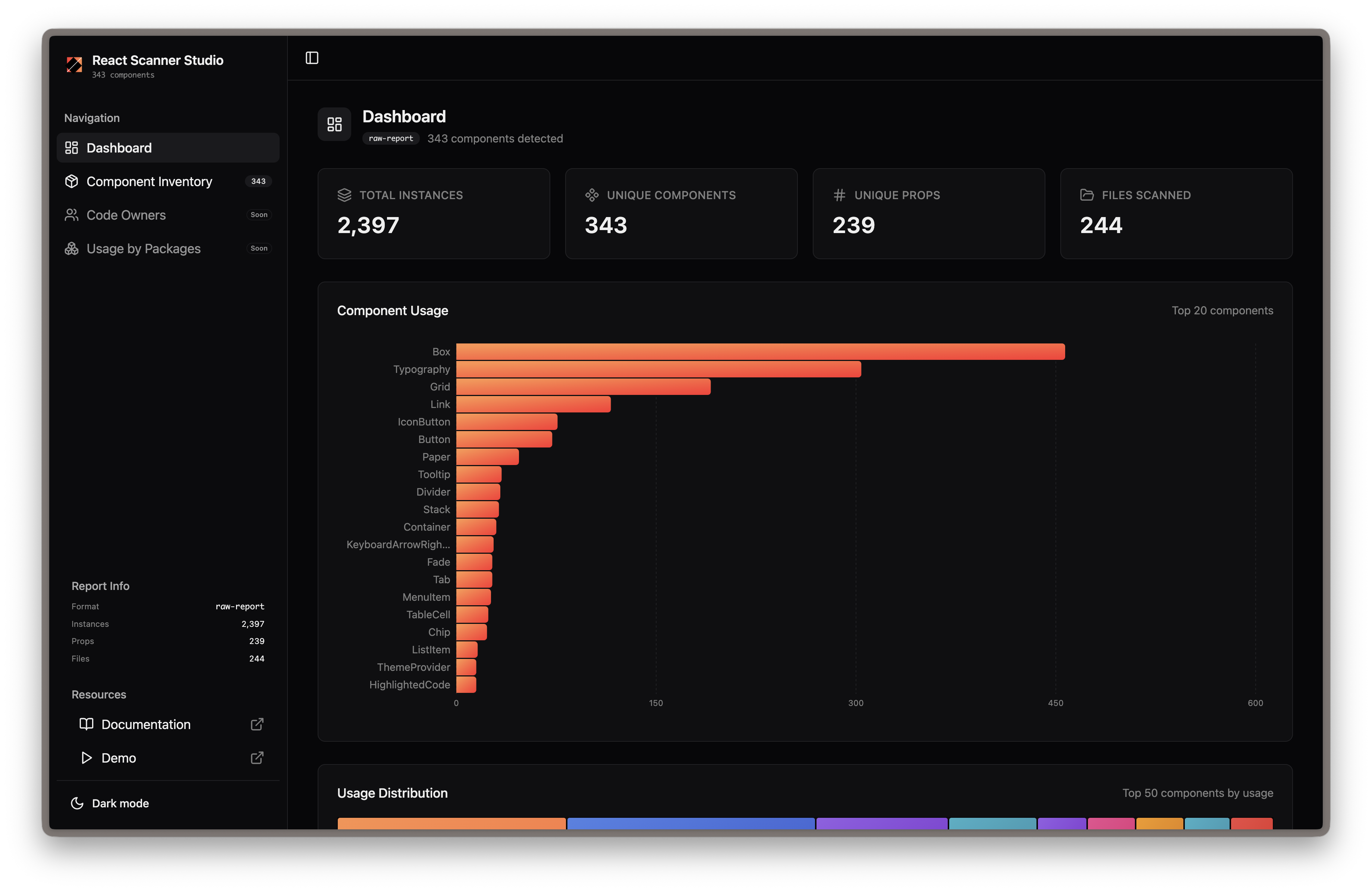
Dashboard Overview
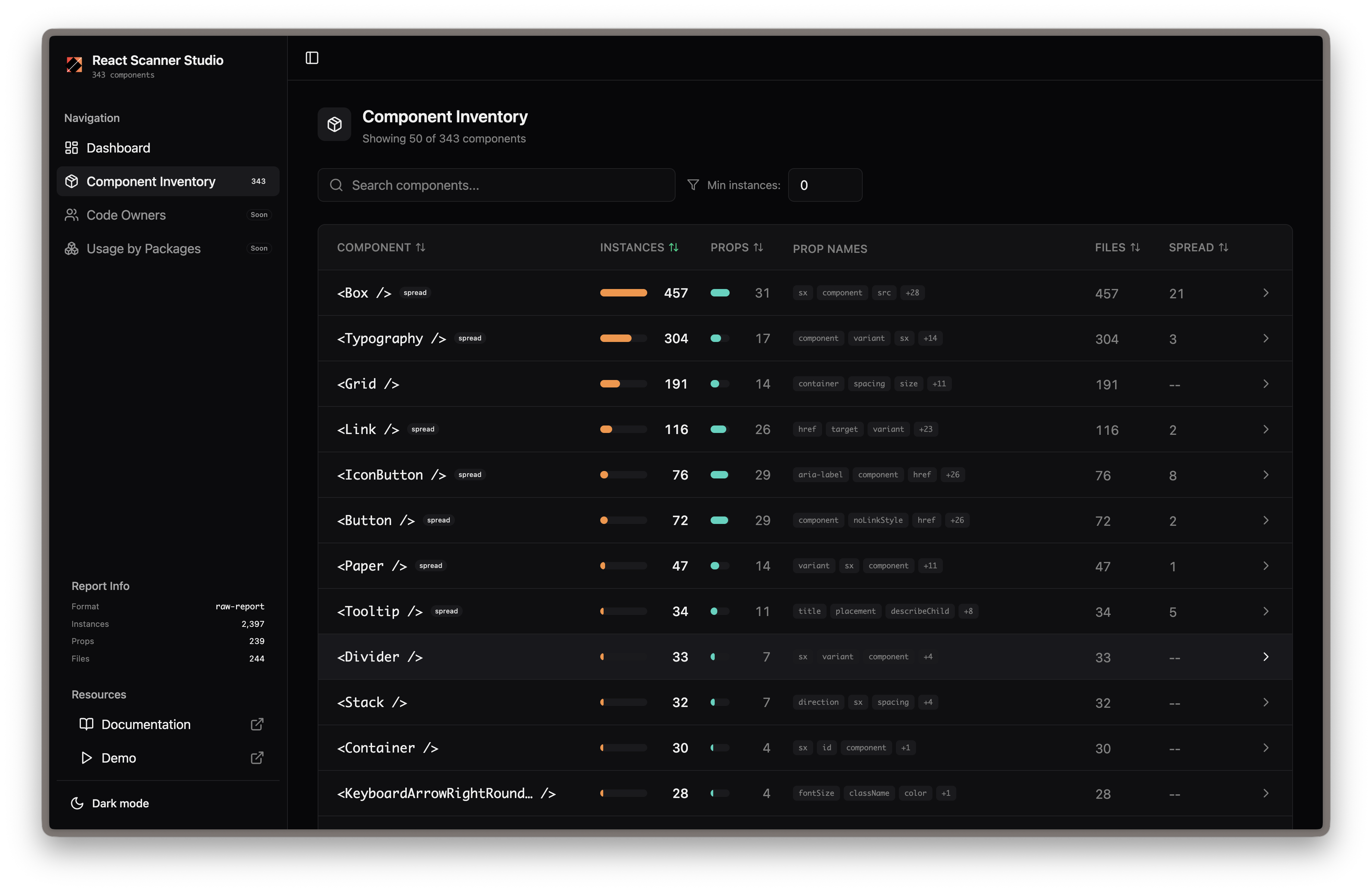
Component Inventory
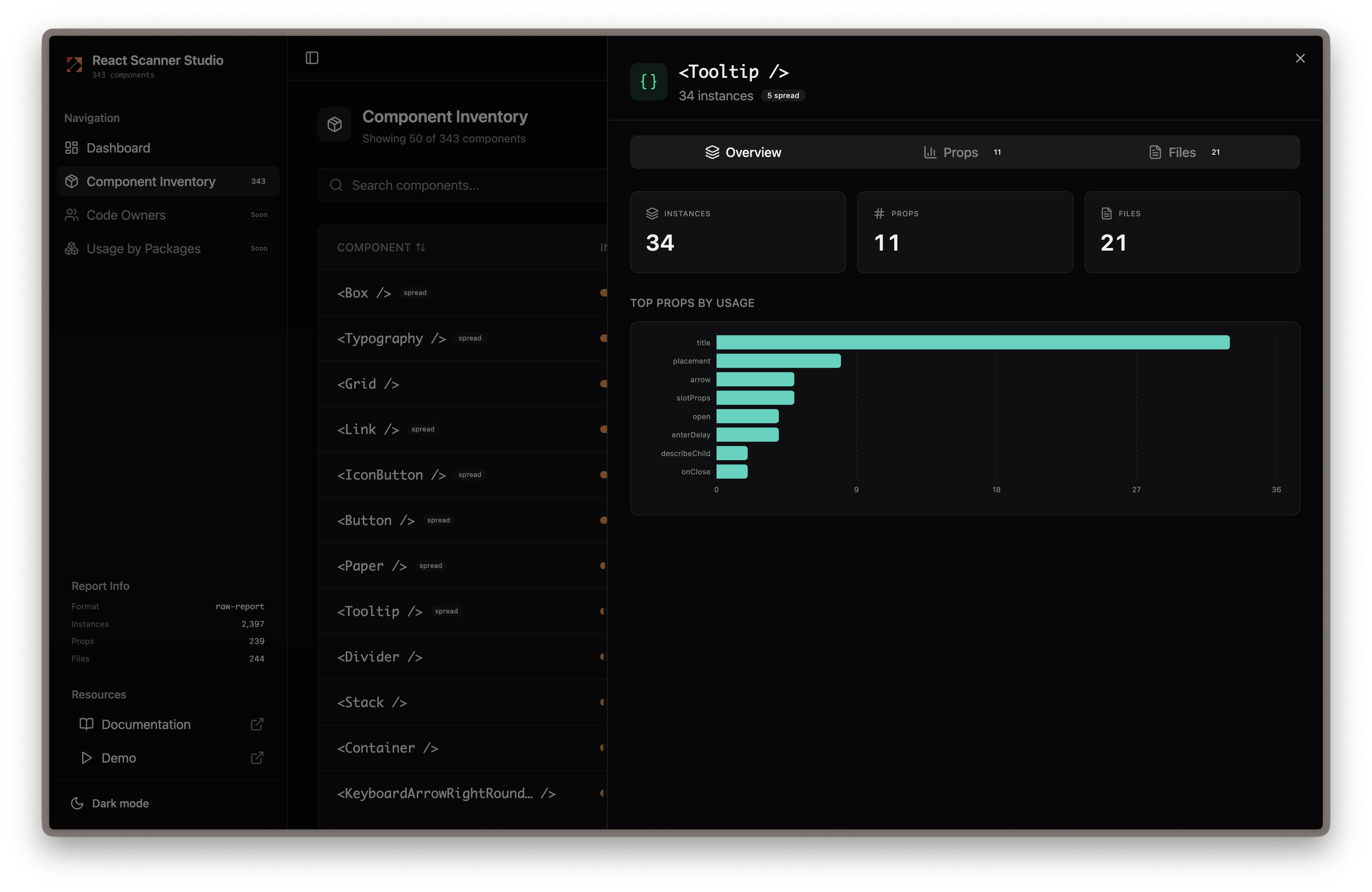
Component Overview
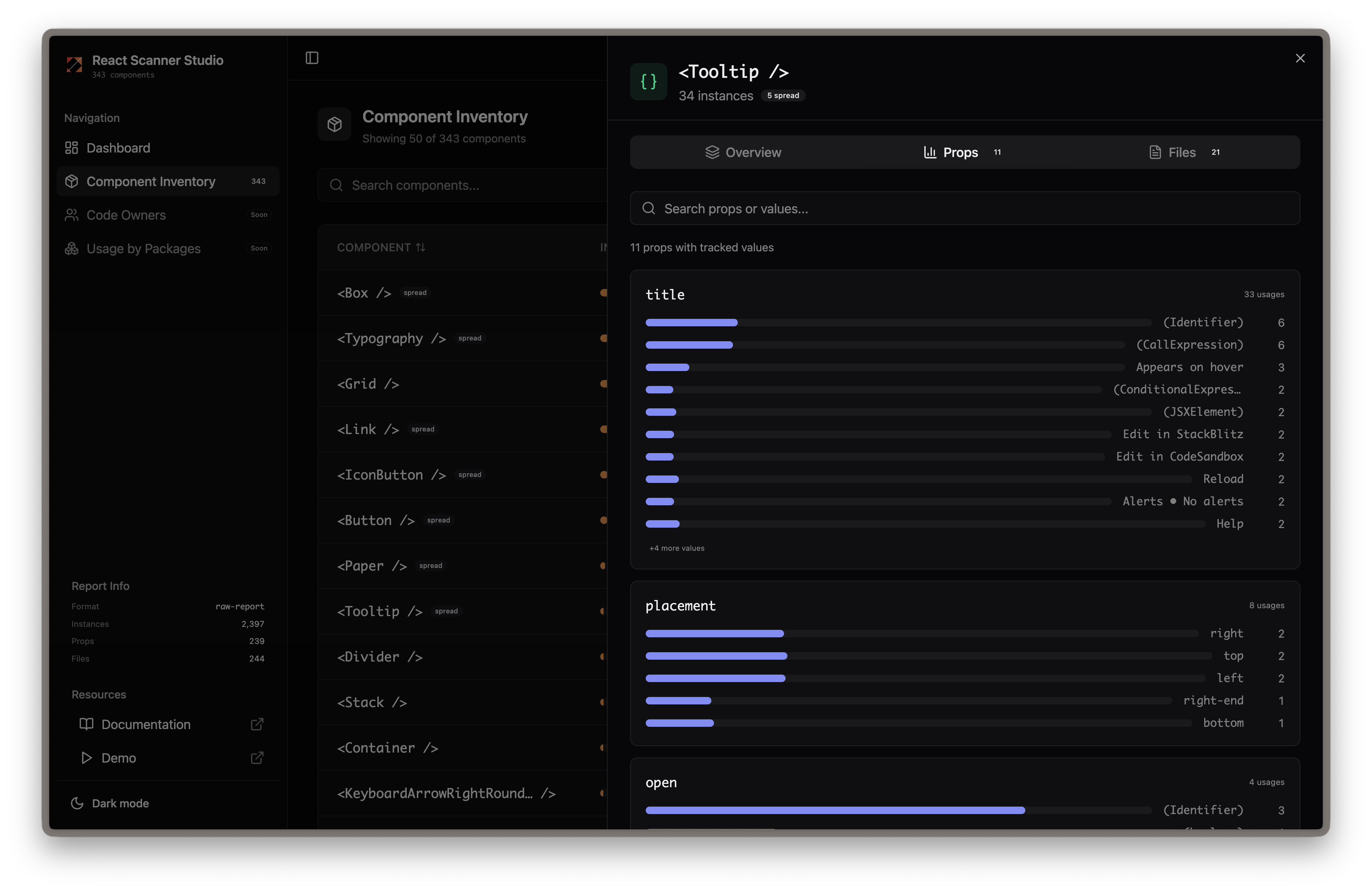
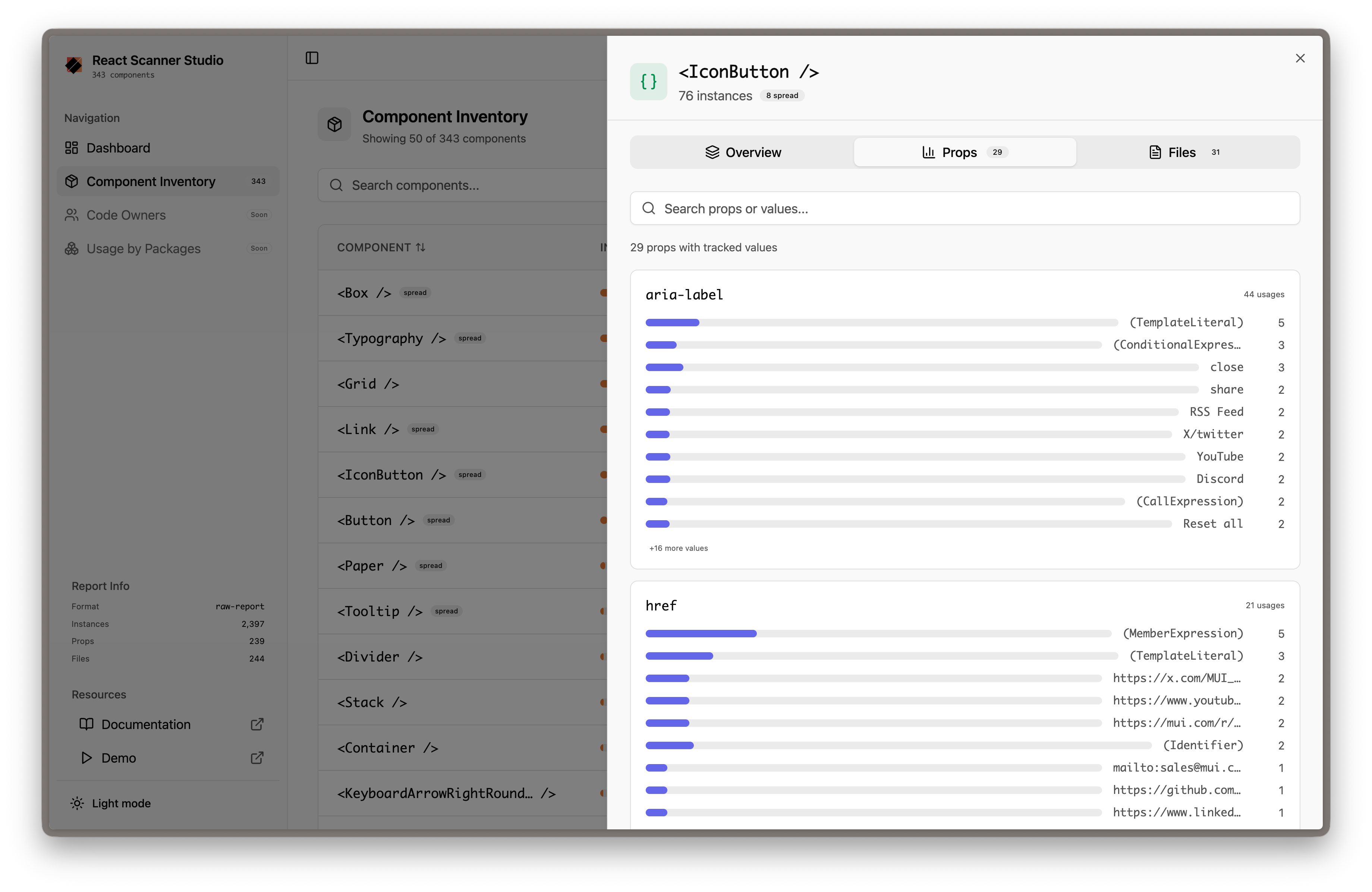
Component Prop Insights
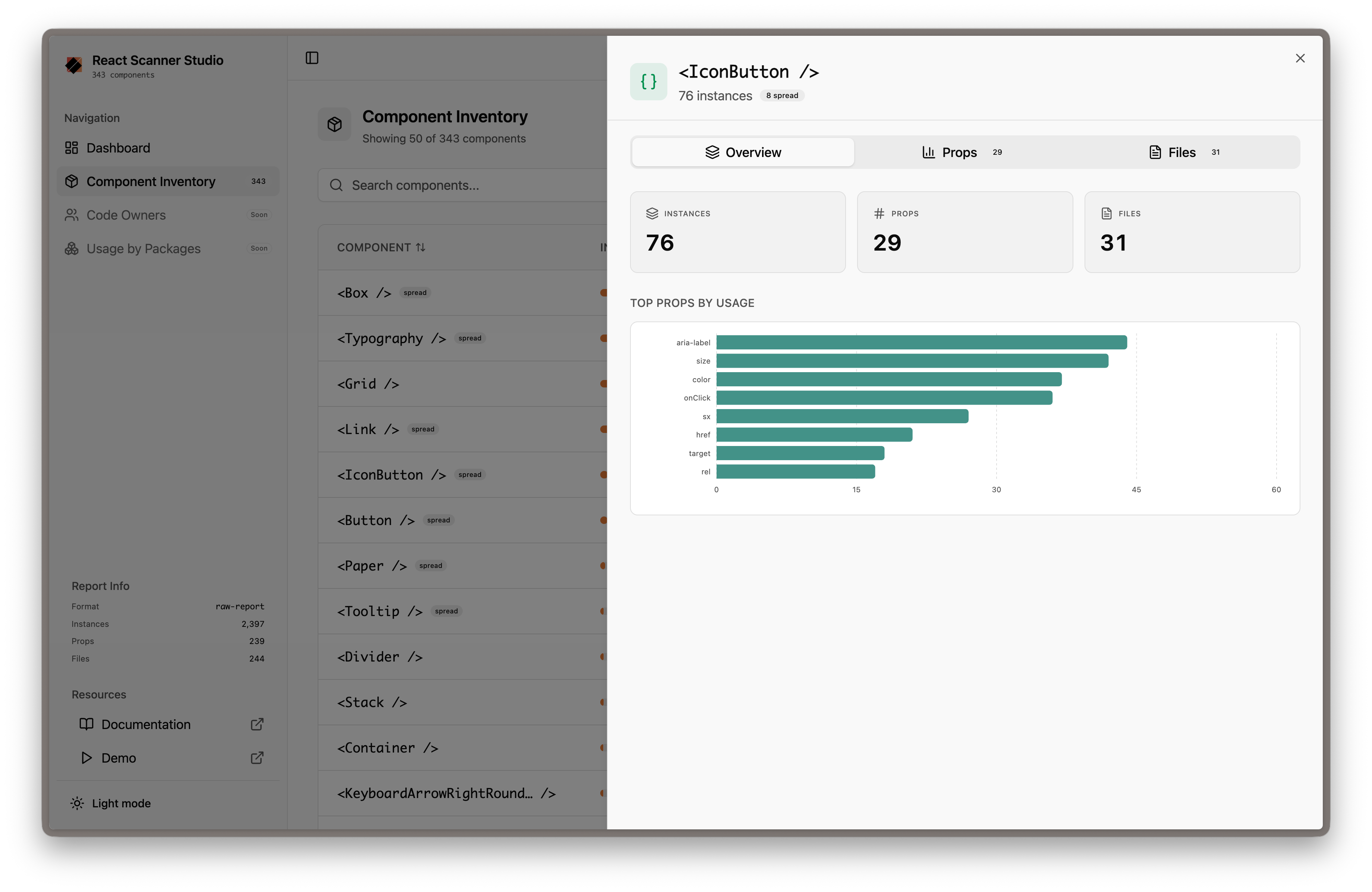
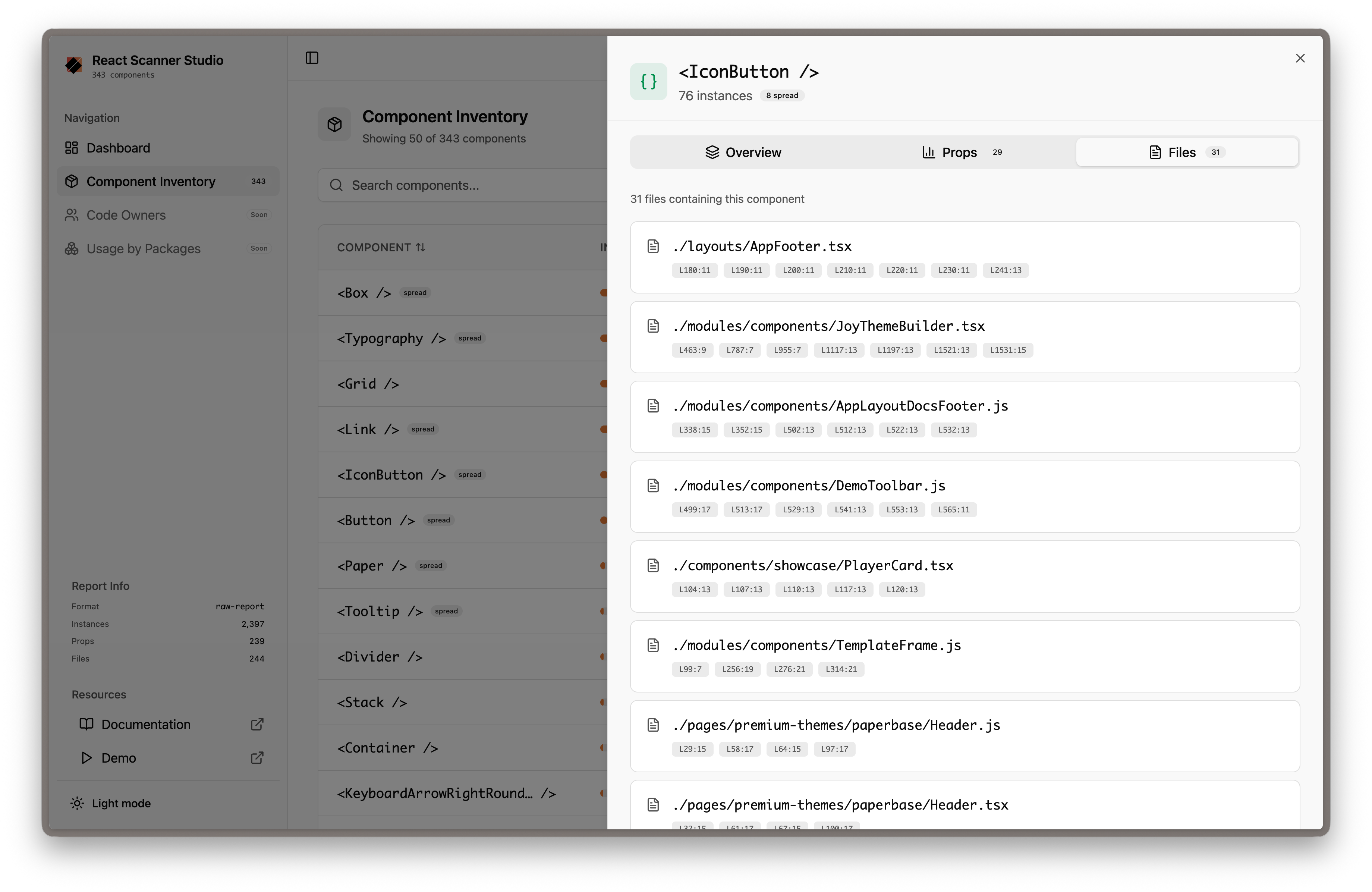
Component File Location
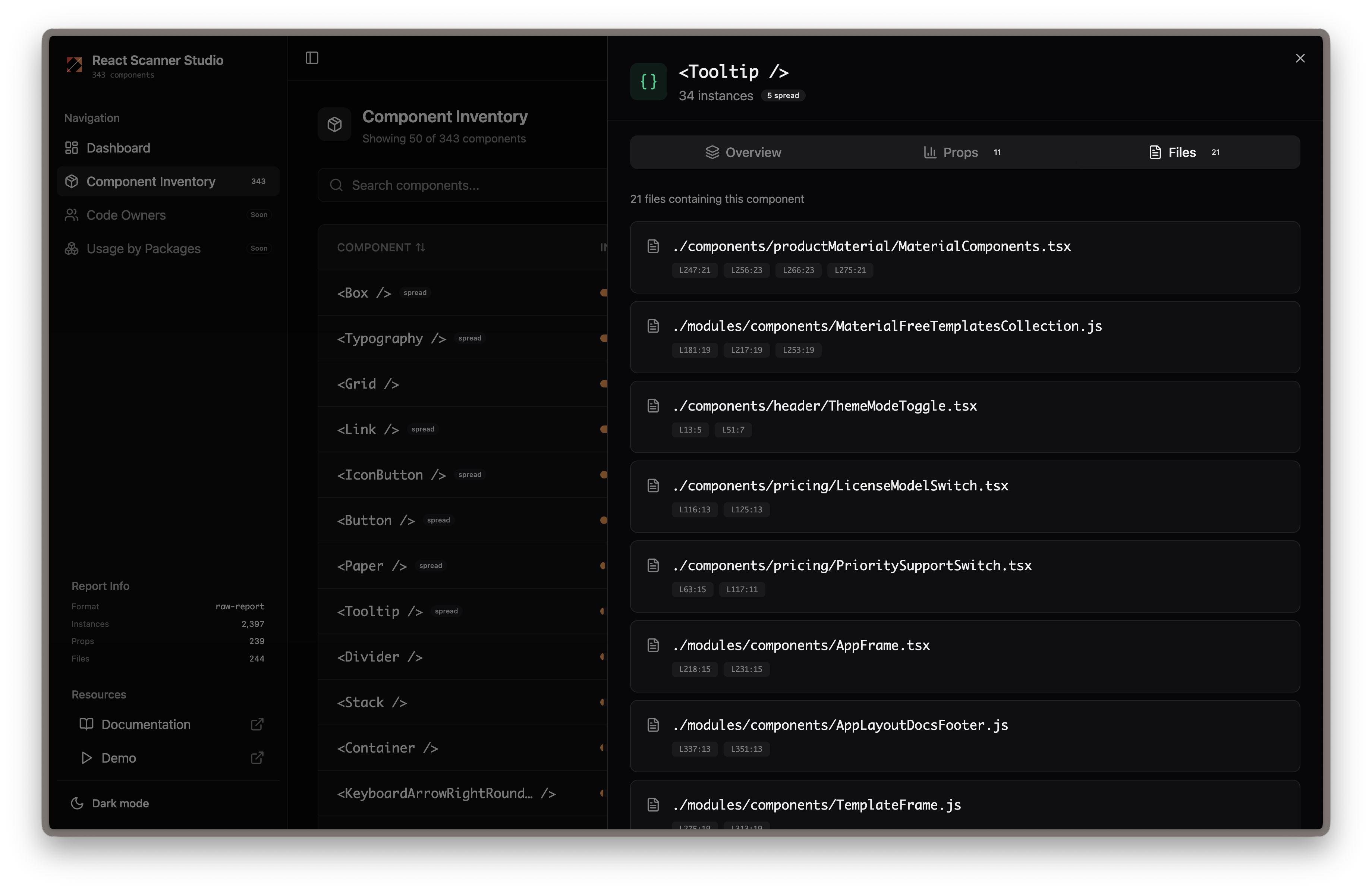
Dashboard Overview
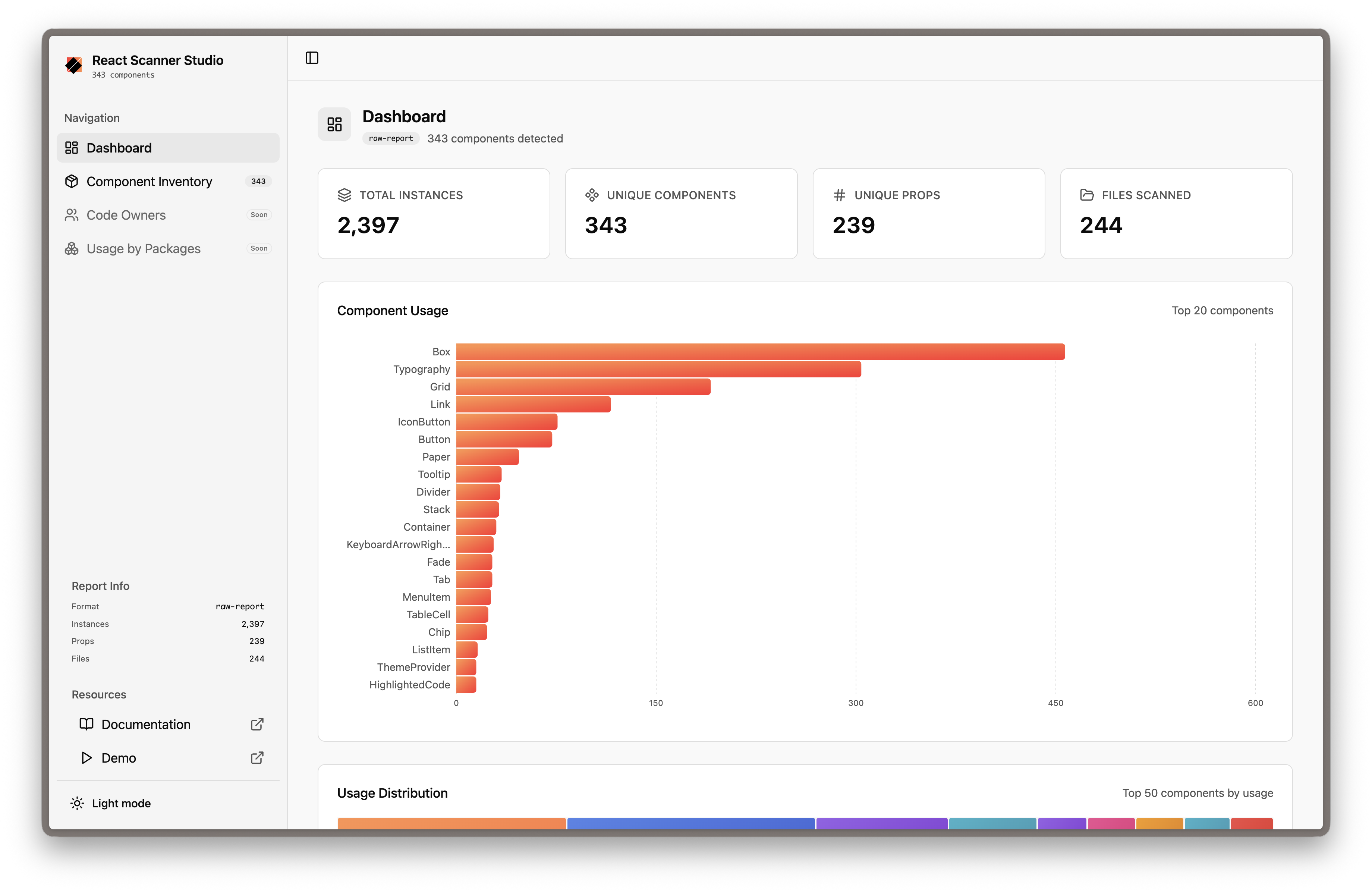
Component Inventory
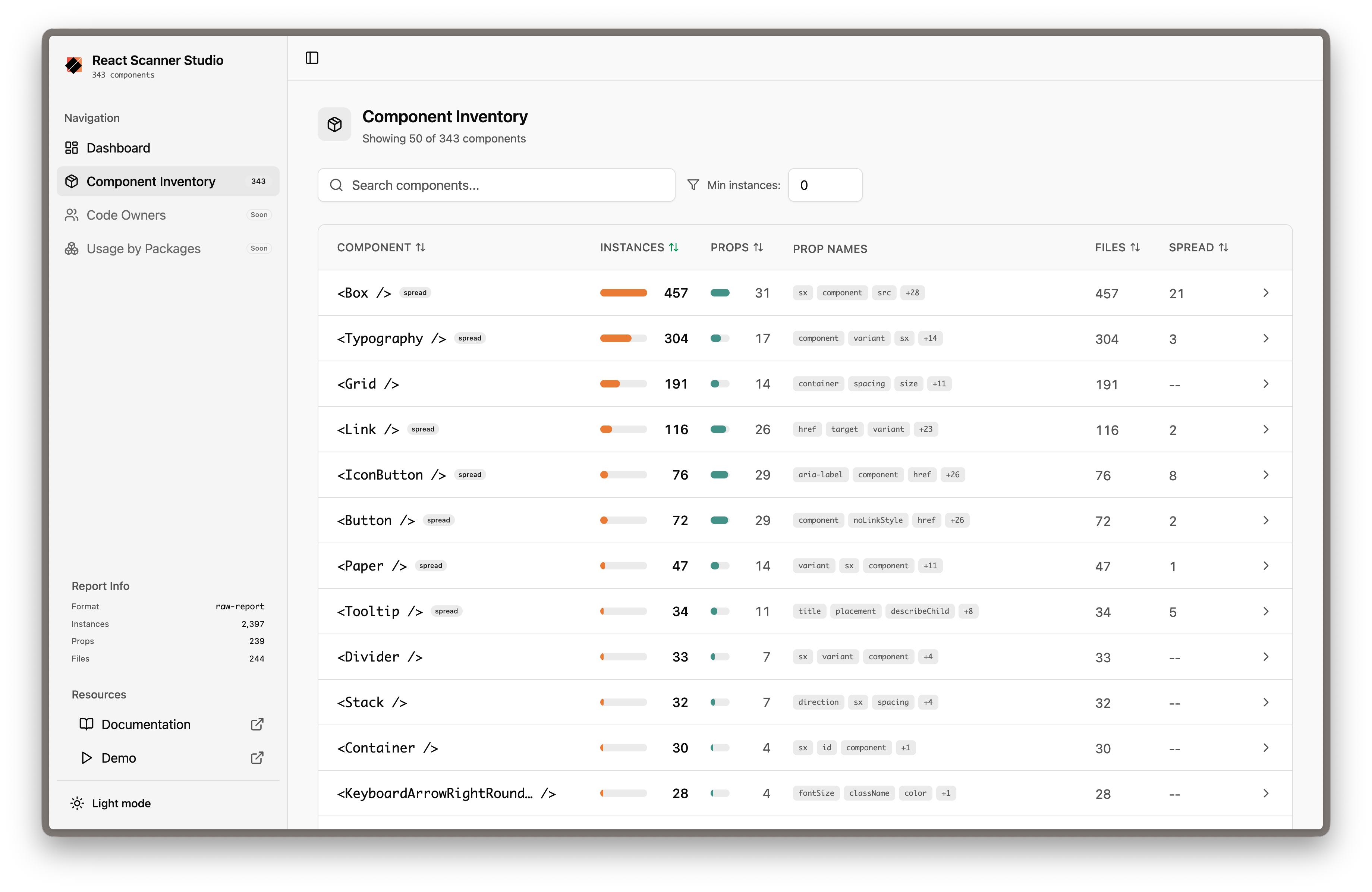
Component Overview
Component Prop Insights
Component File Location
🚀 Quick Start
Installation
# Using npx (no installation required)
npx react-scanner-studio init

# Or install globally
npm install -g react-scanner-studio

# Or add as a dev dependency
npm install --save-dev react-scanner-studio
Usage
# 1. Initialize configuration (one-time setup)
npx react-scanner-studio init

# 2. Start the interactive dashboard
npx react-scanner-studio start

# 3. Build static files for sharing (optional)
npx react-scanner-studio build
That's it! The start command will automatically prompt you to scan your codebase if no scan report exists.
📋 CLI Commands
| Command | Description |
| ------- | ----------- |
| init | Initialize react-scanner configuration in your project |
| scan | Scan your codebase for component usage |
| start | Start the interactive dashboard development server |
| build | Build a portable, static version of the dashboard |
Options
# Start on a custom port
react-scanner-studio start --port 8080

# Auto-open browser
react-scanner-studio start --open

# CI mode (no interactive prompts)
react-scanner-studio start --ci
react-scanner-studio build --ci
🎯 Use Cases
- Design System Observability & Adoption — Track how your React design system components are being utilized across different teams and repositories.
- Frontend Codebase Analytics — Understand which React components are most popular, which are underutilized, and identify candidates for deprecation.
- Prop Pattern Analysis — Discover common prop combinations, hardcoded values, and usage patterns to optimize component APIs.
- Code Ownership Analytics — Automatically map component usage to your CODEOWNERS file to understand which teams own the most component surface area, identify cross-team dependencies, and spot files without ownership coverage.
- Safe Refactoring & Migration Planning — Identify all locations a component is used before modifying its API, deprecating it, or migrating to a new library (e.g., from MUI to Tailwind).
- Automated Documentation — Generate shareable component usage reports for stakeholders and design teams.
🔧 Configuration
After running init, a react-scanner.config.js file is created in your project (support for .ts, .mjs, etc., is also available):
module.exports = {
  crawlFrom: './src',
  includeSubComponents: true,
  importedFrom: '@mui/material',
  processors: [
    ['raw-report', { outputTo: './.react-scanner-studio/scan-report.json' }],
  ],
};
Supported Component Libraries
Works with any component library or custom components:
- Material UI (
@mui/material) - Chakra UI (
@chakra-ui/react) - Ant Design (
antd) - Your custom design system (
@myorg/design-system) - Local components (
./components)
📦 Deployment
Build static files and deploy anywhere:
# Build the dashboard
npx react-scanner-studio build

# Serve locally
npx serve .react-scanner-studio

# Or deploy to GitHub Pages, Netlify, Vercel, etc.
🤝 Community
📄 License
MIT © Vimal Munjani