
react-simple-scroller
v1.0.6
Published
A very simple infinite scroller for React

Maintainers
 yongwangd
Readme
React Simple Scroller
A very lightweight but extremely flexible container for scrollable list. All you
have to do is to supply hasMore and loadMore and you are ready to go.
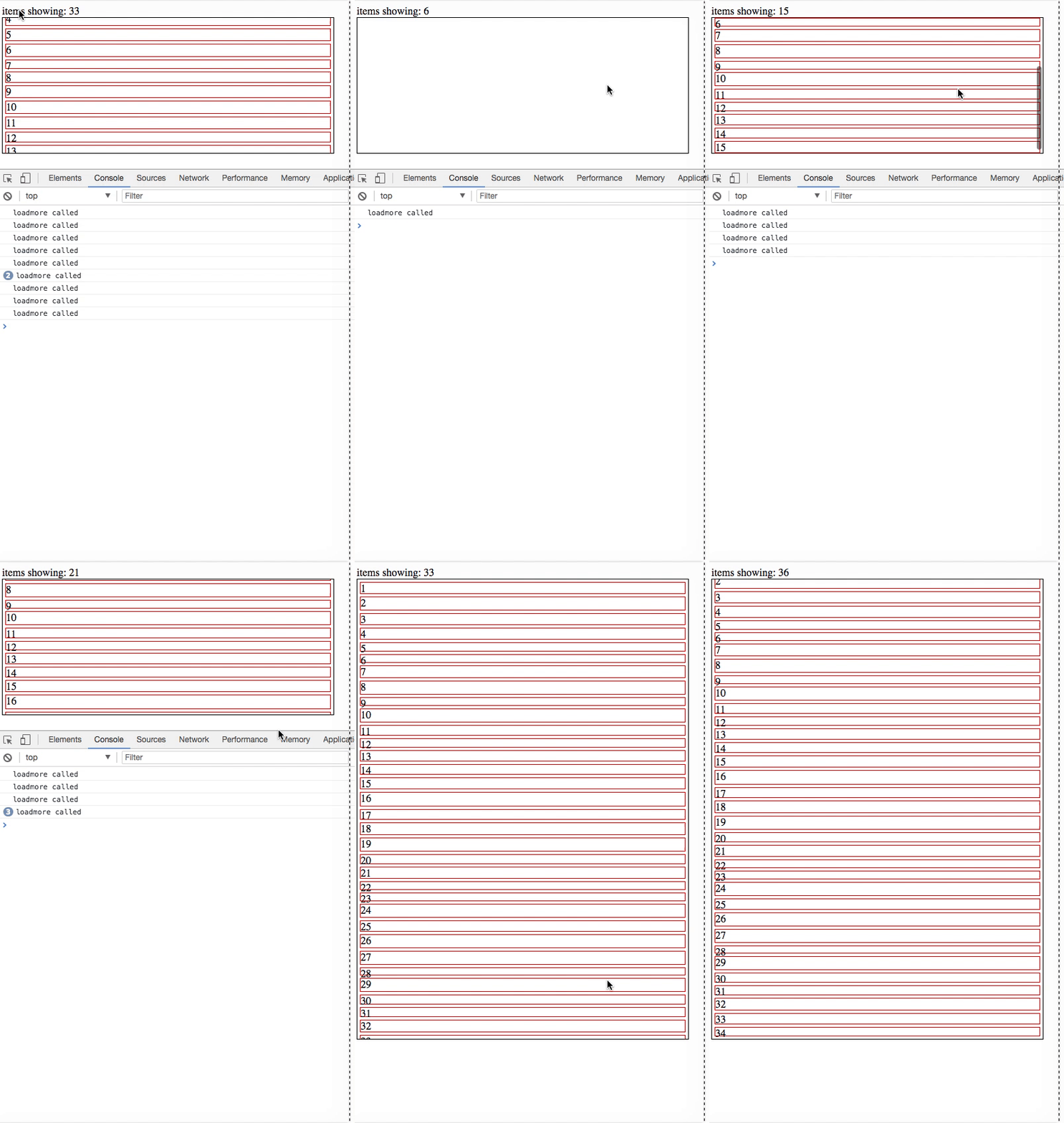
Run the example locally
    git clone https://github.com/yongwangd/react-simple-scroller
    cd react-simple-scroller
    npm install
    npm start
Then open your browser and navigate to localhost:5000
Installation
npm install react-simple-scroller --saveyarn add react-simple-scrollerHow to use
import SimpleScroller from 'react-simple-scroller';Parent node of SimpleScroller should have a height. It could be values like
300px or 50vh SimpleScroller should be the only child of its parent node
<div style={{height: 300}}>
    <SimpleScroller
        loadMore={loadMoreFunc}
        hasMore={true || false}
    >
        {content} <-- whatever you want to put here
    </SimpleScroller>
</div>
Props
| Name | Type | Default | Description |
| :------------------- | :--------- | :------ | :----------------------------------------------------------------------------------------------------------------------------------------------------------------------------------------------------------------------------------------------------- |
| loadMore | Function | | Required. A callback when more items are requested by the user. No parameter is supplied. The return type of this function should be a Promise if it's loading data asynchronously. loadMore will not be fired until this Promise is resolved|
|hasMore |Boolean |false| Whether there are more items to be loaded.loadMorewill not be called whenhasMoreequals false. |
|distanceToBottom |Number |0 | The distance in pixels before the end of the items that will trigger a call toloadMore. |
| checkOnValueChange|Any | | Trigger aChecking Processwhen this prop changes |
|checkOnResize |Boolean |true | Trigger aChecking Process` when window is resized. |
A Checking Process is some dimension calculations to determine if loadMore
needs to be fired.