
react-snowfall-canvas
v0.3.0
Published
Accessible, lightweight snowfall overlay for React. Respects reduced motion, has a pause/play control (WCAG 2.2.2), and never blocks clicks. No dependencies.

Maintainers
 npandit
Readme
react-snowfall-canvas
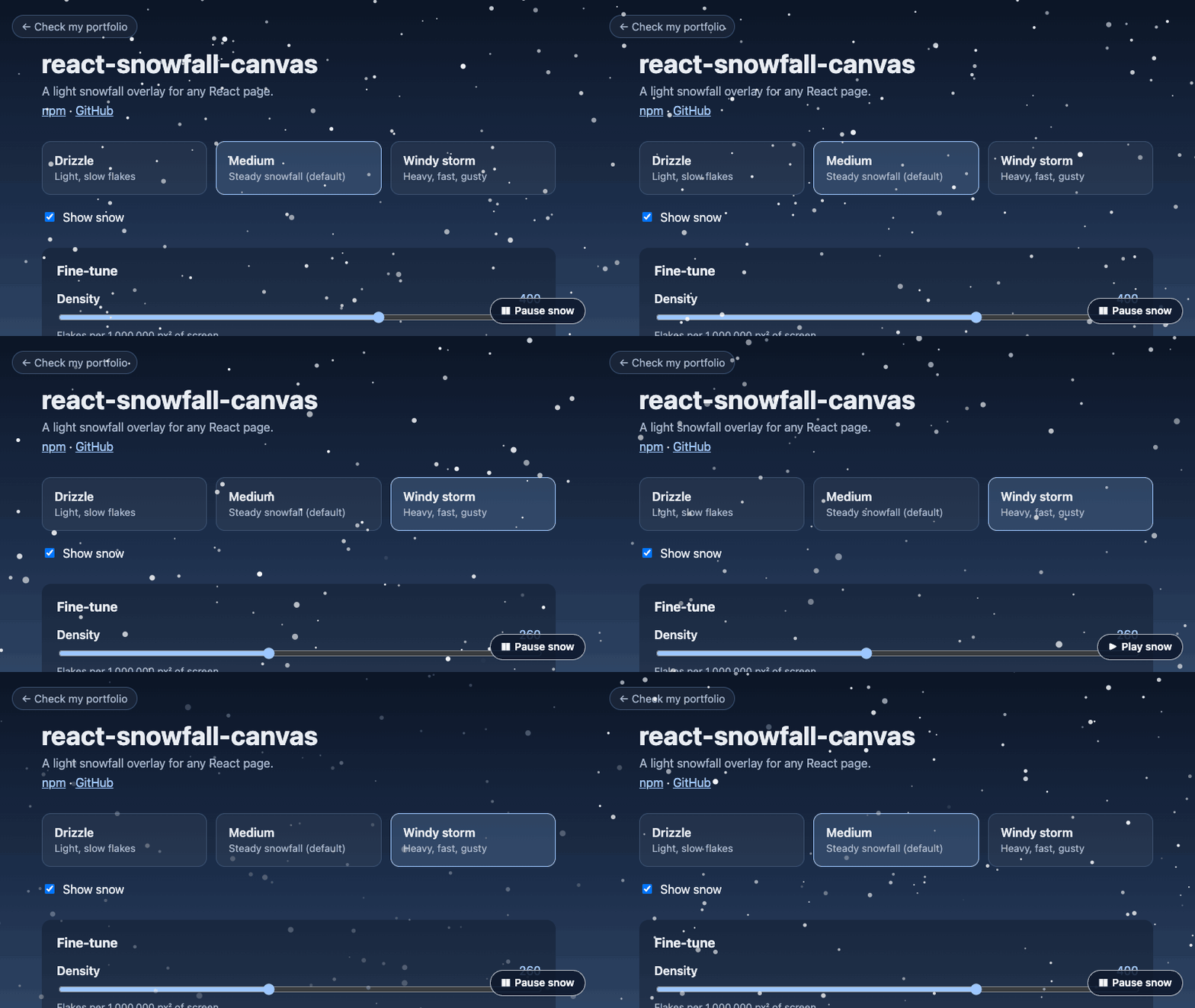
The snowfall effect that won't fail your accessibility audit. It's a lightweight snowfall overlay for React that respects reduced motion, lets users pause it, and never gets in the way of the page.
Why this one?
- Accessible by default. It respects
prefers-reduced-motion, has a pause/play control for WCAG 2.2.2, is hidden from screen readers, and never blocks clicks. - Tiny. About 5 KB gzipped, with no runtime dependencies.
- One
<canvas>, not hundreds of DOM nodes, so the page stays fast. - Smooth. Changing intensity blends gradually, and pause/play fades instead of cutting out.
- Easy on battery. It stops animating when the tab is hidden or the snow is paused, and caps canvas resolution at 2× on high-DPI screens.
- Typed. Ships TypeScript types, plus a framework-free engine if you're not using React.
Install
npm install react-snowfall-canvasUsage
import { Snowfall } from "react-snowfall-canvas";

<Snowfall intensity="medium" showPauseButton />
Put it anywhere in your app. It covers the screen without blocking anything underneath.
Props
| Prop | Type | Default | Description |
| ---------------------- | ---------------------------------- | ------------ | --------------------------------------------------------------------------- |
| intensity | "drizzle" \| "medium" \| "storm" | "medium" | How heavy the snow is |
| color | string | "#ffffff" | Flake color (any CSS color) |
| shape | "circle" \| "snowflake" \| "mixed" | "circle" | Round dots, six-armed crystals that slowly spin, or a mix of both |
| density | number | preset value | Flakes per 1,000,000 px² of screen. Overrides the intensity preset |
| maxFlakes | number | preset value | Upper limit on the number of flakes. Overrides the intensity preset |
| zIndex | number | 9999 | Stacking order of the overlay |
| position | "fixed" \| "absolute" | "fixed" | fixed covers the viewport; absolute fills the nearest positioned parent |
| respectReducedMotion | boolean | true | Shows a still frame for users who turned on "reduce motion" |
| showPauseButton | boolean | false | Shows a built-in pause/play button that fades the snow out and back in |
| paused | boolean | – | Fades the snow out and stops it; false fades it back in. For your own UI |
| onPausedChange | (paused: boolean) => void | – | Called when the built-in button is pressed |
| pauseButtonStyle | CSSProperties | – | Extra inline styles for the built-in button |
| className | string | – | Extra class for the canvas |
| style | CSSProperties | – | Extra inline styles for the canvas |
Accessibility
| WCAG success criterion | How react-snowfall-canvas handles it |
| --- | --- |
| 2.2.2 Pause, Stop, Hide (Level A) | Moving content that lasts more than 5 seconds needs a way to stop it. showPauseButton adds a pause/play button, or you can drive paused from your own control. On pause, the snow fades out and the animation stops completely. |
| 2.3.3 Animation from Interactions (Level AAA) | It uses this criterion's technique C39: when the user has turned on "reduce motion" (prefers-reduced-motion), it shows one still frame instead. It also reacts if they change the setting while the page is open. |
| 1.1.1 Non-text Content (Level A) | The snow is decoration, so the canvas has aria-hidden="true" and screen readers skip it. |
| 2.1.1 Keyboard (Level A) and 4.1.2 Name, Role, Value (Level A) | The built-in control is a native <button> with a visible text label ("Pause snow" / "Play snow"), so it works with the keyboard and screen readers. |
Also:
- The canvas has
pointer-events: none, so it never blocks clicks, text selection or form fields. - It stops animating while the tab is hidden (Page Visibility API).
Giving users a way to stop the snow
Pause: the flakes keep falling while they fade out over about a second. Once they're gone, the animation stops completely, so nothing keeps moving or using CPU in the background.
Play: the snow fades back in and starts falling again.
Pressing play mid-fade reverses the fade smoothly. For users with "reduce motion" turned on, there is no fade: pausing hides the still frame at once and play shows it again.
WCAG 2.2.2 needs a control on the page. Either turn on the built-in button:
<Snowfall showPauseButton />…or wire up your own control with paused:
const [paused, setPaused] = useState(false);

<button onClick={() => setPaused((p) => !p)}>
  {paused ? "Play snow" : "Pause snow"}
</button>
<Snowfall paused={paused} />
The built-in button is hidden while the snow is already still because of reduced motion.
What's still up to you
- Add a control. The component can't meet 2.2.2 for you: turn on
showPauseButtonor provide your own. - Keep text readable. Heavy snow over small body text can make it harder to read (1.4.3 Contrast). Use
drizzleor a lowerdensityon text-heavy pages, orposition="absolute"to keep snow inside a banner.
More examples
Intensity
| intensity | What it looks like |
| ---------------------- | --------------------------------------------- |
| "drizzle" | A few small, slow flakes |
| "medium" (default) | Steady snowfall with a gentle drift |
| "storm" | Heavy, fast snow blown sideways by gusty wind |
Changing intensity while the snow is running blends smoothly into the new mode.
Flake shape
| shape | What it looks like |
| --------------------- | --------------------------------------------------------------- |
| "circle" (default) | Soft round dots |
| "snowflake" | Six-armed ice crystals in three designs, each slowly spinning |
| "mixed" | Mostly dots, with the bigger flakes (about 30%) as crystals |
<Snowfall shape="snowflake" intensity="drizzle" />Crystals are drawn larger than dots so their arms are visible, so they fill more of the screen. On text-heavy pages, pair "snowflake" with drizzle or a lower density.
Crystals are as fast as dots: each design is drawn once into a small cached image, and every frame just copies that image with a rotation. Changing shape takes effect immediately, without restarting the snow.
Custom density and color
density and maxFlakes override the values from the chosen intensity, while keeping its speed, wind and flake size. The flake count is density × screen area (in millions of px²), capped at maxFlakes. If you raise density and see no change, raise maxFlakes too.
<Snowfall intensity="drizzle" density={200} maxFlakes={400} color="#cfe8ff" />Snow inside one element
<div style={{ position: "relative", height: 300 }}>
  <Snowfall position="absolute" intensity="drizzle" />…
</div>
Without React
The canvas engine is exported on its own:
import { SnowEngine } from "react-snowfall-canvas";

const engine = new SnowEngine(canvasElement, { intensity: "storm" });
engine.start();
// engine.setIntensity('drizzle');
// engine.setOverrides({ density: 200, maxFlakes: 400 });
// engine.setColor('#cfe8ff');
// engine.setShape('snowflake');
// engine.setPaused(true);   // fade out, then stop animating
// engine.setPaused(false);  // fade back in
// engine.destroy();
Development
npm install
npm run demo        # opens the demo at http://localhost:5173
npm run build       # builds the library into dist/
npm run typecheck
License
MIT