react-styled-grid-layout
v1.0.2
Published
Lightweight and very simple CSS Grid Layout library based on Styled Components for React, Gatsby and others.


Readme
React Styled Grid Layout
Lightweight and very simple CSS Grid Layout library based on Styled Components for React, Gatsby and
others.
Installation
npm i react-styled-grid-layout
Usage
import { Grid, Row, Col, Cell } from 'react-styled-grid-layout';
Examples
Correct order, everything must be wrapped in <Grid> tag.
<Grid>
    <Col>...</Col>
</Grid>
<Grid>
<Row>
<Cell>...</Cell>
</Row>
</Grid>
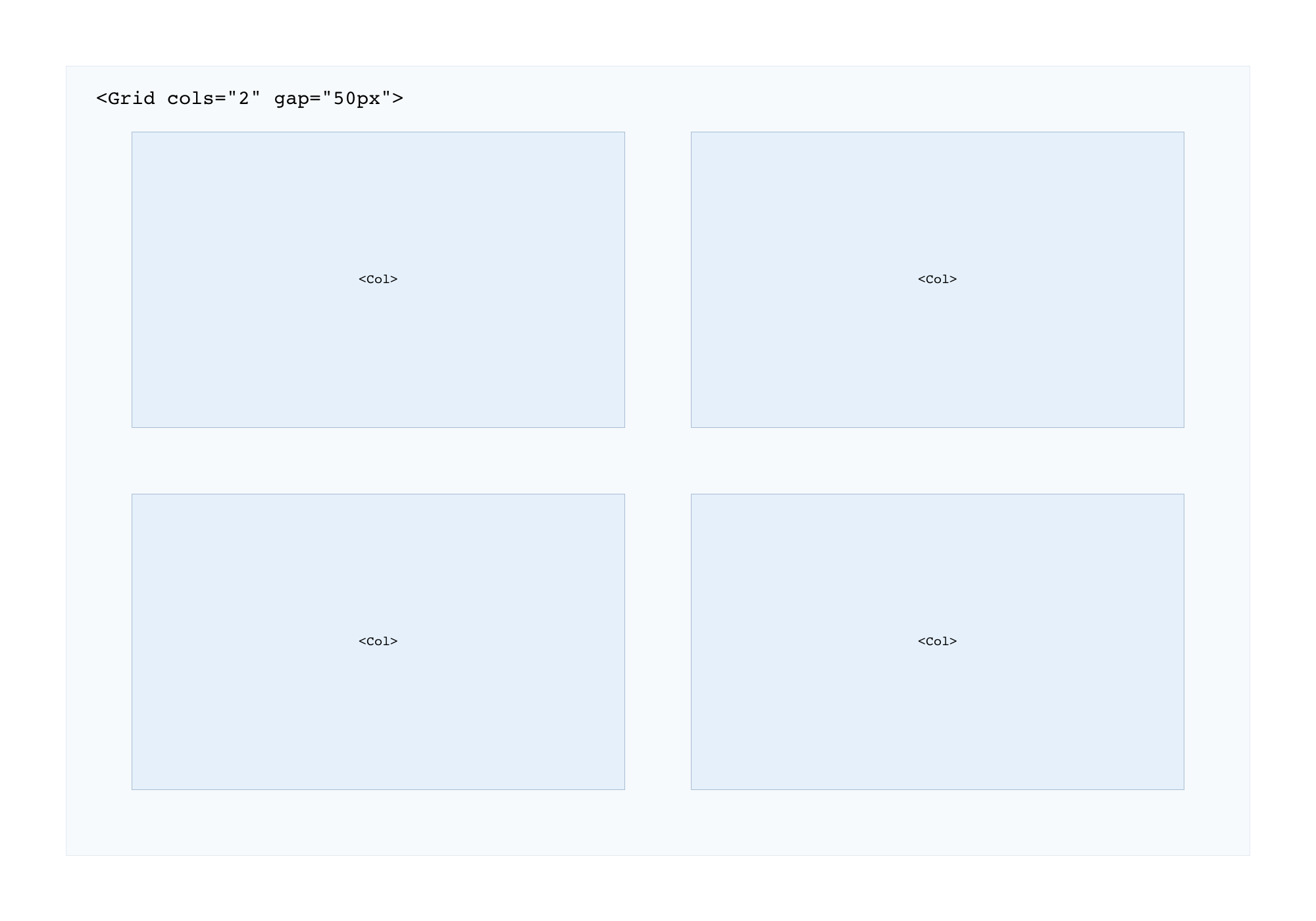
Simple two columns in one row:
<Grid cols="2">
    <Col>...</Col>
    <Col>...</Col>
    <Col>...</Col>
    <Col>...</Col>
</Grid>
Simple four columns grid with media queries and gaps:
<Grid cols="12" gap="10px">
    <Col xxl="3" md="6" sm="12">...</Col>
    <Col xxl="3" md="6" sm="12">...</Col>
    <Col xxl="3" md="6" sm="12">...</Col>
    <Col xxl="3" md="6" sm="12">...</Col>
</Grid>
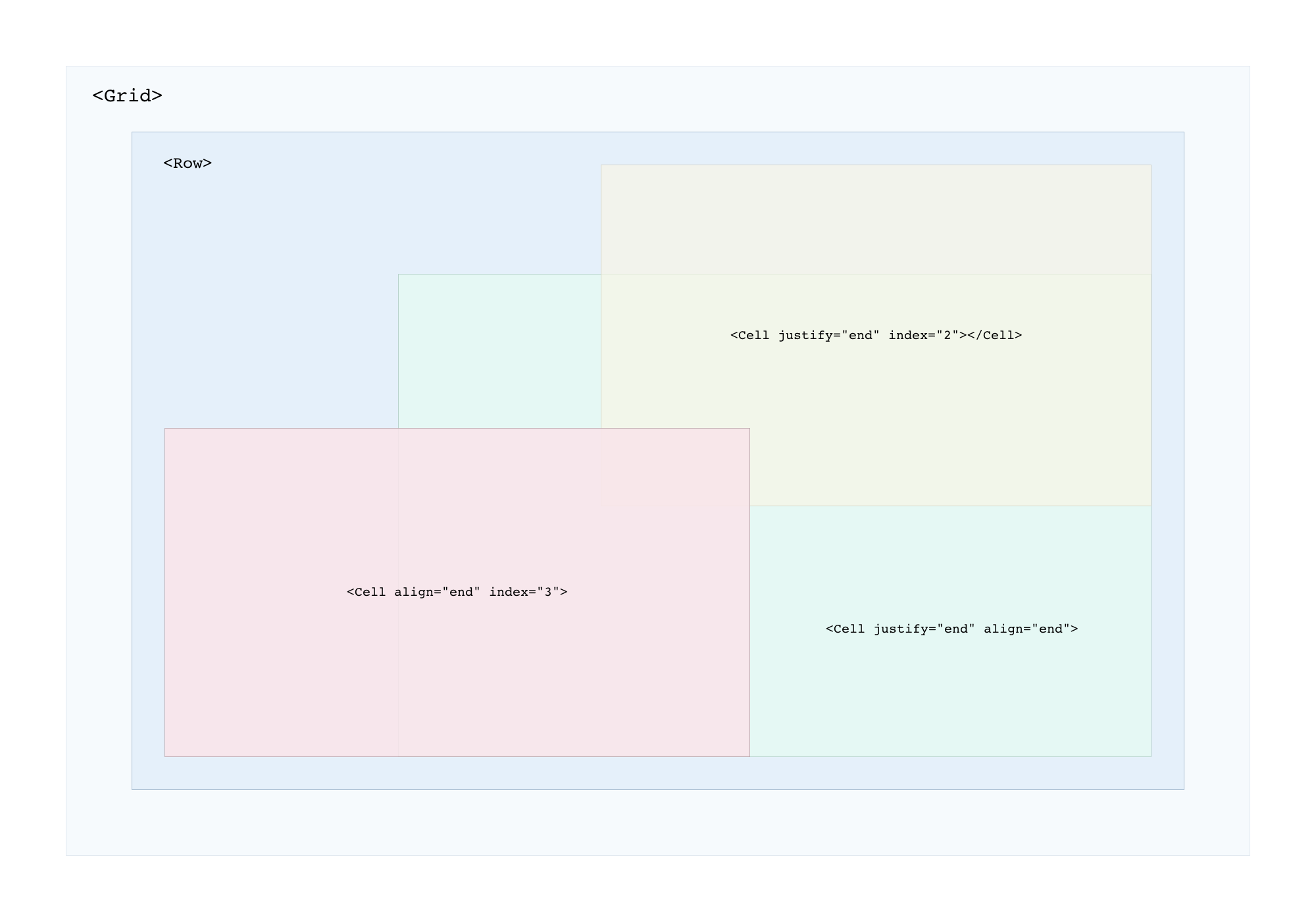
You can easily position content within the <Row> container using align and justify props:
<Grid cols="12" gap="10px">
    <Row height="400px">
        <Cell align="center" justify="center"> Center </Cell>
        <Cell align="center"> Left Center </Cell>
        <Cell align="end" index="2"> Left Bottom </Cell>
    </Row>
</Grid>
React function component example:
import React from 'react';
import { Grid, Row, Col, Cell } from 'react-styled-grid-layout';

const Grids = () => {
  return (
    <>
      <Grid cols="4">
        <Col> 1 </Col>
        <Col> 2 </Col>
        <Col> 3 </Col>
        <Col> 4 </Col>
      </Grid>

      <Grid>
        <Row>
          <Cell> 1 </Cell>
          <Cell> 2 </Cell>
        </Row>
      </Grid>
    </>
  );
};

export default Grids;
All props
<Grid>...</Grid>
| Props | CSS | Default | Test |
| :---------------- |:--------------------------| :--------------| :------------------- |
| rows :number | grid-template-rows | auto | <Grid rows="1fr auto 100px ...">|
| cols | grid-template-columns | repeat(12, 1fr) |<Grid cols="12">|
| gap | grid-gap | 0 |<Grid gap="25px">|
<Col>...</Col>
| Props | Breakpoints | Test |
| :---------------- |:--------------------------| :--------------|
| xxl :number | 5120px | <Col xxl="3"> |
| xl | 1200px | <Col xl="6"> |
| lg | 992px | <Col lg="3"> |
| md | 768px | <Col md="12"> |
| sm | 576px | <Col sm="12"> |
| xs | 320px | <Col xs="12"> |
\
| Props | CSS | Default | Test |
| :---------------- |:--------------------------| :--------------| :------------- |
| row :number | grid-row | auto | <Col row="1">|
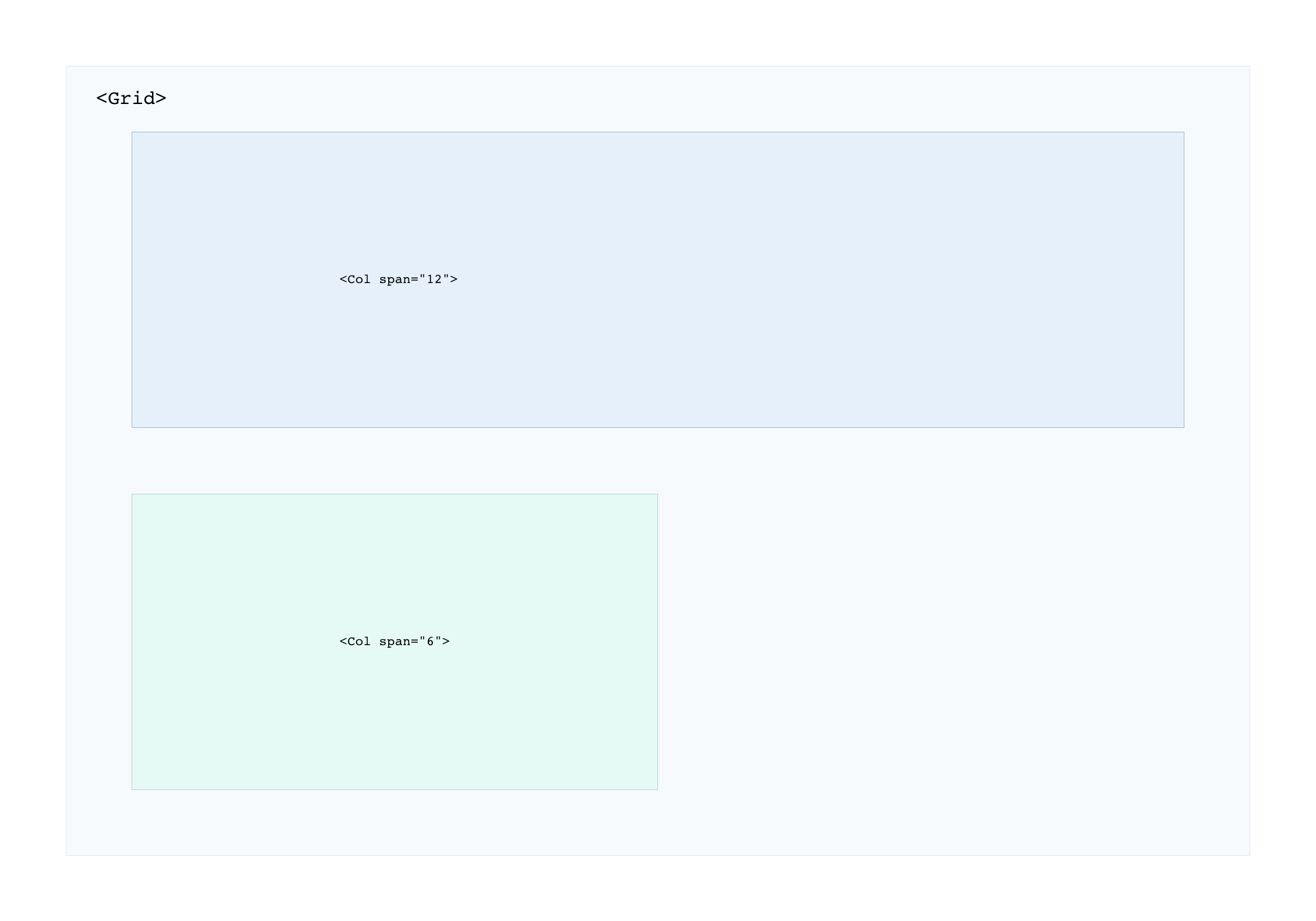
| span | grid-column-end | 1 | <Col span="2">|
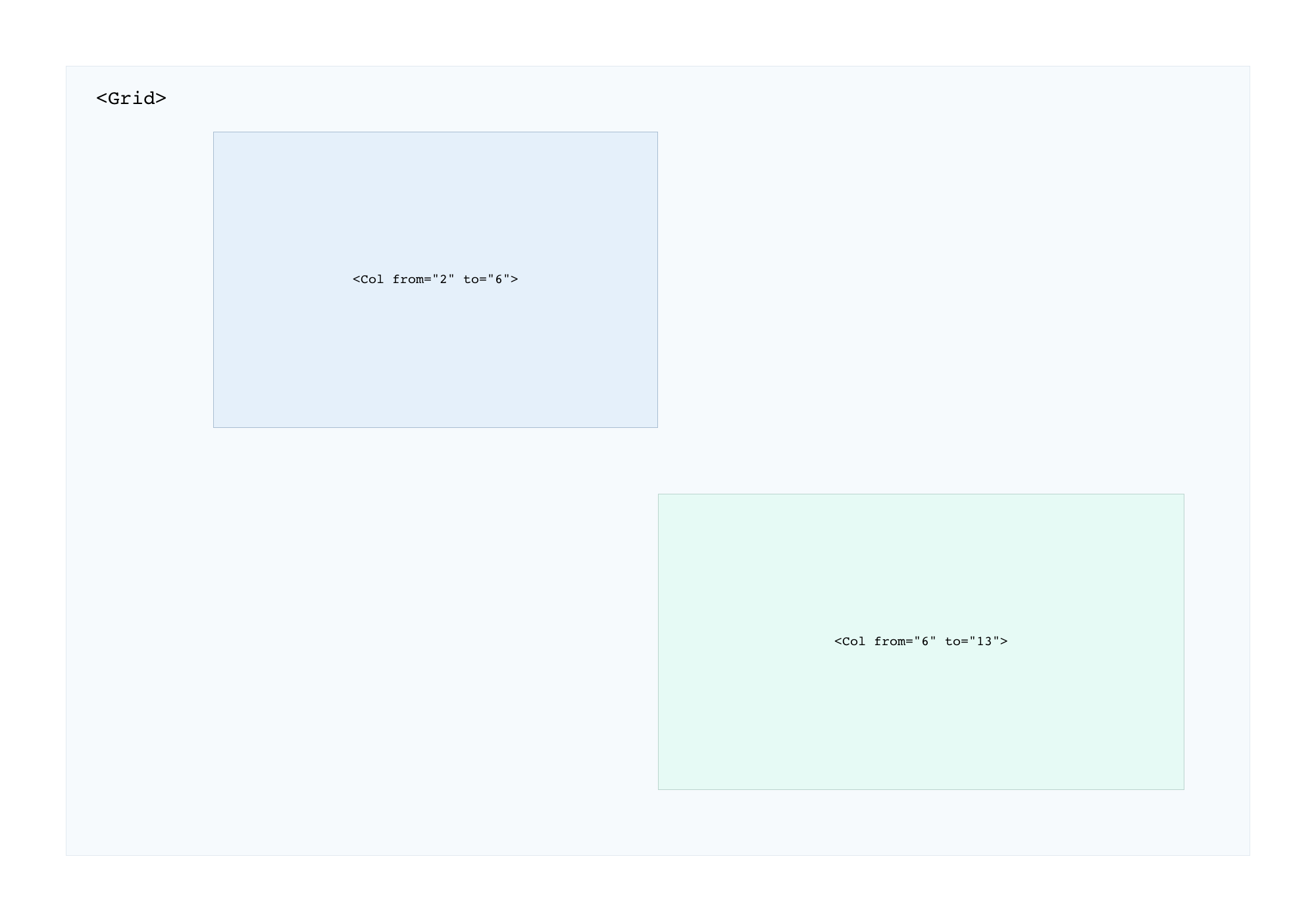
| from to| grid-column: [from] / [to] | none | <Col from="1" to="12">|
| width| max-width | none | <Col width="50%">|
| height| min-height | auto | <Col height="500px">|
| align| align-self: [start, center, end] | start | <Col align="center">|
| justify| justify-self: [start, center, end] | start | <Col justify="center">|
| text| text-align: [left, center, right] | left | <Col text="center">|
<Row>...</Row>
| Props | CSS | Default | Test |
| :---------------- |:--------------------------| :--------------| :------------- |
| height | min-height | auto | <Row height="50px">|
<Cell>...</Cell>
| Props | CSS | Default | Test |
| :---------------- |:--------------------------| :--------------| :------------- |
| align| align-self: [start, center, end] | start | <Cell align="center">|
| justify| justify-self: [start, center, end] | start | <Cell justify="center">|
| index| z-index: [num] | 1 | <Cell index="1">|
| width| max-width | auto | <Cell width="100px">|
Github repository
https://github.com/koniecznytomek/react-styled-grid-layout
git clone https://github.com/koniecznytomek/react-styled-grid-layout
Live demo
https://react-styled-grid-layout.netlify.app/
Case study