
react-tierlist
v1.0.6
Published
A lightweight, customizable React Tier List Maker & Viewer component package with drag-and-drop support and theming.

Maintainers
 sakthilk
Readme
React TierList
React TierList is a highly customizable React library for creating drag-and-drop tier lists. It allows users to rank any type of items (images, text, or custom elements) into customizable tiers. It supports both editable and viewer modes, making it suitable for games, productivity tools, or interactive ranking applications.


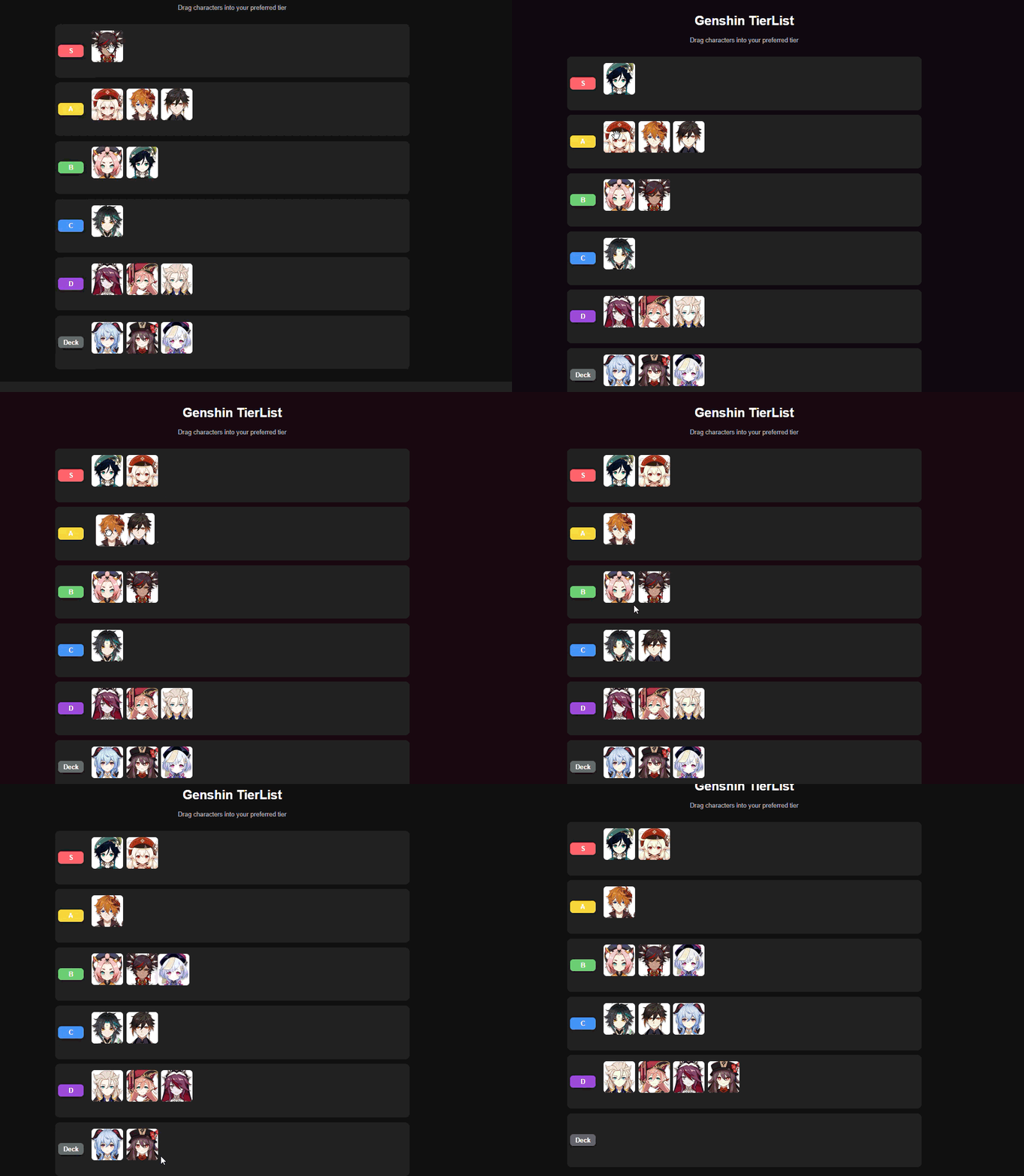
Installation
npm install react-tierlistor
yarn add react-tierlistFeatures
Drag & Drop: Rearrange items between tiers with smooth drag-and-drop.
Custom Tiers: Add, remove, or rename tiers.
Deck Support: Keep unranked items in a dedicated "deck" tier.
Viewer Mode: Display tier lists in a read-only format.
Highly Customizable:
- Row height
- Tier colors
- Dark/light themes
Works with Any Content: Images, text, or other React components.
Usage
Editable TierList
import React from 'react';
import { TierListMaker, type Tier } from 'react-tierlist';

const images = [
	'https://example.com/item1.png',
	'https://example.com/item2.png',
	'https://example.com/item3.png',
];

export default function App() {
	const [tiers, setTiers] = React.useState<Tier[]>([
		{ name: 'S', items: images.slice(0, 1) },
		{ name: 'A', items: images.slice(1, 2) },
		{ name: 'Deck', items: images.slice(2) },
	]);

	return (
		<div style={{ minHeight: '100vh', padding: '2rem', background: '#181818', color: '#fff' }}>
			<TierListMaker
				data={tiers}
				onChange={setTiers}
				config={{ rowHeight: 120, colors: ['#FF6B6B', '#FFD93D', '#6BCB77', '#4D96FF'] }}
			/>
		</div>
	);
}
Viewer TierList
import React from 'react';
import { TierListViewer, type Tier } from 'react-tierlist';

const tiers: Tier[] = [
	{ name: 'S', items: ['https://example.com/item1.png'] },
	{ name: 'A', items: ['https://example.com/item2.png'] },
	{ name: 'Deck', items: ['https://example.com/item3.png'] },
];

export default function App() {
	return (
		<div style={{ minHeight: '100vh', padding: '2rem', background: '#181818', color: '#fff' }}>
			<TierListViewer data={tiers} config={{ rowHeight: 120 }} />
		</div>
	);
}
Props
TierListMakerProps
| Prop | Type | Description |
| ---------- | ------------------------------------------- | ------------------------------- |
| data | Tier[] | Array of tiers and their items |
| onChange | (tiers: Tier[]) => void | Callback when tier data changes |
| config | { rowHeight?: number; colors?: string[] } | Customization options |
TierListViewerProps
| Prop | Type | Description |
| -------- | ------------------------------------------- | ------------------------------ |
| data | Tier[] | Array of tiers and their items |
| config | { rowHeight?: number; colors?: string[] } | Customization options |
Tier
export type Tier = {
	name: string;
	items: string[];
};
License
MIT