react-toast-queue
v1.0.2
Published
A lightweight toast notification system powered by React Context with timed auto-dismiss.


Readme
React Toast Queue
A lightweight toast notification system powered by React Context with timed auto-dismiss.
Install
npm install react-toast-queueUsage
import { ToastContextProvider, ToastTypes, useToast } from "react-toast-queue";
import "react-toast-queue/styles.css";

const SaveButton = () => {
  const { addToast } = useToast();

  return (
    <button
      onClick={() =>
        addToast({
          title: "Saved",
          type: ToastTypes.Success,
          description: "Your changes are live.",
        })
      }
    >
      Save
    </button>
  );
};

export const App = () => (
  <ToastContextProvider>
    <SaveButton />
  </ToastContextProvider>
);
API
addToast({ title, type, description, duration })
title(string, required)type(ToastTypes.Success | ToastTypes.Failure | ToastTypes.Info, optional; defaults toToastTypes.Info)description(string, optional)duration(number in ms, optional; default5000)
Behavior
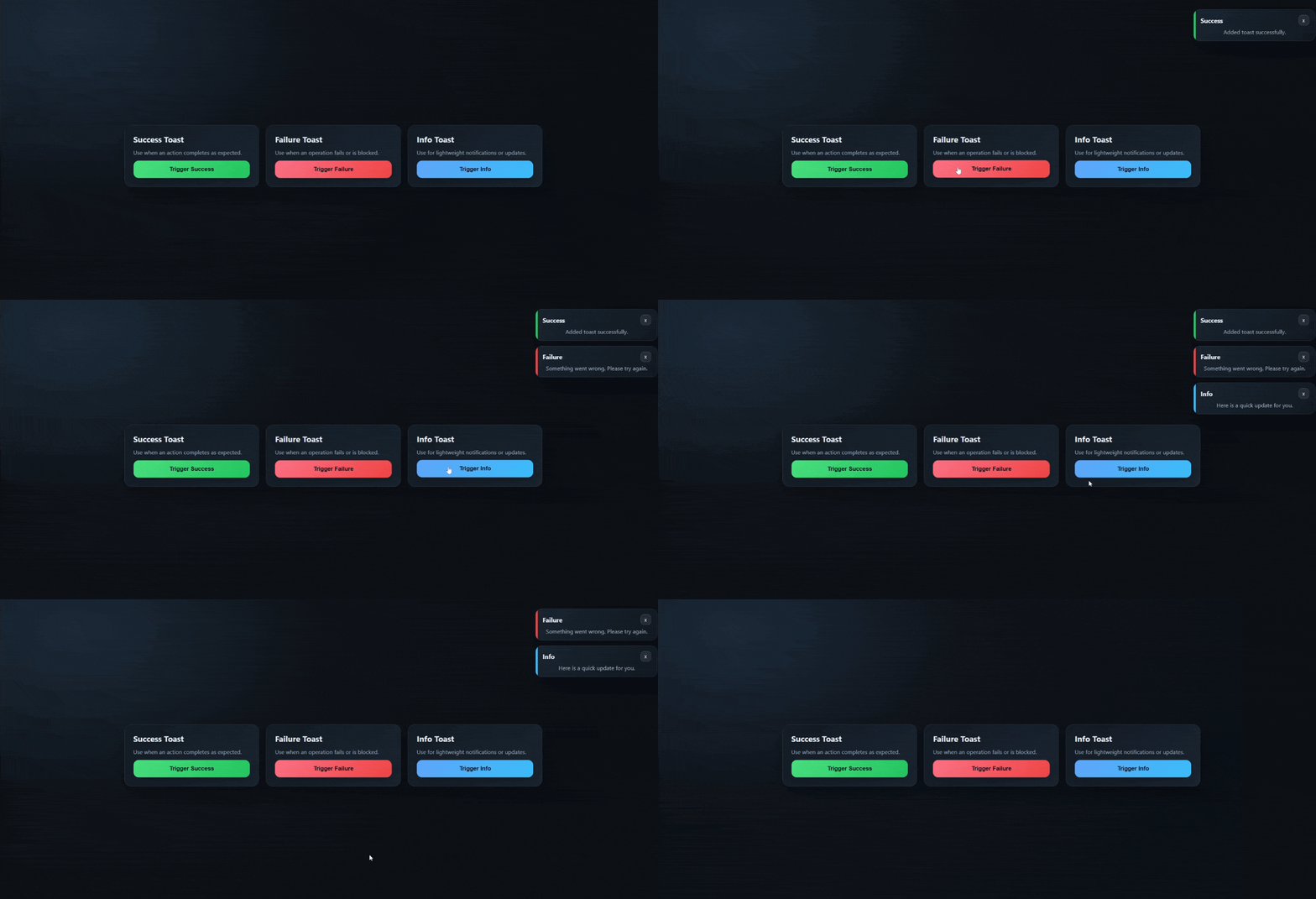
- Each toast auto-dismisses
durationms after it is created. - Manual close removes the toast immediately.
Live demo
https://madhu619.github.io/react-toast-queue/
Local demo
The demo is a Vite app in demo/ and imports the library source directly.
cd demo
npm install
npm run dev
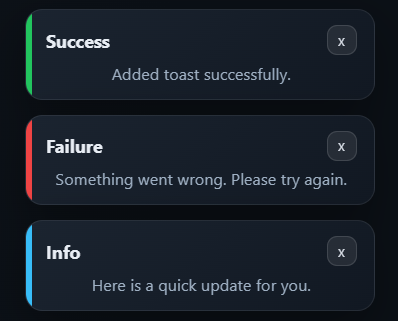
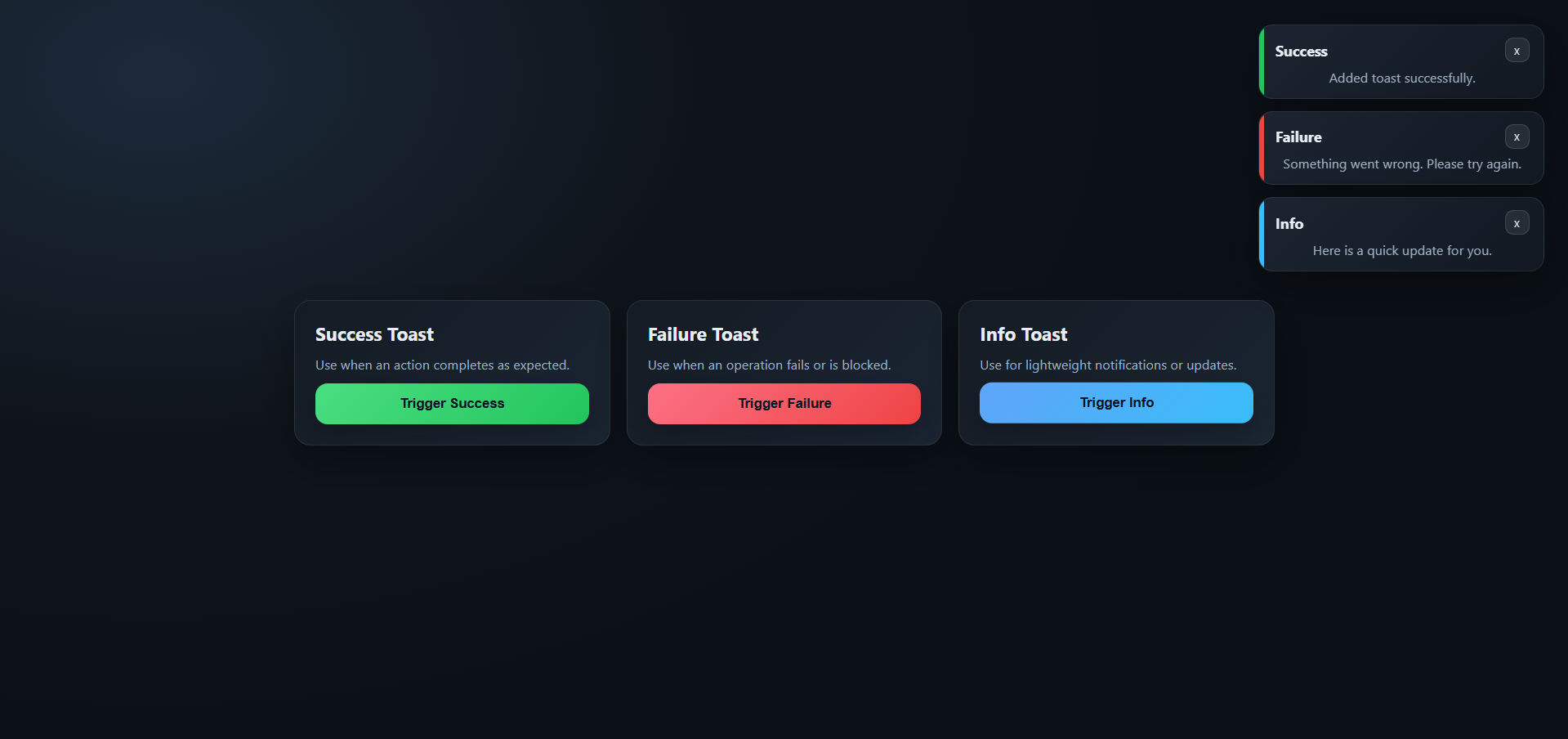
Screenshots