
react-use-clock
v2.0.0
Published
React clock hook.


Readme
React useClock 

Simplified access to current hours, minutes, seconds.
Installation
npm install react-use-clockHow to use
import { useClock } from 'react-use-clock'

const MyClockComponent = () => {
	const clock = useClock()

	return (
		<div>
			<p>
				Time is:{' '}
				<strong>
					{clock.hours.toString().padStart(2, '0')}:
					{clock.minutes.toString().padStart(2, '0')}:
					{clock.seconds.toString().padStart(2, '0')}
				</strong>
			</p>
			<p>
				Date is:{' '}
				<strong>
					{clock.day}. {clock.month}. {clock.year}
				</strong>
			</p>
			<p>
				Using formatter:{' '}
				<strong>
					{clock.date.toLocaleTimeString('en', {
						day: 'numeric',
						month: 'long',
						year: 'numeric',
					})}
				</strong>
			</p>
			<div
				style={{
					'--hours': `${clock.hours}`,
					'--minutes': `${clock.minutes}`,
					'--seconds': `${clock.seconds}`,
				}}
			/>
		</div>
	)
}
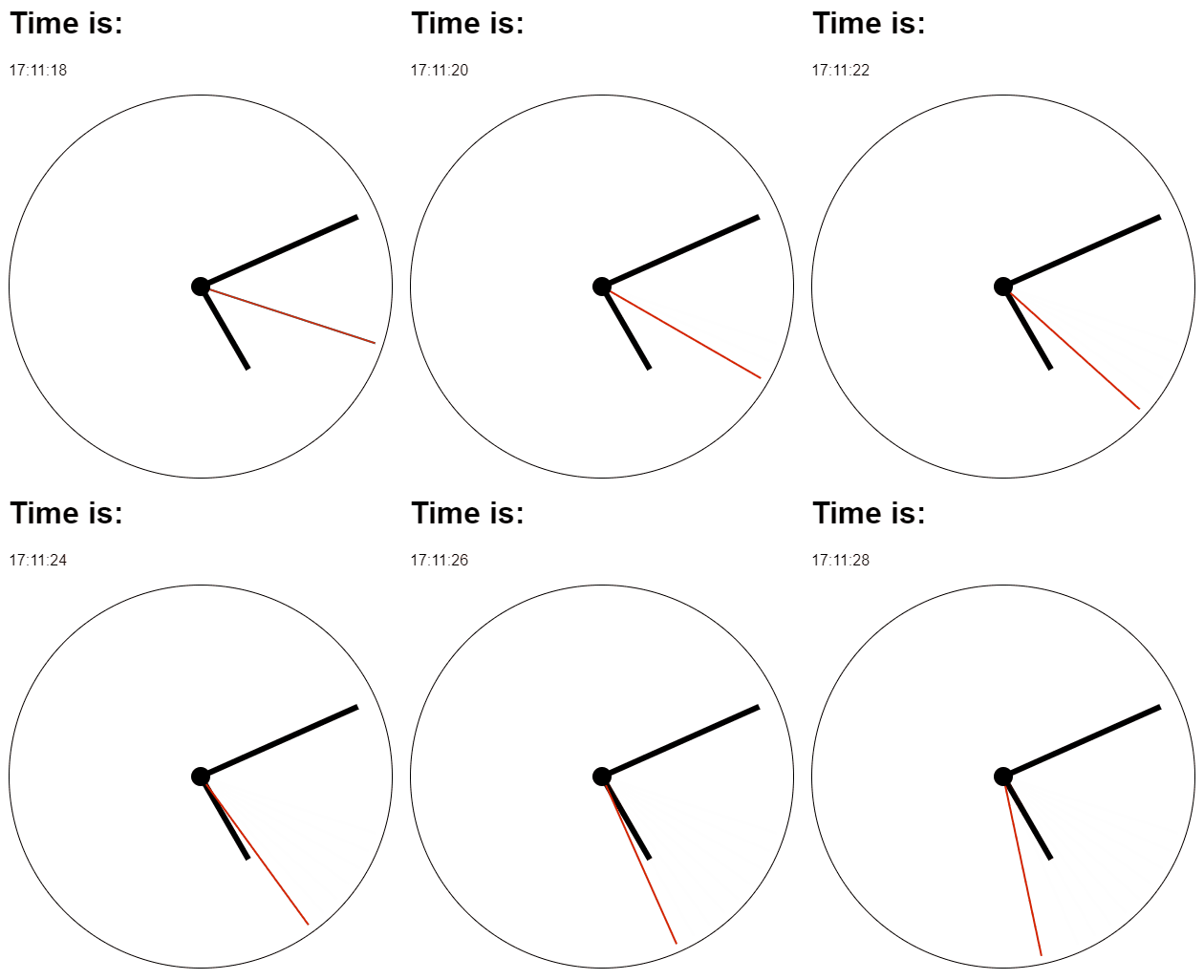
Create your own wrapper component. You can get inspired by Example here and Storybook here.
Granularity
By default the clock ticks every second. If you only display minutes, hours or
the date, pass a coarser granularity to avoid unnecessary re-renders – the
component then re-renders only once per chosen unit and the lower fields are
zeroed.
// Re-renders once per minute, seconds are always 0.
const clock = useClock({ granularity: 'minute' })
Supported values: 'second' (default), 'minute', 'hour', 'day'.
useClock(options?: {
	granularity?: 'second' | 'minute' | 'hour' | 'day'
	initialValue?: ClockSnapshot // server snapshot / first render
	getDate?: () => Date // custom time source, e.g. for testing
})
Migrating from 1.x: the hook now takes a single options object instead of positional arguments. Replace
useClock(initialValue, getDate)withuseClock({ initialValue, getDate }).
Development
Run npm start and npm run storybook parallelly.