
react-use-observe-changes
v13.0.3
Published
The useObserveChanges is a custom React hook that observes changes in specific fields and updates the observed state. It is useful for tracking and managing the state of multiple fields in a React component efficiently.

Maintainers
 ricardomalnati
Readme
useObserveChanges




The useObserveChanges is a custom React hook that observes changes in specific fields and updates the associated state. It is particularly useful for tracking and managing the state of multiple fields efficiently within a React component.
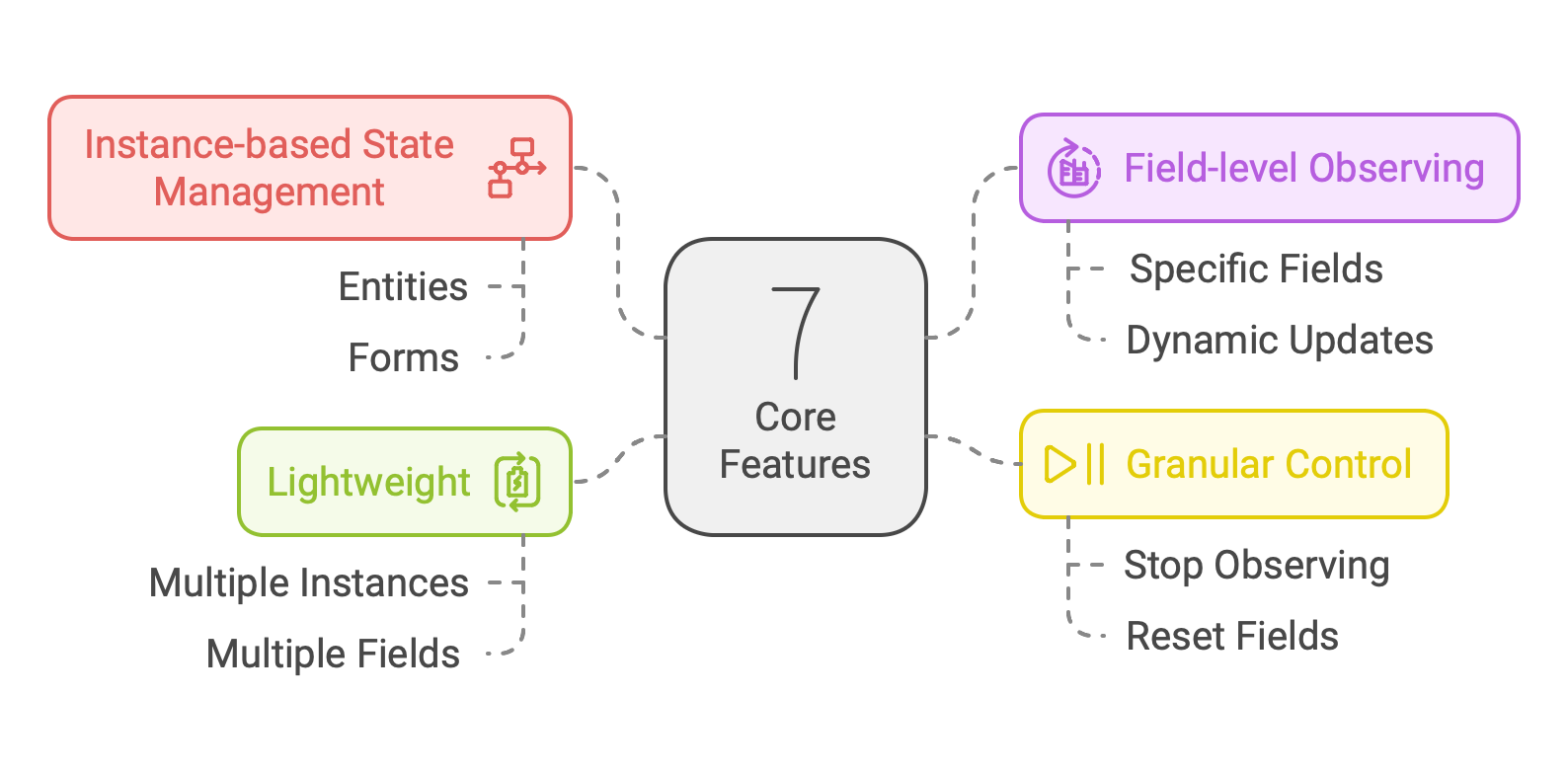
Features
- Dynamic State Tracking: Tracks specific fields dynamically across multiple instances.
- Lightweight: Efficiently handles state with minimal overhead.
- Flexible API: Supports observing, unobserving, and resetting fields dynamically.
Installation
Install the package via npm:
npm install react-use-observe-changesUsage
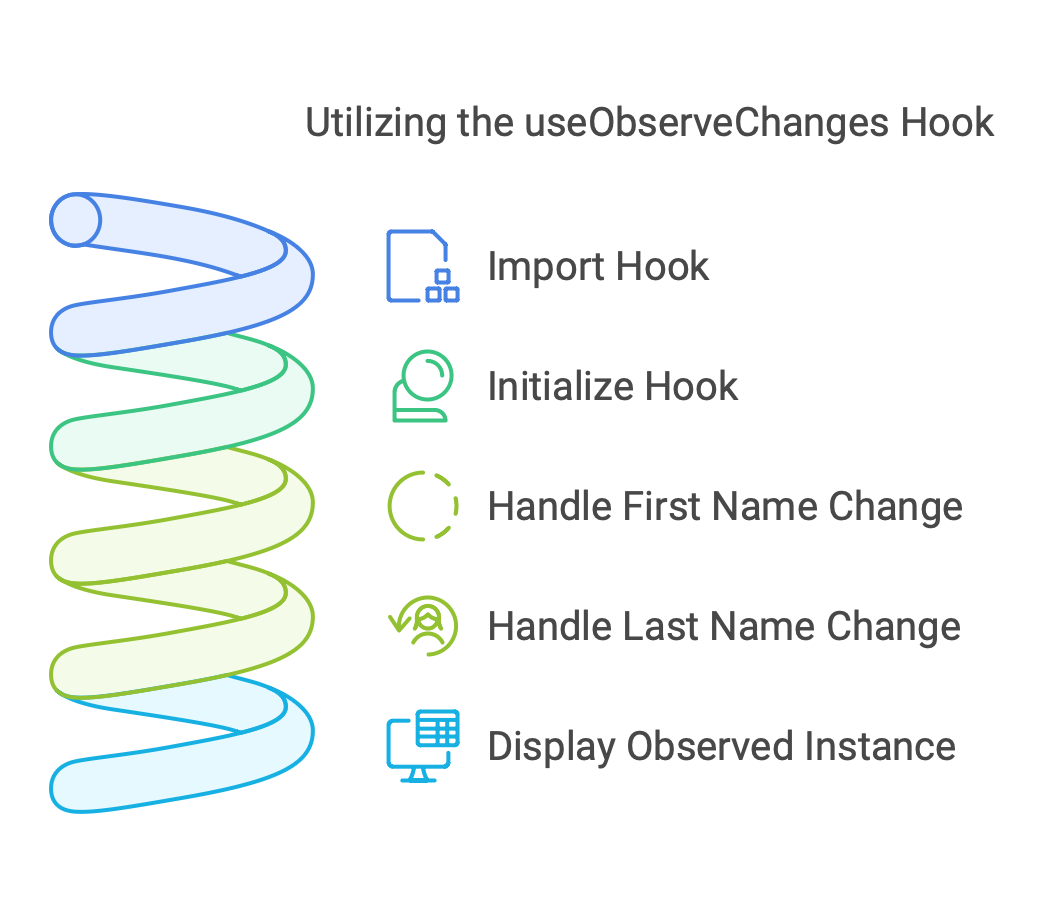
To use useObserveChanges, import the hook into your component:
Basic Example
import React from 'react';
import useObserveChanges from 'react-use-observe-changes';

const MyComponent = () => {
    const { observeFieldOf, getInstance } = useObserveChanges();

    const handleFirstnameChange = (e: React.ChangeEvent<HTMLInputElement>) => {
        observeFieldOf('person', 'firstName', e.target.value);
    };

    const handleLastnameChange = (e: React.ChangeEvent<HTMLInputElement>) => {
        observeFieldOf('person', 'lastName', e.target.value);
    };

    return (
        <div>
            <input name="firstName" onChange={handleFirstnameChange} placeholder="First Name" />
            <input name="lastName" onChange={handleLastnameChange} placeholder="Last Name" />
            <pre>{JSON.stringify(getInstance('person'), null, 2)}</pre>
        </div>
    );
};

export default MyComponent;
API
useObserveChanges(logLevelDesc?: string)
A hook that observes changes in specific fields and updates the associated state.
Methods:
getInstance(instance: string): object | undefinedRetrieves the state of a registered instance.observeFieldOf(instance: string, field: string, value: any): voidObserves changes in a specific field of an instance.unobserveFieldOf(instance: string, field: string): voidStops observing a specific field of an instance.reset(): voidResets the state of all observed instances.
Examples
Observing Changes in a Field
const { observeFieldOf, getInstance } = useObserveChanges();

// Observe changes in a specific field
observeFieldOf('user', 'name', 'John');

// Retrieve the state of the instance
console.log(getInstance('user')); // { name: 'John' }
Removing an Observed Field
const { observeFieldOf, unobserveFieldOf, getInstance } = useObserveChanges();

observeFieldOf('user', 'name', 'John');
unobserveFieldOf('user', 'name');

console.log(getInstance('user')); // {}
Resetting the State
const { observeFieldOf, reset, getInstance } = useObserveChanges();

observeFieldOf('user', 'name', 'John');
reset();

console.log(getInstance('user')); // undefined
Visual Overview
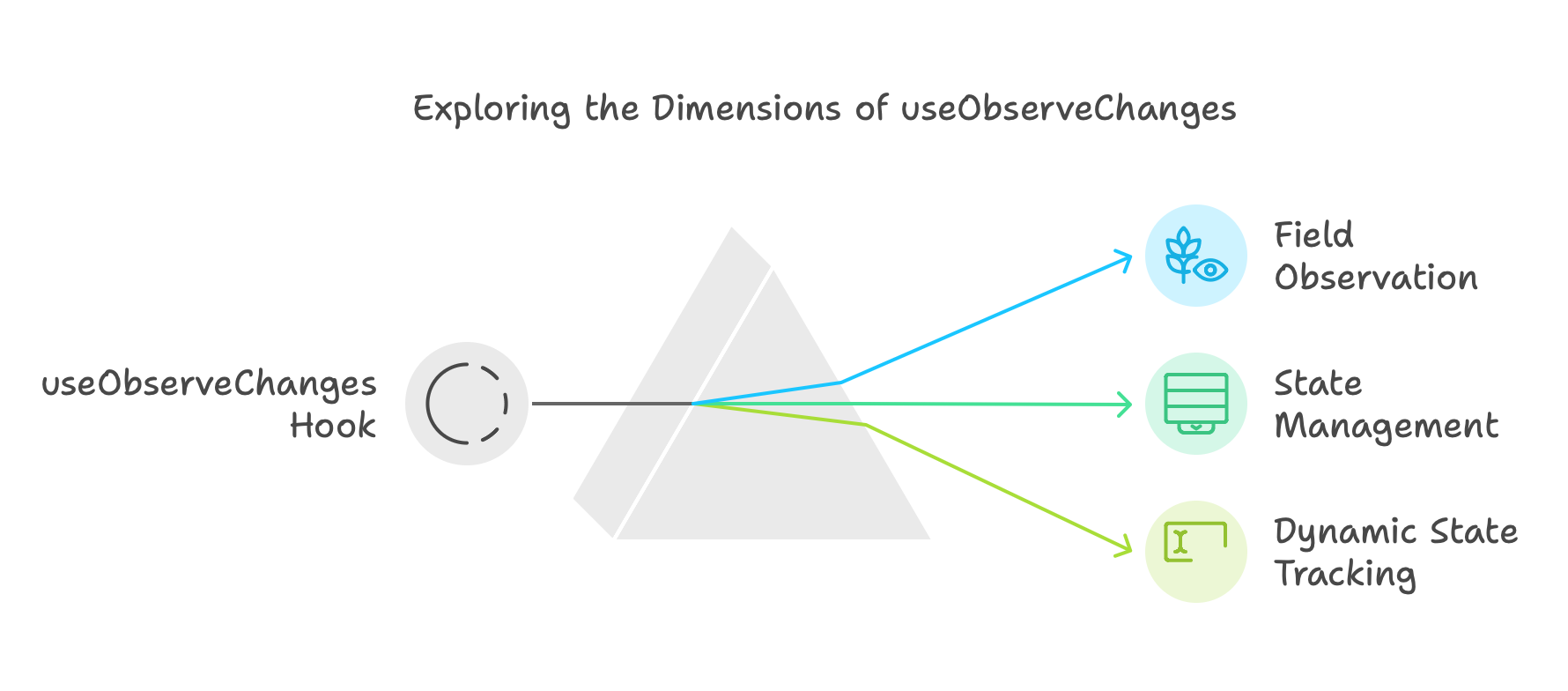
What is useObserveChanges?
Core Features
How to Use
Notes
- The state is stored in memory and persists as long as the component using the hook is mounted.
- The hook supports multiple instances and multiple fields per instance.
- There is no explicit limit to the number of instances or fields, but excessive use may impact performance.
Contribution
Contributions are welcome! Follow these steps to contribute:
- Fork the repository.
- Create a new branch for your feature (
git checkout -b feature-name). - Commit your changes (
git commit -m "Add new feature"). - Push the branch (
git push origin feature-name). - Open a pull request.
License
This project is licensed under the MIT License. See the LICENSE file for details.
Learn More
Visit the GitHub Pages for a detailed overview and documentation.