
redux-rtc
v2.0.0-alpha.5
Published
Peer 2 Peer connected states using Redux and WebRTC


Readme
ReduxRTC




Peer 2 Peer connected states using Redux and WebRTC
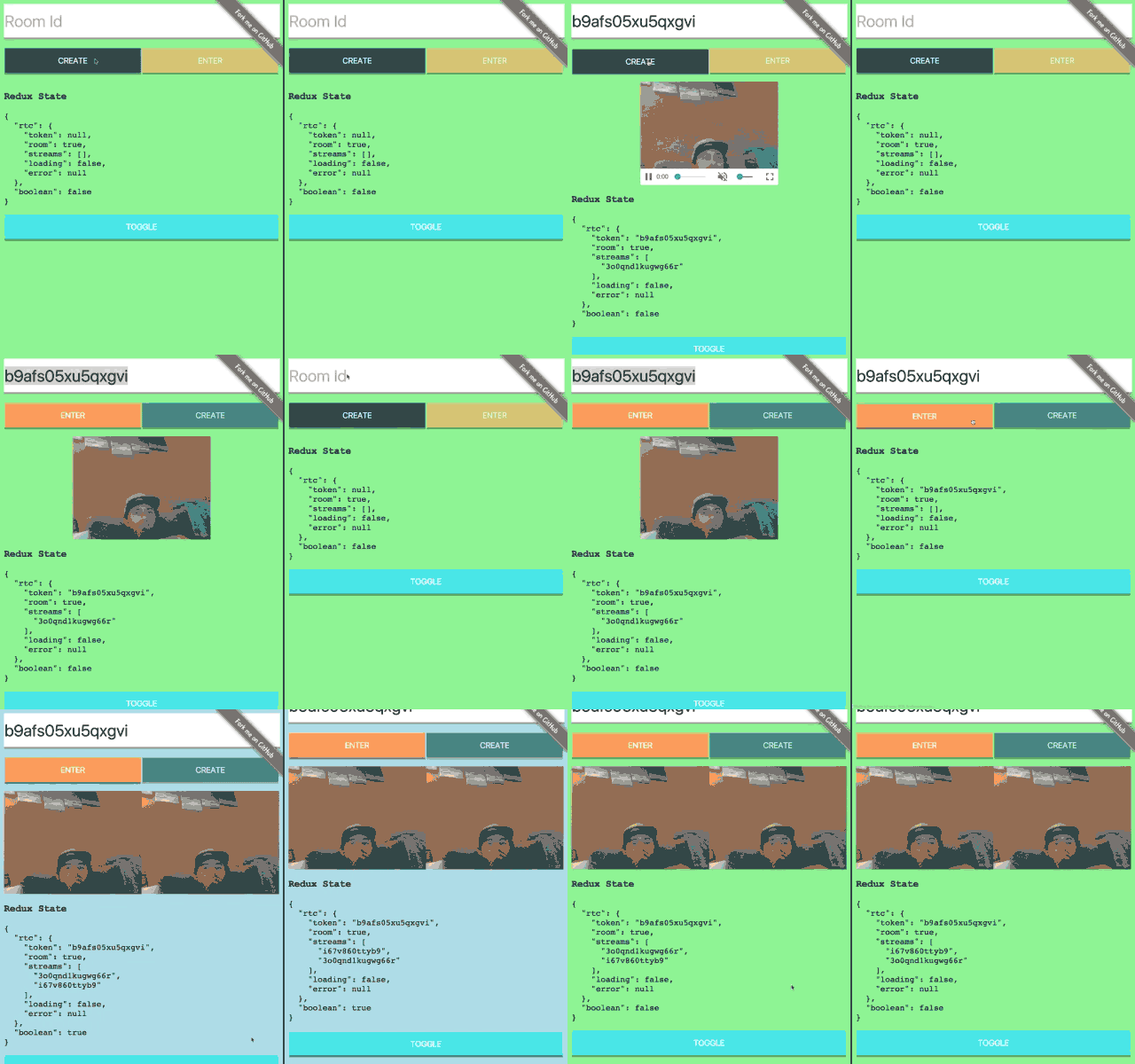
Table of contents
Installation
npm install redux-rtc -S
Usage
import { createStore, combineReducers, applyMiddleware } from 'redux'
import { connected, rtc, create, enter } from 'redux-rtc'
Middleware
const middleware = applyMiddleware(connected)Reducer
const rootReducer = combineReducers({
    rtc: rtc, // Required namespace 'rtc'
    ...
})
Store
const store = createStore(rootReducer, middleware)Create Room
store.dispatch(create())Once created the store will contain a token. This token is used in other clients to enter the room
Enter Room
store.dispatch(enter(ROOM_TOKEN))State
const { rtc } = store.getState()RTC The current state of the ReduxRTC connection
Properties
- token: (string) - The unique identifier for the connection
- room: (object) - The room instance RTCMultiConnection
- streams: (array[VideoElement]) - All of the connected media elements
- loading: false (boolean) - The loading status of the room
- error: 'No Room Found' (string) - Errors will propagate here
Dispatch
By default actions that are dispatched do not propagate to connected clients. To share the actions across all peers the property connected should be added to the action
var setTrue = function () {
    return {
        type: 'SHARED_BOOLEAN_TRUE',
        connected: true
    }
};
var setFalse = function () {
    return {
        type: 'SHARED_BOOLEAN_FALSE',
        connected: true
    }
};
var toggleReducer = function (state, action) {
    switch (action.type) {
        case 'SHARED_BOOLEAN_TRUE': return true;
        case 'SHARED_BOOLEAN_FALSE': return false;
        default: return state || false;
    }
}
Since the action is denoted as connected, the Middleware handles posting the message to the connection and the connected peers recieve the action and dispatch to their cooresponding stores.