
repo-health-doctor
v0.2.0
Published
Zero-dependency CLI that scores repository readiness before publishing.
Downloads
25

Maintainers
 diyiliu
Readme
Repo Health Doctor



Repo Health Doctor is a zero-dependency CLI that scores whether a repository is ready to publish on GitHub. It checks docs, dependency metadata, tests, CI, env-file hygiene, and obvious secret patterns.
It never reads private .env file contents. It only reports their file names and scans ordinary text files for risky secret patterns.
Why
Use it before publishing a new open-source project, reviewing a starter template, or adding a quick quality gate to CI. It gives maintainers a fast checklist for repository basics that are easy to forget.
Demo
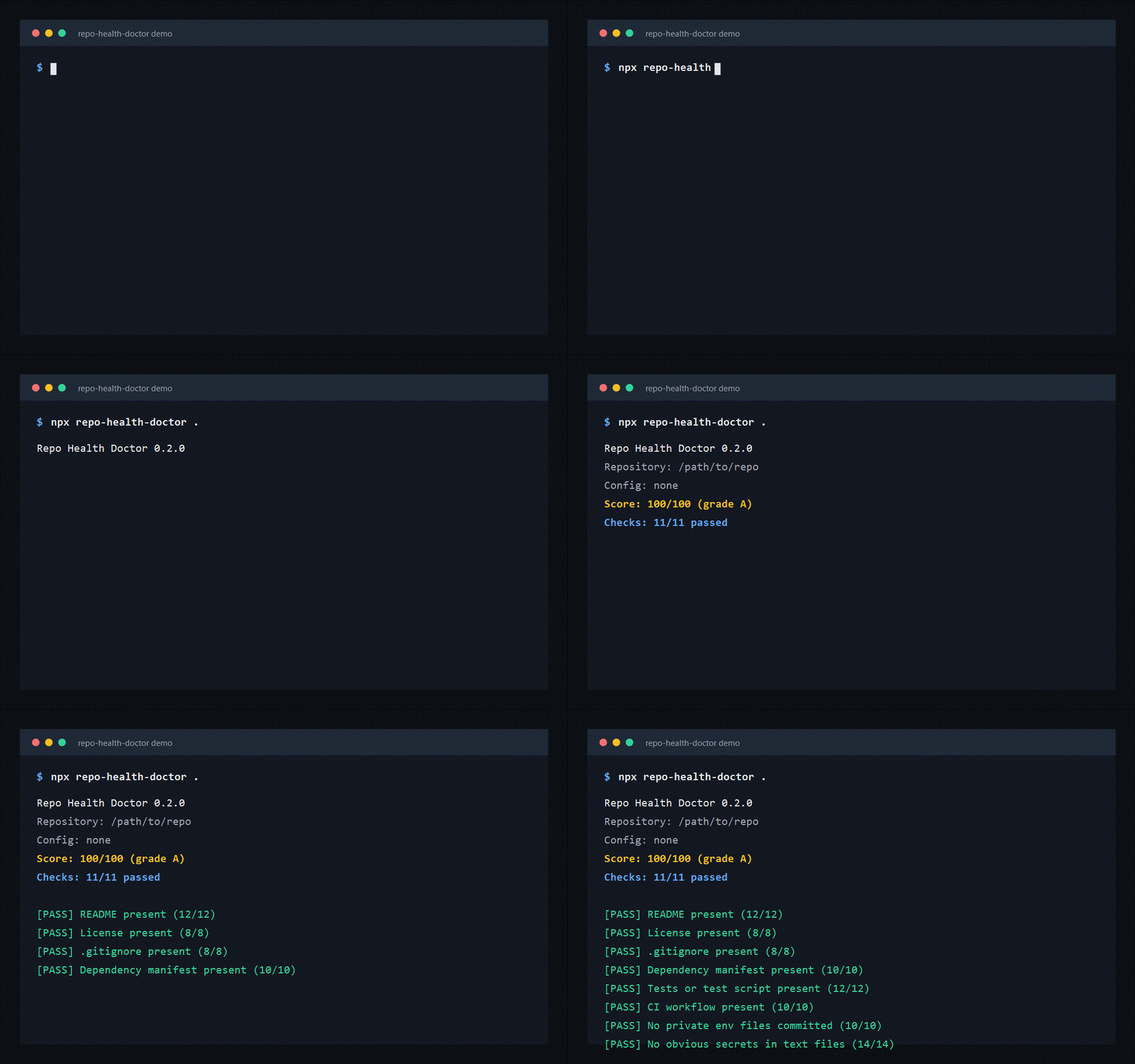
Run it before publishing a repository to catch missing docs, tests, CI, private env files, and obvious secrets.
Quick Start
npx repo-health-doctor .Package: repo-health-doctor on npm
Configuration
Repo Health Doctor automatically reads .repo-health.json, repo-health.json, or the repoHealth field in package.json.
{
  "failUnder": 80,
  "ignore": ["fixtures/**", "examples/generated/**"],
  "checks": {
    "ci": false,
    "communityDocs": false,
    "tests": {
      "weight": 20
    }
  }
}
You can also pass an explicit config file:
npx repo-health-doctor . --config repo-health.jsonSupported check ids:
readme, license, gitignore, manifest, lockfile, tests, ci,
env-hygiene, env-template, secret-scan, community-docs
Use In CI
name: repo health

on:
  pull_request:
  push:
    branches:
      - main

jobs:
  repo-health:
    runs-on: ubuntu-latest
    steps:
      - uses: actions/checkout@v4
      - uses: actions/setup-node@v4
        with:
          node-version: 22
      - run: npx repo-health-doctor . --fail-under 80
For local development:
npm test
node src/index.js . --fail-under 70
node src/index.js . --json
node src/index.js . --config repo-health.json
Checks
- README at the repository root
- LICENSE at the repository root
.gitignore- Dependency manifest such as
package.json,pyproject.toml,go.mod, orCargo.toml - Lockfile when dependency manifests are present
- Test script, test directory, or test files
- CI workflow such as GitHub Actions
- Private
.envfiles accidentally committed - Environment template such as
.env.example - Obvious secret patterns in ordinary text files
- Community or release docs
CLI
repo-health-doctor [path] [--json] [--config <path>] [--fail-under <score>]
rhd [path]
Options:
--json: print machine-readable JSON--config <path>: read config from a JSON file--fail-under <score>: exit with code1when the score is below the threshold--help: print help--version: print version
Example Output
Repo Health Doctor 0.2.0
Repository: /path/to/repo
Config: none
Score: 86/100 (grade B)
Checks: 9/11 passed

[PASS] README present (12/12)
[FAIL] CI workflow present (0/10)
  Fix: Add a GitHub Actions workflow or another CI config that runs tests on pull requests.
Publish Notes
Before publishing to npm:
npm test
npm publish --access public
Launch Kit
Want to share the project or collect feedback? See docs/launch-kit.md for copy-paste posts and a lightweight launch checklist.
License
MIT