
rn-shiva-dropdown
v1.1.2
Published
Beautiful and searchable dropdown component for react native, focused on better user experience

Maintainers
 murilo.campaner
Readme
React Native Shiva Dropdown
Beautiful dropdown component for react native, with search feature and focused on better user experience
Screenshots
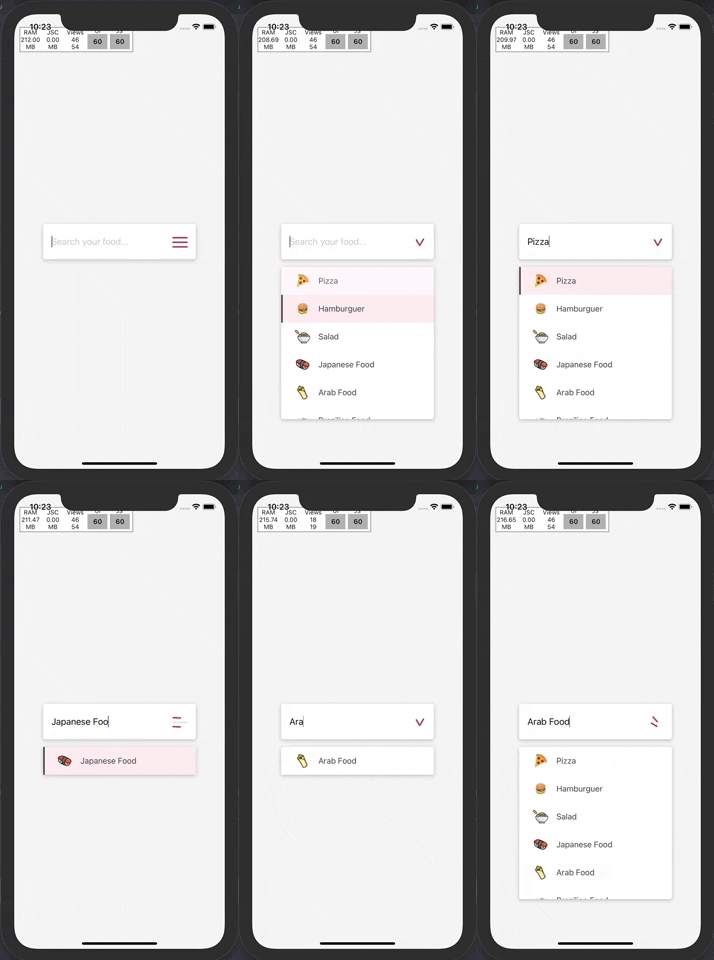
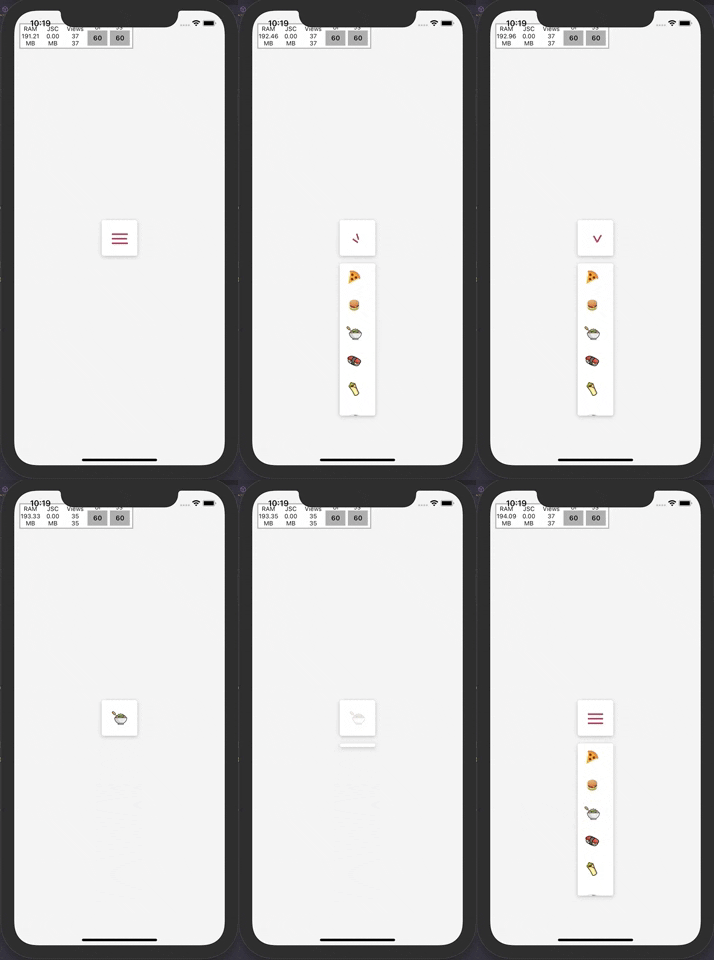
Getting Started
Installation
via NPM
npm install rn-shiva-dropdownvia Yarn
yarn add rn-shiva-dropdownBasic Usage
- Import the package
- Create your options array
- Instantiate the component passing options as prop
import * as React from 'react';

import { StyleSheet, View, Image } from 'react-native';

import ShivaDropdown from 'rn-shiva-dropdown';

export default function App() {
  return (
    <View style={styles.container}>
      <ShivaDropdown options={dropdownOptions} />
    </View>
  );
}

const styles = StyleSheet.create({
  container: {
    backgroundColor: '#F1F1F1',
    flex: 1,
    alignItems: 'center',
    justifyContent: 'center',
  },
  icon: {
    width: '100%',
    height: '100%',
    resizeMode: 'contain'
  },
});

const dropdownOptions = [
  {
    key: 0,
    label: 'Pizza',
    icon: (
      <Image source={{ uri: "https://pt.seaicons.com/wp-content/uploads/2015/10/Pizza-icon.png" }} style={styles.icon} />
    ),
    value: 'Pizza',
  },
  /* other options... */
];
Contributing
See the contributing guide to learn how to contribute to the repository and the development workflow.
License
MIT