
rn-toast-notification
v1.2.0
Published
A toast notification for React Native apps.

Maintainers
 fecoded
Readme
RN Toast Notification
A simple, animated toast notification component for React Native that works with both Android and iOS. It supports smooth slide/fade animations and covers the status bar using react-native-safe-area-context.
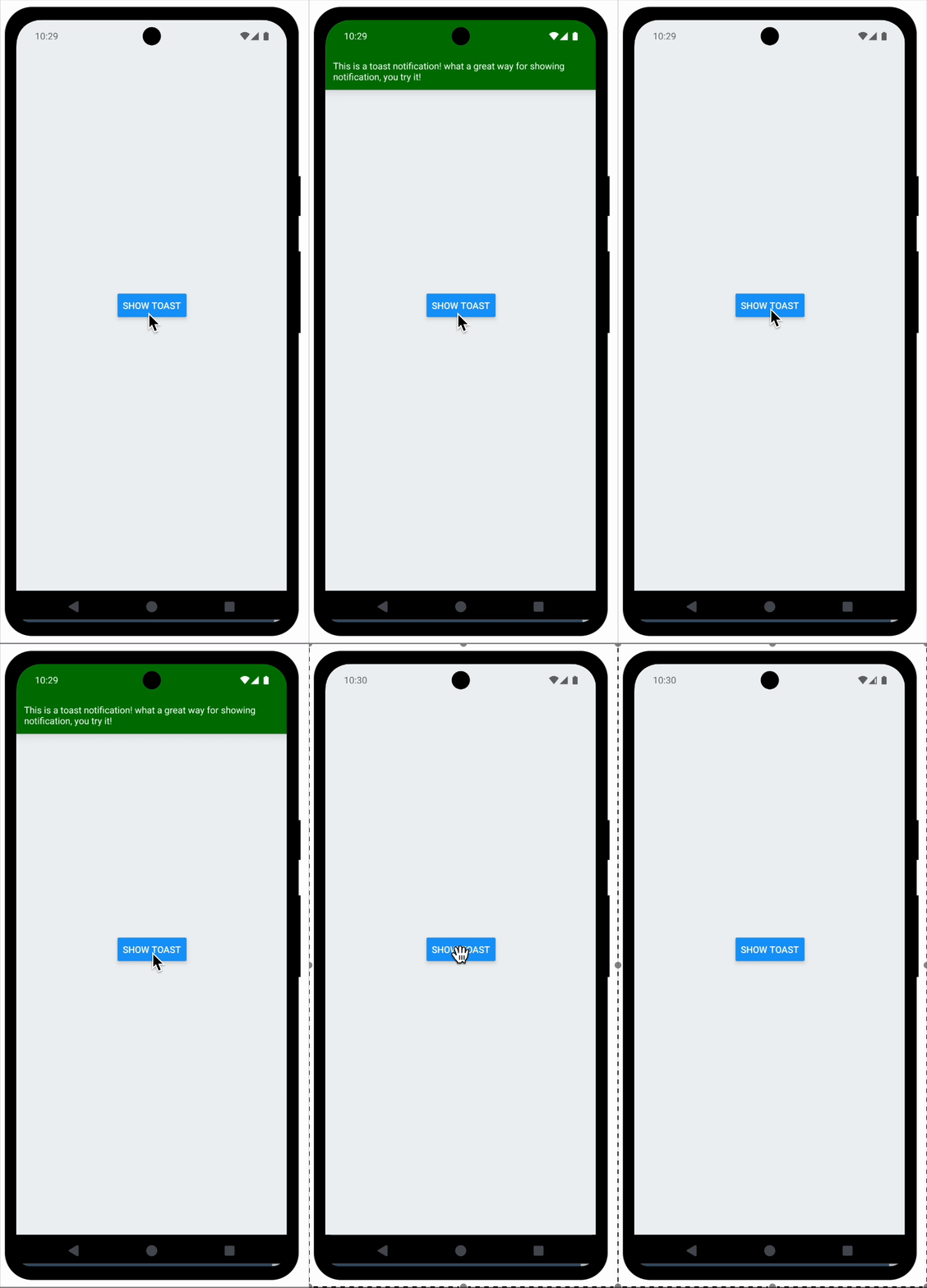
✨ Features
- ✅ Smooth animated entrance and exit
- ✅ Covers status bar for full visibility
- ✅ Configurable duration
- ✅ Uses
SafeAreaInsetsfor proper padding - ✅ Lightweight and easy to use
📦 Installation
npm install rn-toast-notification react-native-safe-area-context

or

yarn add rn-toast-notification react-native-safe-area-context
  interface ToastProps {
    message: string;
    onHide: () => void;
    duration?: number; // in milliseconds
    textStyle?: TextStyle; // Optional style for the text
    bgColor?: string; // Optional background color for the toast
    position?: 'top' | 'bottom'; // Optional position for the toast, default is 'top'
  }
Usage
import { Text, SafeAreaView, StyleSheet, View, Button, StatusBar } from 'react-native';
import { SafeAreaProvider } from 'react-native-safe-area-context';
import { RNToast } from 'RNToastNotification'


export default function App() {
  const [showToast, setShowToast] = useState(false);

  return (
    <>
      <StatusBar barStyle="default" />
      <SafeAreaProvider>
        <SafeAreaView style={styles.container}>
         <View style={{ flex: 1, justifyContent: 'center', alignItems: 'center' }}>
          <Button title="Show Toast" onPress={() => setShowToast(true)} />
            <RNToast
              message="This is a toast notification! what a great way for showing notification, you try it!"
              onHide={() => setShowToast(false)}
              showToast={showToast}
            />
        </View>
        </SafeAreaView>
      </SafeAreaProvider>
      </>
  );
}