
rough-native
v0.2.0
Published
Create graphics using HTML Canvas or SVG with a hand-drawn, sketchy, appearance. Features comprehensive React hooks, memory management, and React 18 concurrent rendering support.

Maintainers
 acyment
Readme
rough-native
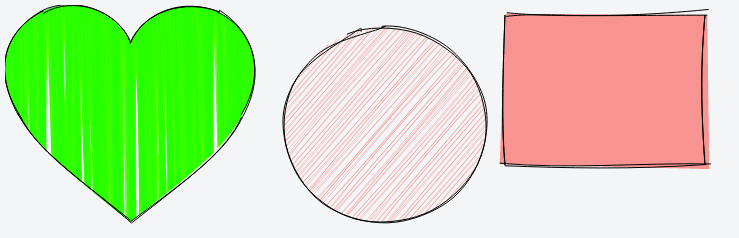
rough-native is a React Native/Expo migration of the original Rough.js library. It's a small graphics library that lets you draw in a sketchy, hand-drawn-like, style in React Native applications.
This library defines primitives to draw lines, curves, arcs, polygons, circles, and ellipses. It also supports drawing SVG paths.
rough-native works with react-native-svg to render sketchy graphics in React Native and Expo applications.
@RoughLib on Twitter.
Install
Install rough-native and react-native-svg:
npm install --save rough-native react-native-svgFor Expo projects:
npx expo install rough-native react-native-svgIf you are looking for bundled version in different formats, the npm package will have these in the following locations:
CommonJS: rough-native/bundled/rough.cjs.js
ESM: rough-native/bundled/rough.esm.js
React Native: rough-native/bundled/rough.rn.js
Usage
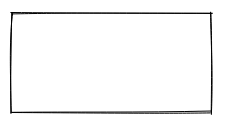
const rc = rough.canvas(document.getElementById('canvas'));
rc.rectangle(10, 10, 200, 200); // x, y, width, height
or SVG
const rc = rough.svg(svg);
let node = rc.rectangle(10, 10, 200, 200); // x, y, width, height
svg.appendChild(node);
Lines and Ellipses
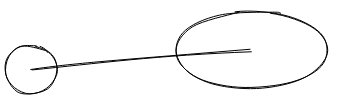
rc.circle(80, 120, 50); // centerX, centerY, diameter
rc.ellipse(300, 100, 150, 80); // centerX, centerY, width, height
rc.line(80, 120, 300, 100); // x1, y1, x2, y2
Filling
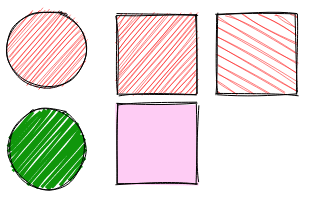
rc.circle(50, 50, 80, { fill: 'red' }); // fill with red hachure
rc.rectangle(120, 15, 80, 80, { fill: 'red' });
rc.circle(50, 150, 80, {
  fill: "rgb(10,150,10)",
  fillWeight: 3 // thicker lines for hachure
});
rc.rectangle(220, 15, 80, 80, {
  fill: 'red',
  hachureAngle: 60, // angle of hachure,
  hachureGap: 8
});
rc.rectangle(120, 105, 80, 80, {
  fill: 'rgba(255,0,200,0.2)',
  fillStyle: 'solid' // solid fill
});
Fill styles can be: hachure(default), solid, zigzag, cross-hatch, dots, dashed, or zigzag-line
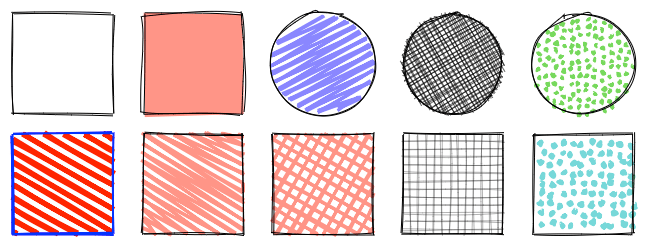
Sketching style
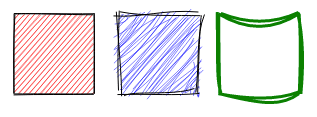
rc.rectangle(15, 15, 80, 80, { roughness: 0.5, fill: 'red' });
rc.rectangle(120, 15, 80, 80, { roughness: 2.8, fill: 'blue' });
rc.rectangle(220, 15, 80, 80, { bowing: 6, stroke: 'green', strokeWidth: 3 });
SVG Paths
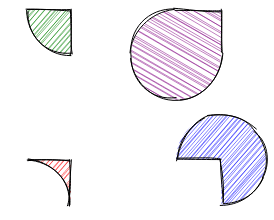
rc.path('M80 80 A 45 45, 0, 0, 0, 125 125 L 125 80 Z', { fill: 'green' });
rc.path('M230 80 A 45 45, 0, 1, 0, 275 125 L 275 80 Z', { fill: 'purple' });
rc.path('M80 230 A 45 45, 0, 0, 1, 125 275 L 125 230 Z', { fill: 'red' });
rc.path('M230 230 A 45 45, 0, 1, 1, 275 275 L 275 230 Z', { fill: 'blue' });
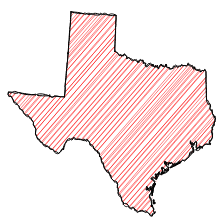
SVG Path with simplification:
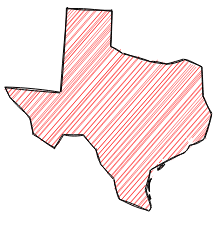
Examples
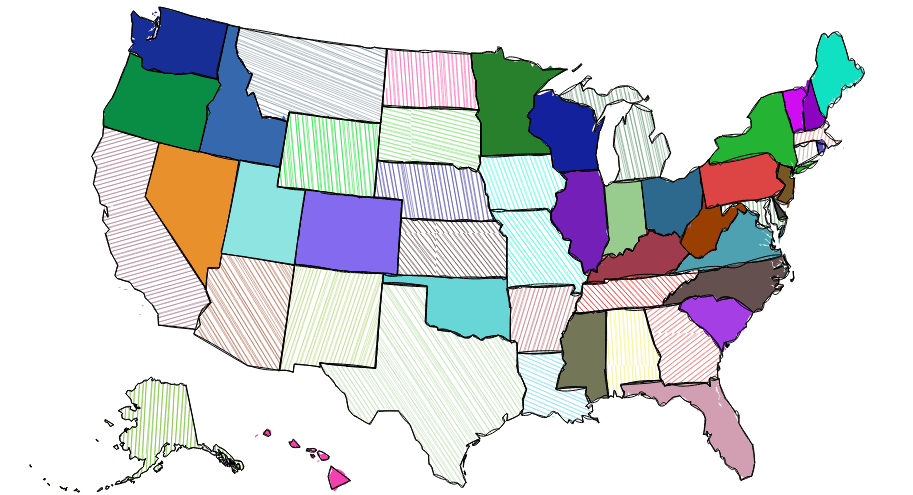
API & Documentation
Credits
Some of the core algorithms were adapted from handy processing lib.
Algorithm to convert SVG arcs to Canvas described here was adapted from Mozilla codebase
Contributors
Financial Contributors
Become a financial contributor and help us sustain our community. [Contribute]
Individuals
Organizations
Support this project with your organization. Your logo will show up here with a link to your website. [Contribute]