
scoutagent
v2.0.0
Published
Installer for the cmdop CLI — stand up an AI agent on a machine you already have

Maintainers
 markolofsen
Readme
scoutagent
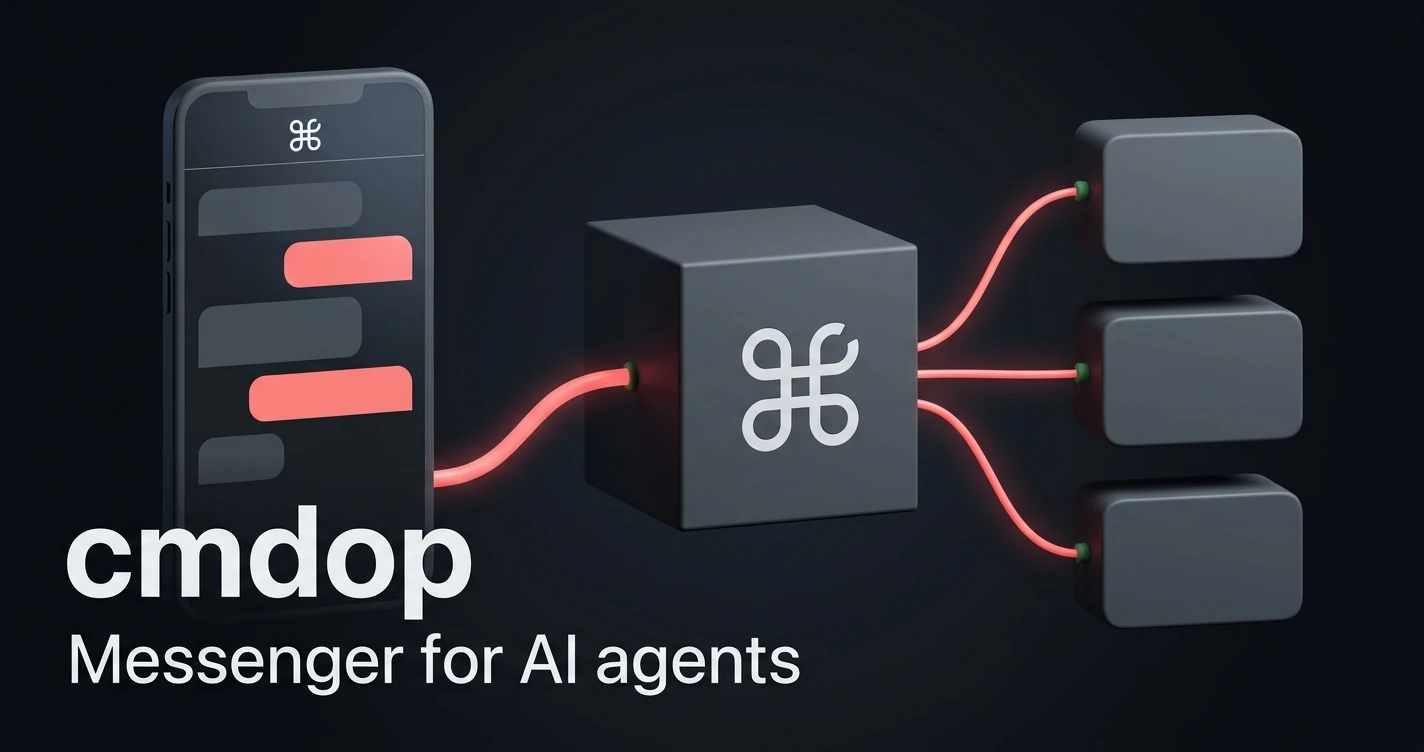
Installer for the cmdop CLI — stand up an AI agent on a machine you already have.
npx scoutagentThat's it. scoutagent detects your platform, downloads the cmdop binary,
verifies it against the published checksums, installs it, and hands over.
You almost certainly do not need to provision anything to try this. A laptop, an idle VPS, or the box already running something else is enough.
cmdop is one binary with no runtime dependencies, and this package is the shortest way to get it there: one npx command and you are done.
How does CMDOP compare? CMDOP Skills vs OpenClaw: two approaches to AI agent skills →
From nothing to a running agent in two commands
There is no account to create before the install works, no image to build, and no configuration file to write first. The install is a platform detection, a download, a checksum check, and a handover.
If it turns out not to be what you wanted, removing it is deleting one file from ~/.local/bin.
What is cmdop
One executable that is the agent, the relay, the local server and the web console at once. There is no gateway, backend, database server or broker to stand up — you add one binary to a machine you already own.
- run an AI agent on your own machine, with your own tools
- reach it from anywhere: terminal, files, remote execution
- connect machines into a fleet
- works with Claude Code and other agent engines under the hood
Full documentation: docs.cmdop.com
Usage
npx scoutagent                   # install cmdop (if needed), then run it
npm install -g scoutagent        # or install the command permanently
Once the command is available:
scoutagent                    # install cmdop (if needed), then run it
scoutagent --install-only     # install, don't hand over
scoutagent --prefix ~/bin     # choose the install directory
scoutagent --force            # reinstall even if already present
scoutagent --quiet            # print only the installed path
scoutagent -- --help          # everything after `--` goes to cmdop
Default install directory is ~/.local/bin (%LOCALAPPDATA%\cmdop\bin on
Windows). No sudo, no system directories.
What it does, precisely
- Detects your OS and architecture.
- Fetches
SHA256SUMSfrominstall.cmdop.com. - Downloads the matching binary to a temporary file.
- Verifies the SHA-256 against the published checksum. On mismatch it aborts and installs nothing.
- Moves the verified binary into the install directory and marks it executable.
- Runs it.
Supported: macOS (Apple Silicon, Intel), Linux (x64, arm64), Windows (x64).
Requires Node.js 18 or newer.
What it does not do
- No side effects at install time.
npm install scoutagentonly unpacks files — there is nopostinstallscript. Nothing is downloaded or executed until you runscoutagent. - No network access on require.
require('scoutagent')touches nothing. - No telemetry. The package sends no analytics, ever.
- No dependencies. Node built-ins only, so there is nothing in this
package's tree that can float onto a broken release. It declares no
dependenciesat all — not an empty object, no entry.
Node API
The installer is importable if you would rather script it:
const scoutagent = require('scoutagent');

const target = scoutagent.detect();
console.log(target.label, target.asset);

const result = await scoutagent.install();
console.log(result.path, result.sha256);
scoutagent.install() rejects with scoutagent.InstallError carrying a
user-facing message on any failure, and scoutagent.detect() throws
scoutagent.UnsupportedPlatform when there is no published binary for the
current machine.
install() accepts { installDir, target, onProgress }; all three are
optional.
Links
- Website — https://cmdop.com
- Documentation — https://docs.cmdop.com
- Downloads — https://cmdop.com/download
License
MIT