
screenwire
v0.1.49
Published
Native screen recording for Node.js and Electron — macOS (ScreenCaptureKit)

Maintainers
 breakingpoint
Readme
screenwire
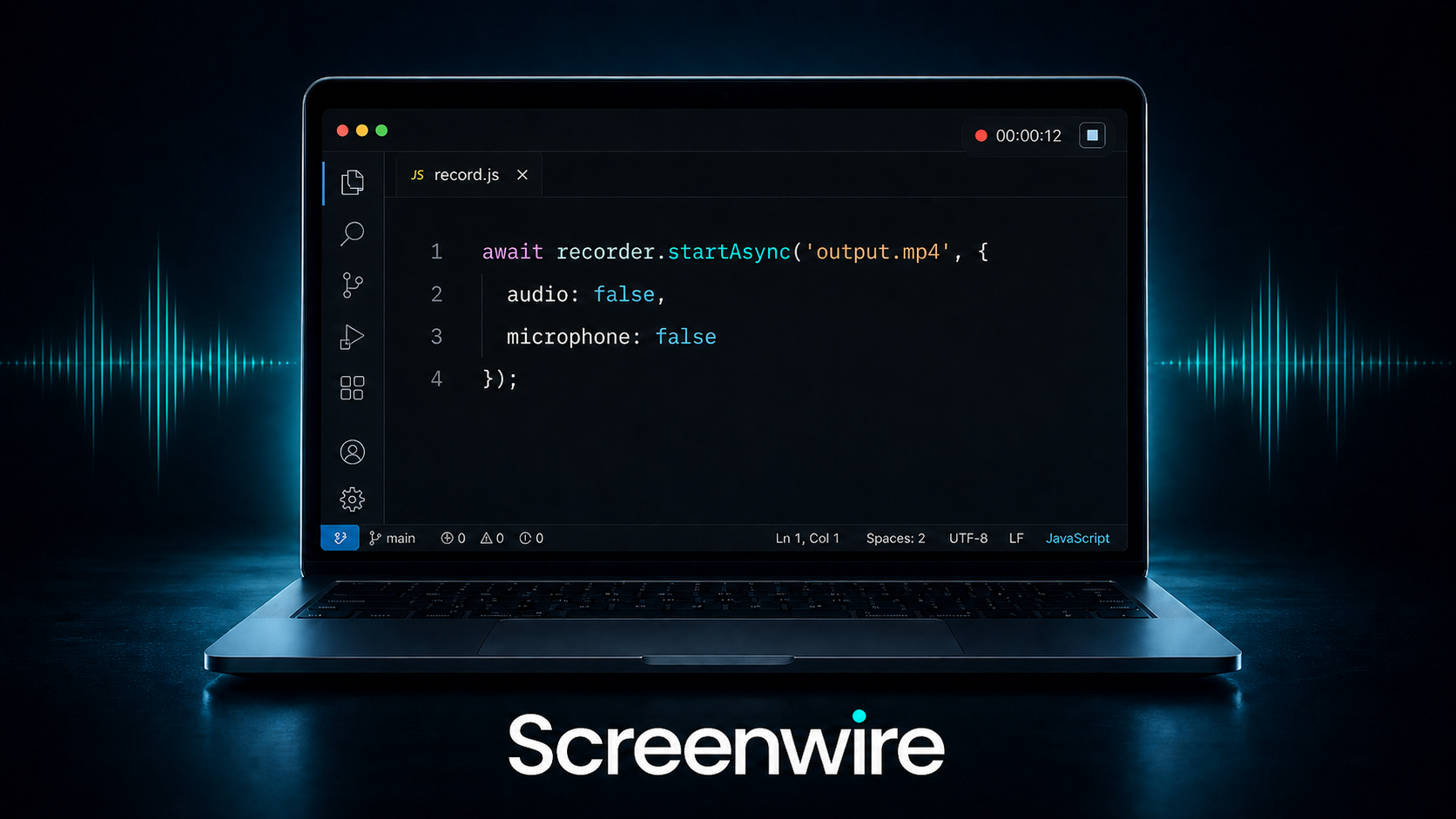
Native screen recording for Node.js and Electron — macOS and Windows.
- macOS — ScreenCaptureKit (macOS 13+, Apple Silicon)
- Windows — WASAPI loopback + GDI screen capture via NativeAOT C# bridge (Windows 10/11 x64)
Prebuilt binaries are included. No Xcode, no .NET SDK, no node-gyp required on the user's machine.
Requirements
- Node.js 18 or newer
- macOS 13.0+ on Apple Silicon or Windows 10/11 x64
- Screen Recording permission granted in System Settings (macOS only — the OS will prompt on first run)
Installation
npm install screenwireNo native compilation happens during install. The prebuilt .node addon and all native dependencies are bundled with the package.
Usage
Basic example
const recorder = require('screenwire')
const path = require('path')
const os = require('os')

const outputPath = path.join(os.homedir(), 'Desktop', 'recording.mp4')
const sleep = (ms) => new Promise(resolve => setTimeout(resolve, ms))

async function main() {
  await recorder.startAsync(outputPath)
  console.log('Recording started...')

  await sleep(5000)

  const status = await recorder.stopAsync()
  console.log(status) // "Saved recording to /Users/.../recording.mp4"
}

main()
With options
audio controls system audio (what plays through your speakers). microphone controls mic input. Both default to true — omit either to keep it on.
// Screen + system audio + microphone (default)
await recorder.startAsync(outputPath)

// Screen + microphone only — no system audio
await recorder.startAsync(outputPath, { audio: false })

// Screen + system audio only — no microphone
await recorder.startAsync(outputPath, { microphone: false })

// Screen only — no audio at all
await recorder.startAsync(outputPath, { audio: false, microphone: false })
Callback style
const recorder = require('screenwire')
const path = require('path')
const os = require('os')

const outputPath = path.join(os.homedir(), 'Desktop', 'recording.mp4')

recorder.start(outputPath, { microphone: false }, (status) => {
  console.log('[status]', status)
})

setTimeout(() => {
  recorder.stop((status) => {
    console.log('[done]', status)
  })
}, 5000)
API
recorder.startAsync(outputPath[, options]) → Promise<string>
Starts recording to the given .mp4 file path. Resolves once recording is active.
recorder.stopAsync() → Promise<string>
Stops recording and finalizes the file. Resolves with the final status string once the file is saved.
recorder.start(outputPath[, options], onStatus)
Callback version of startAsync. onStatus(message) is called with progress strings as recording proceeds.
recorder.stop(onStatus)
Callback version of stopAsync. onStatus(message) is called with the final status string.
recorder.isRecording() → boolean
Returns true if a recording is currently in progress.
Options
| Option | Type | Default | Description |
|--------|------|---------|-------------|
| audio | boolean | true | Capture system audio (what plays through speakers) |
| microphone | boolean | true | Capture microphone input |
Options are optional — omitting a key keeps the default. Omitting the options object entirely is the same as { audio: true, microphone: true }.
Status strings
| String | Meaning |
|---|---|
| "Checking permissions..." | Verifying screen recording permission (macOS) |
| "Preparing screen capture..." | Setting up the capture pipeline |
| "Recording to /path/file.mp4" | Recording is active |
| "Stopping recording..." | Stop called, finalizing the file |
| "Saved recording to /path/file.mp4" | File successfully written |
Platform notes
macOS captures screen, system audio, and microphone using ScreenCaptureKit. The OS will prompt for Screen Recording permission on first use — grant access in System Settings → Privacy & Security. Microphone capture requires macOS 15 or newer.
Windows captures screen via GDI/ffmpeg and system audio via direct WASAPI loopback COM P/Invoke. Microphone is captured via NAudio if a device is present. All native DLLs and ffmpeg are bundled inside the package.
License
MIT — built and maintained by BreakingPoint