
sdnext-launcher
v0.1.4
Published
SD.Next Windows installer and launcher


Readme
SD.Next Installer & Launcher
A simple, all-in-one application for installing and running SD.Next on Windows 10/11.
Download: https://github.com/vladmandic/sdnext-launcher/releases
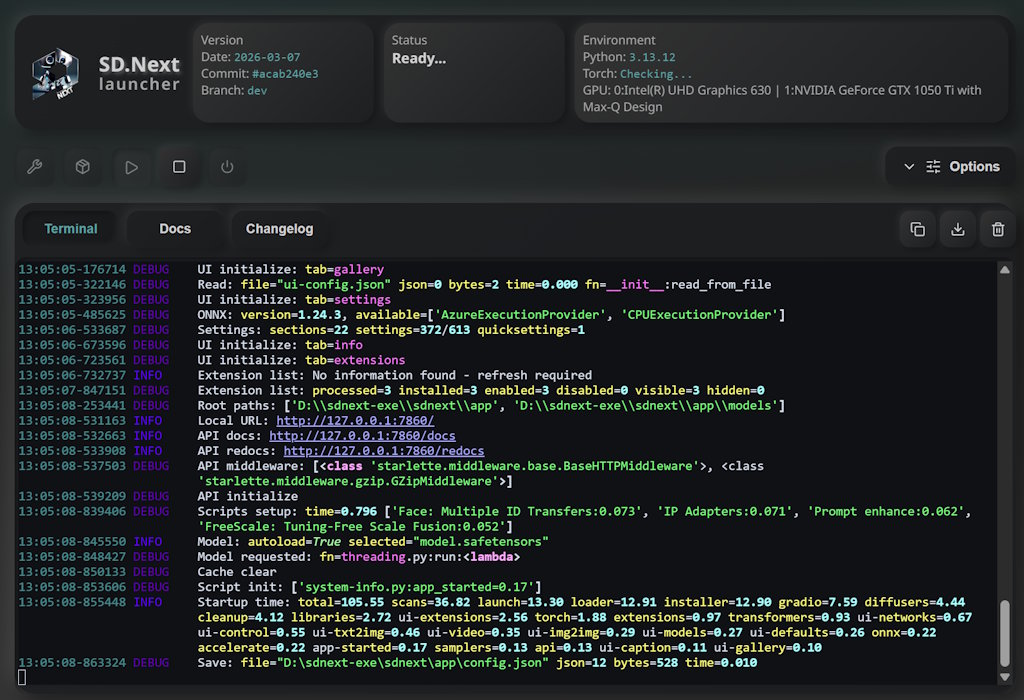
- No setup hassles — All dependencies bundled.
PythonandGitincluded, nothing extra to install. - One-click installation — Just download the
EXEand run. The installer guides you through everything. - Customizable setup — Choose which GPU backend (CUDA, ROCm, Zluda, IPex, DirectML, OpenVino), where to install, and advanced options.
- Built-in launcher — After installation, launch SD.Next directly from the app. No command line needed.
- Real-time progress — Watch the install/launch unfold with live terminal output and helpful status updates.
System Requirements
- Windows 10 or Windows 11
- 6+ GB free disk space: For SD.Next and dependencies
- Internet connection: For downloading the application during installation
- No admin rights required: Standard user privileges are enough
- Zero contamination: The installer does not modify any files outside of its own directory
Installation Steps
- Download
SD.Next-<version>.exeorSD.Next-<version>.zipand run it - Bootstrap — On first run, click "Bootstrap" to unpack the bundled tools
- Configure — Adjust your settings: GPU type, installation paths, startup options, etc.
- Install — Click "Install" and let the app set everything up
- Launch — Once installation completes, click "Launch" to run SD.Next
[!NOTE] Exe and Zip versions are the same under the hood
Exe self-extracts before running which may take a few seconds before app starts
Zip requires manual extraction but once extracted it's fully ready, so it may start faster
[!NOTE] The entire process takes 10-30 minutes depending on your internet speed and hardware.
Installer creates sdnext folder (configurable) with subfolders:
bin/: containsgitandpythonportable executablesvenv/: contains virtual environment with all SD.Next dependenciesapp/: contains SD.Next application files
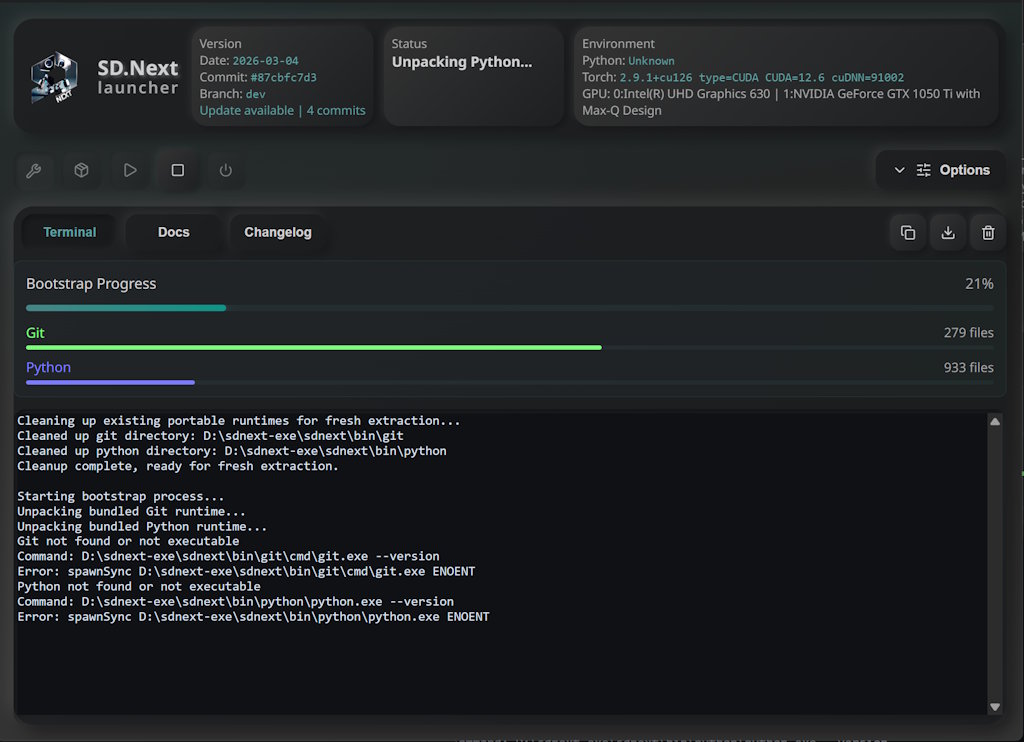
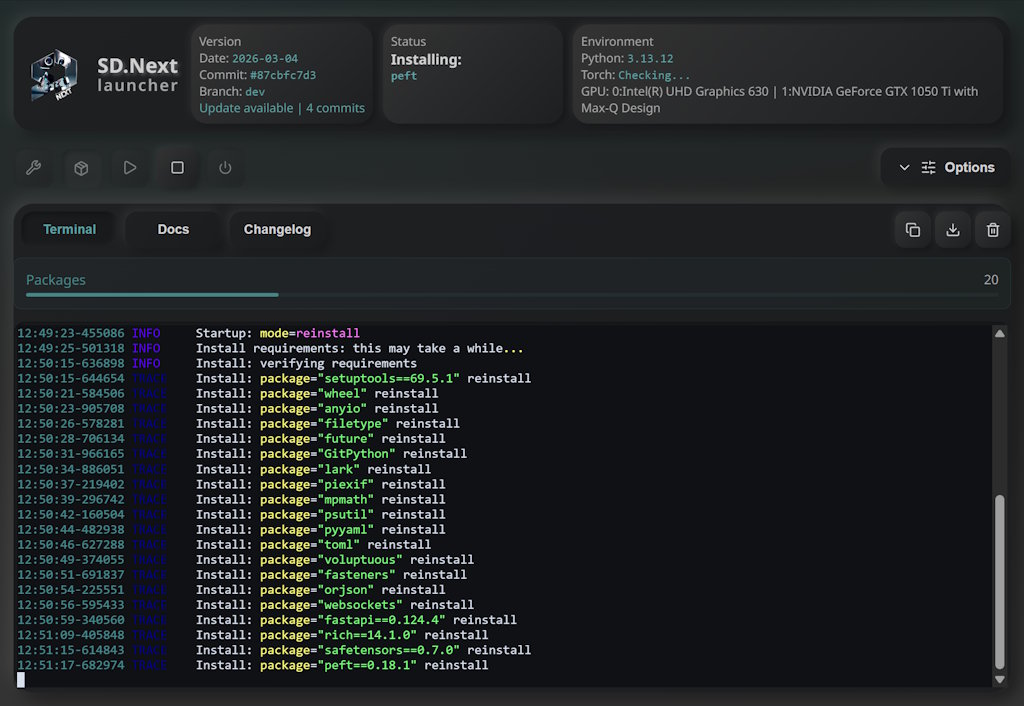
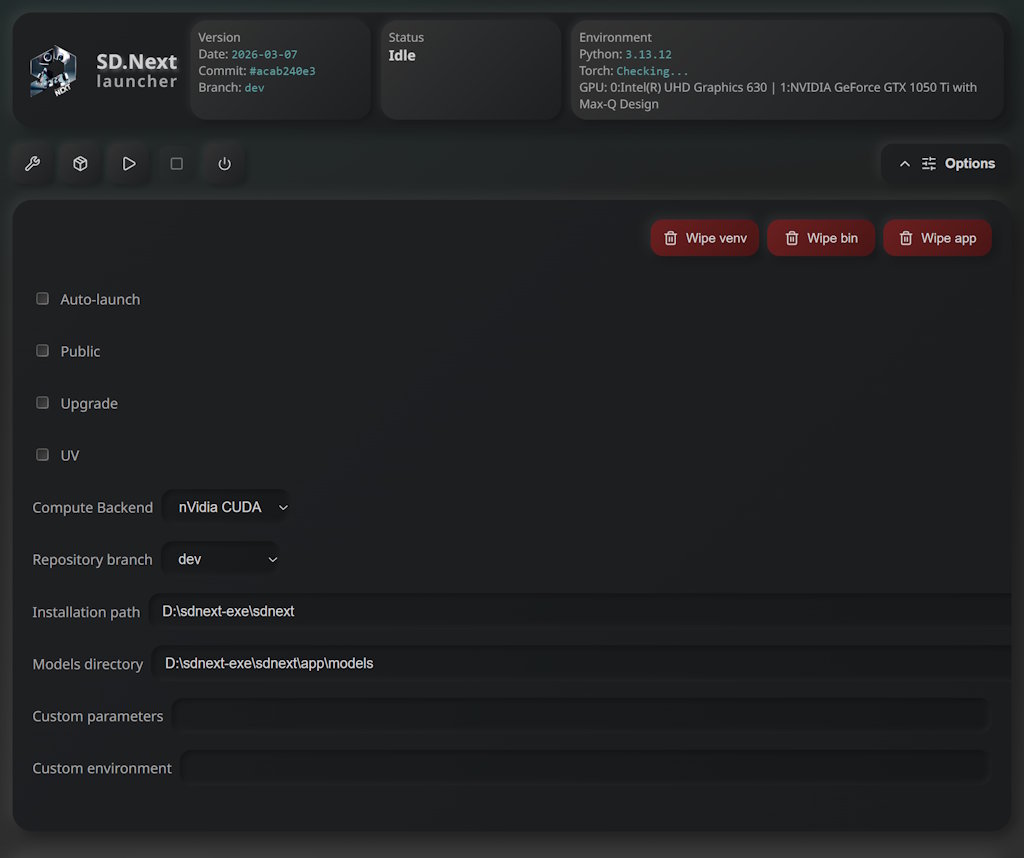
[!TIP] Logs Are Your Friend: Always check the terminal output and logs if something goes wrong—they contain detailed information
Full Documentation: Available in the Docs tab of the installer
Issue Tracker: Report problems on GitHub Issues