
senangwebs-gallery
v1.3.12
Published
Modern & responsive modal image (lightbox) library.

Maintainers
 a-hakim
Readme
SenangWebs Gallery (SWG)
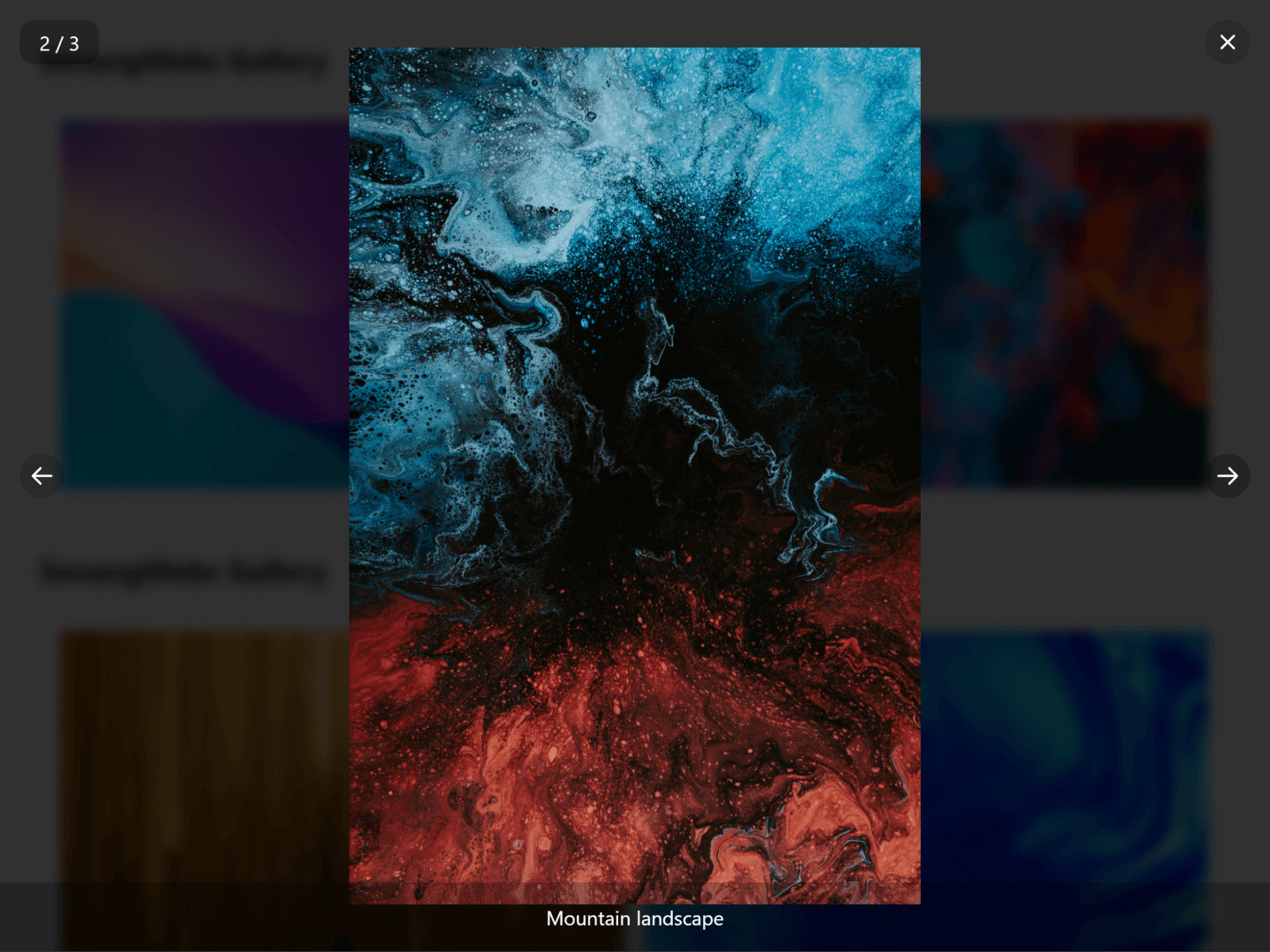
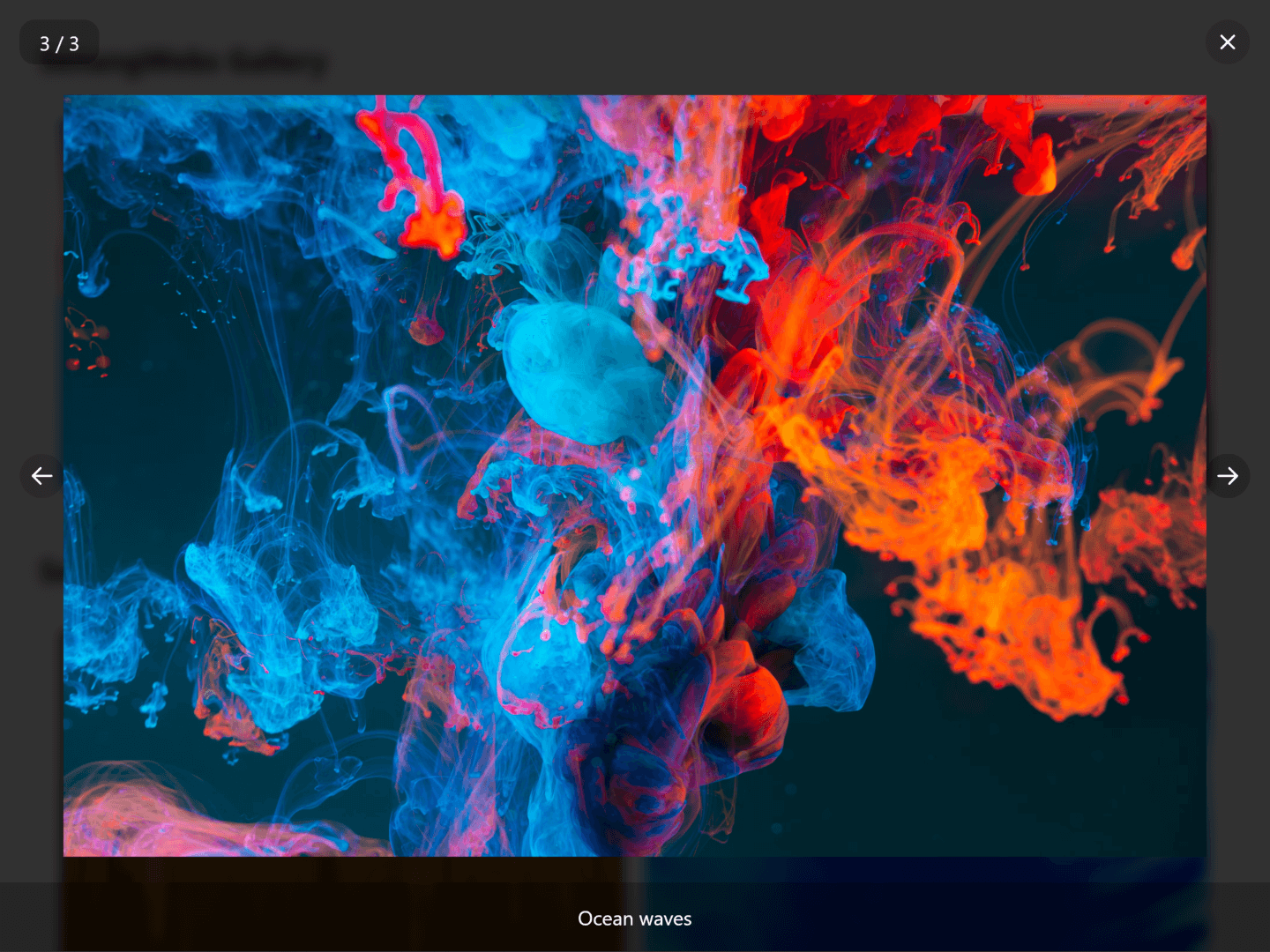
SenangWebs Gallery (SWG) is a lightweight JavaScript library that provides a modern, responsive modal image gallery with smooth transitions and intuitive navigation. With minimal setup, you can transform your image collections into an engaging gallery experience, complete with captions and keyboard controls.


| example 1 | example 2 |
| ------------------------------------------------------------------------------------------------------------- | ------------------------------------------------------------------------------------------------------------- |
|  |
|  |
|
Features
- Easy to integrate with existing projects
- Responsive modal gallery with smooth transitions
- Support for image captions
- Keyboard navigation support (arrow keys and escape)
- Accessible dialog semantics, named controls, and focus management
- Counter display option for tracking image position
- Touch-friendly navigation controls
- Reduced-motion support
- Customizable via data attributes
- Framework-friendly lifecycle (Turbo, Livewire, and other SPA navigations)
- The browser distribution embeds the three icons it uses (vendored from SenangStart Icons); the npm package has no runtime dependencies
- Works on all modern browsers
Installation
Using npm
npm install senangwebs-galleryThe package entry (index.js) imports the stylesheet and exports the
SenangWebsGallery class for CSS-aware bundlers. Native Node/SSR imports are
not supported; in SSR frameworks (Next.js, Nuxt) import it inside a
client-only component or initialize it from a browser lifecycle hook.
Using a CDN
You can include SenangWebs Gallery directly in your HTML file using unpkg. Pin a specific version and use the minified distribution in production:
<link
  rel="stylesheet"
  href="https://unpkg.com/[email protected]/dist/swg.min.css"
/>
<script src="https://unpkg.com/[email protected]/dist/swg.min.js"></script>
Usage
- Include the SWG CSS and JavaScript files in your HTML:
<!-- If installed via npm -->
<link rel="stylesheet" href="path/to/swg.css" />
<script src="path/to/swg.js"></script>

<!-- Or if using unpkg -->
<link
  rel="stylesheet"
  href="https://unpkg.com/senangwebs-gallery@latest/dist/swg.css"
/>
<script src="https://unpkg.com/senangwebs-gallery@latest/dist/swg.js"></script>- Create your gallery structure using data attributes:
<div data-swg data-swg-page>
  <div data-swg-item data-swg-caption="Beautiful sunset">
    <img src="path/to/thumbnail1.jpg" data-swg-full="path/to/image1.jpg" alt="Sunset" />
  </div>
  <div data-swg-item data-swg-caption="Mountain view">
    <img src="path/to/image2.jpg" alt="Mountain" />
  </div>
  <div data-swg-item data-swg-caption="Ocean waves">
    <img src="path/to/image3.jpg" alt="Ocean" />
  </div>
</div>
The gallery will automatically initialize when the page loads.
Data Attributes
Configure your gallery using these data attributes:
data-swg: Marks the container element as a gallerydata-swg-page: Enables the counter display showing current image position (e.g., "2 / 5")data-swg-item: Marks an element as a gallery itemdata-swg-caption: Adds a caption to the image in the modal viewdata-swg-full: Optional per-item override for the full-size image source. When omitted, the full-size source is the browser-selected image source (currentSrc, which respectssrcsetand<picture>), falling back tosrc. Anchor items (<a href="...">) use theirhref.
JavaScript API
Galleries initialize automatically, including after Turbo and Livewire navigations. For programmatic control, import the class (module usage requires a CSS-aware bundler):
import SenangWebsGallery from "senangwebs-gallery";

const gallery = new SenangWebsGallery(document.querySelector("[data-swg]"));

gallery.refresh(); // re-scan after adding/removing/replacing items
gallery.destroy(); // full teardown: removes listeners, modal, restores state
SenangWebsGallery.initAll() re-initializes unclaimed [data-swg]
containers and SenangWebsGallery.destroyAll() tears down every live
instance — the same hooks the library applies automatically on
turbo:before-cache, turbo:load, livewire:navigating, and
livewire:navigated.
Features in Detail
Navigation
- Keyboard Controls:
- Enter/Space: Open a focused gallery item (Enter only for link items; Space only for non-link, non-button wrappers)
- Left Arrow: Previous image
- Right Arrow: Next image
- Escape: Close modal
- Tab/Shift+Tab: Move between modal controls
- Mouse/Touch Controls:
- Click on image: Open modal
- Click on the backdrop or empty space around the image: Close modal
- Previous/Next buttons: Navigate between images
- Close button: Exit modal view
- Swipe left/right: Navigate between images (horizontal swipes only)
- Image loading:
- A loading spinner shows while the full-size image loads
- Broken images show an accessible error message with a Retry button
- Navigation stays available while a slow image is loading
Visual Features
- Smooth transitions between images
- Responsive design that works on all screen sizes
- Optional image counter
- Caption support for detailed image descriptions
- Clean, modern UI with intuitive controls
Accessibility
- Non-interactive
data-swg-itemelements automatically receive button semantics and keyboard support - Focus moves to the modal when opened, stays within its controls (wrapping at the ends and recovering if focus moves outside), and returns to the opened item when closed
- Modal controls include accessible names, and the loading, error, and counter states are announced to assistive technology
- Animations are minimized when the user enables reduced-motion preferences; closing and slide transitions complete immediately in that case
Development
- Node.js >= 20.9.0 is required to build
npm run buildregeneratesdist/;npm testruns the test suitenpm publishrebuildsdist/via theprepackscript before packaging
Browser Support
SenangWebs Gallery works on all modern browsers, including:
- Chrome
- Firefox
- Safari
- Edge
- Opera
Contributing
Contributions are welcome! Please feel free to submit a Pull Request.
License
This project is licensed under the MIT License - see the LICENSE.md file for details.
Support
If you encounter any issues or have questions, please file an issue on the GitHub repository.