
senangwebs-whiteboard
v1.2.1
Published
A powerful, client-side JavaScript drawing library for creating digital whiteboards and vector drawings.

Maintainers
 a-hakim
Readme
SenangWebs Whiteboard (SWW)
SenangWebs Whiteboard (SWW) is a powerful, client-side JavaScript drawing library for creating interactive digital whiteboards and vector drawings. With advanced performance optimizations and modern UI components, you can transform any container into a fully-featured drawing application with minimal setup.


| example 1 | example 2 |
| ---------------------------------------------------------------------------------------------------------------- | ---------------------------------------------------------------------------------------------------------------- |
| 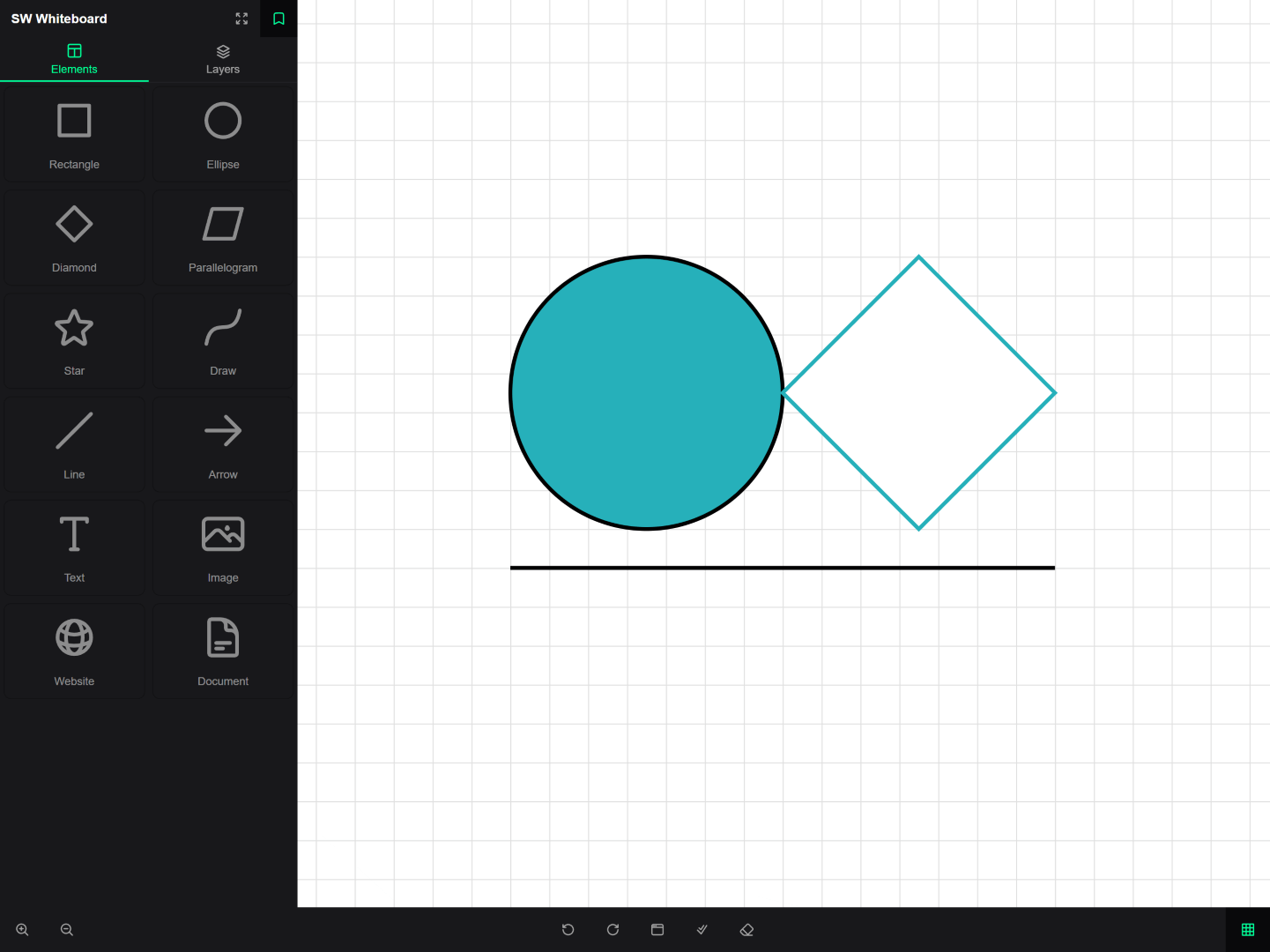 |
| 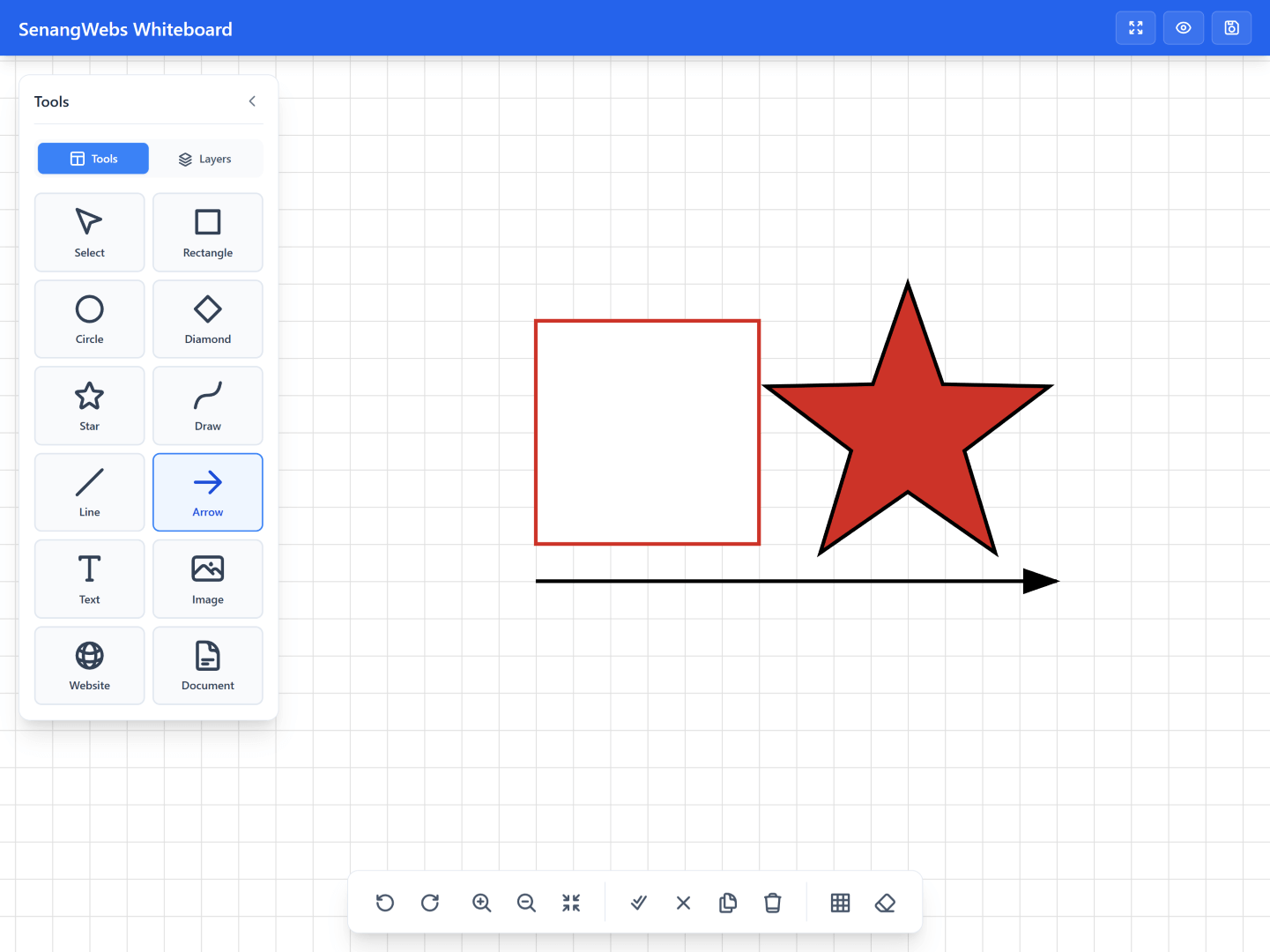 |
|
Features
- Easy to integrate with existing projects
- Multiple drawing tools (shapes, lines, arrows, text, freehand)
- Advanced layer management with visibility and locking
- Selection tools with multi-select support
- Complete undo/redo system (50-step history)
- Performance optimized for handling thousands of elements
- Dark/light theme support with customizable colors
- SVG and PNG export functionality
- Grid system with snap-to-grid
- Zoom and pan controls
- Clipboard operations (copy, paste, duplicate)
- Preview/presentation mode
- Read-only mode for presentations
- Markdown support with live preview
Installation
Using npm
npm install senangwebs-whiteboardImport the JavaScript bundle and stylesheet through your bundler:
import SWW from "senangwebs-whiteboard";
import "senangwebs-whiteboard/dist/sww.css";

const container = document.getElementById("drawing-container");
const whiteboard = SWW.init(container);
Using a CDN
You can include SenangWebs Whiteboard directly in your HTML file using unpkg:
<link
  rel="stylesheet"
  href="https://unpkg.com/senangwebs-whiteboard@latest/dist/sww.css"
/>
<script src="https://unpkg.com/senangwebs-whiteboard@latest/dist/sww.js"></script>
Usage
- Include the SWW CSS and JavaScript files in your HTML:
<!DOCTYPE html>
<html>
  <head>
    <link
      rel="stylesheet"
      href="https://unpkg.com/senangwebs-whiteboard@latest/dist/sww.css"
    />
    <script src="https://unpkg.com/senangwebs-whiteboard@latest/dist/sww.js"></script>
  </head>
  <body>
    <div id="drawing-container"></div>

    <script>
      const container = document.getElementById("drawing-container");
      const whiteboard = sww.init(container, {
        backgroundColor: "#ffffff",
        gridSize: 20,
        showGrid: true,
      });
    </script>
  </body>
</html>- Initialize with custom options:
const whiteboard = sww.init(container, {
  backgroundColor: "#ffffff",
  gridSize: 20,
  showGrid: true,
  panelMode: "dark", // "dark" or "light"
  accentColor: "#00FF99", // Custom accent color
  readOnly: false, // Set to true for presentations
  performanceMode: true, // Enable optimizations
});
Configuration Options
Configure your whiteboard using these options:
width: Canvas width (default: "100%")height: Canvas height (default: "100%")backgroundColor: Canvas background color (default: "#ffffff")gridSize: Grid cell size in pixels (default: 20)showGrid: Show/hide grid on initialization (default: true)panelMode: Panel theme mode - "dark" or "light" (default: "dark")panelBackgroundColor: Custom panel background coloraccentColor: Custom accent colorreadOnly: Enable read-only presentation mode (default: false)performanceMode: Enable performance optimizations (default: false, auto-enabled for large scenes)
Drawing Tools
Available Tools
- Shapes: Rectangle, Ellipse, Diamond, Parallelogram, Star
- Lines: Line, Arrow
- Text: Rich text with multiple font families
- Media: Website embeds, Images, Markdown documents
- Tables: Editable tables with toolbar controls for adding/removing rows and columns
- Utility: Selection tool, Freehand drawing
Setting Tools
whiteboard.setTool("rectangle"); // Draw rectangles
whiteboard.setTool("ellipse"); // Draw circles/ellipses
whiteboard.setTool("text"); // Add text
whiteboard.setTool("arrow"); // Draw arrows
whiteboard.setTool("table"); // Add tables
whiteboard.setTool("select"); // Selection mode
API Reference
Core Methods
// Scene Management
whiteboard.getScene(); // Get current scene data
whiteboard.loadScene(data); // Load scene from JSON
whiteboard.destroy(); // Remove listeners, observers, and instance DOM
whiteboard.clearAll(); // Clear all elements
SWW.getInstance(container); // Get the instance attached to a container

// Element Management
whiteboard.getElementById(id); // Find element by ID
whiteboard.selectElementById(id); // Select specific element
whiteboard.deleteElementById(id); // Delete specific element
whiteboard.toggleElementVisibility(id); // Toggle element visibility

// Selection
whiteboard.selectAll(); // Select all elements
whiteboard.clearSelection(); // Clear selection
whiteboard.deleteSelectedElements(); // Delete selected

// Clipboard
whiteboard.copySelected(); // Copy to clipboard
whiteboard.pasteClipboard(); // Paste from clipboard

// Zoom & View
whiteboard.zoomIn(); // Zoom in 10%
whiteboard.zoomOut(); // Zoom out 10%
whiteboard.resetZoom(); // Reset to 100%
whiteboard.fitCanvasToElements(); // Fit all elements
whiteboard.toggleGrid(); // Toggle grid

// History
whiteboard.undo(); // Undo last action
whiteboard.redo(); // Redo action

// Export
whiteboard.exportToSVG(); // Export as SVG
whiteboard.exportToPNG(); // Export as PNG

// Preview Mode
whiteboard.togglePreviewMode(); // Toggle preview
whiteboard.enterPreviewMode(); // Enter preview
whiteboard.exitPreviewMode(); // Exit preview
For detailed API documentation, see docs/api-reference.md.
Features in Detail
Keyboard Controls
- Ctrl+Z / Ctrl+Y: Undo / Redo
- Ctrl+A: Select all
- Ctrl+C / Ctrl+V: Copy / Paste
- Delete: Delete selected elements
- Escape: Clear selection or exit preview mode
- Arrow Keys: Move selected elements (Shift for grid-aligned movement)
- + / -: Zoom in / out
- G: Toggle grid
- P: Toggle preview mode
- 1-5: Quick tool selection
Performance Features
- Spatial Indexing: Automatically enabled for scenes with 100+ elements
- Level of Detail (LOD): Reduces rendering complexity for distant elements
- Viewport Culling: Only renders visible elements
- Optimized Rendering: Throttled updates for smooth 60fps performance
Theme Customization
// Switch theme dynamically
whiteboard.setPanelMode("light"); // Switch to light mode
whiteboard.setPanelMode("dark"); // Switch to dark mode

// Custom colors
const whiteboard = sww.init(container, {
  panelBackgroundColor: "#1a1f3a",
  accentColor: "#4c9aff",
  secondaryAccentColor: "#2563eb",
});
Browser Support
SenangWebs Whiteboard works on all modern browsers:
- ✅ Chrome 80+
- ✅ Firefox 75+
- ✅ Safari 13+
- ✅ Edge 80+
- ⚠️ Internet Explorer (Not Supported)
Requirements:
- ES6+ JavaScript support
- SVG rendering support
- CSS Grid and Flexbox
- Modern event handling (pointer events)
Documentation
For comprehensive documentation, please visit the docs directory:
Examples
Check out the example files in the repository:
examples/sww.html- Full-featured whiteboard with control panelexamples/sww-tailwind.html- Tailwind CSS styled implementation
Contributing
Contributions are welcome! Please feel free to submit a Pull Request.
License
This project is licensed under the MIT License - see the LICENSE.md file for details.