
serve-authed
v14.3.0
Published
Static file serving and directory listing with authentication support

Maintainers
 alex-kaffetzakis
Readme

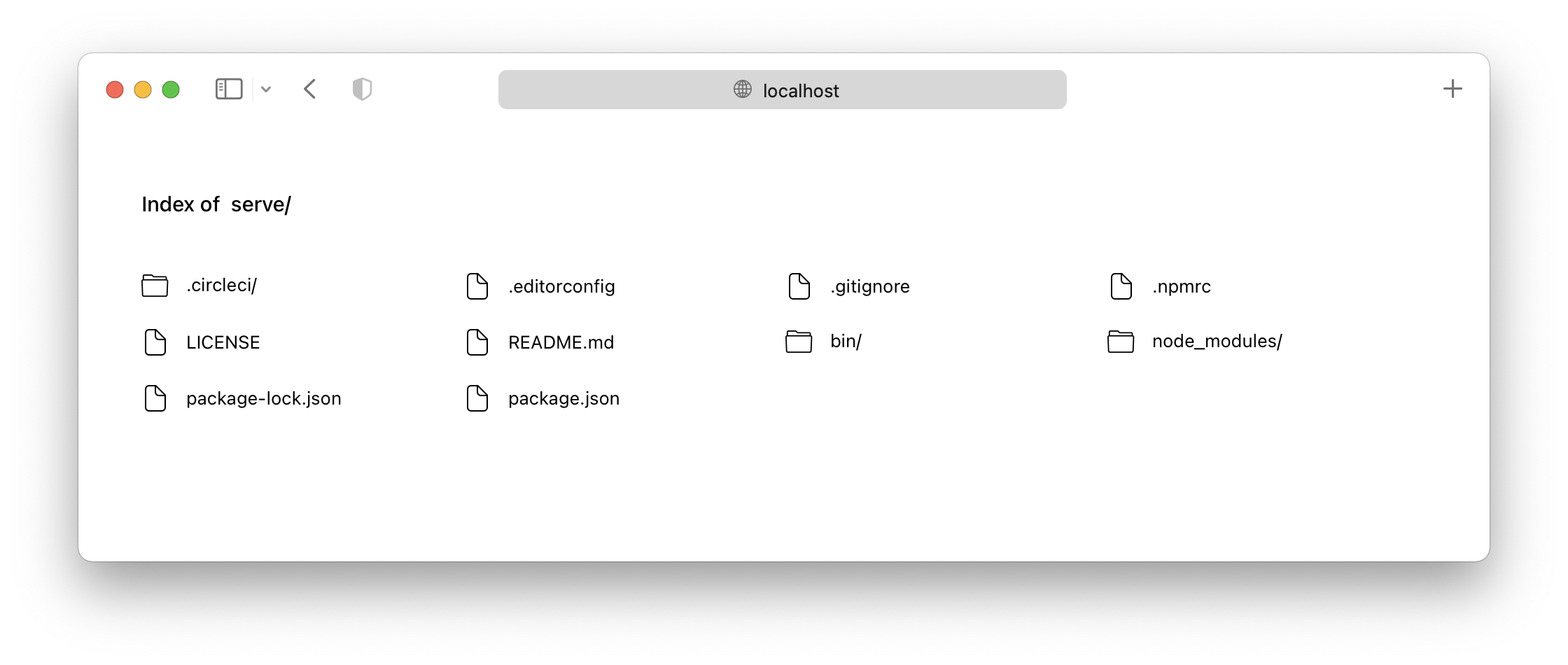
serve-authed helps you serve a static site, single page application or just a static file (no matter if on your device or on the local network) with optional authentication support. It also provides a neat interface for listing the directory's contents:
Once it's time to push your site to production, we recommend using Vercel.
Note: This is a fork of the original serve package by Vercel, with added authentication capabilities.
Usage
serve-authedv14 onwards requires Node v14 to run. Please useserve-authedv13 if you cannot upgrade to Node v14.
The quickest way to get started is to just run npx serve-authed in your project's directory.
If you prefer, you can also install the package globally (you'll need at least Node LTS):
> npm install --global serve-authedOnce that's done, you can run this command inside your project's directory...
> serve-authed...or specify which folder you want to serve:
> serve-authed folder-name/Finally, run this command to see a list of all available options:
> serve-authed --helpNow you understand how the package works! :tada:
Authentication
serve-authed supports optional token-based authentication to protect your files. When enabled, all requests must include a valid authentication token.
Basic Usage
To enable authentication, use the --token (or -t) flag:
> serve-authed --token YOUR_SECRET_TOKENProviding the Token
Clients can authenticate using one of two methods:
- Authorization Header (recommended):
curl -H "Authorization: YOUR_SECRET_TOKEN" http://localhost:3000
# or with Bearer prefix
curl -H "Authorization: Bearer YOUR_SECRET_TOKEN" http://localhost:3000- Query Parameter:
curl http://localhost:3000?authentication=YOUR_SECRET_TOKENExample
# Start server with authentication
> serve-authed --token mySecretToken123

# Access from browser or API client
curl -H "Authorization: Bearer mySecretToken123" http://localhost:3000/index.html
Unauthenticated requests will receive a 403 Forbidden response.
Configuration
To customize serve-authed's behavior, create a serve.json file in the public folder and insert any of these properties.
API
The core of serve-authed is serve-handler, which can be used as middleware in existing HTTP servers:
const handler = require('serve-handler');
const http = require('http');

const server = http.createServer((request, response) => {
  // You pass two more arguments for config and middleware
  // More details here: https://github.com/vercel/serve-handler#options
  return handler(request, response);
});

server.listen(3000, () => {
  console.log('Running at http://localhost:3000');
});
You can also replace
http.createServerwithmicro.
Issues and Contributing
If you want a feature to be added, or wish to report a bug, please open an issue here.
If you wish to contribute to the project, please read the contributing guide first.
Credits
This project is a fork of the original serve package by Vercel.
The original project used to be called list and micro-list. But thanks to TJ Holowaychuk handing the name to Vercel, it's now called serve (which is much more definite).
Original Author
Leo Lamprecht (@leo)