
set-hello-badge-1-text-and-attribute
v0.0.6
Published
Set Hello Badge Tutorial #1: Demonstrates the data-set-text and data-set-attribute attributes.


Readme
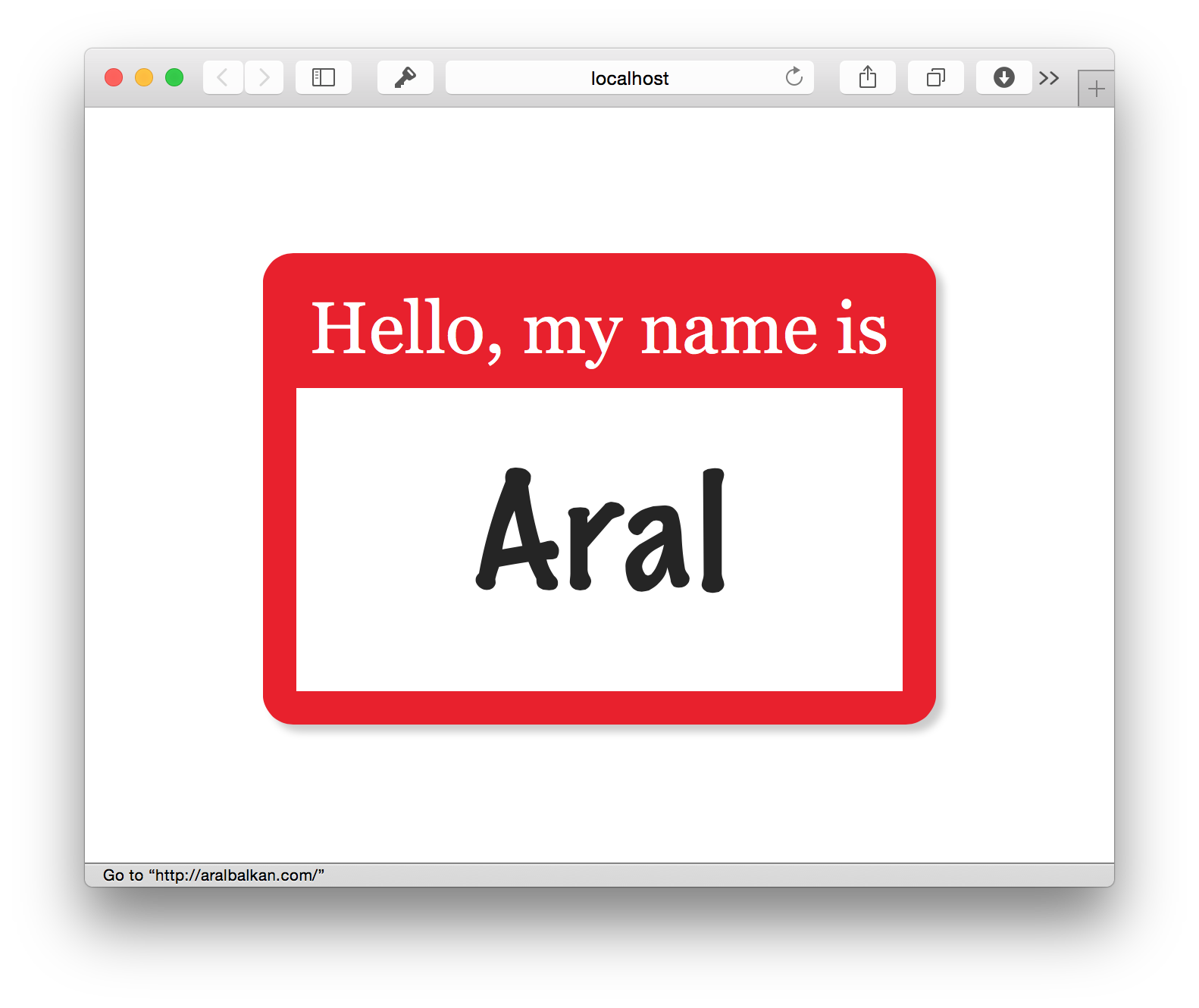
Set Hello Badge Tutorial: Text & Attribute (Part 1 of 4)
This is a very simple example for the Set template engine (Git it now!)
It demonstrates how to set up Set for use with Express and how to use the data-set-text and data-set-attribute Set attributes to set the value of the text and attribute of a DOM element.
Usage
- Clone the repository.
- Run
npm installto install the dependencies. - Run
npm startto start the server.
Once the server is running, go to http://localhost:3000 to see the example and http://localhost:3000/hello-badge.html to see the template source.
Read the notes below to find out how it works and take a peek at the source code.
How it works
Templates in Set are pure HTML 5. Set uses data- attributes with the set namespace (data-set-) to populate templates either on the server or on the client (or both).
In this simple example, we create a simple name badge that links back to the user’s home page.
The name of the user and the link to their homepage are variables (perhaps from a database, although in this example we hard code them).
The template
Let’s start by creating a template called hello-badge.html in the /views folder. It will contain a paragraph tag to hold the title of the label (’Hello, my name is’) and a nested span into which the name of the user will be added when the Set template is compiled.
<p>Hello, my name is <span data-set-text='name'>Inigo Montoya</span></p>
The attribute data-set-text tells Set to replace the text of the span tag with the property name that’s in the data provided to the template.
Since Set templates are pure HTML, you can design in the browser with the template even before the server is ready (and work on both can continue in parallel). Unlike Moustache‐style template engines like Handlebars, etc., your template is What You See Is What You Get.
Next, we wrap the paragraph tag in an anchor tag for the link. This time, instead of the text of the anchor tag, we want to change its href attribute, so we use the data-set-attribute attribute instead.
<a data-set-attribute='href homepage'><p>Hello, my name is <span data-set-text='name'>Inigo Montoya</span></p></a>
To specify multiple attributes, just separate them with a semicolon.
The server
The server couldn’t be simpler. Here’s all the code:
express = require 'express'
set = require 'indie-set'

app = express()
app.engine 'html', set.__express
app.set 'view engine', 'html'
app.use express.static('views')

data = {
		name: 'Aral'
	,	homepage: 'http://aralbalkan.com'
}

app.get '/', (request, response) ->
	response.render 'hello-badge', data

app.listen 3000
We set up Express and create a static data object with name and homepage properties. When the default route is called on the server with a GET request, we render the hello-world.html template, passing it the data object.
That’s it!
Unlike other unobtrusive frameworks like Plates and Notemplate, Set has no mapping code to write. It just works.
Continue learning about Set in Part 2: Repetition.
Table of Contents
- Part 1: Text and Attribute
- Part 2: Repetition
- Part 3: Conditionals
- Part 4: Dummy Data
This is just a very simple example. Check out the Set web site for more complicated ones.