
sf-commons-meta
v1.0.8
Published
Salesforce Commons Metadata Viewer CLI

Maintainers
 mohanchinnappan
Readme
sf-commons-metadata
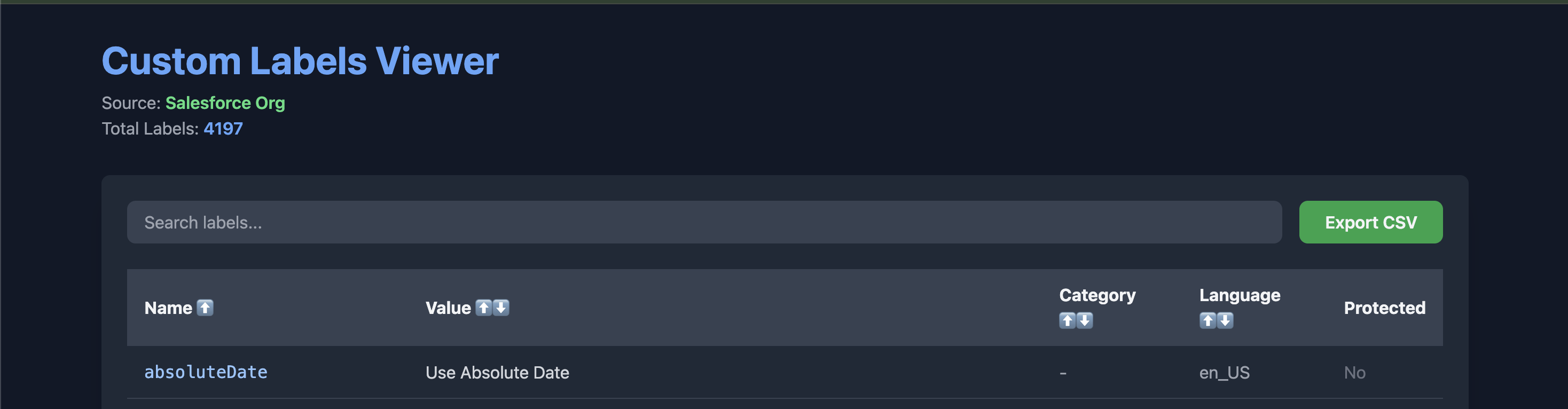
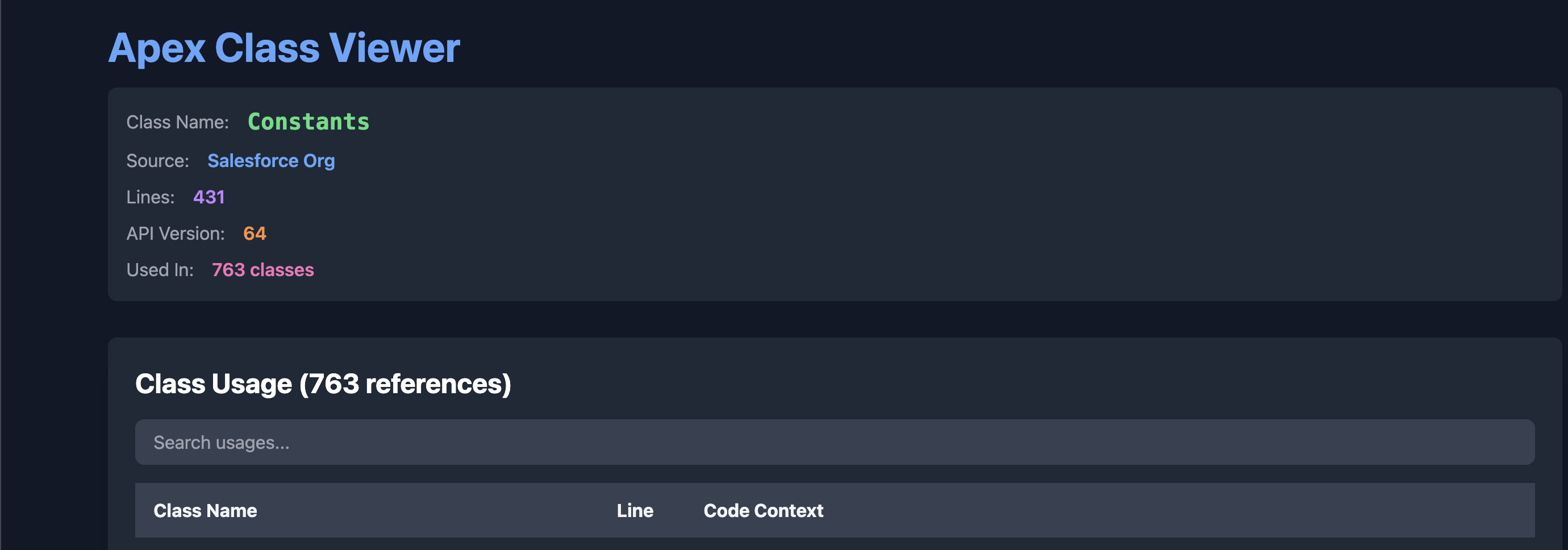
Salesforce Commons Metadata Viewer CLI – View, search, and analyze Custom Labels and Apex Classes from your Salesforce org or local SFDX project with a beautiful, interactive HTML interface.


Screenshots
Features
| Feature | Description | |-------|-----------| | Custom Labels | View all labels with values, categories, language, and protection status | | Apex Class Viewer | Full source code with syntax highlighting + usage analysis | | Duplicate Detection | Highlights duplicate Custom Label names | | Search & Sort | Real-time filtering and column sorting | | Export to CSV | Download filtered labels as CSV | | Cross-platform | Works on macOS, Linux, Windows | | Auto-open in Browser | HTML report opens instantly after generation |
Installation
npm install -g sf-commons-metaRequires Salesforce CLI (
sf) to be installed and authenticated.
Usage
1. View Custom Labels
# From Salesforce org
sf-commons-meta -o <org-alias> -m CustomLabel

# From local SFDX project
sf-commons-meta -o <org-alias> -p ./my-project -m CustomLabel
2. View Apex Class + Usage
sf-commons-meta -o <org-alias> -m ApexClass -c MyControllerOptions
| Flag | Description |
|------|-------------|
| -o, --org <alias> | Required – Salesforce org alias or username |
| -p, --project <path> | Path to SFDX project (optional, defaults to org) |
| -m, --metadata <type> | CustomLabel or ApexClass |
| -c, --classname <name> | Required when -m ApexClass |
Output
- HTML reports saved to:
./sf-metadata-output/ - Auto-opens in default browser
- Responsive dark-mode UI with Tailwind CSS
- Syntax highlighting via Highlight.js
Examples
# View labels from org
sf-commons-meta -o prod-org -m CustomLabel

# View labels from local project
sf-commons-meta -o dev -p ./force-app -m CustomLabel

# View Apex class with usage
sf-commons-meta -o dev -m ApexClass -c Constants
Author
Mohan Chinnappan
License
MIT © Mohan Chinnappan