
sf-dependency-analyzer
v1.0.0
Published
Salesforce Metadata Component Dependency Analyzer CLI

Maintainers
 mohanchinnappan
Readme
Salesforce Metadata Component Dependency Analyzer
A powerful Node.js CLI tool to analyze and visualize Salesforce MetadataComponentDependency relationships with a beautiful dark-themed UI.
Features
- 📊 Query all metadata component dependencies from your Salesforce org
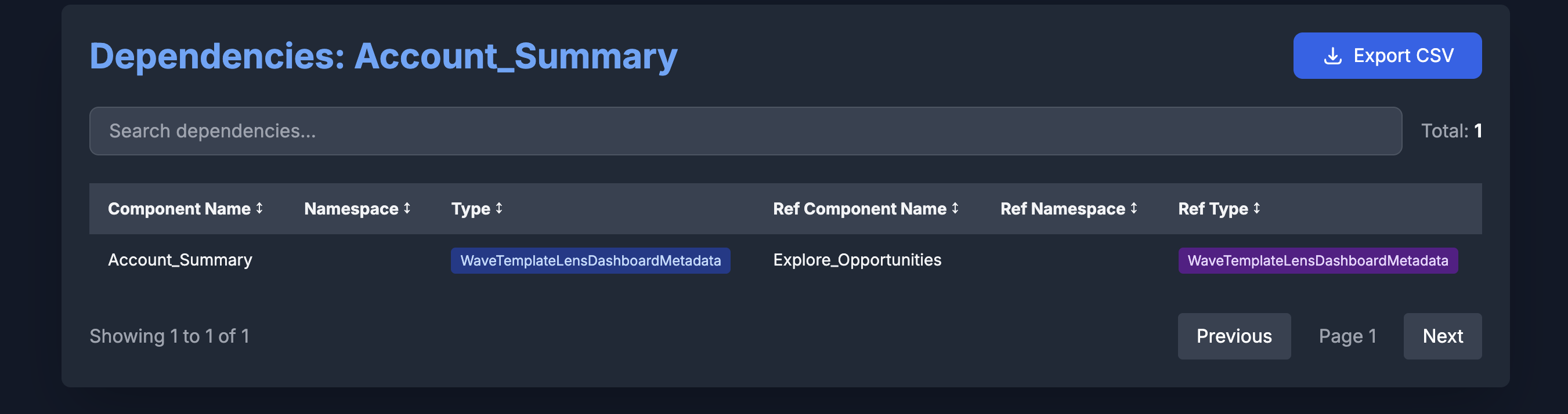
- 🔍 Find specific component dependencies by name and namespace
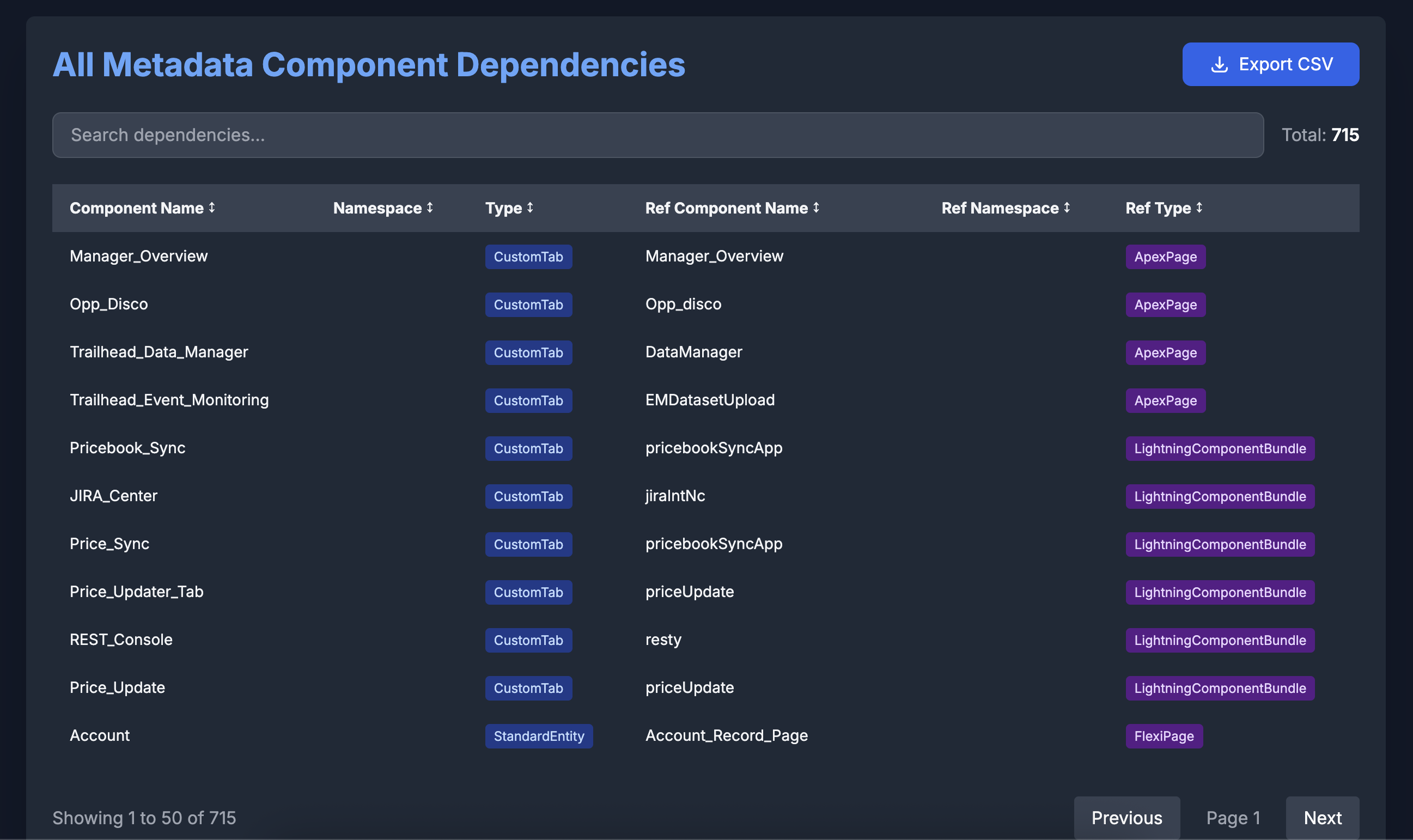
- 🎨 Beautiful dark-themed HTML UI with Tailwind CSS
- 🔢 Column sorting, pagination, and search functionality
- 💾 Export results to CSV
- ⚡ Fast and easy to use
Screenshots
Prerequisites
- Node.js >= 14.0.0
- Salesforce CLI (
sf) installed and configured - Authenticated Salesforce org
Installation
npm install -g sf-dependency-analyzerUsage
Command 1: List All Dependencies
List all metadata component dependencies from your Salesforce org:
sf-meta-dep list -o <username>Example:
sf-meta-dep list -o [email protected]
# or with alias
sf-meta-dep list -o myDevOrg
Command 2: Find Component Dependencies
Find dependencies for a specific metadata component:
sf-meta-dep find -o <username> -c <ComponentName> [-n <namespace>]Options:
-o, --org <username>- Salesforce org username or alias (required)-c, --component <name>- Metadata component name (required)-n, --namespace <namespace>- Metadata component namespace (optional, default: empty)
Examples:
# Find dependencies for a component without namespace
sf-meta-dep find -o [email protected] -c AccountController

# Find dependencies for a component with namespace
sf-meta-dep find -o myDevOrg -c CustomObject -n MyNamespace
Output
The tool generates an HTML file with:
- Interactive Data Table - All dependencies displayed in a clean, sortable table
- Search - Filter dependencies in real-time
- Sorting - Click column headers to sort
- Pagination - Navigate through large datasets (50 rows per page)
- CSV Export - Download filtered results as CSV
- Dark Theme - Easy on the eyes with professional styling
The HTML file will:
- Be saved in your current directory
- Automatically open in your default browser
HTML UI Features
Search
Type in the search box to filter dependencies across all columns in real-time.
Column Sorting
Click any column header to sort by that column. Click again to reverse the sort order.
Pagination
Navigate through pages using Previous/Next buttons. Shows current page and total entries.
CSV Export
Click the "Export CSV" button to download the current filtered results as a CSV file.
Columns Displayed
- Component Name
- Namespace
- Type
- Referenced Component Name
- Referenced Namespace
- Referenced Type
How It Works
- Authenticates with your Salesforce org using SF CLI
- Queries the MetadataComponentDependency object
- Filters results (if using find command)
- Generates a standalone HTML file with embedded data
- Opens the report in your default browser
Troubleshooting
SF CLI Not Found
Ensure Salesforce CLI is installed:
sf --versionAuthentication Issues
Make sure you're authenticated to the org:
sf org display -o <username>No Dependencies Found
- Verify the component name is correct (case-sensitive)
- Check if the component exists in your org
- Ensure you have proper permissions to access MetadataComponentDependency
Technical Details
- Built with Node.js and Commander.js
- Uses SF CLI for Salesforce interactions
- Generates standalone HTML with Tailwind CSS
- No external dependencies for the HTML viewer
- All data embedded in the HTML file for portability
License
MIT (c) Mohan Chinnappan