
sf-load-sequencer-ui
v1.0.7
Published
Salesforce Data Loading Sequencer

Maintainers
 mohanchinnappan
Readme
SF Data Loading Sequencer
A world-class web UI for analyzing Salesforce SObject loading order — powered by SF CLI.
✦ Features
- Monaco Editor — VS Code-quality editor with SObject syntax highlighting
- Org Picker — Beautiful dropdown with all authenticated SF orgs (dark/light theme matching your screenshot)
- Smart Analysis — Describes SObjects via SF CLI, builds dependency graph from Lookups & Master-Details
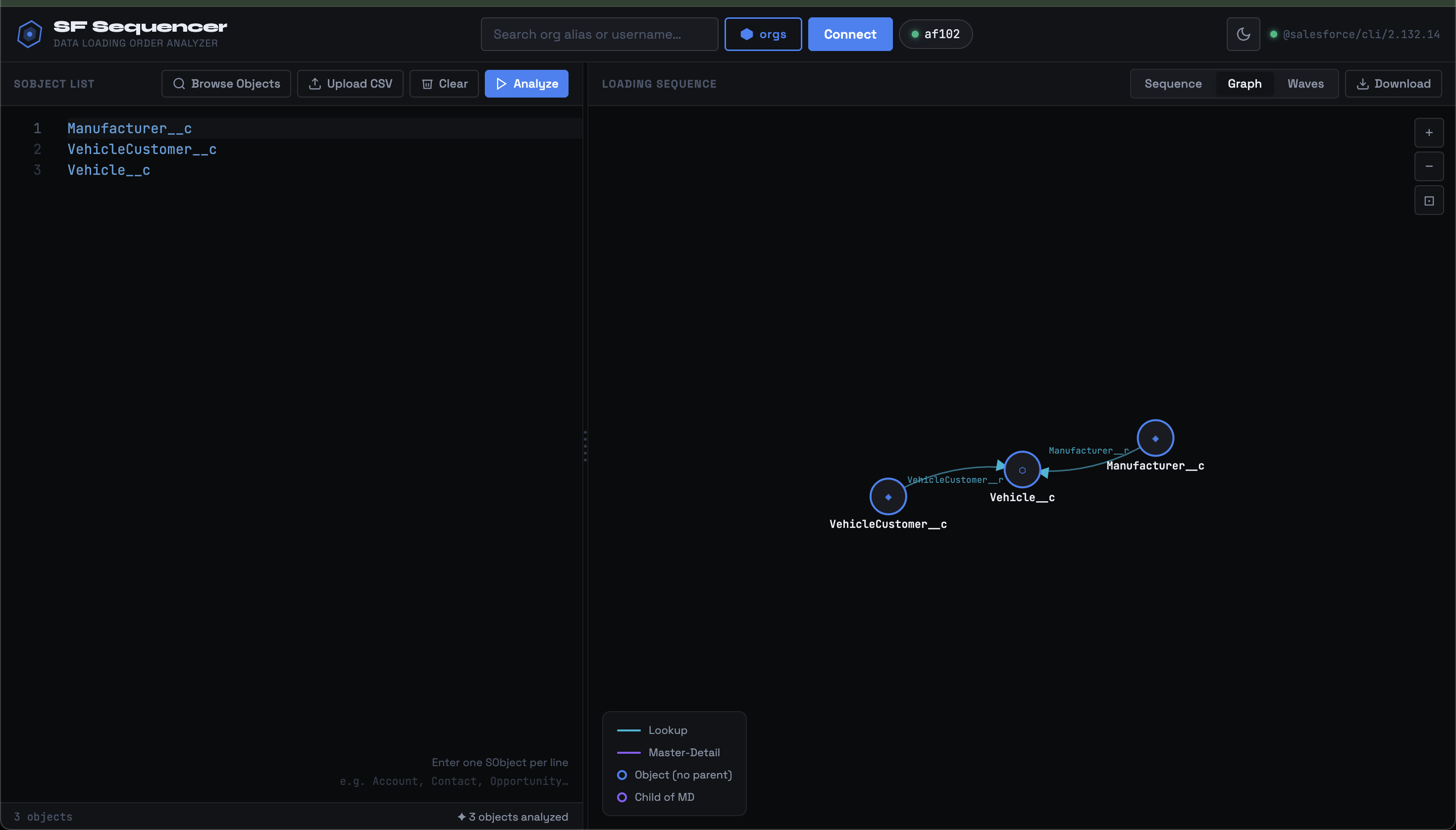
- Dependency Graph — Interactive D3 force-directed graph with zoom, pan, and drag
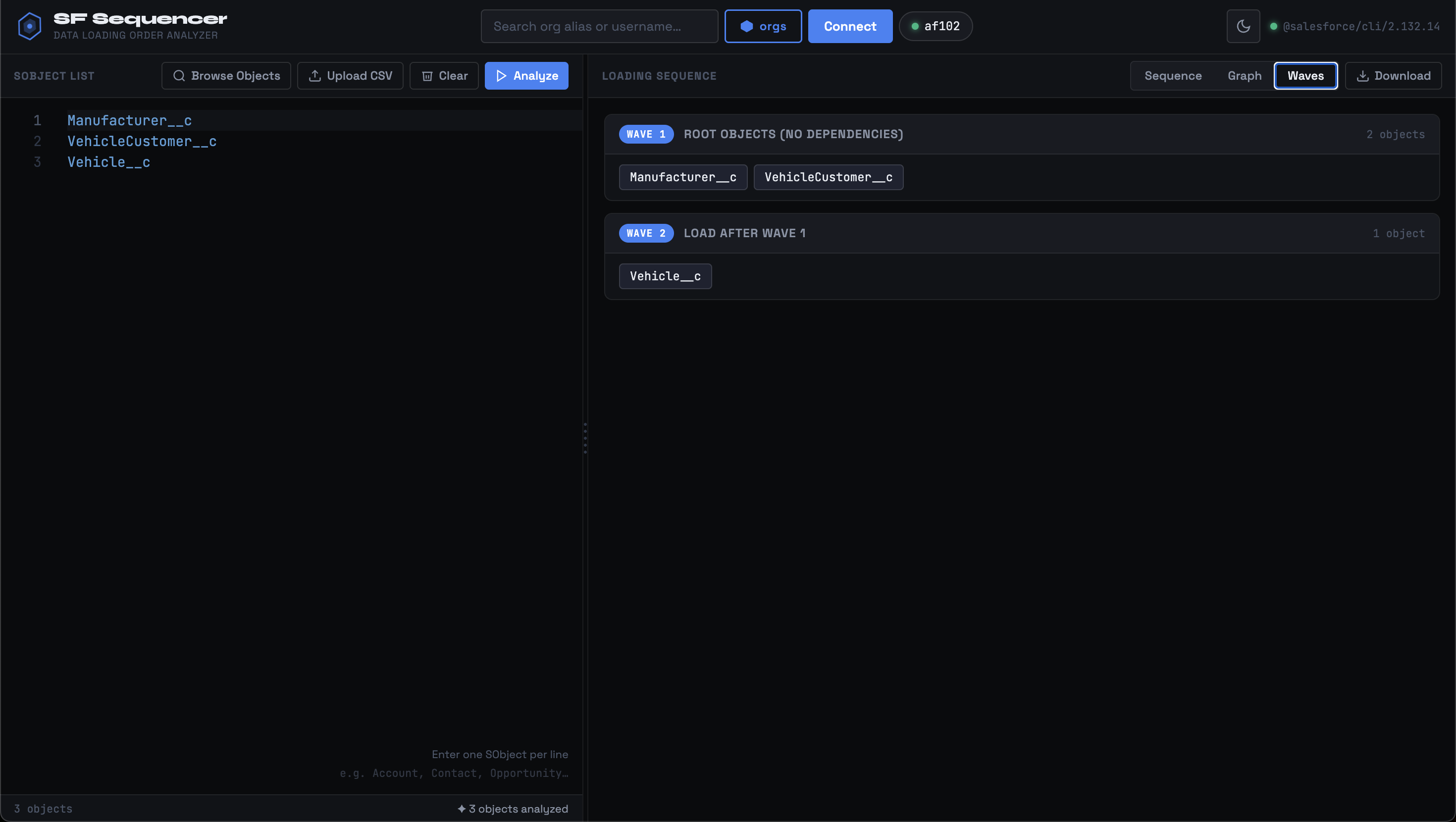
- Loading Waves — Groups objects into parallel-loadable batches
- Download — Export full sequence as a text file
- CSV Import — Upload a CSV list of SObjects
- Animated Splitter — Smooth resize between editor and results panes
- Dark / Light Theme — Toggle with persistent preference
Screenshots
🚀 Quick Start
npm install -g sf-load-sequencer-uiOptions
Usage: sf-load-seq [options]

Options:
  -p, --port <number>   Port to run on (default: 3000)
  --host <host>         Host to bind to (default: localhost)
  -o, --open            Auto-open browser
  -v, --version         Show version
  -h, --help            Show help

Examples:
  sf-load-seq --port 4000
  sf-load-seq --host 0.0.0.0
🔧 Requirements
| Tool | Version | Install |
|------|---------|---------|
| Node.js | 18+ | nodejs.org |
| Salesforce CLI | Latest | npm install -g @salesforce/cli |
| Authenticated Org | — | sf org login web |
📋 How to Use
1. Select Your Org
Click the orgs button in the header to see all authenticated Salesforce orgs. Select one and click Connect to set it as the active target.
2. Enter SObjects
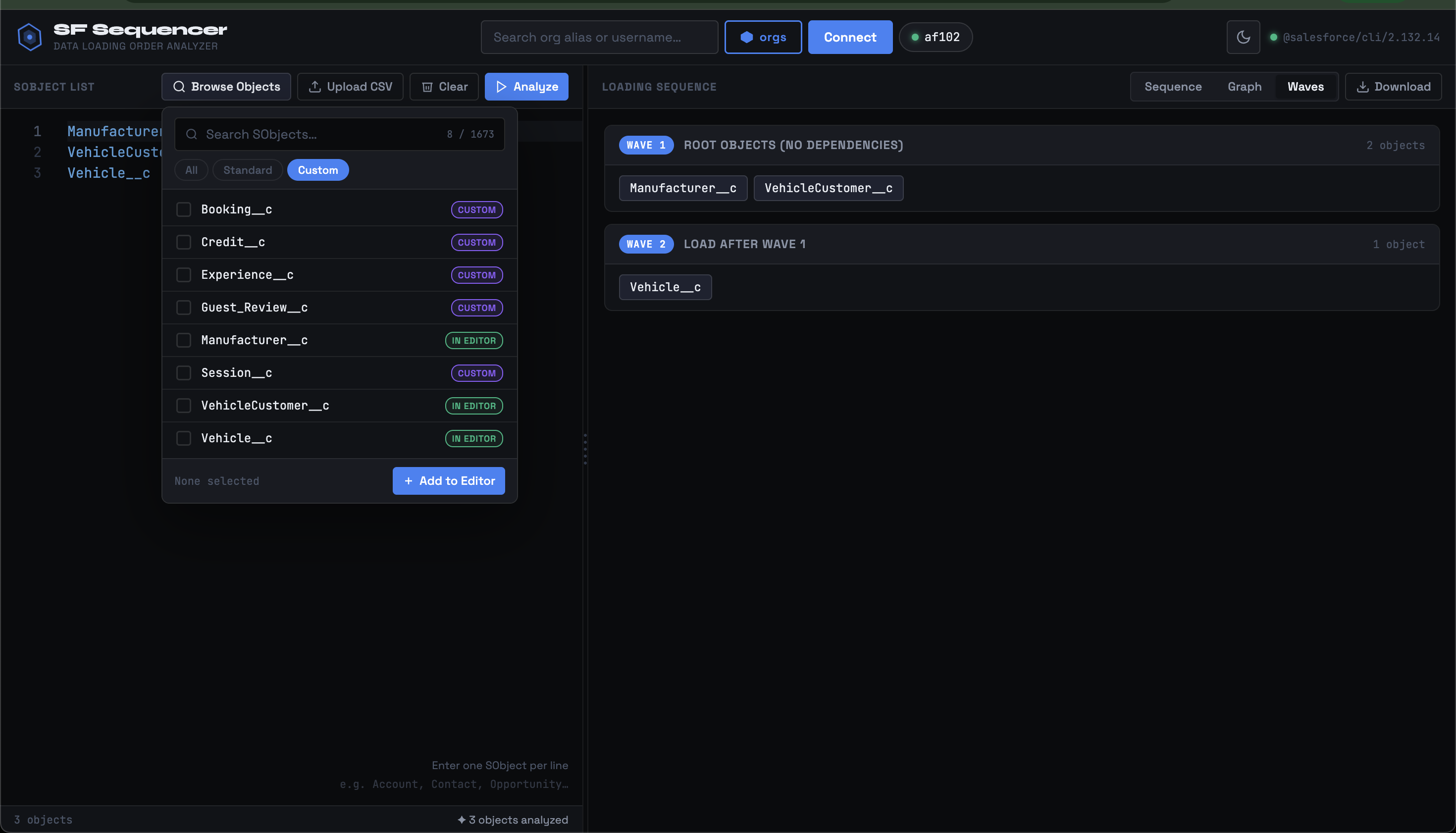
In the left pane Monaco editor, enter one SObject API name per line:
Account
Contact
Opportunity
OpportunityLineItem
Order
OrderItem
Case
Or click Upload CSV to import a CSV file containing SObject names.
3. Run Analysis
Click Analyze — the tool will:
- Call
sf sobject describefor each SObject - Analyze all Lookup and Master-Detail relationships
- Build a topological sort (Kahn's algorithm)
- Group into parallel loading waves
4. View Results
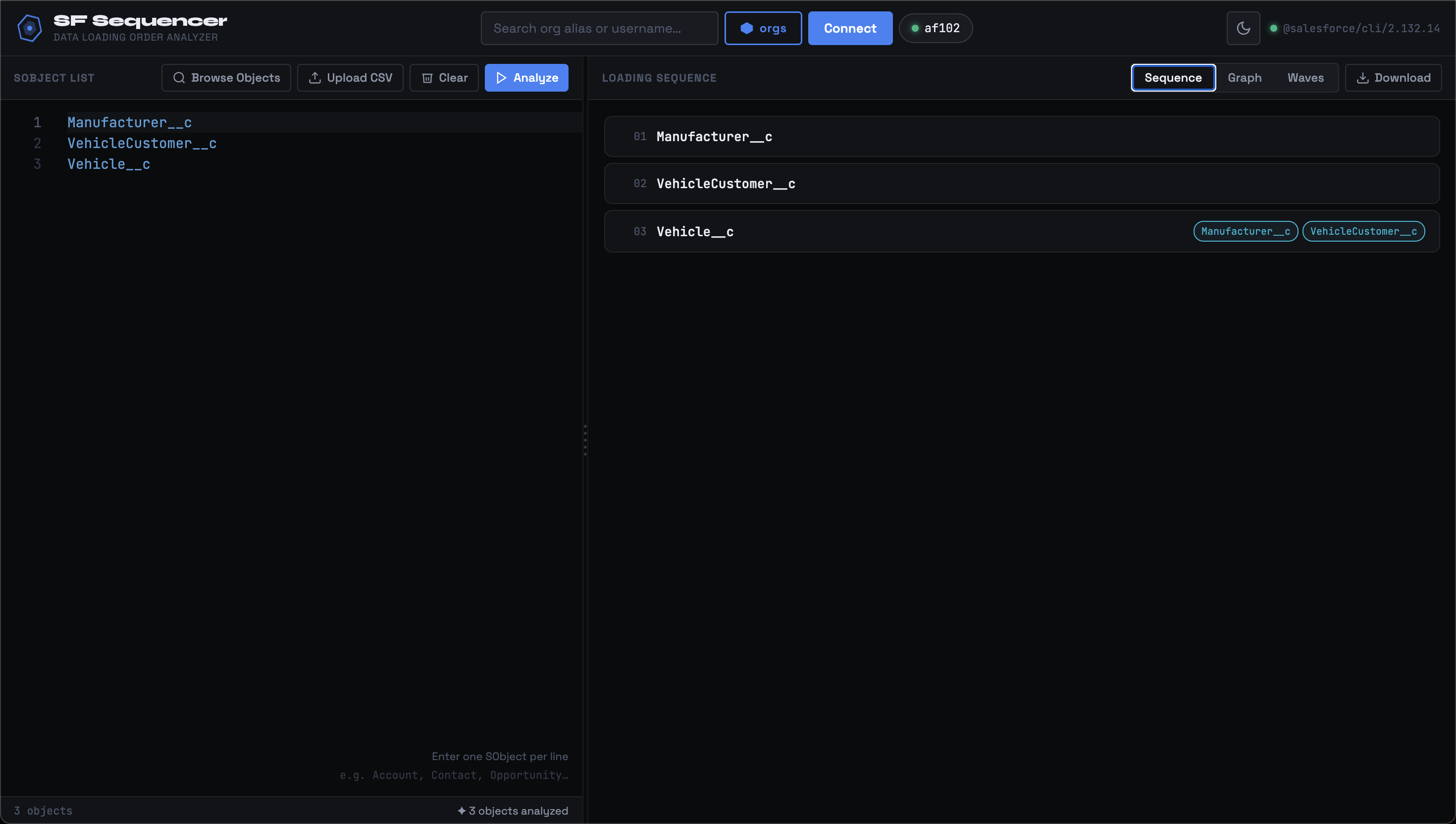
Sequence Tab — Ordered list showing each object and its dependencies
Graph Tab — Interactive D3 visualization:
- 🔵 Blue arrows = Lookup relationships
- 🟣 Purple arrows = Master-Detail relationships
- Drag nodes to rearrange
- Scroll to zoom, click-drag to pan
Waves Tab — Objects grouped by load batch (objects in the same wave can be loaded in parallel)
5. Download
Click Download to export the full sequence as a .txt file.
API Endpoints
| Method | Path | Description |
|--------|------|-------------|
| GET | /api/health | SF CLI version check |
| GET | /api/orgs | List all authenticated orgs |
| POST | /api/orgs/connect | Set default org |
| POST | /api/describe-bulk | Describe multiple SObjects |
| POST | /api/analyze | Compute loading sequence |
| POST | /api/upload-csv | Parse CSV file of SObjects |
🎨 Theming
The UI respects data-theme="dark" / data-theme="light" on <html>.
Theme preference is persisted in localStorage.
📝 License
MIT © Mohan Chinnappan