
sf-meta-diff
v1.0.0
Published
CLI tool to diff Salesforce metadata between two orgs using Monaco Editor and Tailwind dark theme

Maintainers
 mohanchinnappan
Readme
SF Metadata Diff CLI
Compare Salesforce metadata between two orgs using a diff editor.
Table of Contents
Overview
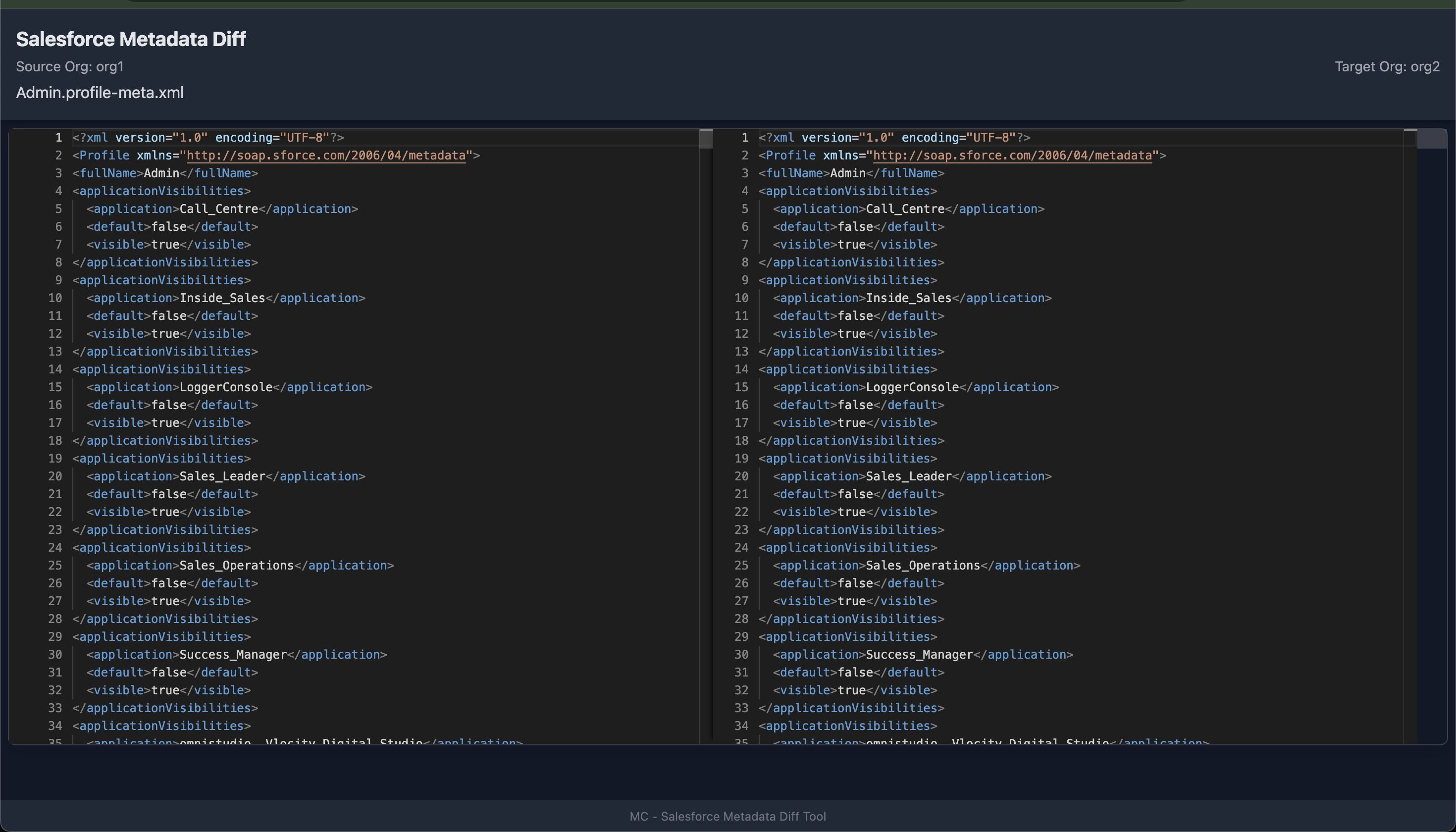
sf-meta-diff is a Node.js CLI tool to retrieve Salesforce metadata from two orgs and display a diff of the metadata in a browser.
It uses:
sf mohanc mdapi helper retrieveto fetch metadata
Features
- Compare metadata like Profiles, PermissionSet, CustomObject, etc.
- Use Salesforce Metadata Registry Explorer for metadata type names
- Use Salesforce Metadata Comparer (meta-compare) for getting the names of the metadata in your orgs
- Automatically retrieves metadata from two orgs
- Displays source and target org usernames in the header
- Side-by-side diff in the editor
- Opens diff in default browser automatically
- Cleans up temporary retrieve folders
Prerequisites
- Node.js >= 18
- Salesforce CLI (
sf) installed - Access to the orgs you want to compare
Installation
Install globally via npm: (you may need to run this command as sudo)
npm install -g sf-meta-diff Usage
sf-meta-diff -s <sourceOrgUsername> -t <targetOrgUsername> -m <metadataType> -n "<metadataName>"Options
| Option | Description |
| -------------------- | ----------------------------------------------------------- |
| -s, --source | Source org username |
| -t, --target | Target org username |
| -m, --metadatatype | Metadata type (e.g., Profile, PermissionSet) |
| -n, --name | Metadata name(s), comma-separated (e.g., "Admin,Read Only") |
Example
Compare the Admin Profile between two orgs:
sf-meta-diff -s [email protected] -t [email protected] -m Profile -n "Admin"- The CLI retrieves the profile metadata from both orgs
- Opens the diff in your default browser
- Automatically cleans up temporary retrieve folders
Screenshot
Cleanup
- Delete the folders created by this script
#!/bin/bash

# Find directories with 1, 2, or 3 digits
dirs=$(find . -maxdepth 1 -type d -regex './[0-9]\{1,3\}')

if [ -z "$dirs" ]; then
  echo "No numeric folders found (1 to 3 digits)."
  exit 0
fi

echo "Found the following numeric folders:"
echo "$dirs"

# Ask for confirmation
read -p "Do you want to delete these folders? [y/N] " confirm

if [[ "$confirm" =~ ^[Yy]$ ]]; then
  for dir in $dirs; do
    echo "Deleting $dir ..."
    rm -rf "$dir"
  done
  echo "Done."
else
  echo "Aborted."
fi
License
MIT © Mohan Chinnappan