
sf-owd-viewer
v1.0.3
Published
View Salesforce Organization-Wide Defaults (OWD) for all objects

Maintainers
 mohanchinnappan
Readme
Salesforce OWD Viewer CLI
sf-owd-viewer – A fast, beautiful, interactive CLI tool to view and export Organization-Wide Defaults (OWD) for all objects in your Salesforce org.

Features
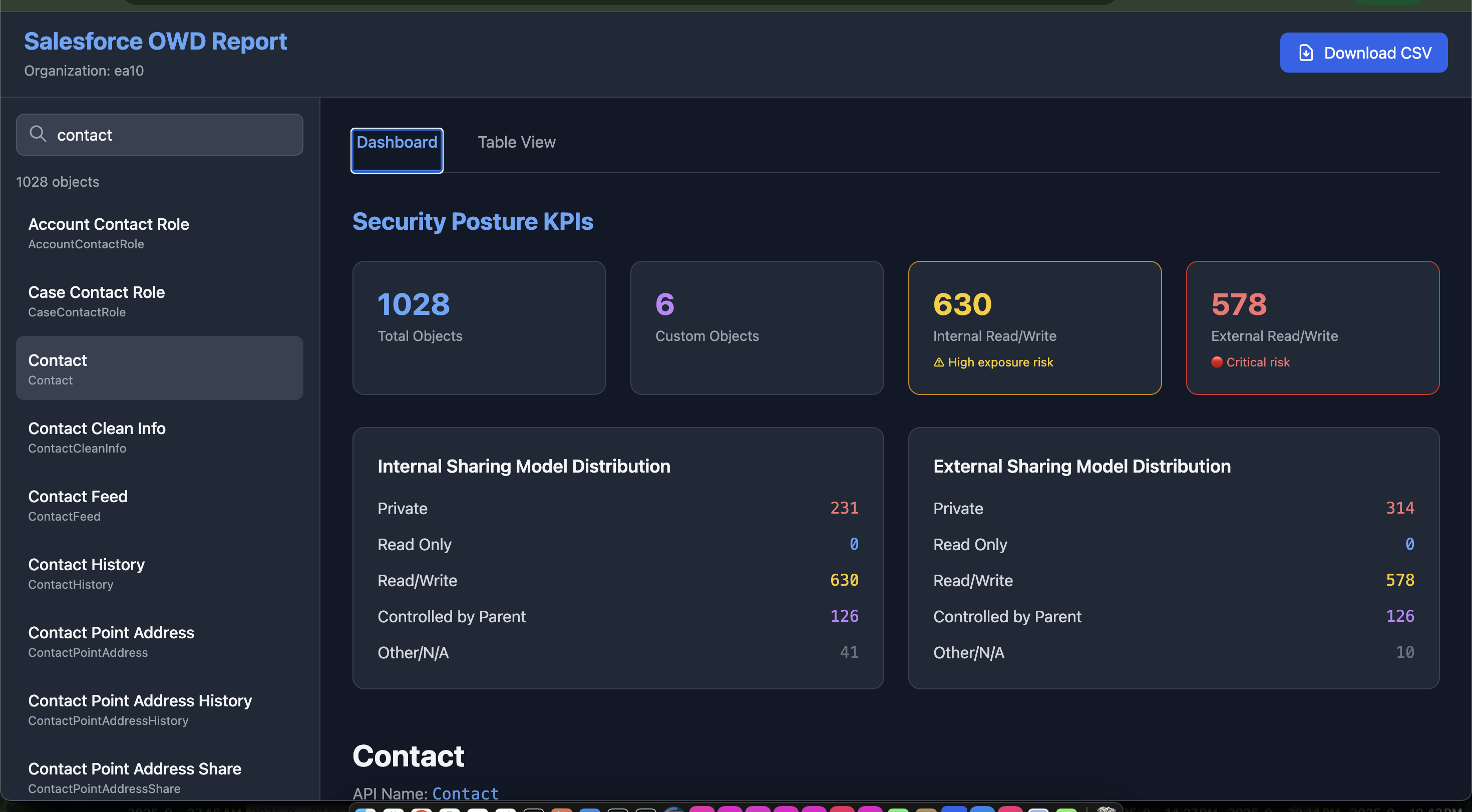
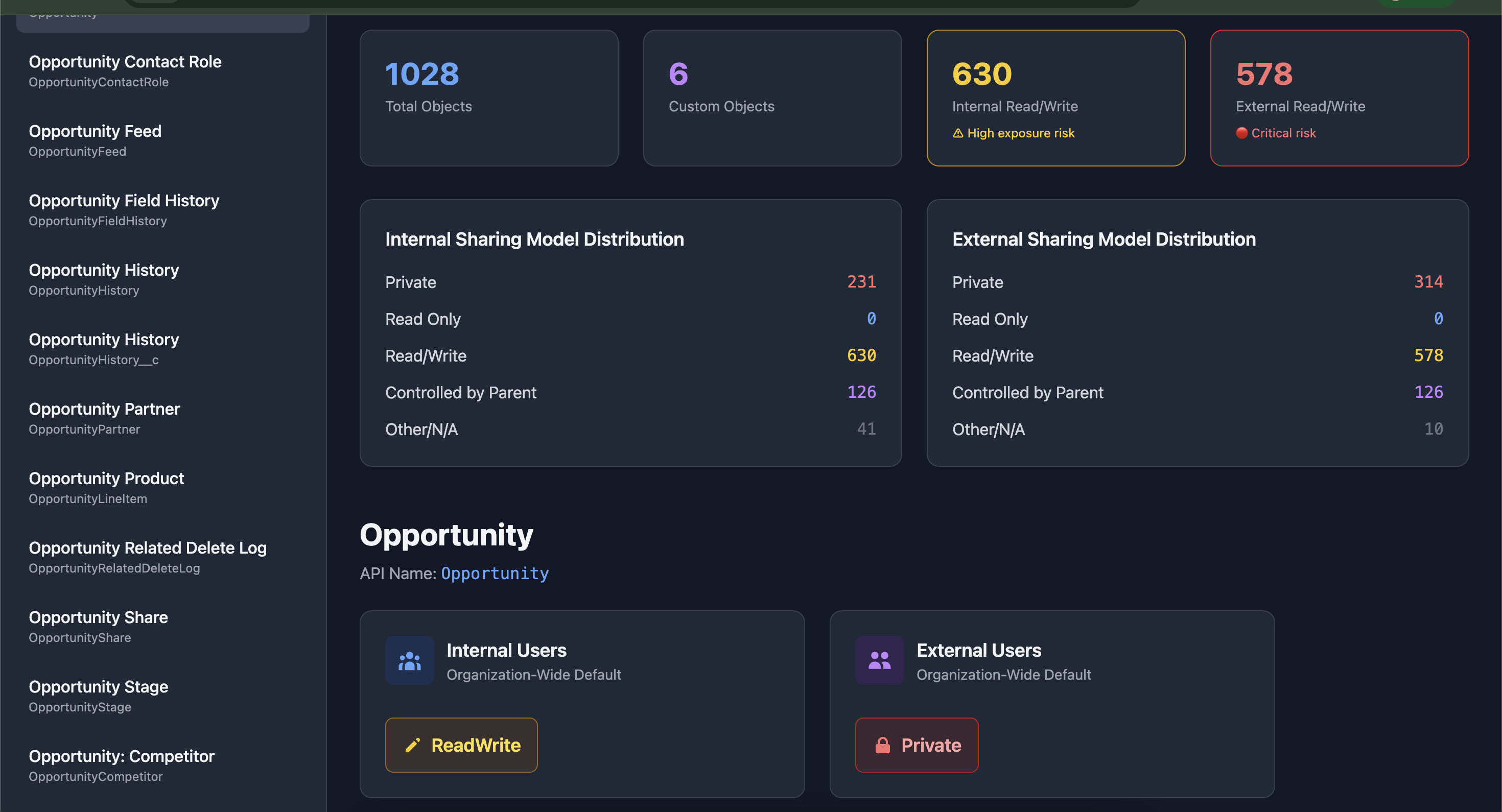
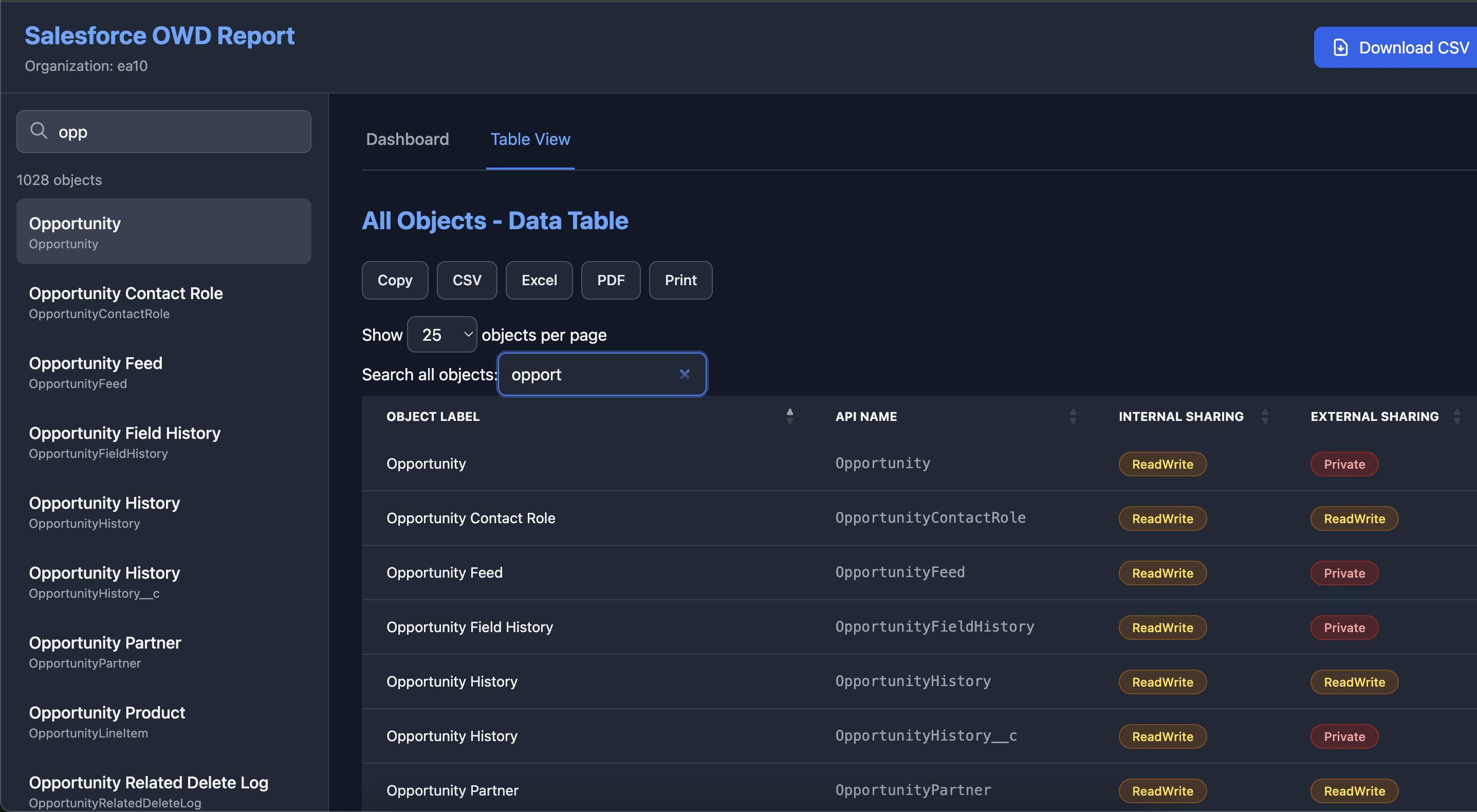
- Interactive HTML report with search, filtering, and responsive design
- Color-coded sharing models with icons and tooltips
- CSV export with one click
- Supports 1000+ objects (chunked API calls)
- Custom objects only mode (
--custom-only) - No external server – runs locally
- Zero configuration – uses
sfCLI auth
Screenshot
Installation
npm install -g sf-owd-viewerUsage
Basic: View all objects
sf-owd-viewer -o [email protected]Custom objects only
sf-owd-viewer -o [email protected] --custom-onlyOutput
Generates:salesforce-owd-report.html – Open in any browser
Example Report
| Object Label | API Name | Internal | External | |-------------|----------|----------|----------| | Account | Account | Private | N/A | | Custom Obj | My_Obj__c| ReadWrite| Private |
- Click any object → see detailed OWD
- Search by label or API name
- Export full list to CSV
Requirements
- [Salesforce CLI (
sf)] installed and authenticated - Node.js ≥ 14
- Internet access (to fetch from org)
How It Works
- Fetches all queryable objects via REST API
- Queries
EntityDefinition(Tooling API) in chunks to avoid URI limits - Generates standalone HTML with embedded data and JS
- Opens in browser – no server needed
Sharing Models Explained
| Model | Icon | Meaning | |------|-----|--------| | Private | Lock | Only owner + role hierarchy | | ReadOnly | Eye | All users can view | | ReadWrite | Edit | All users can edit | | ControlledByParent | Link | Inherits from parent | | PublicReadWrite | Globe | Full public access |
FAQ
Q: Why not use Metadata API?
Tooling API +
EntityDefinitionis faster and more reliable for OWD.
Q: Can I run this offline?
Yes! After generation, the HTML file works 100% offline.
Q: What about big orgs?
Chunked queries handle 10,000+ objects safely.
License
MIT © 2025 Mohan Chinnappan
Built with ❤️ by Salesforce Devs
For admins, architects, and security auditors.