
sf-schema-builder
v1.0.9
Published
A world-class web UI for creating and managing Salesforce custom objects, fields, and schemas — directly via the SOAP Metadata API and REST API.
Downloads
267

Maintainers
 mohanchinnappan
Readme
SF Schema Builder
A world-class web UI for creating and managing Salesforce custom objects, fields, and schemas — directly via the SOAP Metadata API and REST API.
Screenshots
Installation
npm install -g sf-schema-builderRunning
sf-schema-builder start -p 7344
Authentication
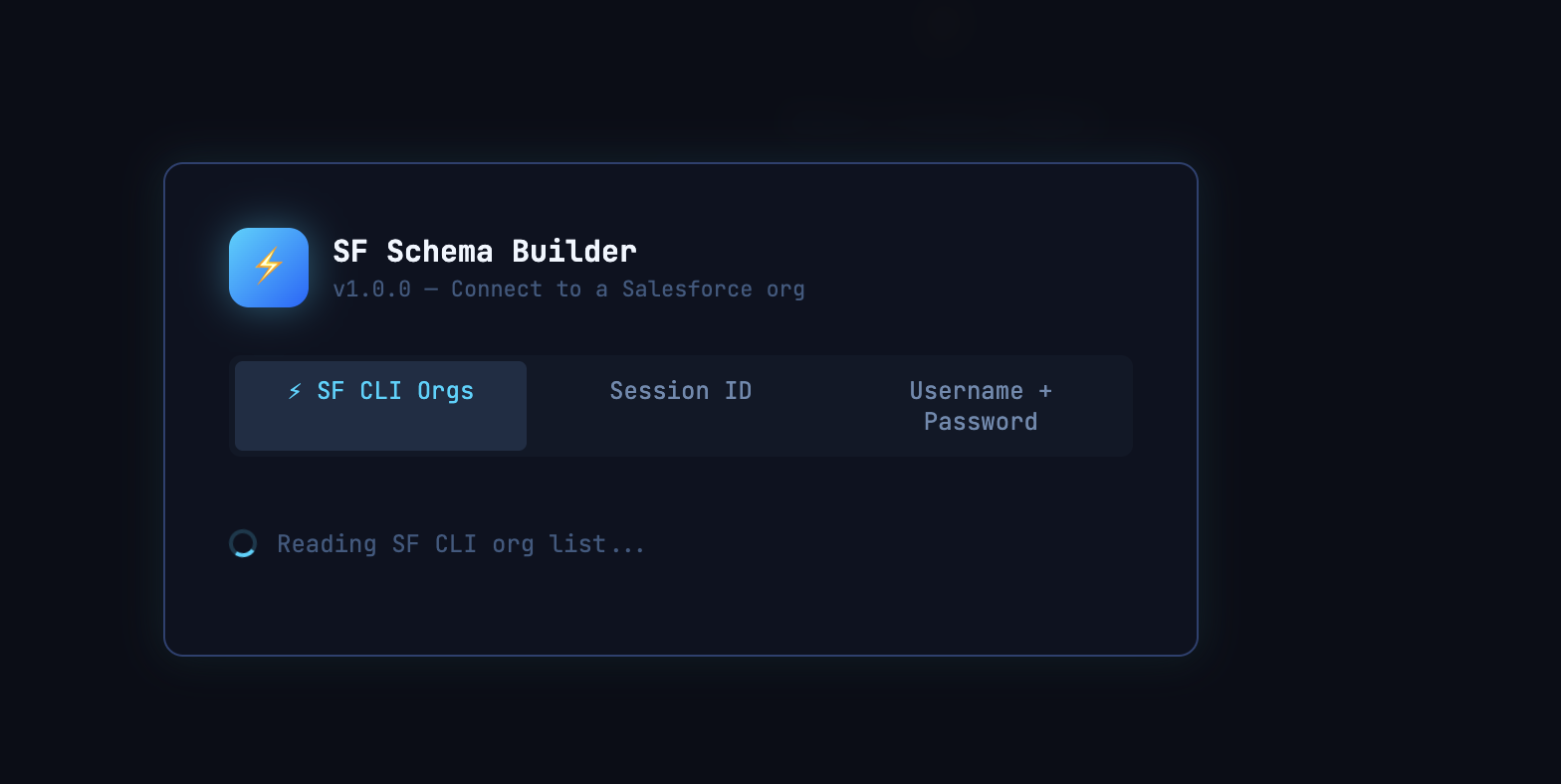
Three methods available from the login screen:
| Method | Notes |
|--------|-------|
| ⚡ SF CLI Orgs | Auto-reads all authenticated orgs from ~/.sfdx / ~/.sf. Supports sf and sfdx CLIs. |
| Session ID | Paste an Instance URL + Session ID (e.g. from SF REST Client or browser dev tools). |
| Username + Password | Password + security token appended. Logs into login.salesforce.com. |
Features
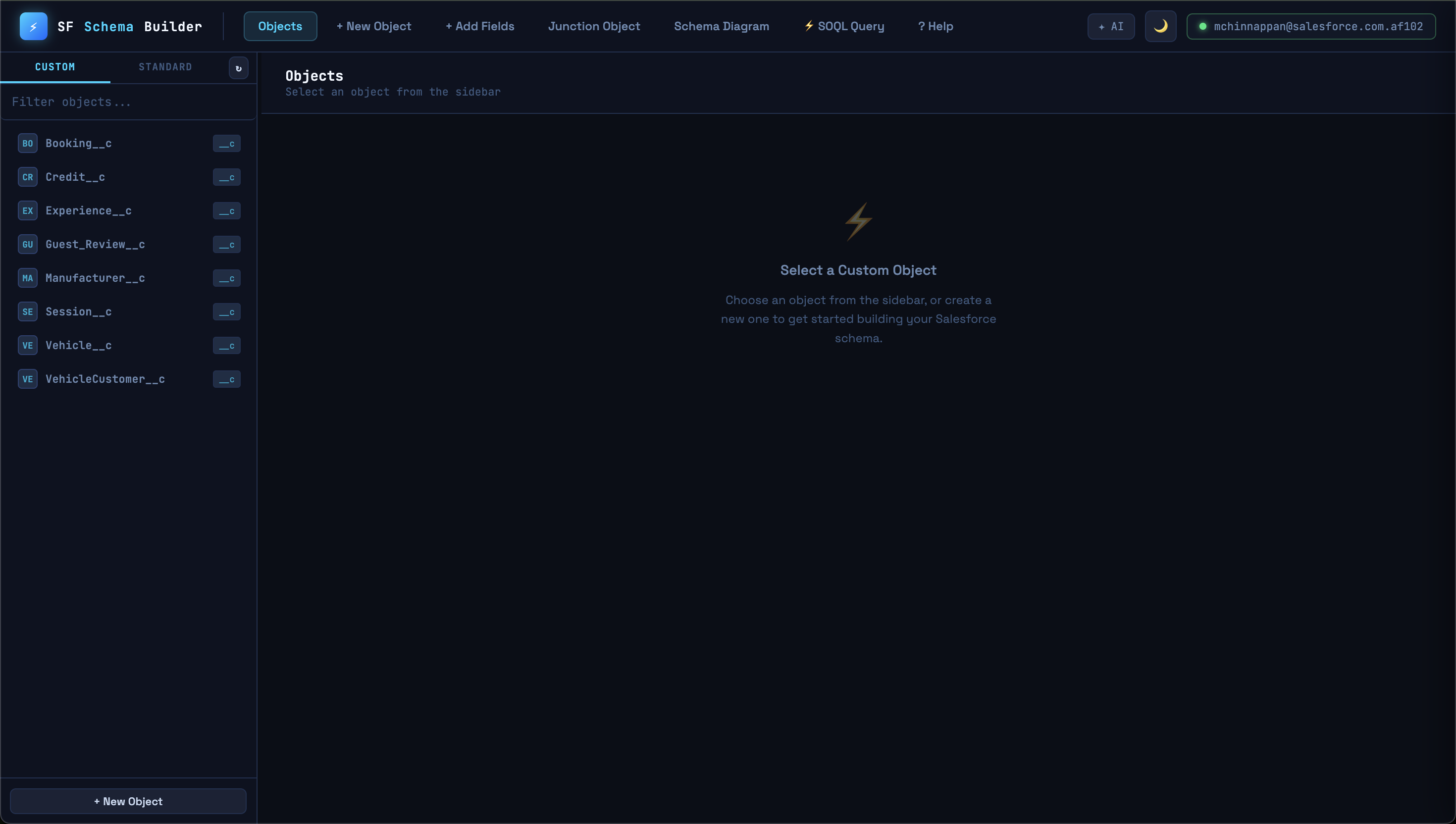
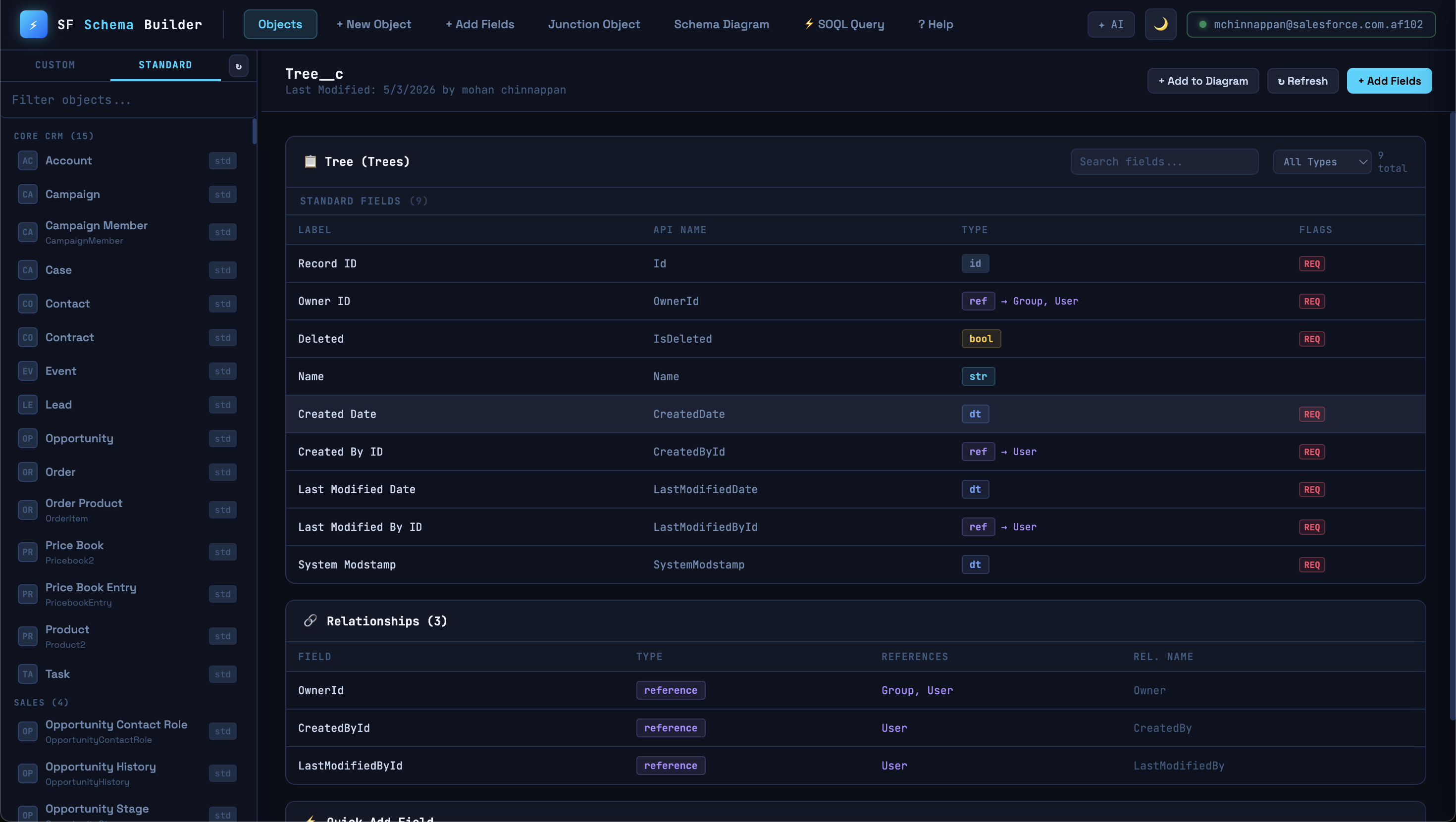
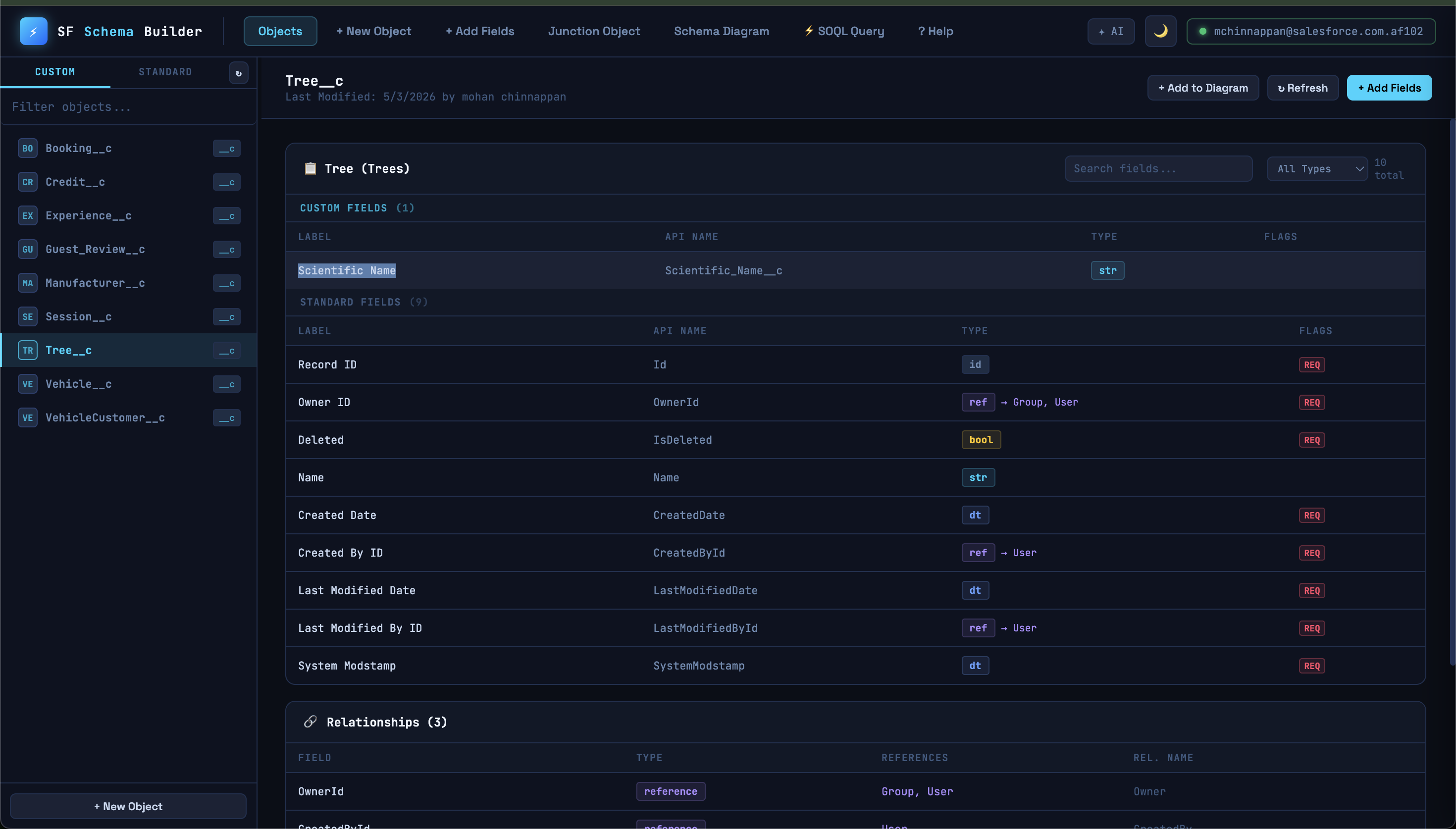
📦 Object & Field Browser
- Custom tab — all
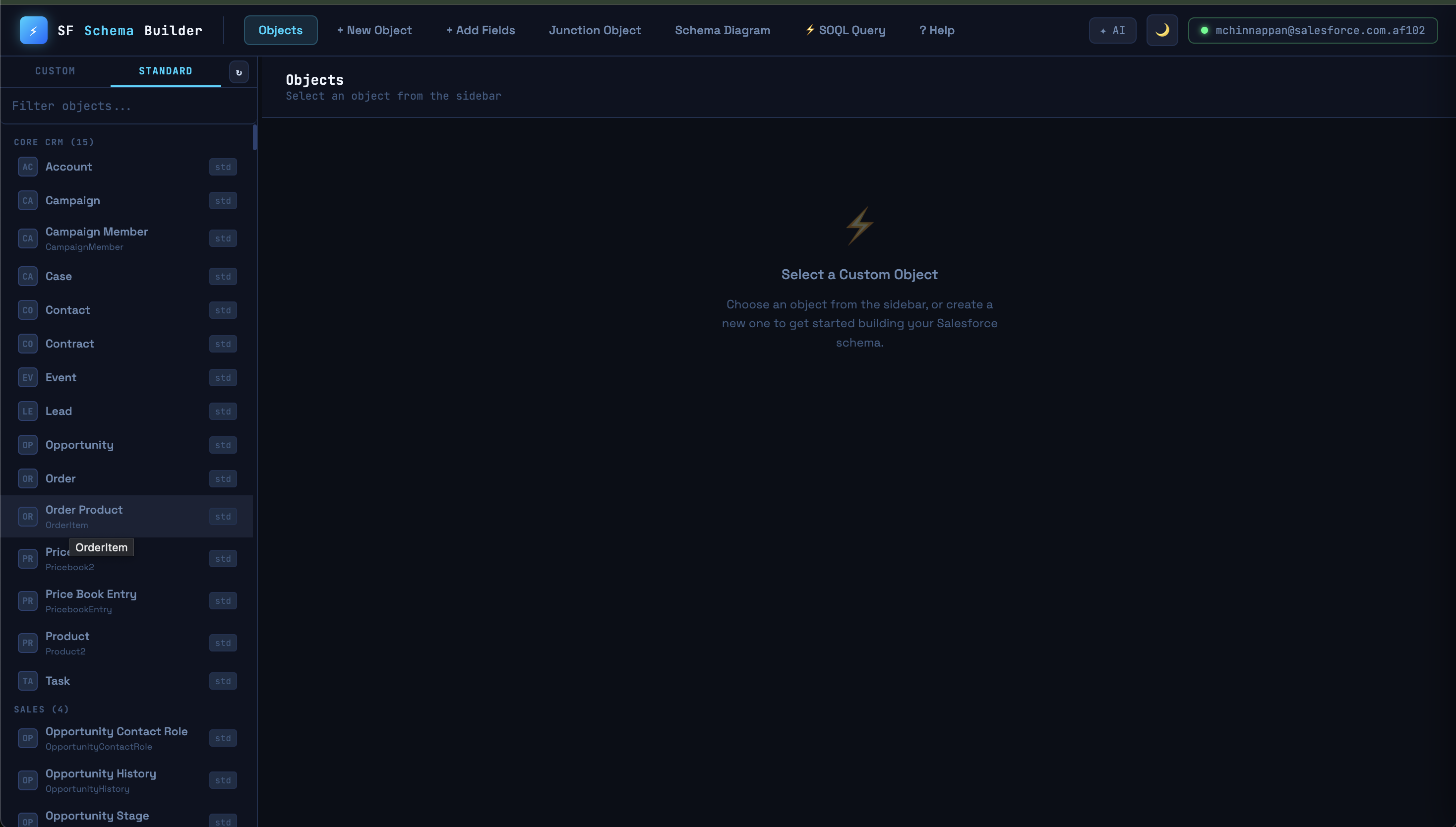
__cobjects from your org vialistMetadata - Standard tab — all standard objects via
describeGlobal, grouped by category (Core CRM, Sales, Service, Marketing, Platform, Community, Analytics) - Click any object to see all fields with types, labels, and flags (REQ / EXT / UNQ)
- Live field search — filter by label, API name, or type. Separate type filter dropdown
- ↻ Refresh button busts the describe cache and reloads from Salesforce
- Resizable sidebar — drag the handle between sidebar and main panel
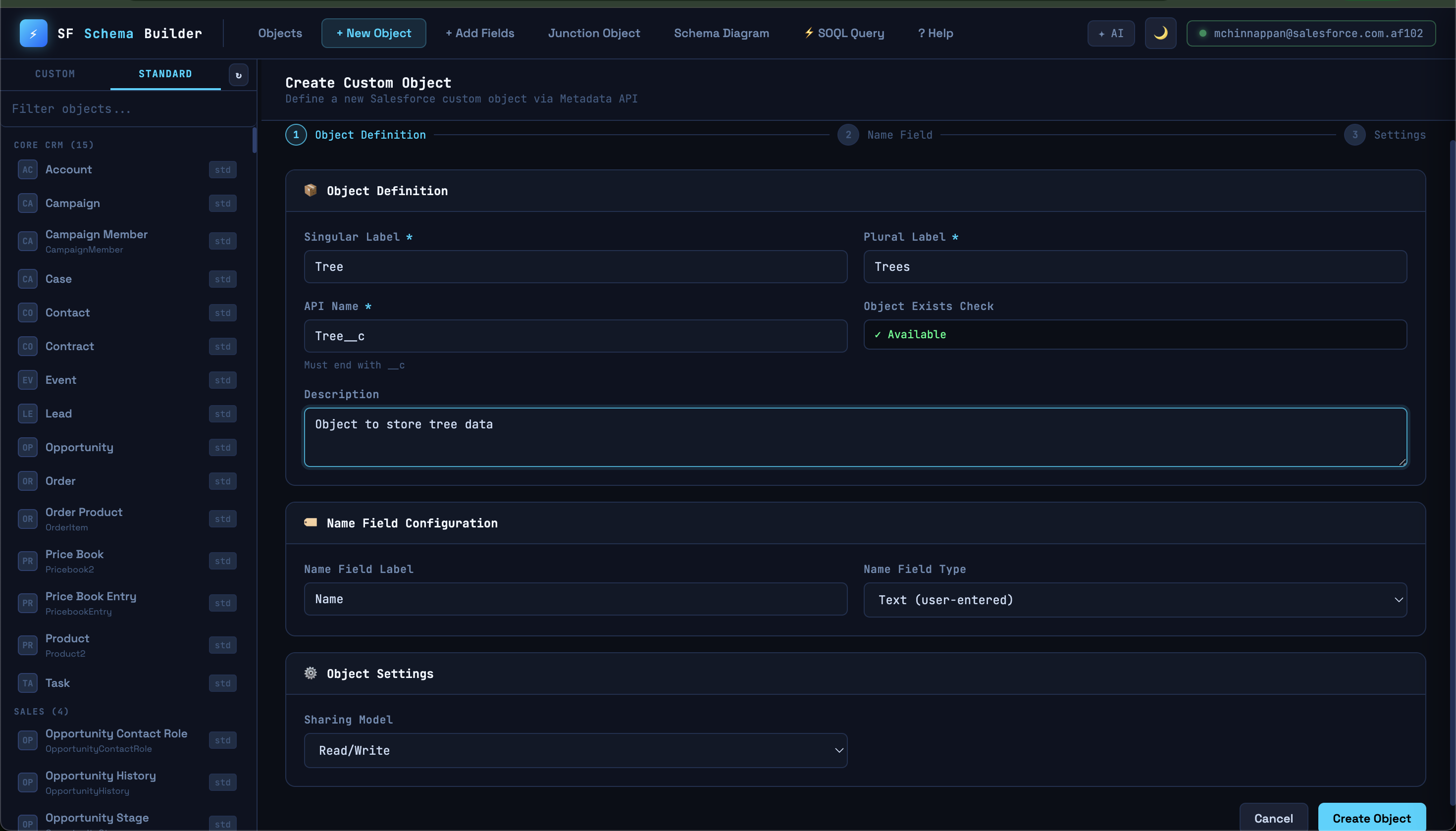
➕ Create Custom Objects
- Enter label, plural label, API name (auto-filled)
- Live "already exists?" check via
listMetadata - Configure name field (Text or AutoNumber)
- Set sharing model (ReadWrite / Read / Private / Controlled by Parent)
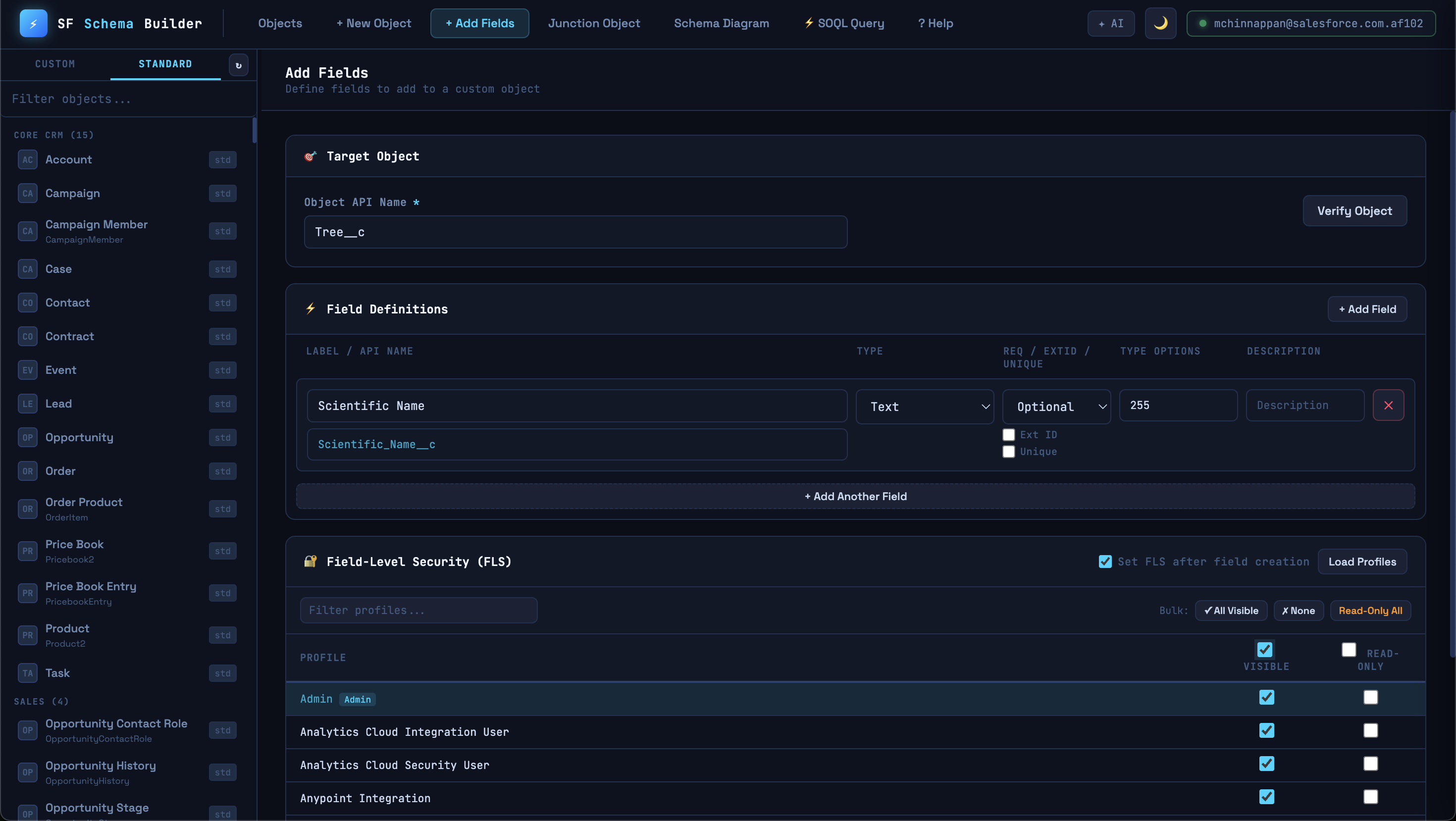
⚡ Add Fields
Supports all 15 field types with type-specific options:
| Type | Extra Options | |------|--------------| | Text | Length | | LongTextArea | Length + Visible Lines | | Number / Currency / Percent | Precision + Scale | | Lookup | Related Object, Delete Constraint | | MasterDetail | Related Object | | Picklist | Values (one per line) | | Date, DateTime, Email, Phone, URL, Checkbox | — |
Each field can be marked Required, External ID, and/or Unique.
FLS (Field-Level Security) — check "Set FLS" to configure profile visibility after field creation. Features:
- Loads all profiles from your org
- Bulk actions: All Visible, None, Read-Only All
- Search/filter profiles
- System Administrator pre-checked
⬡ Junction Objects
Creates a many-to-many relationship object in one click:
- Junction object (AutoNumber name, Controlled by Parent)
- MasterDetail field → Parent 1
- MasterDetail field → Parent 2
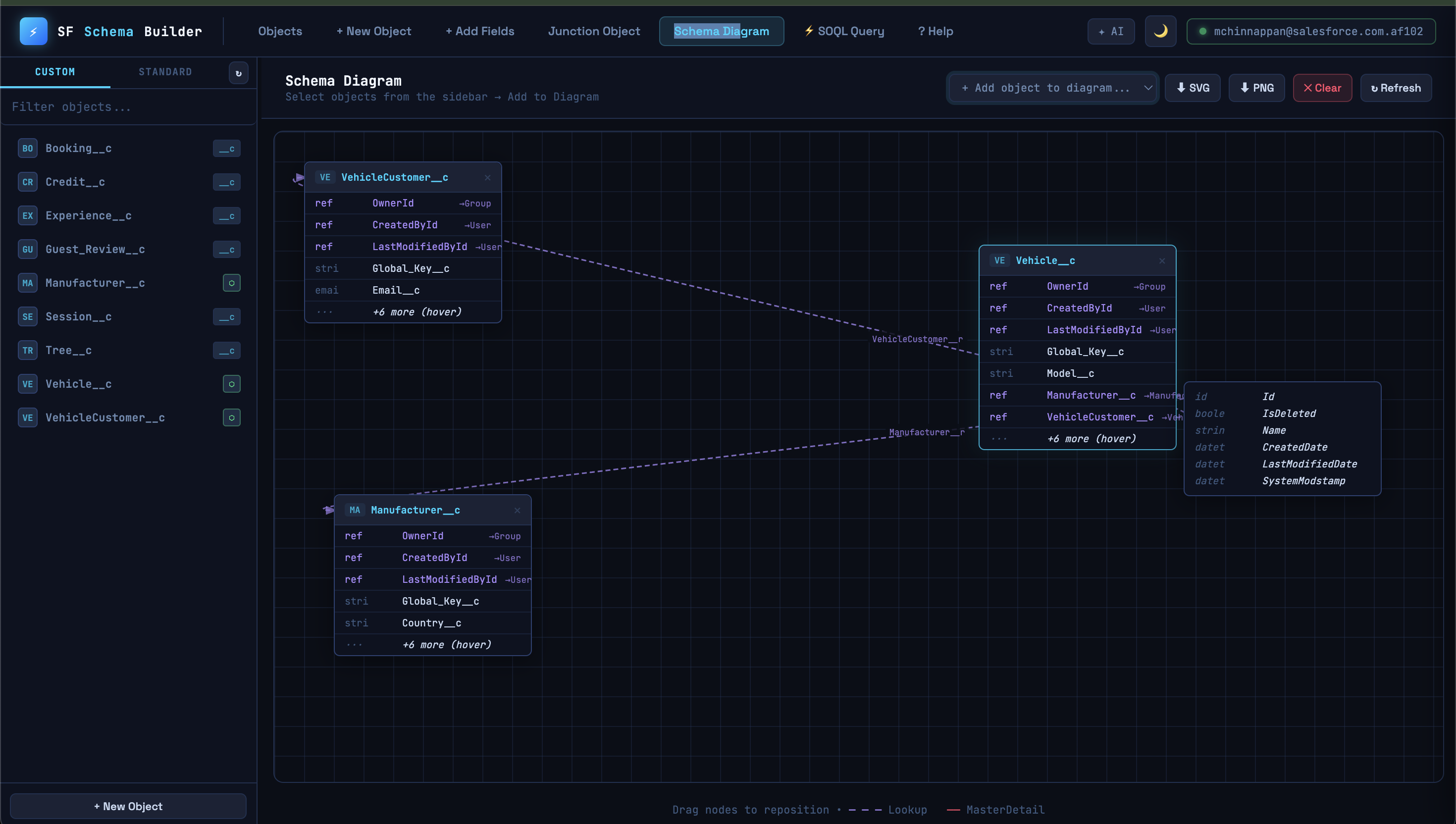
🗺 Schema Diagram
- Curated canvas — add only the objects you want to see
- Objects show real fields (fetched via
describeSObject) - Lookup relationships shown as dashed purple curved arrows
- MasterDetail relationships shown as solid red arrows
- Arrows start from the exact field row and point to the target node header
- Hover
+N moreto see all hidden fields in a tooltip - Drag nodes to reposition — arrows redraw live
- ⬇ SVG — theme-aware vector export
- ⬇ PNG — 2× retina raster export
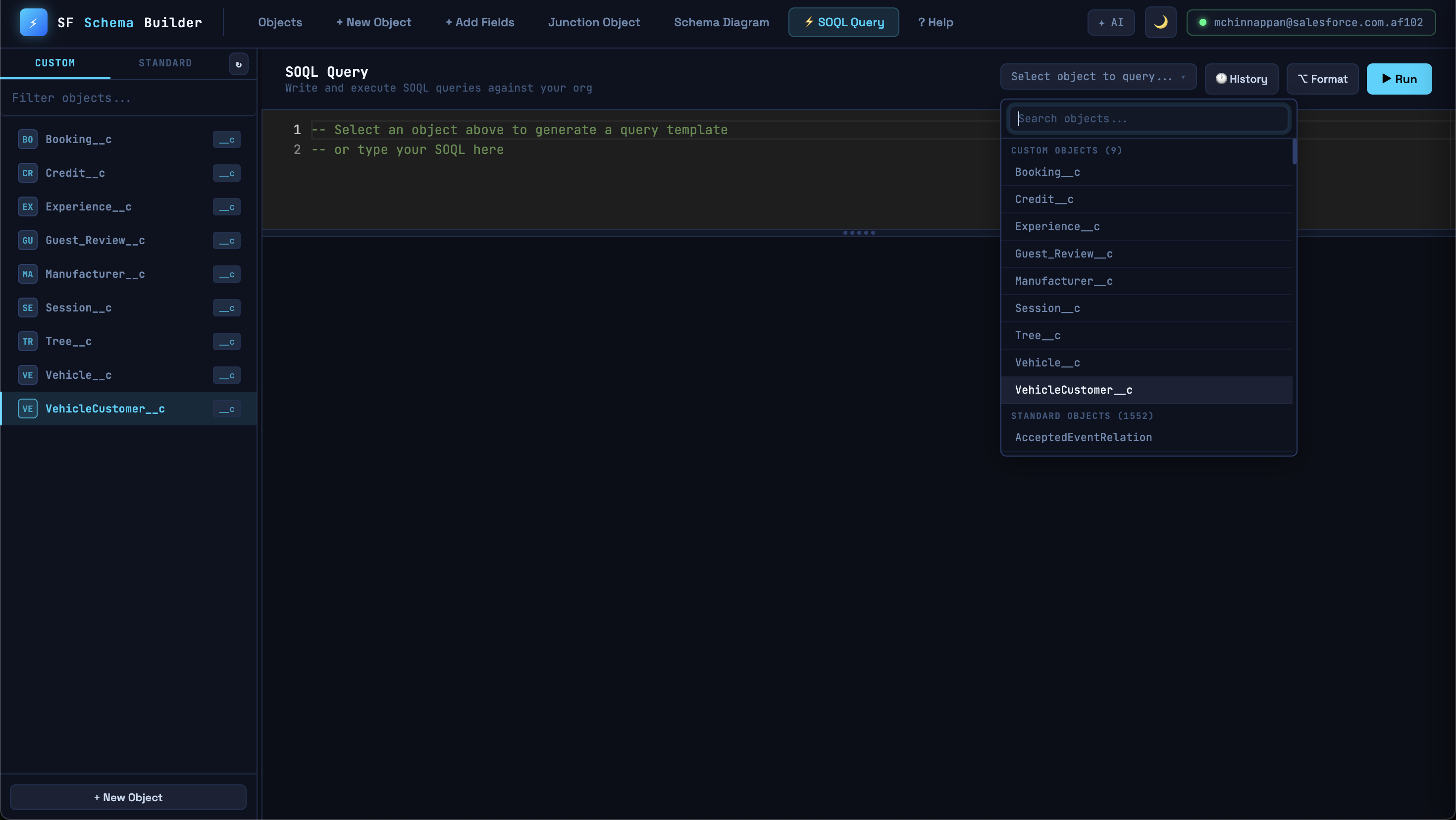
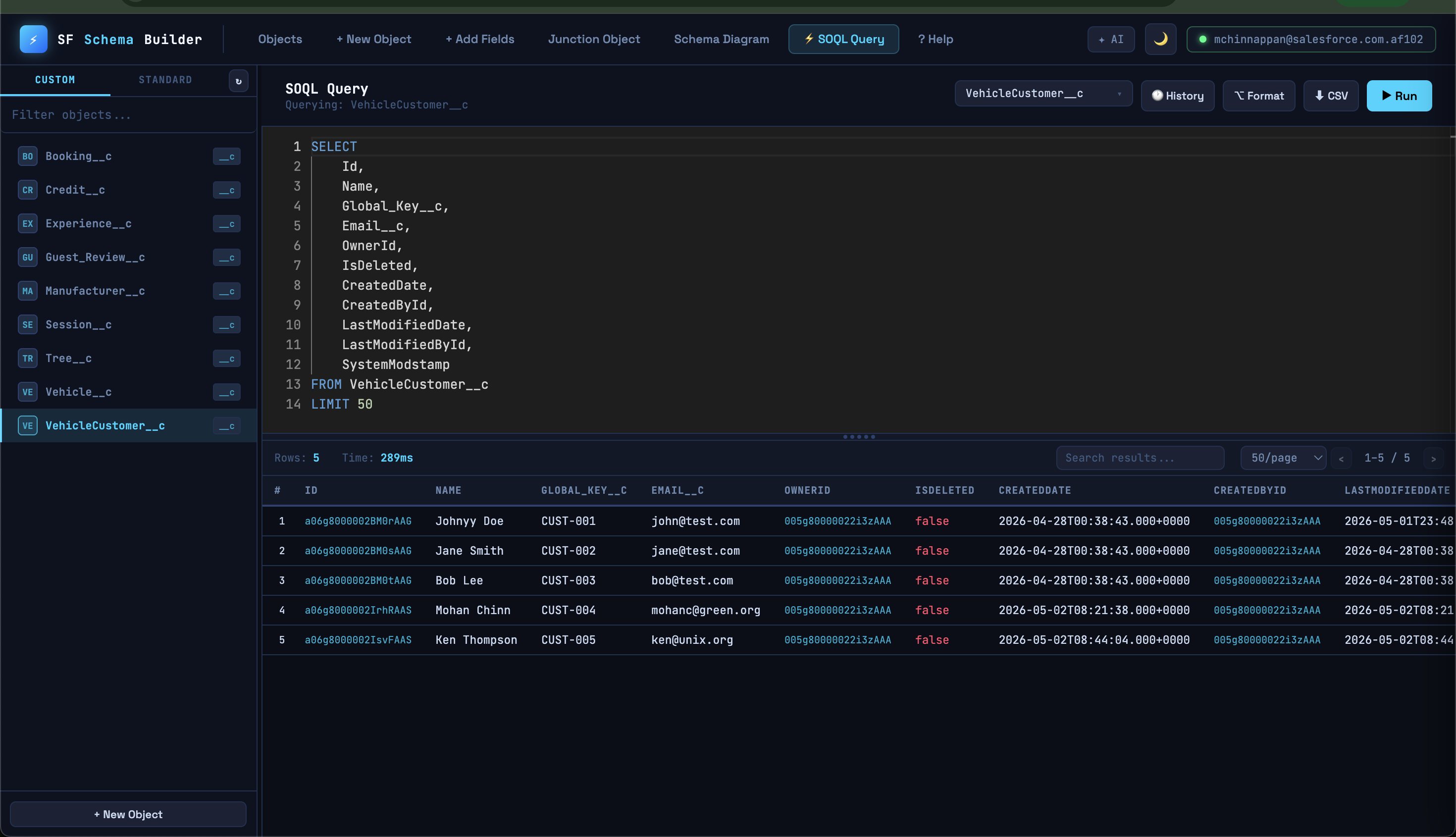
⚡ SOQL Query Editor
Powered by Monaco Editor (same engine as VS Code):
SELECT
    Id,
    Name,
    Account.Name,   -- relationship traversal
    Owner.Email
FROM Contact
WHERE Account.Type = 'Customer'
ORDER BY Name ASC
LIMIT 50
Autocomplete (Ctrl+Space):
- After
SELECT/WHERE/ORDER BY— field names for the selected object - After
FROM— all object names (custom + standard) - After
Account.— fields on the related Account object (fetches on demand) - Keywords and aggregate functions at any position
Editor features:
- SOQL syntax highlighting — keywords (blue), functions (yellow), fields (light blue),
__csuffix (purple), strings (orange), dates (teal), comments (green) Ctrl+Enter/F5to run⌥ Formatto auto-format- Drag splitter to resize editor vs results pane
- Double-click splitter to reset height
Results table:
- Sortable columns (click header, ↑↓ indicator)
- Live search with match highlighting
- Pagination (25 / 50 / 100 / All per page)
- Relationship fields shown as
Account.Namecolumns - Color-coded cells: cyan (IDs), green/red (booleans), orange (numbers), purple (relationship fields)
- ⬇ CSV export of filtered results
Query History (🕐):
- Last 50 queries, deduplicated
- Shows time, row count, elapsed ms
- Click to reload any query
- Persisted to
localStorage
✦ AI Sidekick (--enable-ai)
sf-schema-builder start --enable-aiClick ✦ AI in the topbar to open the slide-in panel.
Supported providers:
| Provider | Setup |
|----------|-------|
| 🦙 Ollama | Local — click ↻ Fetch to load installed models |
| 🔵 Claude | sk-ant-... API key |
| 🤖 OpenAI | sk-... API key |
| ✕ xAI Grok | xai-... API key |
| ⭐ Gemini | AIza... API key |
The AI automatically knows your current object and its fields. If it generates a SOQL query, a "↗ Use this SOQL in editor" button appears to paste it directly.
Settings and chat provider preference are saved to localStorage.
Keyboard Shortcuts
| Shortcut | Action |
|----------|--------|
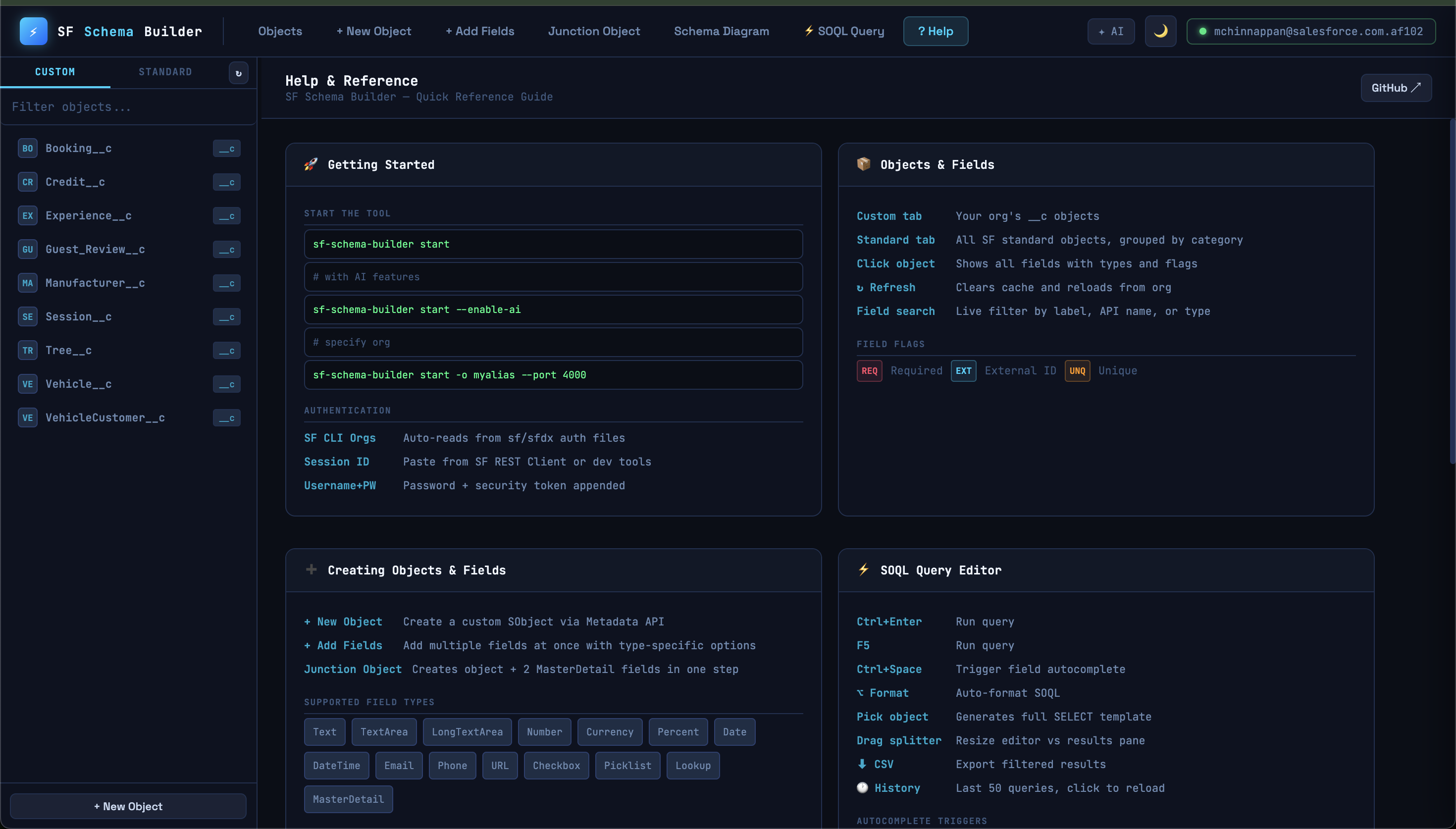
| ? | Open Help page |
| Ctrl+Enter | Run SOQL query / Send AI message |
| F5 | Run SOQL query |
| Ctrl+Space | Trigger field autocomplete in editor |
| Escape | Close AI sidekick |
| 🌙 button | Toggle dark/light theme |
API Routes
| Method | Path | Description |
|--------|------|-------------|
| GET | /api/auth/status | Connection status |
| POST | /api/auth | Login with username+password |
| POST | /api/auth/session | Connect with session ID |
| GET | /api/orgs | SF CLI authenticated orgs |
| POST | /api/orgs/connect | Connect to a specific org |
| GET | /api/objects | List custom objects |
| POST | /api/objects | Create custom object |
| GET | /api/standard-objects | List all standard objects |
| GET | /api/objects/:name/describe | Full field list |
| POST | /api/objects/:name/fields | Create field |
| POST | /api/junction | Create junction object |
| GET | /api/profiles | List all profiles |
| POST | /api/fls | Set field-level security |
| POST | /api/query | Execute SOQL query |
| GET | /api/ai/config | AI enabled status |
| GET | /api/ai/ollama/models | Fetch Ollama model list |
| POST | /api/ai/chat | AI chat proxy |
License
MIT (c) Mohan Chinnappan