
shellfie
v2.4.4
Published
Convert terminal output to crystal-clear SVG images
Downloads
460

Maintainers
 tool3
tool3Readme
shellfie
Take a shell selfie.
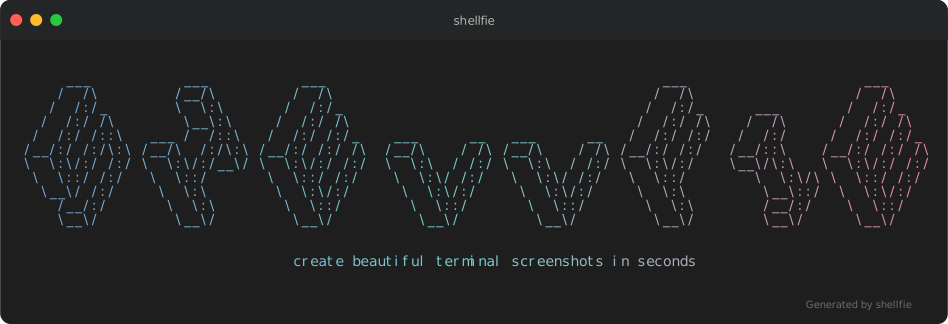
Your terminal output deserves better than a blurry screenshot.
import shellfie, { themes } from "shellfie";
import { writeFileSync } from "node:fs";

const script = `
#!/bin/bash

echo "Hello World!"
`;

const svg = shellfie(script, {
  template: "macos",
  theme: themes.draculaPro,
  title: "Syntax highlighting",
  watermark: "\x1b[38;5;242mGenerated by shellfie\x1b[0m",
});

writeFileSync("highlight.svg", svg);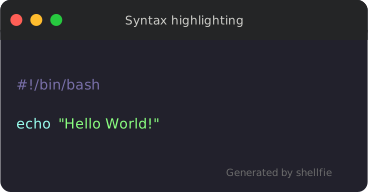
| Feature | shellfie | carbon-now-cli | svg-term | termtosvg | | --------------------------- | -------- | -------------- | -------- | --------- | | Zero dependencies | ✅ | ❌ | ❌ | ❌ | | No native bindings | ✅ | ❌ | ❌ | ❌ | | No headless browser | ✅ | ❌ | ✅ | ✅ | | Full ANSI support | ✅ | ✅ | ✅ | ✅ | | 24-bit true color | ✅ | ✅ | ❌ | ✅ | | Runs in browser | ✅ | ❌ | ❌ | ❌ | | Synchronous API | ✅ | ❌ | ❌ | ❌ | | Built-in Syntax hightligher | ✅ | ❌ | ❌ | ❌ |
Why SVG?
✅ Infinitely scalable — pixel-perfect at any zoom level, retina-ready by default.
✅ Selectable text — copy code directly from the image.
✅ Embeddable everywhere — high quality embedding in READMEs, docs, blogs, everywhere.
✅ Tiny files — 2-10KB vs blurry 500KB+ PNGs.
✅ No rendering pipeline — runs anywhere JavaScript runs.
Install
npm install shellfieUsage
import shellfie from "shellfie";

const svg = shellfie(terminalOutput, {
  template: "macos",
  title: "npm test",
});
Browser
<script type="module">
  import shellfie from "https://esm.sh/shellfie";

  const svg = shellfie("\x1b[32m$ npm test\x1b[0m\nAll tests passed!", {
    template: "macos",
    title: "terminal",
  });

  document.body.innerHTML = svg;
</script>
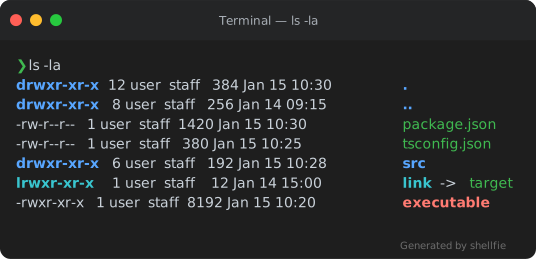
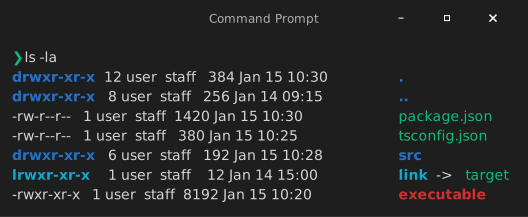
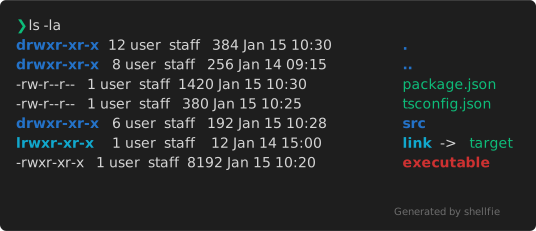
Templates
| macOS | Windows | Minimal |
| ---------------------------------------------------------------------------------------------------- | -------------------------------------------------------------------------------------------------------- | -------------------------------------------------------------------------------------------------------- |
|  |
|  |
|  |
|
shellfie(output, { template: "macos" }); // default
shellfie(output, { template: "windows" });
shellfie(output, { template: "minimal" });
Custom Templates
Create your own templates with createTemplate:
import shellfie, { createTemplate } from "shellfie";

const myTemplate = createTemplate("my-template", {
  titleBar: true,
  titleBarHeight: 40,
  borderRadius: 10,
  controls: true,
  controlsPosition: "left",
  controlStyle: {
    close: "#ff5f56",
    minimize: "#ffbd2e",
    maximize: "#27c93f",
    radius: 6,
    spacing: 20,
    size: 12,
  },
  padding: 16,
  shadow: true,
  border: false,
  borderColor: "#333333",
  borderWidth: 0,
  header: {
    backgroundColor: "rgb(36, 37, 38)",
    border: false,
  },
});

shellfie(output, { template: myTemplate });
Templates can include default header and footer configurations. User options always override template defaults:
// Template has header.backgroundColor set, but user can override it
shellfie(output, {
  template: myTemplate,
  header: { backgroundColor: "#000000" }, // overrides template default
});
Options
shellfie(input, {
  template?: "macos",                             // 'macos' | 'windows' | 'minimal' | Template
  title?: "my-terminal",                          // window title
  width?: 80,                                     // SVG width in pixels (auto-detected if not set)
  height?: 400,                                   // SVG height in pixels (auto-detected if not set)
  padding?: 16,                                   // number | [v, h] | [top, right, bottom, left]
  controls?: true,                                // show window control buttons
  controlsPosition?: "left",                      // 'left' (macOS) or 'right' (Windows)
  fontSize?: 14,                                  // font size in pixels
  lineHeight?: 1.4,                               // line height multiplier
  fontFamily?: "'SF Mono', Monaco, monospace",    // font stack
  customGlyphs?: true,                            // pixel-perfect box drawing characters
  embedFont?: true,                               // embed default font as base64 (async only)
  customFont?: {                                  // use your own font
    data: base64FontData,                         //   base64-encoded font data
    format: "woff2",                              //   'woff2' | 'woff' | 'ttf'
  },
  theme?: customTheme,                            // custom color theme or see themes below
  language?: "typescript",                        // syntax highlighting: 'auto' | language | false
  watermark?: "Generated by shellfie",            // string or WatermarkConfig (see Watermarks below)
  header?: {                                      // header configuration
    backgroundColor?: "#2d2d2d",                  //   title bar background color
    height?: 40,                                  //   title bar height in pixels
    border?: true,                                //   show bottom border
    borderColor?: "#1a1a1a",                      //   border color
    borderWidth?: 1,                              //   border width in pixels
  },
  footer?: {                                      // footer configuration
    backgroundColor?: "#2d2d2d",                  //   footer background color
    height?: 30,                                  //   footer height in pixels
    border?: true,                                //   show top border
    borderColor?: "#1a1a1a",                      //   border color
    borderWidth?: 1,                              //   border width in pixels
  },
  background?: "#1a1a2e",                         // outer background (see Background section below)
});
Background
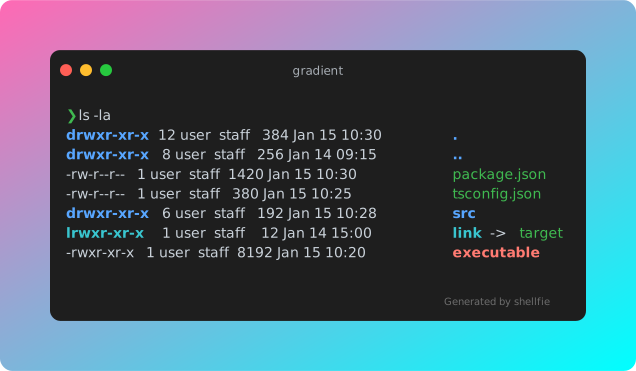
Add a background container around the terminal with solid colors or gradients:
// Simple hex color
shellfie(output, {
  background: "#1a1a2e",
});

// Gradient string with direction
shellfie(output, {
  background: "gradient(hotpink, cyan:diagonal)",
});

// Full configuration with padding and border radius
shellfie(output, {
  background: {
    color: "gradient(#ff0000, #0000ff:vertical)",
    padding: 50,
    borderRadius: 20,
  },
});
Background Options
| Option | Type | Default | Description |
| -------------- | ------------------ | ------- | --------------------------------------------- |
| color | string \| Gradient | - | Hex color or gradient string |
| padding | number | 20 | Space between terminal and background edge |
| borderRadius | number | 12 | Border radius of background container |
Gradient Syntax
Gradients use the format gradient(color1, color2:direction:reverse):
"gradient(#ff0000, #0000ff)"           // horizontal (default)
"gradient(hotpink, cyan:vertical)"     // vertical
"gradient(#ff6b6b, #4ecdc4:diagonal)"  // diagonal (top-left to bottom-right)
"gradient(pink, purple:horizontal:reverse)"  // reversed direction
| Direction | Description |
| ------------ | ---------------------------------- |
| horizontal | Left to right (default) |
| vertical | Top to bottom |
| diagonal | Top-left to bottom-right |
Add :reverse to reverse the gradient direction.
Watermarks
Add a watermark to the bottom-right corner of your SVG:
// Simple string (supports ANSI codes)
shellfie(output, {
  watermark: "\x1b[90mGenerated by shellfie\x1b[0m",
});

// Full configuration
shellfie(output, {
  watermark: {
    content: "powered by shellfie",
    style: {
      padding: 16, // number | [v, h] | [top, right, bottom, left]
      margin: [0, 8],
      opacity: 0.8,
    },
  },
});
Watermark Options
| Option | Type | Description |
| --------- | ------------------- | ------------------------------------------------ |
| content | string | Text (with ANSI) or SVG markup |
| type | 'text' \| 'markup' | Auto-detected: markup if starts with SVG element |
| style | WatermarkStyle | CSS-like positioning and appearance |
WatermarkStyle
Supports CSS shorthand notation for padding and margin:
style: {
  padding: 16,              // all sides
  padding: [8, 16],         // [vertical, horizontal]
  padding: [8, 16, 8, 16],  // [top, right, bottom, left]
  paddingTop: 8,            // individual sides
  margin: 0,
  marginRight: 8,
}
Additional SVG-compatible style properties are passed through:
style: {
  opacity: 0.5,
  filter: "blur(1px)",
  transform: "rotate(-5deg)",
}
Note: Standard CSS properties like
borderdon't work in SVG. Use SVG-specific properties (stroke,stroke-width) or markup watermarks for complex styling.
SVG Markup Watermarks
For advanced watermarks, use raw SVG markup:
shellfie(output, {
  watermark: {
    content: `
      <a href="https://github.com/tool3/shellfie">
        <rect width="100" height="20" rx="3" fill="#333"/>
        <text x="50" y="14" text-anchor="middle" fill="#fff">shellfie</text>
      </a>
    `,
    // type auto-detected as 'markup' since content starts with '<a'
  },
});
The markup is wrapped in a <g> element positioned at the bottom-right, with font-family, font-size, and fill inherited from the theme.
Font Embedding
For portable SVGs that render identically everywhere:
import { shellfieAsync } from "shellfie";

const svg = await shellfieAsync(input, { embedFont: true });
The font gets base64-encoded directly into the SVG. No external requests, no CORS issues, no "why does this look different on their machine" debugging sessions.
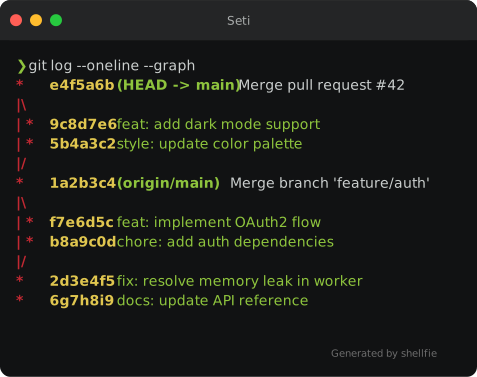
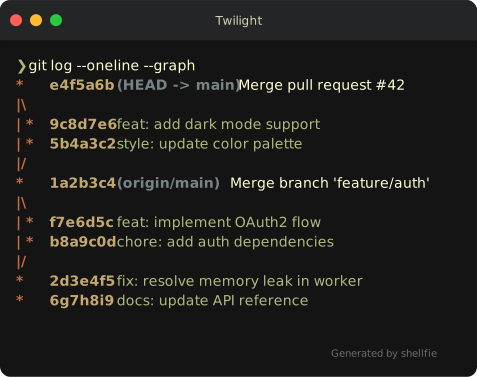
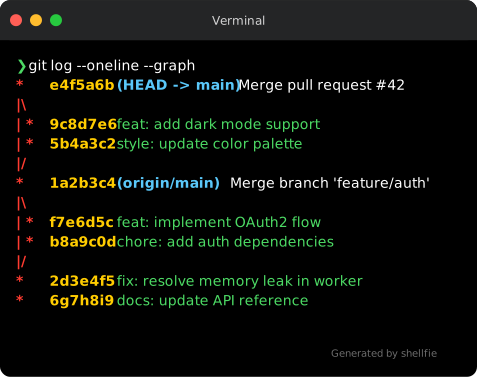
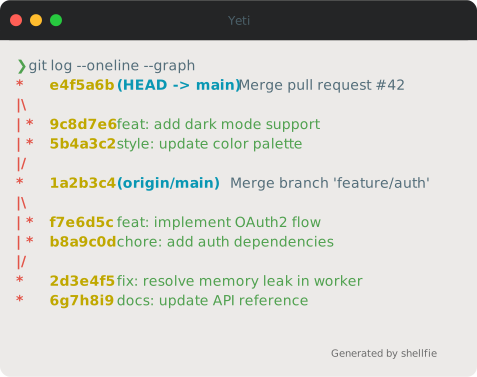
Themes
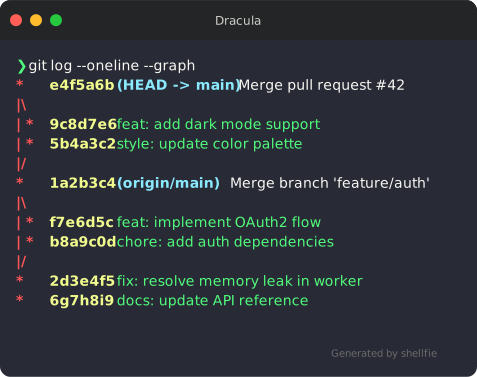
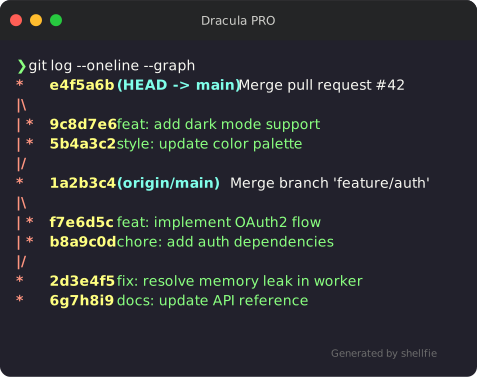
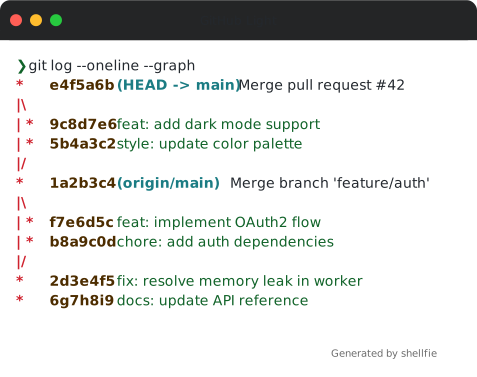
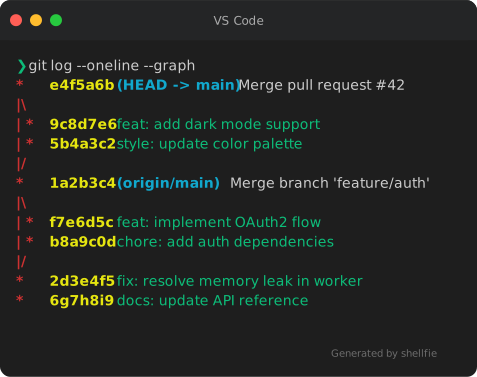
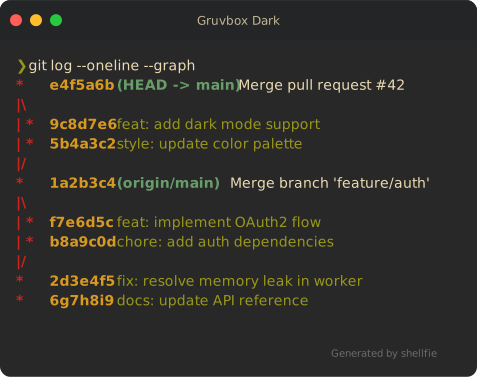
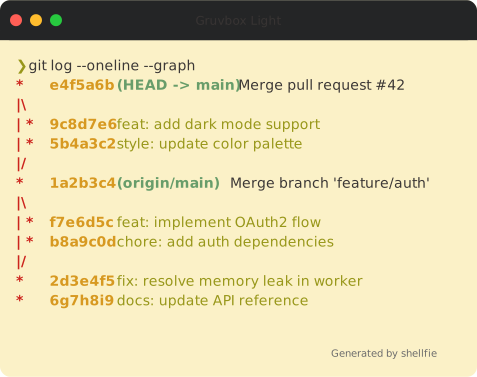
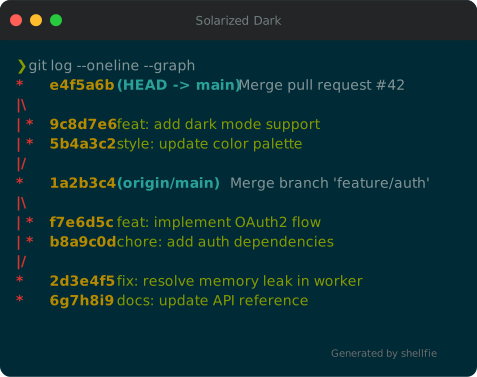
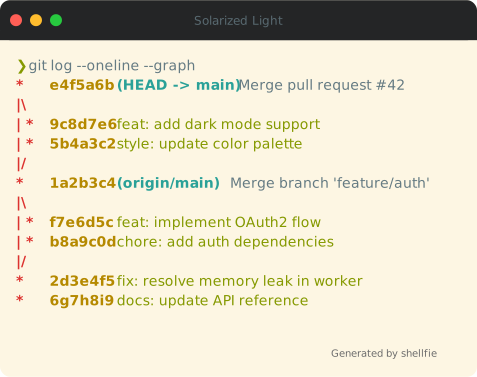
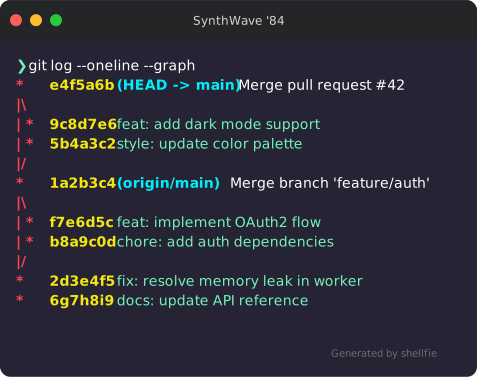
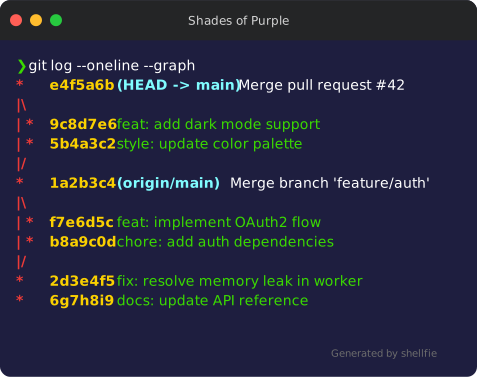
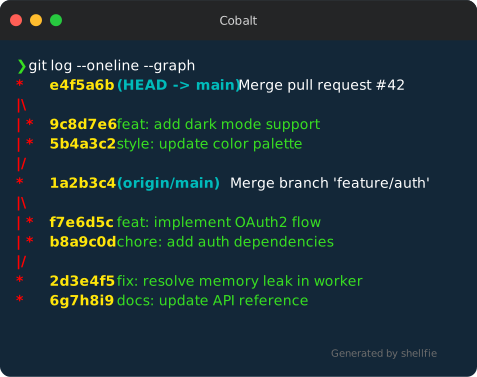
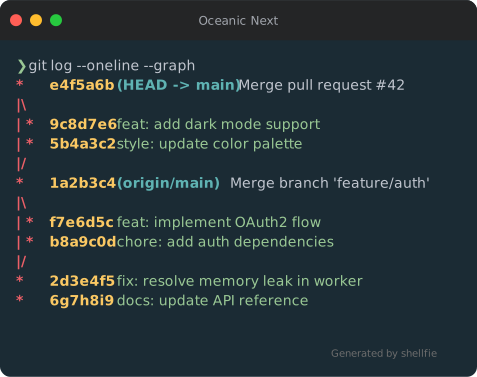
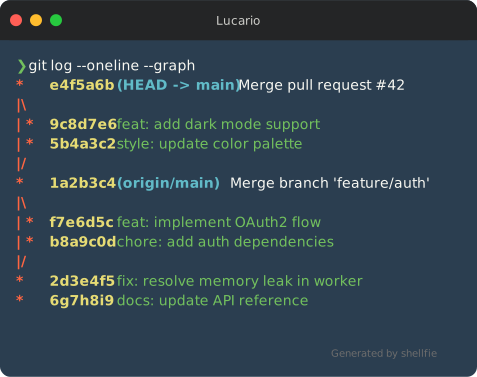
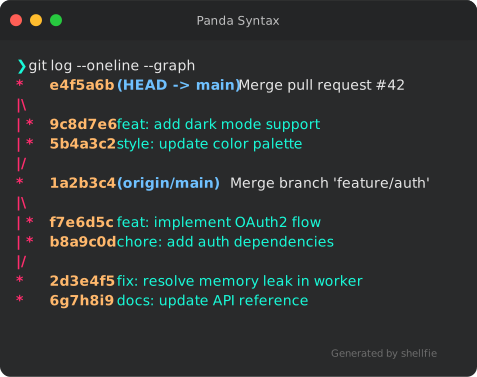
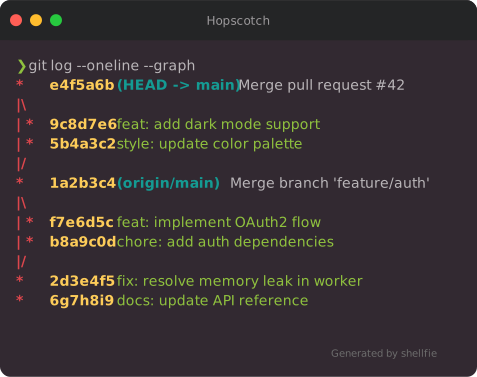
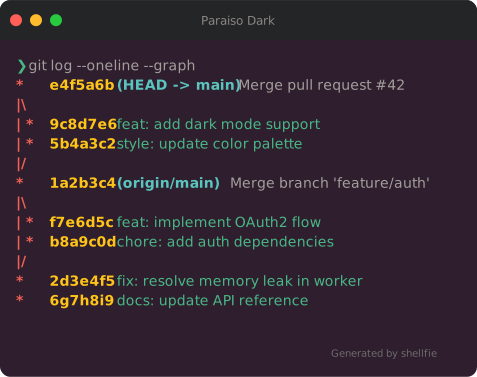
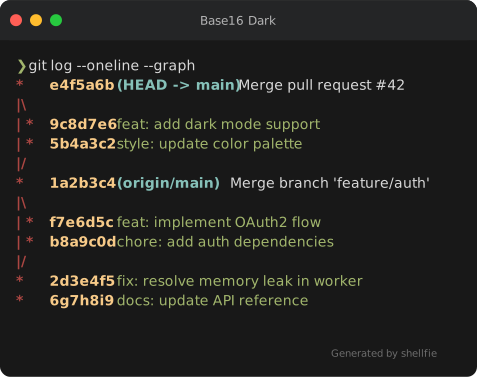
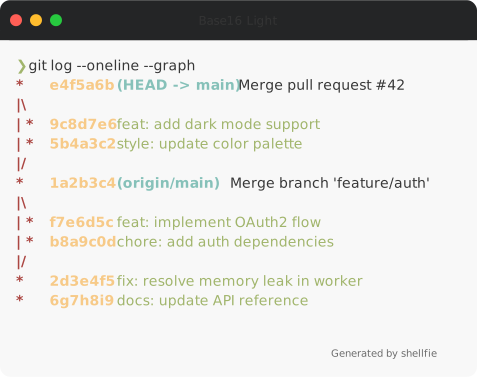
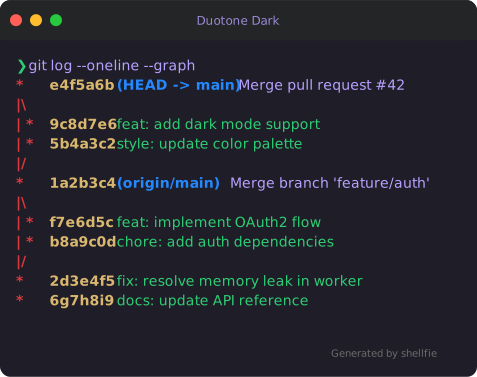
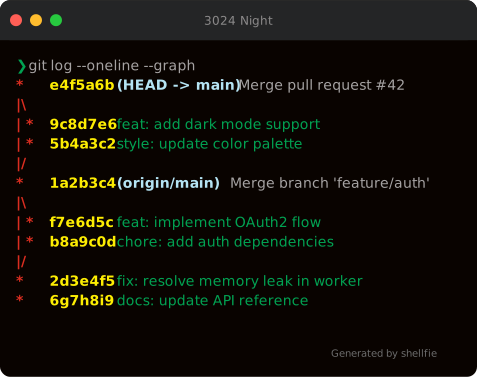
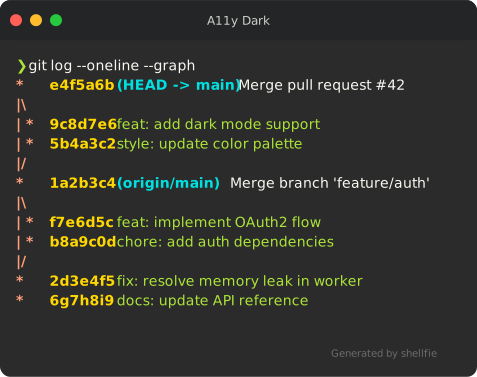
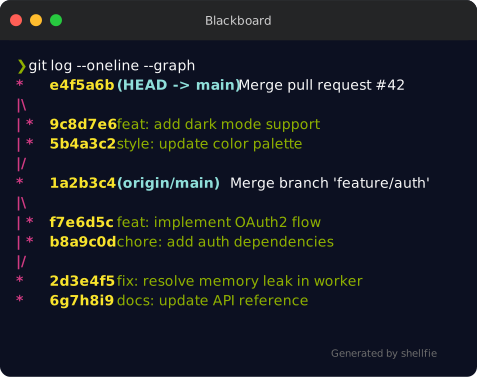
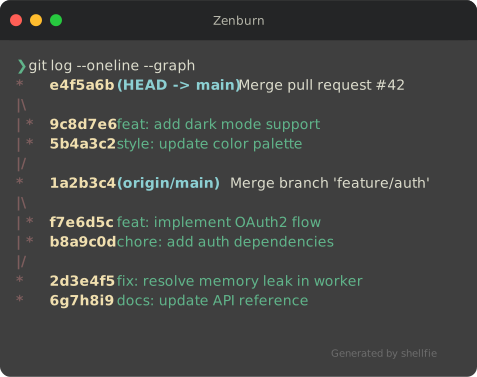
shellfie comes with 35 built-in themes:
import shellfie, { dracula, nord, tokyoNight } from "shellfie";

shellfie(output, { theme: dracula });
| Dracula | Dracula PRO | Nord |
| --------------------------------------------------------------------------------------------------------------- | ----------------------------------------------------------------------------------------------------------------------- | --------------------------------------------------------------------------------------------------------- |
|  |
|  |
| 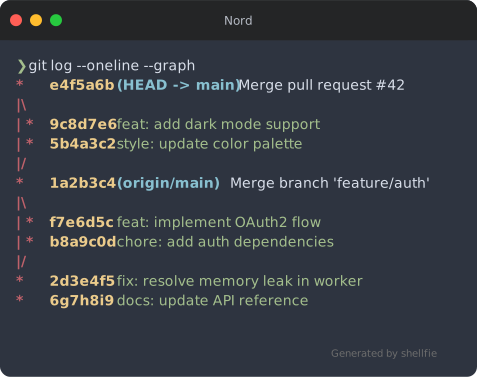 |
|
| Tokyo Night | One Dark | One Light |
| ----------------------------------------------------------------------------------------------------------------------- | ----------------------------------------------------------------------------------------------------------------- | ------------------------------------------------------------------------------------------------------------------- |
| 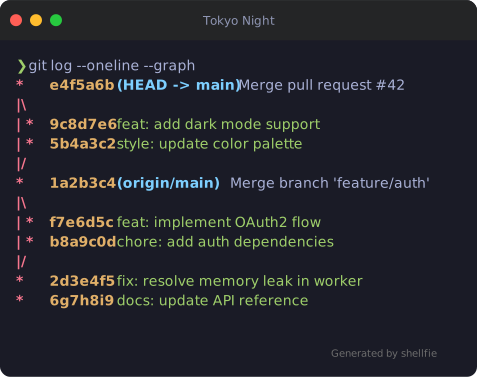 |
| 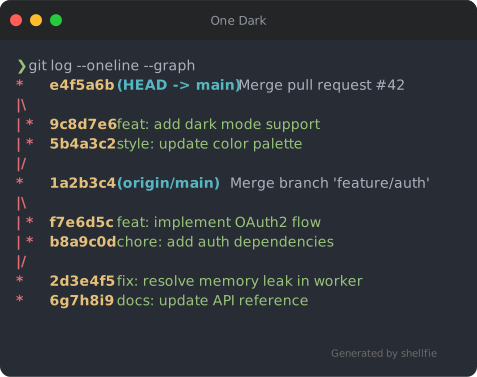 |
| 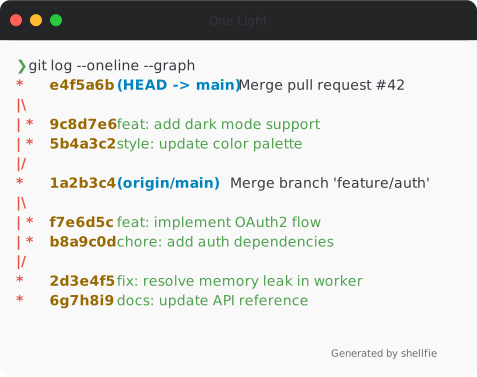 |
|
| Monokai | Catppuccin Mocha | Material |
| --------------------------------------------------------------------------------------------------------------- | --------------------------------------------------------------------------------------------------------------------------------- | ----------------------------------------------------------------------------------------------------------------- |
| 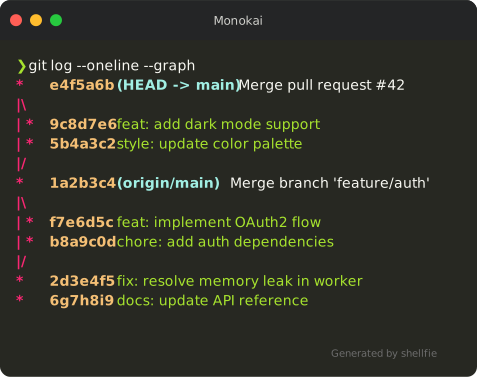 |
| 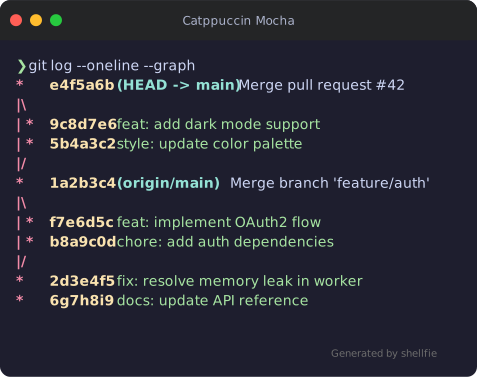 |
| 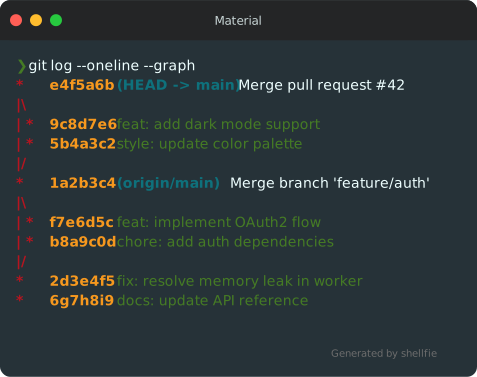 |
|
| GitHub Dark | GitHub Light | VS Code |
| ----------------------------------------------------------------------------------------------------------------------- | ------------------------------------------------------------------------------------------------------------------------- | -------------------------------------------------------------------------------------------------------------- |
| 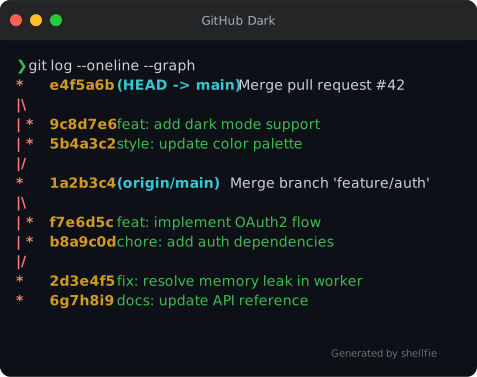 |
|  |
|  |
|
| Gruvbox Dark | Gruvbox Light | Solarized Dark |
| ------------------------------------------------------------------------------------------------------------------------- | --------------------------------------------------------------------------------------------------------------------------- | ----------------------------------------------------------------------------------------------------------------------------- |
|  |
|  |
|  |
|
| Solarized Light | SynthWave '84 | Shades of Purple |
| ------------------------------------------------------------------------------------------------------------------------------- | -------------------------------------------------------------------------------------------------------------------------- | --------------------------------------------------------------------------------------------------------------------------------- |
|  |
|  |
|  |
|
| Cobalt | Oceanic Next | Lucario |
| ------------------------------------------------------------------------------------------------------------- | ------------------------------------------------------------------------------------------------------------------------- | --------------------------------------------------------------------------------------------------------------- |
|  |
|  |
|  |
|
| Panda Syntax | Hopscotch | Paraiso Dark |
| ------------------------------------------------------------------------------------------------------------------------- | ------------------------------------------------------------------------------------------------------------------- | ------------------------------------------------------------------------------------------------------------------------- |
|  |
|  |
|  |
|
| Base16 Dark | Base16 Light | Duotone Dark |
| ----------------------------------------------------------------------------------------------------------------------- | ------------------------------------------------------------------------------------------------------------------------- | ------------------------------------------------------------------------------------------------------------------------- |
|  |
|  |
|  |
|
| 3024 Night | A11y Dark | Blackboard |
| --------------------------------------------------------------------------------------------------------------------- | ------------------------------------------------------------------------------------------------------------------- | --------------------------------------------------------------------------------------------------------------------- |
|  |
|  |
|  |
|
| Seti | Twilight | Verminal |
| --------------------------------------------------------------------------------------------------------- | ----------------------------------------------------------------------------------------------------------------- | ----------------------------------------------------------------------------------------------------------------- |
|  |
|  |
|  |
|
| Yeti | Zenburn |
| --------------------------------------------------------------------------------------------------------- | --------------------------------------------------------------------------------------------------------------- |
|  |
|  |
|
Custom Themes
import shellfie, { createTheme } from "shellfie";

const theme = createTheme({
  name: "ocean",
  background: "#0a2540",
  foreground: "#e6f1ff",
  red: "#ff6b6b",
  green: "#69db7c",
  // ... all 16 ANSI colors
});

shellfie(output, { theme });
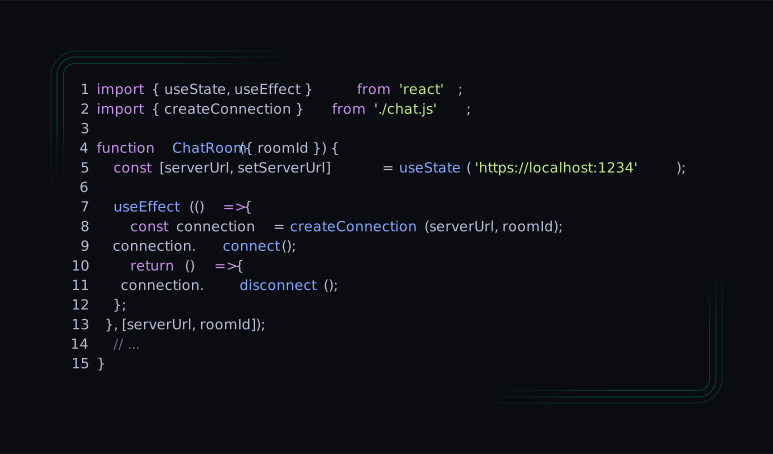
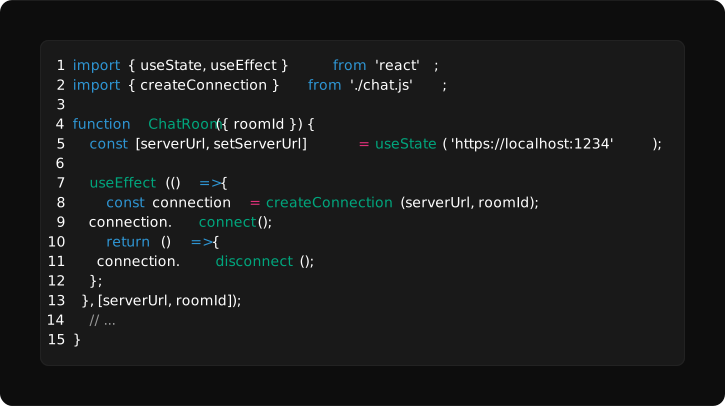
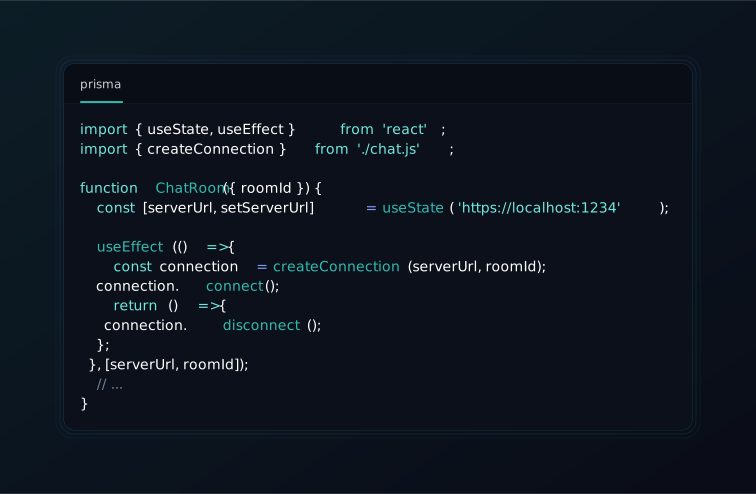
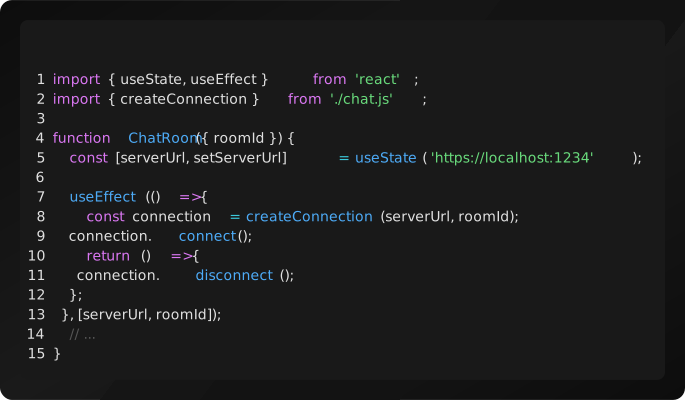
Presets
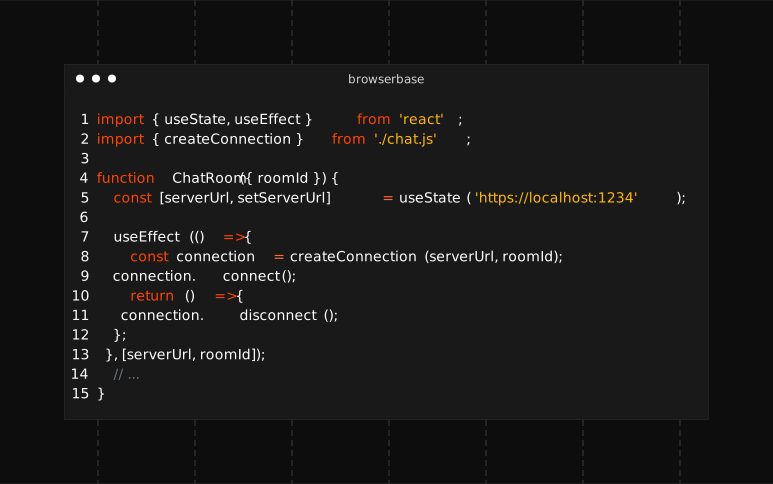
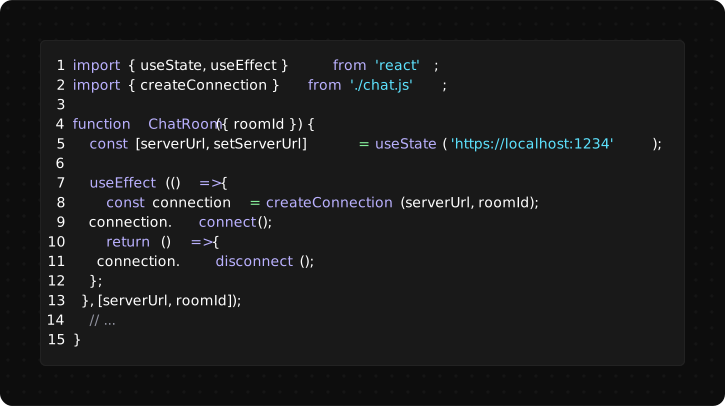
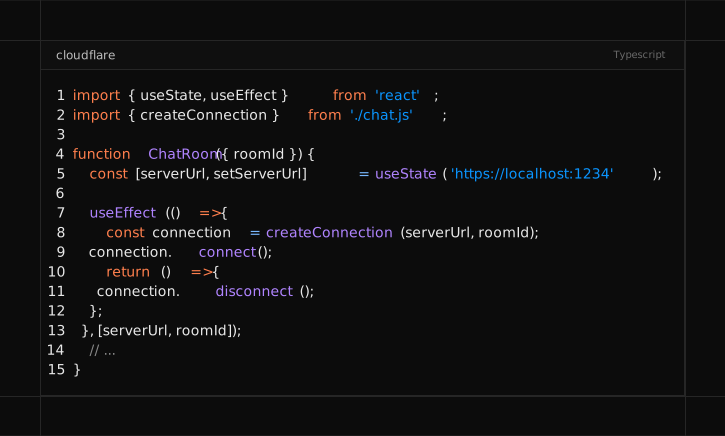
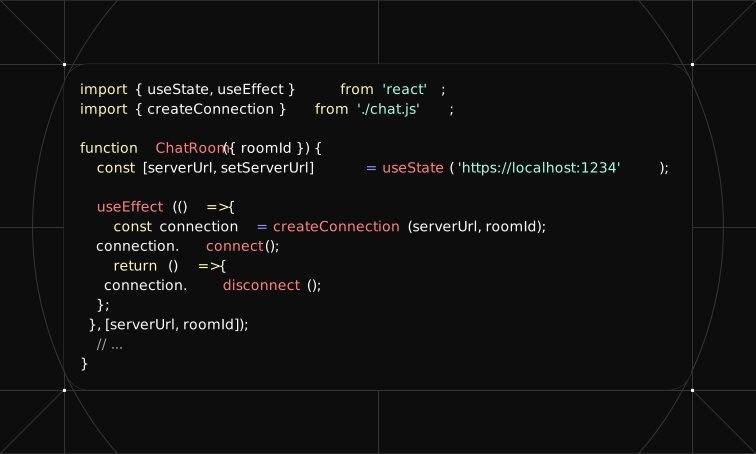
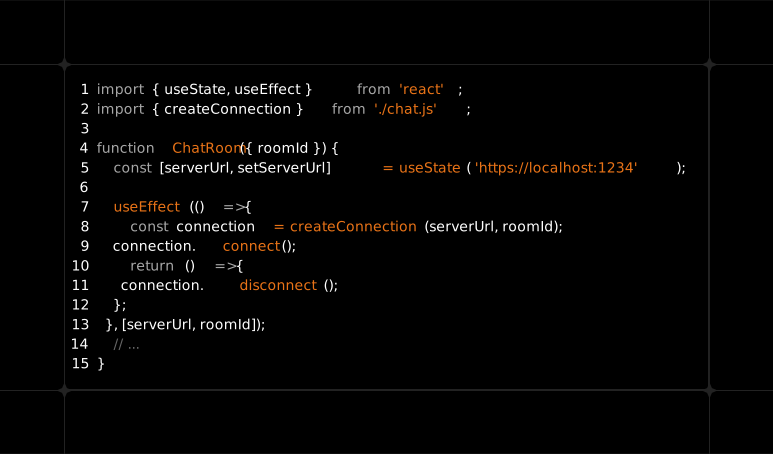
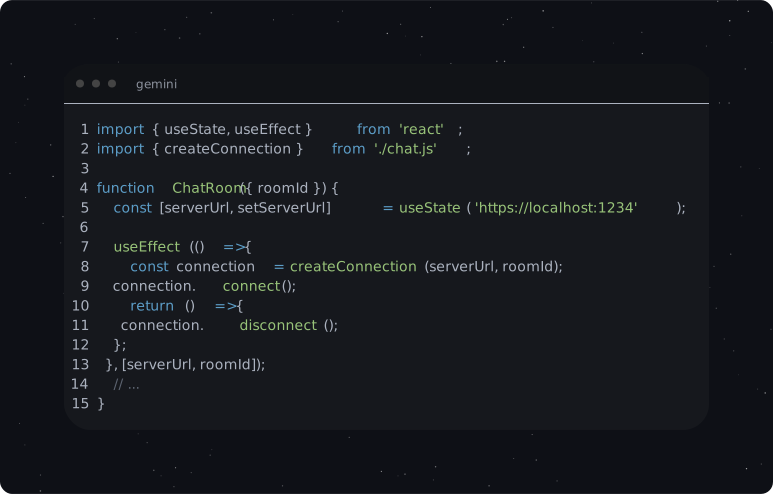
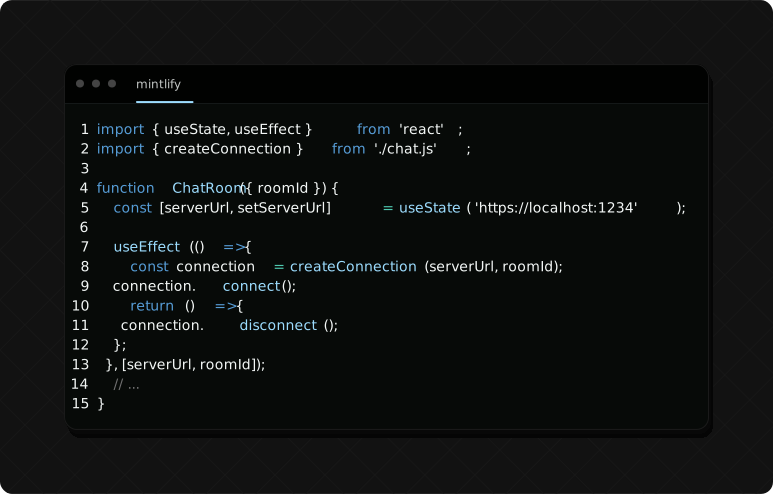
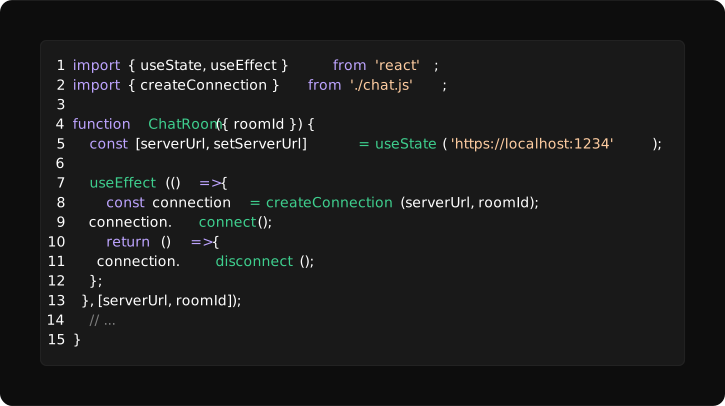
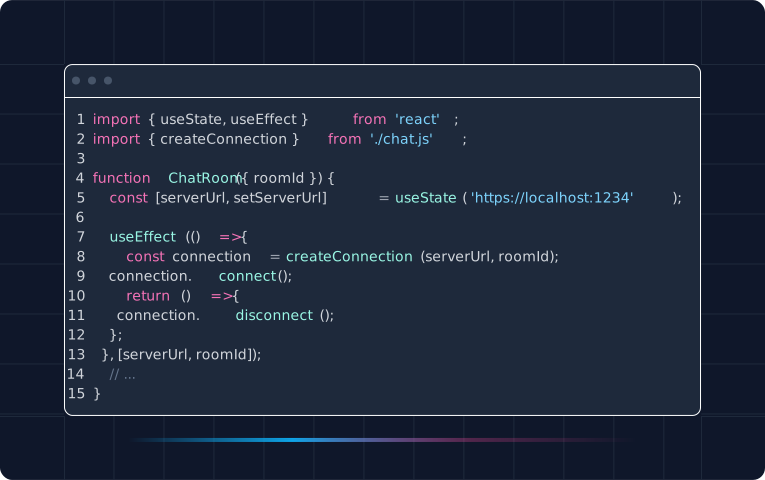
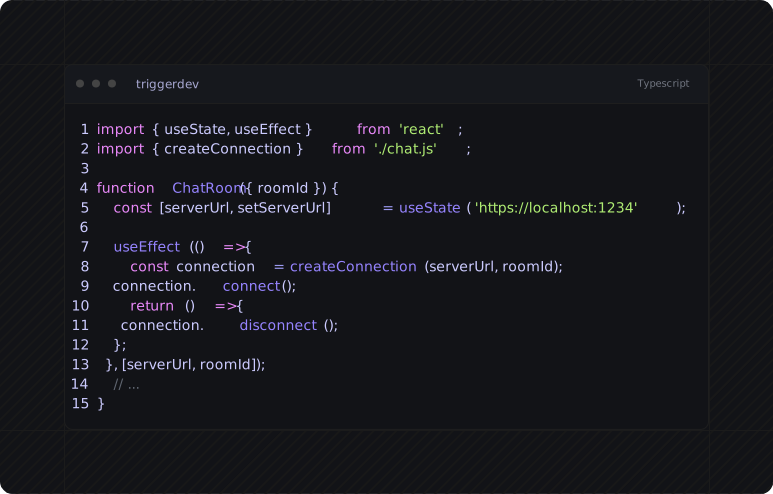
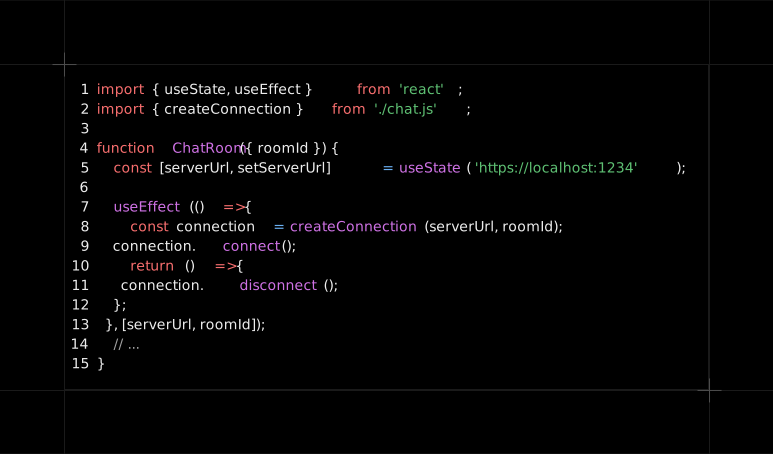
shellfie comes with 15 built-in presets:
import shellfie from "shellfie";

shellfie(output, { preset: 'vercel' });
| Browserbase | Clerk | Cloudflare |
| ----------------------------------------------------------------------------------------------------------------------------- | ------------------------------------------------------------------------------------------------------------------- | --------------------------------------------------------------------------------------------------------------------------- |
|  |
|  |
|  |
|
| ElevenLabs | Firecrawl | Gemini |
| ----------------------------------------------------------------------------------------------------------------------------- | --------------------------------------------------------------------------------------------------------------------------- | ------------------------------------------------------------------------------------------------------------------- |
|  |
|  |
|  |
|
| Mintlify | Nuxt | OpenAI |
| ----------------------------------------------------------------------------------------------------------------------------- | ------------------------------------------------------------------------------------------------------------------- | ------------------------------------------------------------------------------------------------------------------- |
|  |
|  |
|  |
|
| Prisma | Resend | Supabase |
| ----------------------------------------------------------------------------------------------------------------------------- | ------------------------------------------------------------------------------------------------------------------- | ------------------------------------------------------------------------------------------------------------------- |
|  |
|  |
|  |
|
| Tailwind | Trigger.dev | Vercel |
| ----------------------------------------------------------------------------------------------------------------------------- | --------------------------------------------------------------------------------------------------------------------------- | ------------------------------------------------------------------------------------------------------------------- |
|  |
|  |
|  |
|
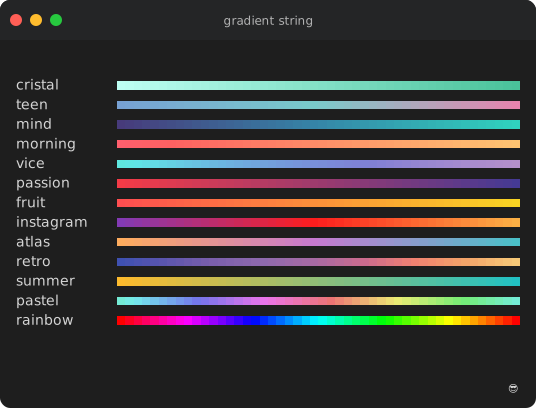
Full Color Support
24-bit True Color & 256-color palette
import gradient from "gradient-string";
import shellfie from "shellfie";

const svg = shellfie(gradient.rainbow("Hello World"), {
  template: "macos",
  title: "gradient string",
});
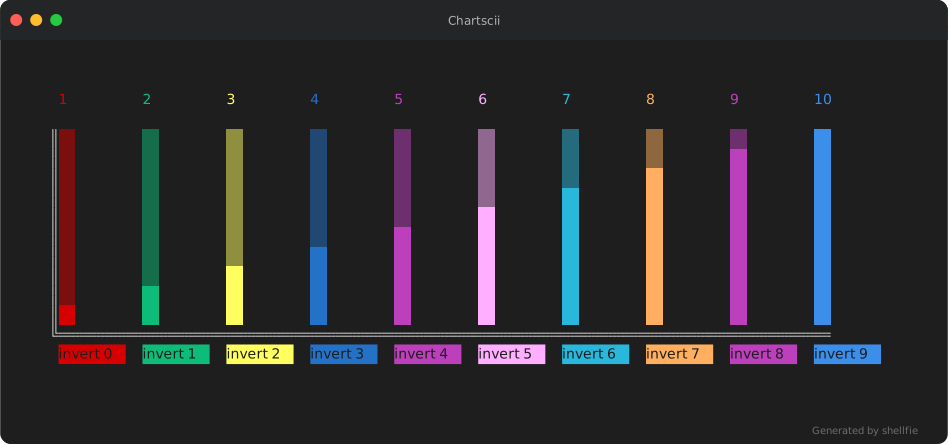
Works with any ANSI output
import Chartscii from "chartscii";
import shellfie from "shellfie";

const chart = new Chartscii(data, {
  barSize: 2,
  fill: "▒",
  colorLabels: true,
  orientation: "vertical",
  valueLabels: true,
});

const svg = shellfie(chart.create(), {
  template: "macos",
  title: "Chartscii",
  padding: 50,
});
CLI tools, test runners, anything
shellfie(execSync("git diff --color=always").toString());
shellfie(execSync("npm test 2>&1").toString());
shellfie(execSync("ls -la --color=always").toString());
Utilities
import { parse, render, stripAnsi, getMaxWidth } from "shellfie";

const lines = parse("\x1b[31mred\x1b[0m text");
const svg = render(lines, options);

stripAnsi("\x1b[31mred\x1b[0m"); // 'red'
getMaxWidth(lines); // 80
Related
- See shellfie-cli for command line usage
- See shellfied for the shellfie web app
License
MIT