
simple-pass-generator
v2.0.3
Published
Easy-to-use random password generator

Maintainers
 edurddanilov
Readme
🔐 simple-pass-generator




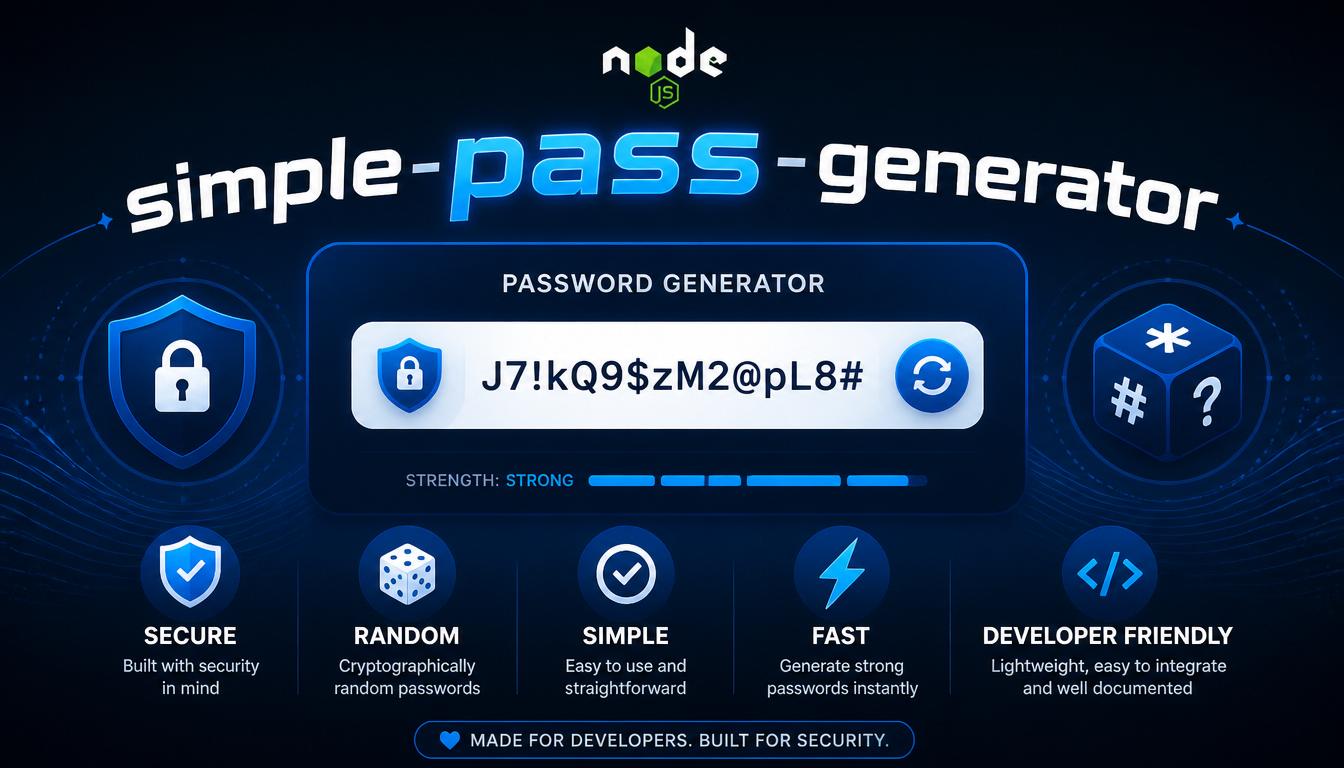
A lightweight, cryptographically secure password generator for Node.js and browsers. Zero dependencies.
✨ Features
- 🔒 Cryptographically Secure: Uses
crypto.getRandomValues()(Web Crypto API) orcrypto.randomInt()(Node.js). - ⚡ Highly Optimized: Batch random number generation (256 values per call), pre-allocated arrays, and inline Fisher-Yates shuffling.
- 🎯 Guaranteed Character Types: Ensures at least one character from every requested type (when mathematically possible).
- 🌐 Universal: Works seamlessly in Node.js (16+), modern browsers, Deno, Bun, and Web Workers.
- 📦 Zero Dependencies: Tiny footprint (~1.7 KB minified).
- 🛡️ No Modulo Bias: Implements strict rejection sampling to guarantee a perfectly uniform distribution of characters.
- 🚫 No Insecure Fallbacks: Explicitly throws an error if a secure random source is unavailable. Never uses
Math.random().
📦 Installation
npm install simple-pass-generator🚀 Quick Start
const { getRandomPass, quickPass } = require('simple-pass-generator');

// Generate a 16-character password with letters, numbers, and symbols
const password = getRandomPass(16, 'letters', 'numbers', 'symbols');
console.log(password); // e.g., "k#9m$pL@2qR!5nT&"

// Quick shorthand syntax for a 6-digit PIN
const pin = quickPass(6, 'n');
console.log(pin); // e.g., "384729"
📖 API Reference
getRandomPass([length], [...types])
Generates a cryptographically secure random password.
Parameters
| Parameter | Type | Default | Description |
|-----------|------|---------|-------------|
| length | number | 10 | Password length (must be an integer between 1 and 10000). |
| types | string[] | ['letters', 'numbers', 'symbols'] | Character types to include. |
Available Character Types
| Type | Characters Included | Count |
|------|---------------------|-------|
| 'letters' | ABCDEFGHIJKLMNOPQRSTUVWXYZabcdefghijklmnopqrstuvwxyz | 52 |
| 'numbers' | 0123456789 | 10 |
| 'symbols' | !@#$%^&*()-_=+[]{}\|;:,.<>?/~ | 28 |
(Total pool size when all types are used: 90 characters)
Returns
string — The generated password.
Throws
Error:"Password length must be a positive integer."(if length is not a positive integer).Error:"Maximum password length: 10000."(if length exceeds the safety limit).Error:"Invalid type: [type]. Valid types: letters, numbers, symbols"(if an invalid character type is specified).
Examples
// Default: 10 characters, all types
getRandomPass();
// "k#9m$pL@2q"

// Custom length, all types
getRandomPass(20);
// "aB3xY7kL9pQ2mN5rT8vW"

// Only letters and numbers
getRandomPass(12, 'letters', 'numbers');
// "aB3xY7kL9pQ2"

// Only digits (e.g., for a PIN)
getRandomPass(6, 'numbers');
// "384729"

// Duplicate types are automatically ignored (no performance penalty)
getRandomPass(10, 'letters', 'letters', 'numbers');
// Behaves exactly like getRandomPass(10, 'letters', 'numbers')
quickPass([length], [shortcut])
A convenient wrapper for generating passwords using character type shortcuts.
Parameters
| Parameter | Type | Default | Description |
|-----------|------|---------|-------------|
| length | number | 10 | Password length (1–10000). |
| shortcut | string | 'lns' | A string of character type shortcuts. |
Available Shortcuts
| Shortcut | Expands To | Description |
|----------|------------|-------------|
| 'l' | letters | Letters only |
| 'n' | numbers | Numbers only |
| 's' | symbols | Symbols only |
Note: Shortcuts are case-insensitive, and duplicate characters in the shortcut string are automatically ignored.
Returns
string — The generated password.
Throws
Error:"Shortcut must be a string."Error:"Shortcut cannot be empty."Error:"Invalid character in shortcut: \"[char]\". Valid characters: l, n, s"
Examples
quickPass();          // "k#9m$pL@2q" (Default: 10 chars, all types)
quickPass(16);        // "aB3xY7kL9pQ2mN5r" (16 chars, all types)
quickPass(12, 'ln');  // "aB3xY7kL9pQ2" (Letters and numbers only)
quickPass(6, 'n');    // "384729" (Numbers only)
quickPass(8, 'ls');   // "k#m$pL@q" (Letters and symbols)
quickPass(10, 'LLN'); // "aB3xY7kL9p" (Case-insensitive, duplicates ignored)
🎯 Character Type Guarantee Logic
The library intelligently handles the relationship between password length and the number of requested types to prevent mathematical impossibilities:
Length ≥ Number of Types:
The library guarantees that at least one character from every requested type will be present in the password. These guaranteed characters are placed first, the remainder is filled from the combined pool, and the entire array is shuffled using the Fisher-Yates algorithm to ensure unpredictable positions.getRandomPass(3, 'letters', 'numbers', 'symbols'); // ALWAYS contains exactly: 1 letter + 1 number + 1 symbol (in random order)Length < Number of Types:
Since it is mathematically impossible to include all types (e.g., fitting 3 types into 2 characters), the library gracefully falls back to pure random selection from the combined character pool. This prevents errors and ensures a uniform distribution across all requested types.getRandomPass(2, 'letters', 'numbers', 'symbols'); // May contain any combination (e.g., "ab", "12", "$%", "4h", "7#") // Probability of at least one symbol in a 2-char password: ~52.5%
🔒 Security Guarantees
- No
Math.random(): The library will explicitly throw an error ("Cryptographically secure random source is not available.") if a secure random source is unavailable. It never silently falls back to insecure methods. - Rejection Sampling: Eliminates "modulo bias". For example, when selecting from 52 letters, values that would cause uneven distribution are rejected and re-rolled, ensuring every character has an exactly equal probability (
1/52) of being selected. - Fail-Fast Initialization: Crypto API availability is checked once at module load time, not during every function call, preventing runtime surprises.
- Constant-Time Selection: All character types have equal probability of selection based on their pool size.
⚡ Performance
The library is heavily optimized for high-throughput scenarios (e.g., generating tokens for thousands of users):
- Batch Generation: Fetches 256 random
Uint32values pergetRandomValues()system call, drastically reducing OS-level overhead. - Zero Dynamic Resizing: Uses pre-allocated arrays (
new Array(length)) instead of.push(), avoiding memory reallocation. - Inline Shuffling: The Fisher-Yates shuffle is inlined to eliminate function call overhead.
- Cached Pool Length: Avoids repeated
.lengthproperty access inside loops.
Benchmark (Node.js 20, Intel i7):
getRandomPass(16): ~0.005 msgetRandomPass(100): ~0.015 ms- 10,000 passwords (length 16): ~50 ms
- 1,000,000 passwords (length 16): ~5 seconds
🌐 Environment Compatibility
| Environment | Version | Status |
|-------------|---------|--------|
| Node.js | 16+ | ✅ Full support (uses crypto.randomInt fallback for <19) |
| Chrome / Edge | 37+ | ✅ Full support |
| Firefox | 34+ | ✅ Full support |
| Safari | 11+ | ✅ Full support |
| Deno / Bun | Any | ✅ Full support |
| Web Workers | Any | ✅ Full support |
Browser Usage (ES Modules)
<script type="module">
  import { getRandomPass, quickPass } from 'https://unpkg.com/simple-pass-generator/getRandomPass.js';

  const password = getRandomPass(16);
  console.log(password);

  const pin = quickPass(6, 'n');
  console.log(pin);
</script>
📘 TypeScript Support
The library includes comprehensive JSDoc comments, providing excellent autocompletion, parameter hints, and type checking in modern IDEs (VS Code, WebStorm) without needing separate .d.ts files.
import { getRandomPass, quickPass } from 'simple-pass-generator';

const password: string = getRandomPass(16, 'letters', 'numbers');
const pin: string = quickPass(6, 'n');

// Type-safe character types
type CharacterType = 'letters' | 'numbers' | 'symbols';
const types: CharacterType[] = ['letters', 'numbers'];
const securePass = getRandomPass(20, ...types);
📝 Common Use Cases
1. Secure password for user registration
const password = getRandomPass(16, 'letters', 'numbers', 'symbols');
// "k#9m$pL@2qR!5nT&"
2. Numeric PIN code
const pin = quickPass(6, 'n');
// "384729"
3. URL-safe temporary token (letters + numbers only)
const token = getRandomPass(32, 'letters', 'numbers');
// "aB3xY7kL9pQ2mN5rT8vW1xZ4cD6fG0hJ"
4. Memorable pronounceable-like string (letters only)
const memorable = quickPass(12, 'l');
// "xKpLmNqRsTuV"
5. Bulk password generation
const passwords = Array.from({ length10 }, () => getRandomPass(12));
// ["k#9m$pL@2qR!", "aB3xY7kL9pQ2", ...]
⚠️ Error Handling Examples
// 1. Invalid length
try {
  getRandomPass(-5, 'letters');
} catch (error) {
  console.error(error.message);
  // "Password length must be a positive integer."
}

// 2. Exceeds maximum length
try {
  getRandomPass(20000);
} catch (error) {
  console.error(error.message);
  // "Maximum password length: 10000."
}

// 3. Invalid character type
try {
  getRandomPass(10, 'invalid');
} catch (error) {
  console.error(error.message);
  // 'Invalid type: "invalid". Valid types: letters, numbers, symbols'
}

// 4. Invalid shortcut character
try {
  quickPass(10, 'xyz');
} catch (error) {
  console.error(error.message);
  // 'Invalid character in shortcut: "x". Valid characters: l, n, s'
}
🤝 Contributing
Contributions are welcome! Please follow these steps:
- Fork the repository.
- Create a feature branch (
git checkout -b feature/amazing-feature). - Commit your changes (
git commit -m 'Add amazing feature'). - Push to the branch (
git push origin feature/amazing-feature). - Open a Pull Request.
📄 License
This project is licensed under the MIT License — see the LICENSE file for details.
💡 FAQ
Q: Is this library safe for production use?
A: Yes. It uses cryptographically secure random number generation, implements rejection sampling to prevent bias, and has zero dependencies, minimizing the attack surface.
Q: Can I add custom character sets (e.g., only uppercase)?
A: Currently, the library supports the three optimized sets (letters, numbers, symbols). The letters set includes both uppercase and lowercase. Custom sets may be added in future major versions.
Q: Why is the maximum length capped at 10000?
A: This is a safety limit to prevent accidental Denial of Service (DoS) via memory exhaustion. If you genuinely need longer strings, you can generate multiple passwords and concatenate them, or modify the MAX_LENGTH constant in the source code.
Q: How does this compare to crypto.randomUUID()?
A: uuid is great for unique identifiers, but it has a fixed format (8-4-4-4-12 hex characters) and limited character variety. This library allows full control over length and character composition, making it ideal for user-facing passwords and high-entropy tokens.