
simplepack
v2.4.7
Published
Make pack simple then ever, base on webpack


Readme
Simplepack
Make pack more simple than ever, base on Webpack (version 4+)
simplepack want to let you drop the complex config file, use single line command (or minimal config file) to finish the job.
- Use out of box, many useful loaders and plugins builtin
- Extend webpack config ability
- Made for global use, so just install once for all
- Buildin with webpack dev server, and HMR
- Use same config to do develop and publish together
simplepack support Webpack v4 now !
Ability
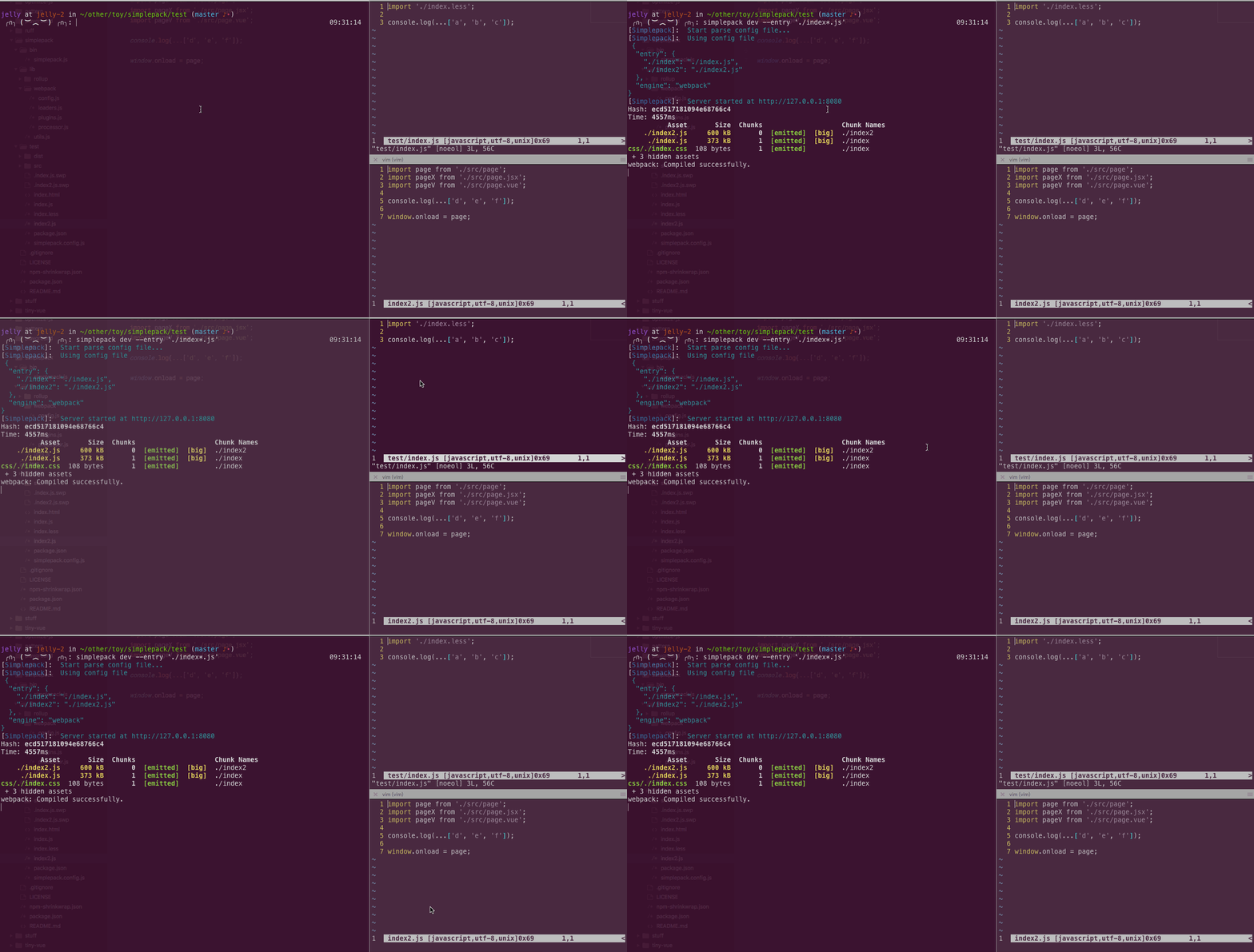
simplepack have lots of loaders and plugins builtin, you can build these extensions directly
- React:
.jsx - Vue:
.vue(with ES6+ support) - Javascript:
.js(with ES6+ support) - Styles:
.lessor.css(extract css to single file) - JSON:
.json - Text:
.txt
Install
# global install
npm install -g simplepack

# or you need to admin auth.
sudo npm install -g simplepack
API
Commands
# dev: start a dev server, build and serve file in memory
simplepack dev --entry ./index.js

# publush: build and export file to ./dist folder
simplepack publish --entry ./index.js
Options
Both dev and publish command has the same options
 ╭∩╮(︶︿︶)╭∩╮: simplepack -h
[Simplepack]:  Start parse config file...

  Usage: simplepack [options] [command]

  Commands:

    dev, d      Start dev server for develop
    help        Display help
    publish, p  get dist. file for publish

  Options:

    -C, --cli-only        Use CLI config only, not merge config file (disabled by default)
    -C, --compress        Whether compress the output code
    -c, --config          Specifies a different configuration file to pick up
    -E, --engine [value]  The name of workflow engine (defaults to "webpack")
    -e, --entry           The list entries
    -E, --export          The name of Component export
    -E, --extract-css     Whether extract css file from bundle (disabled by default)
    -h, --help            Output usage information
    -n, --not-clear       Do not clear the output dir
    -v, --version         Output the version number
| | Description | Type | Default | | :------- | :--------------------------------------- | :-------------- | :------ | | entry | The list entries | String / Object | null | | compress | Whether uglify the output code | Boolean | false | | export | The name of Component export (commonly use to expose a library with UMD) | String | null | | cli-only | Use CLI config only, not merge config file | Boolean | false |
option.entry
Most like Webpack config option.entry , but extend the glob ablity
{
  // simple
  // './test/a.js' => './dist/test/a.js'
  entry: './test/a.js'

  // simple with glob: expand to multi entry
  // './test/(a,b,c...).js' => './dist/test/(a,b,c...).js'
  entry: './test/*.js'

  // complex
  entry: {
    // './test/a.js' => './dist/a-new.js'
    'a-new': './test/a.js',

    // special @multi key, same as `simple with glob`
    '@multi': './test/*.js',

    // special @vendor key, specific the third party lib.
    // vendor will pack to a single file, instead of pack into other bundle
    // jquery+loadsh => './dist/vendor.js'
    '@vendor': [
      'jquery',
      'lodash'
    ]
  }
}
Other notice:
Complex entry support
arrayin object value, it indicate you want multi file to build in one entryvendor.jsneed to manualy import to your project, use<script>tag, more detail
Usage
After install you can pack in any project, just need single line command.
CLI only
simplepack dev --entry './index.js' --compress --export 'AComponent'With Config File
Put a js file to your project root, named simplepack.config.js
{
  entry: {
    index: './index.js'
  },
  compress: true,
  export: 'AComponent'
}
Full config support, please see here
License
MIT