
skillsmp-mcp
v1.0.4
Published
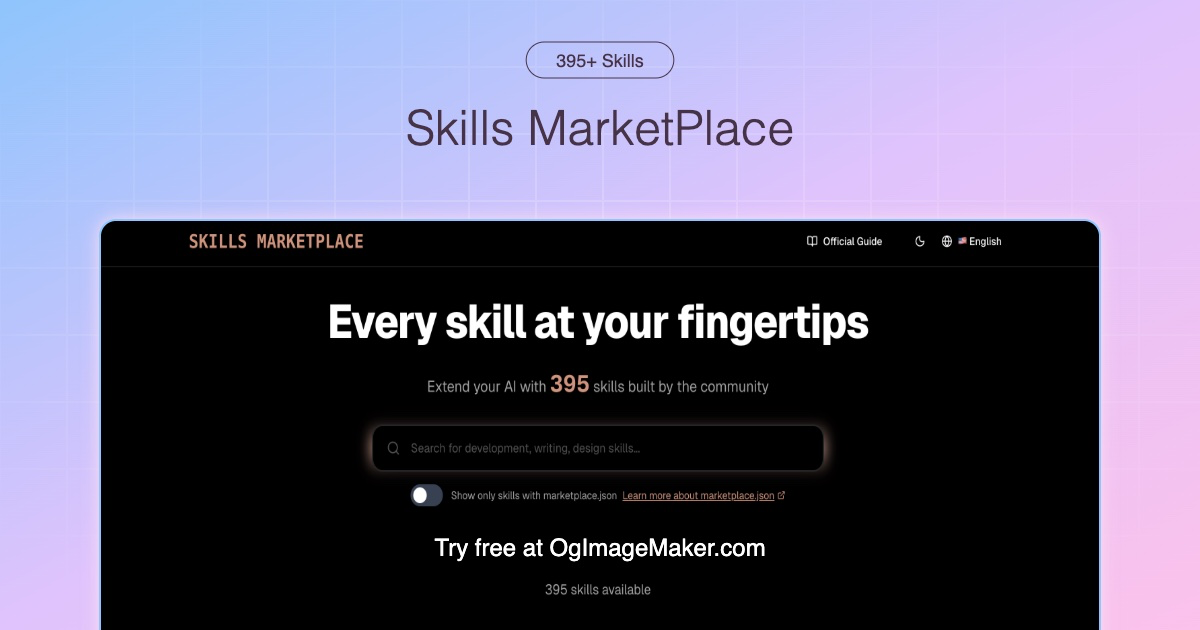
SkillsMP MCP Server - 为 OpenCode 集成 Skills Marketplace,提供关键字搜索和 AI 语义搜索功能

Maintainers
 lianbing21
Readme
SkillsMP MCP Server for OpenCode
通过 Model Context Protocol (MCP) 集成 Skills Marketplace 到 OpenCode,提供关键字搜索和 AI 语义搜索功能。


📋 目录
功能特性
🎯 双模式搜索
| 模式 | 说明 | 技术 | |--------|------|--------| | 关键字搜索 | 精确搜索 463+ 技能 | 传统搜索 API | | AI 语义搜索 | 自然语言查询,智能匹配 | Cloudflare AI 驱动 |
🌟 核心优势
- ✅ 即装即用:无需额外配置(推荐通过环境变量提供 API Key,设置变量名为 SKILLSMP_API_KEY)
- ✅ 双语支持:中文、英文都支持
- ✅ 智能推荐:显示技能详情(作者、星数、GitHub 链接)
- ✅ 避免重复:463+ 现有技能库,无需从零开发
- ✅ 开源免费:MIT License,完全免费使用
📊 技术栈
- 语言:TypeScript + Node.js
- 协议:Model Context Protocol v1
- SDK:@modelcontextprotocol/sdk
- API:SkillsMP REST API
- 运行时:Node.js (通过 stdio 通信)
快速开始
本地安装
一键安装
cd /Users/lianb/opencode-mcp
./install.sh
安装脚本会自动:
- ✅ 编译 TypeScript 代码
- ✅ 全局安装到 npm
- ✅ 配置 OpenCode
- ✅ 显示配置说明
配置 OpenCode
编辑 ~/.config/opencode/opencode.json:
{
  "mcp": {
    "skillsmp": {
      "type": "local",
      "command": ["skillsmp-mcp"],
      "enabled": true
    }
  }
}
重启 OpenCode
关闭并重新启动 OpenCode 使配置生效。
验证安装
启动 OpenCode 后,运行:
列出所有可用的 MCP 工具您应该能看到:
- ✅
skillsmp_search- 关键字搜索 - ✅
skillsmp_ai_search- AI 语义搜索
ModelScope 部署
为什么选择 ModelScope?
- 🌐 公开访问:让其他用户能够发现和使用
- 👥 团队协作:适合团队共享服务
- 🔧 统一管理:通过 Web 控制台统一管理
- 📊 监控统计:查看使用情况和资源消耗
快速开始
- 准备配置文件(见 deploy/modelscope-server-config.json)
- 访问 https://modelscope.cn
- 进入"MCP 广场"页面
- 点击"创建MCP服务"或"平台MCP"
- 填写信息(参考 deploy/MODELSCOPE_CREATION_GUIDE.md)
- 启动部署
重要配置项
基础信息:
- 英文名称:
SkillsMP MCP Server - 中文名称:
SkillsMP MCP 搜索服务 - 来源地址:
https://github.com/your-username/skillsmp-mcp-server - 作者:
您的名称 - 是否公开:公开(必须选择)
- 托管类型:
无 - 服务类型:仅本地可用(推荐)
服务类型:Stdio(推荐,简单可靠)
自定义标签:skillsmp, mcp, search, skills-marketplace, opencode
使用方法
方式 1:自然语言查询(推荐)
用户输入:
我需要实现一个网页爬虫功能,有什么现成的工具可以使用吗?OpenCode 行为:
自动使用 skillsmp_ai_search 工具,查询 "web scraper" 或相关词汇
返回示例:
找到 3 个相关技能:
1. event-scraper (相关度: 58.1%)
   - 作者: MattB543
   - 描述: Create new event scraping scripts...
   - 星数: 4
   - 链接: https://skillsmp.com/skills/mattb543-asheville-event-feed-claude-event-scraper-skill-md
方式 2:关键字搜索
用户输入:
搜索关于 SEO 的技能 use skillsmp_search tool with query="SEO" sortBy="stars" limit=5返回示例:
找到 463 个相关技能(第 1 页,显示 5 个):
1. seo-leak
   - 作者: aiskillstore
   - 描述: SEO intelligence engine...
   - 星数: 102
   - 链接: https://skillsmp.com/skills/...
方式 3:让 OpenCode 自动选择
OpenCode 的 AI 会根据您的需求自动选择最合适的 MCP 工具,无需您手动指定工具名称。
示例场景:
- "我需要处理 Excel 数据" → 自动使用
skillsmp_ai_search查询 "Excel data processing" - "如何实现 OAuth 认证" → 自动搜索相关教程和技能
- "需要数据分析功能" → 自动找到分析相关技能
配置说明
OpenCode 配置文件
位置:
- macOS/Linux:
~/.config/opencode/opencode.json - Windows:
%APPDATA%\opencode\opencode.json
结构:
{
  "$schema": "https://opencode.ai/config.json",
  "mcp": {
    "skillsmp": {
      "type": "local",
      "command": ["skillsmp-mcp"],
      "enabled": true
    }
  },
  "permission": {
    "skill": {
      "*": "allow"
    }
  }
}配置说明:
type:"local"- 本地 MCP 服务器command: 启动命令(全局安装时使用命令名)enabled:true- 启用此 MCP
ModelScope 配置文件
位置:deploy/modelscope-server-config.json
结构:
{
  "mcpServers": {
    "skillsmp": {
      "command": "npx",
      "args": ["skillsmp-mcp@latest"],
      "description": "SkillsMP MCP Server - 搜索 Skills Marketplace 中的技能"
    }
  }
}
开发指南
项目结构
opencode-mcp/
├── src/
│   └── index.ts              # MCP 服务器主代码
├── dist/
│   └── index.js              # 编译后的 JavaScript
├── deploy/
│   ├── modelscope-server-config.json      # ModelScope 部署配置
│   ├── MODELSCOPE_CREATION_GUIDE.md       # 创建指南
│   ├── MODELSCOPE_DEPLOY.md             # 部署说明
│   └── DEPLOYMENT_GUIDE.md             # 完整指南
├── package.json
├── tsconfig.json
├── README.md                   # 本文件
├── QUICK_START.md             # 快速开始
├── OPENCODE_CONFIG.md        # OpenCode 配置指南
├── PROJECT_SUMMARY.md          # 项目总结
├── INSTALLATION_COMPLETE.md   # 安装完成指南
└── install.sh                 # 安装脚本
编译项目
cd /Users/lianb/opencode-mcp
npm run build
开发模式
npm run dev部署选项
对比
| 特性 | 本地安装 | ModelScope 部署 | |------|-----------|---------------| | 访问范围 | 仅您自己 | 所有人(公开) | | 配置方式 | 修改本地文件 | 平台上传配置 | | 适用场景 | 个人开发 | 公开服务、团队协作 | | 管理方式 | 通过命令行 | 通过 Web 控制台 | | 资源消耗 | 本地资源 | 云端资源(有配额) | | 启动方式 | OpenCode 自动启动 | ModelScope 平台启动 | | 维护 | 自己负责 | 平台负责 |
推荐
个人开发:使用本地安装
- 简单快速
- 完全控制
- 无需公开访问
公开服务:使用ModelScope 部署
- 公开可访问
- 团队共享
- 统一管理
常见问题
Q1: 安装后工具未出现?
A: 确认:
- 已重启 OpenCode
- 配置文件路径正确(
~/.config/opencode/opencode.json) enabled: true
Q2: ModelScope 部署失败?
A: 检查:
- 配置文件格式是否正确(JSON 有效)
- uvx 命令是否可执行
- 网络连接是否正常
Q3: 搜索失败?
A: 检查:
- SkillsMP API 是否可用(访问 https://skillsmp.com)
- 网络连接
- API Key 配置
Q4: 可以禁用其他 MCP 吗?
A: 可以!在配置文件中设置 "enabled": false
技术细节
MCP 工具列表
| 工具名称 | 功能 | 参数 |
|-----------|------|------|
| skillsmp_search | 关键字搜索 Skills Marketplace | query, limit, sortBy |
| skillsmp_ai_search | AI 语义搜索 Skills Marketplace | query, limit |
API 端点
- 关键字搜索:
/api/v1/skills/search - AI 语义搜索:
/api/v1/skills/ai-search - 技术:Cloudflare AI 向量搜索
测试状态
- ✅ API 连接:已测试通过
- ✅ 工具注册:正常返回工具列表
- ✅ 本地安装:已验证成功
- ✅ 配置文件:符合 OpenCode 格式
相关链接
License
MIT License - 自由使用、修改和分发
项目路径: /Users/lianb/opencode-mcp
版本: 1.0.3
更新日期: 2026-01-23