
slidev-theme-scholarly
v1.5.0
Published
A scholarly presentation theme for Slidev with LaTeX Beamer-style styling

Maintainers
 jxpeng98
Readme
Slidev Theme Scholarly
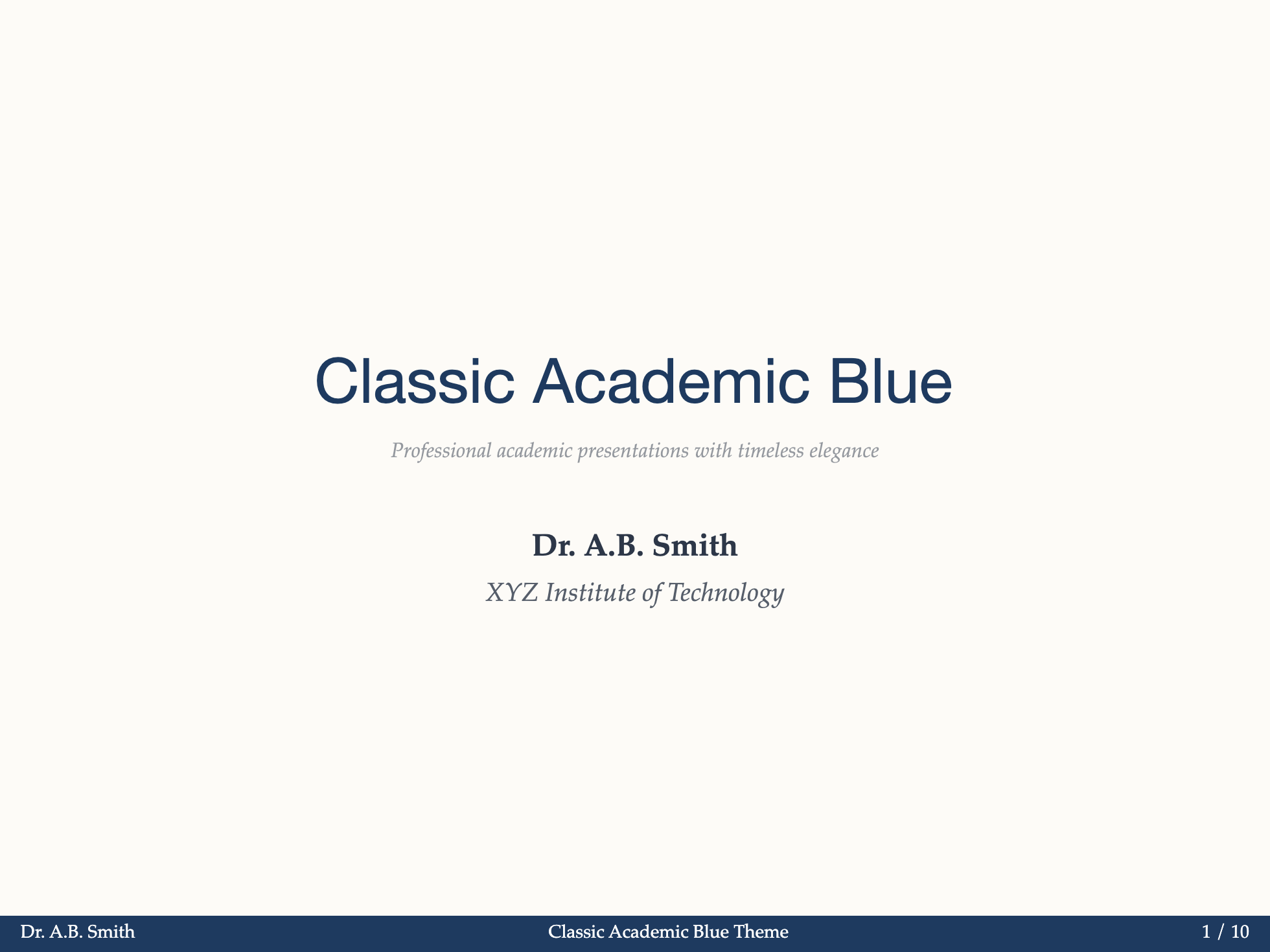
Slidev Theme Scholarly is a Slidev theme for paper talks, thesis defenses, lectures, and research updates. Write slides in Markdown, use layouts and components for research content, and manage citations with BibTeX. The included CLI and optional VS Code extension help you create and edit decks.


Documentation | Live demo | 中文
Included
- Templates and layouts for paper talks, defenses, lectures, and research updates
- Components for theorems, metrics, evidence, figures, and paper summaries
- BibTeX citations and reference slides
- Color, typography, and light or dark theme controls
- CLI and VS Code tools for creating, editing, checking, and exporting decks
Upgrading an existing deck? Read the upgrade notes first.
Quick start
1. Create the project
Use Node.js 24 LTS and pnpm 10 (npm install -g pnpm@10 if needed), then run:
npx -y slidev-theme-scholarly init my-talk --template academic
cd my-talk
pnpm install
The academic template is a good default. To compare the other options, run:
npx -y slidev-theme-scholarly template list2. Preview and write
pnpm run devThe browser opens automatically and refreshes whenever you save slides.md.
Separate slides with ---:
---
theme: scholarly
authors:
  - name: Your Name
    institution: Your University
---

# Presentation title

The main idea

---
layout: section
---

# Methods
3. Add structure and content
To see which layouts, components, and snippets are available, run:
pnpm exec sch layout list
pnpm exec sch component list
pnpm exec sch snippet list
For example, append a theorem block to the end of the file:
pnpm exec sch snippet append theorem --file slides.mdSee the layout guide and component guide for examples.
4. Check and export
pnpm exec sch doctor
pnpm add -D playwright-chromium
pnpm exec playwright install chromium
pnpm run export
The Playwright setup is needed once for CLI export. The terminal prints the PDF path when export finishes. pnpm run build creates a static site in dist/; deploy that directory to your web host. See export and deployment for details.
Add Scholarly to an existing Slidev project
pnpm add -D slidev-theme-scholarlySet theme: scholarly in the first YAML block of slides.md. Keep your existing preview and build commands. Citations need a BibTeX file; see the citation setup. Scholarly loads citation support without a project-level vite.config.ts.
Work in VS Code
Install Slidev Scholarly for VS Code, open a Markdown file, then open the Secondary Side Bar and select Slidev Scholarly.
Choose a sidebar template to create a complete project, or use Deck Builder to draft an outline and generate Markdown. Layouts and components can also be inserted into an existing file. Common Command Palette actions include:
Slidev Scholarly: Create PresentationSlidev Scholarly: Open Deck BuilderSlidev Scholarly: Insert Citation
The VS Code extension guide covers the rest.
Continue with the documentation
| Goal | Read | |---|---| | Prepare a paper talk, defense, review, results talk, or lecture | Academic workflows | | Choose a slide structure | Layouts | | Add theorems, metrics, or evidence | Components | | Add BibTeX references | Citations | | Change colors, typography, or light and dark modes | Configuration | | Copy a complete deck | Examples | | Inspect the source | Model research talk and layout gallery |
Run pnpm exec sch help to list every CLI command. Install the CLI globally only if you need sch outside a project: npm i -g slidev-theme-scholarly.
Contributing
pnpm install --frozen-lockfile
pnpm --dir vscode-extension install --frozen-lockfile
pnpm run dev
# Stop the preview before running the checks.
pnpm run check
See the contributing guide. Licensed under MIT.