
slidev-theme-watabegg
v1.1.4
Published
A personal Slidev theme for watabegg.
Downloads
56

Maintainers
 watabegg
Readme
slidev-theme-watabegg

English README (Japanese version: see README.ja.md).
Overview
A personal Slidev theme for watabegg, tuned for Japanese typography, structured content, and keyboard-first navigation.
Features
- Minimal design specialized for teaching
- Japanese typography (M PLUS 2) + monospace Fira Code
- Automatic footer (date + current/total page) on all layouts except
cover/image/image-scroll - Shortcuts: Enter (next) / Backspace (previous)
- Layouts:
cover,two-cols,image,image-scroll,end - Frontmatter
colorswitch:red | yellow | green | blue | purple - Components:
QuestionList,TextBox,KaTexReveal - Multi-level labels: circled numbers / Katakana / Hiragana / kanji numerals (1–19) / alphabet / custom
- Utility classes:
.text-highlight,.card - Shiki themes:
vitesse-light/vitesse-dark
Install
Add to your slide frontmatter:
---
theme: slidev-theme-watabegg
---
Local development (cloned repository):
---
theme: ./
---
Frontmatter Example
themeConfig:
  watabegg:
    color: green
    link: 'https://example.com'

title: Theme Demo
subtitle: Subtitle
author: Instructor Name
date: '2025/08/03'
color: blue # optional slide-level override
link: 'https://example.com/slide' # optional slide-level override
transition: fade
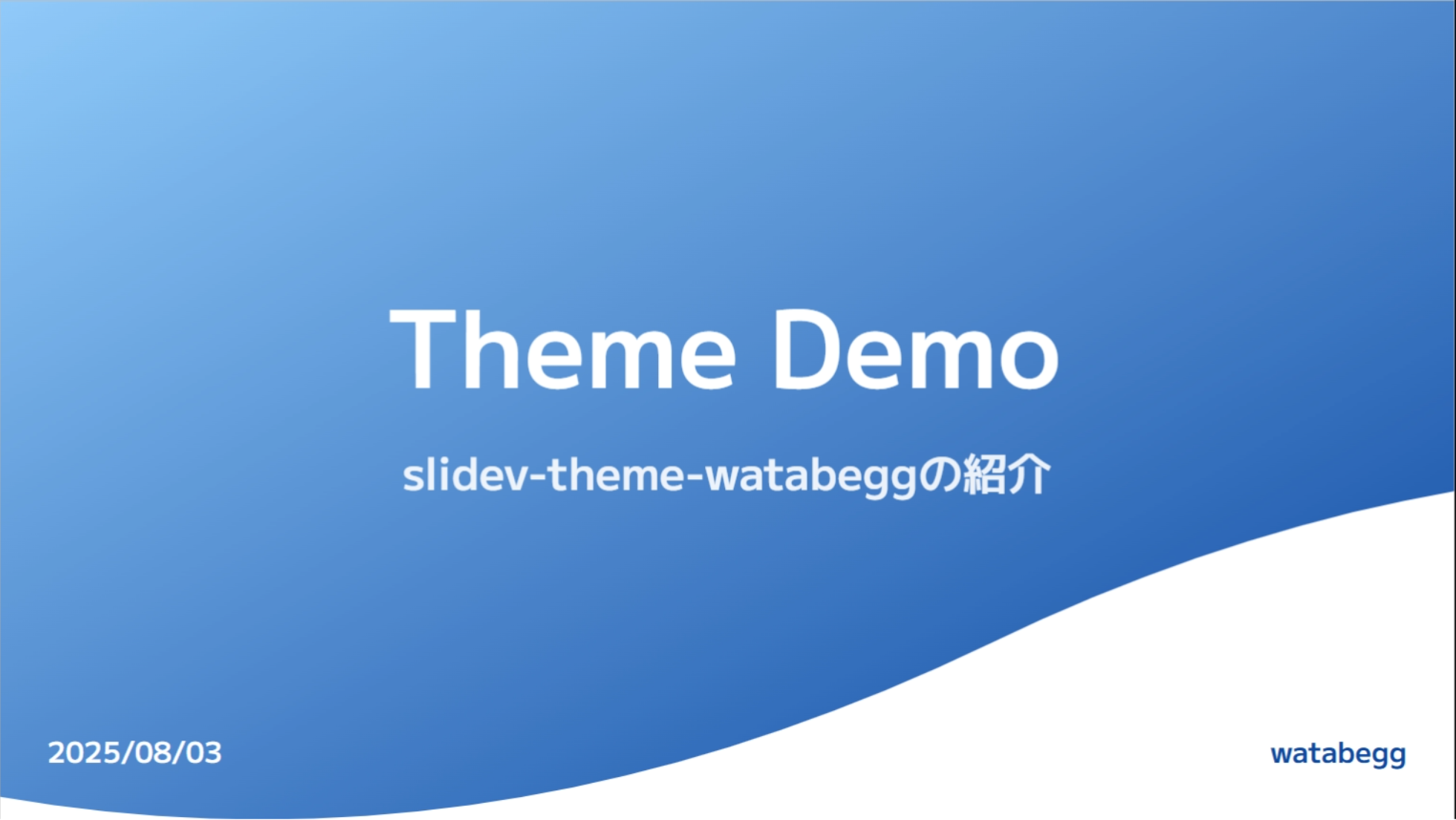
themeConfig.watabegg.color and themeConfig.watabegg.link define deck-level defaults. Slide-level color and link override them when present.
Below: color: blue example.
Layouts
| Name | Purpose | Notes |
|------|---------|-------|
| cover | Title slide | Gradient wave + title/subtitle/author |
| two-cols | Two columns | Slots: ::left:: / ::right:: |
| image | Background image | Use image: + absolutely placed TextBox |
| image-scroll | Background image (vertical scroll) | Use image: with tall background + TextBox |
| end | Ending slide | Simple finish screen |
two-cols Example
---
layout: two-cols
---
::left::
Left
::right::
Right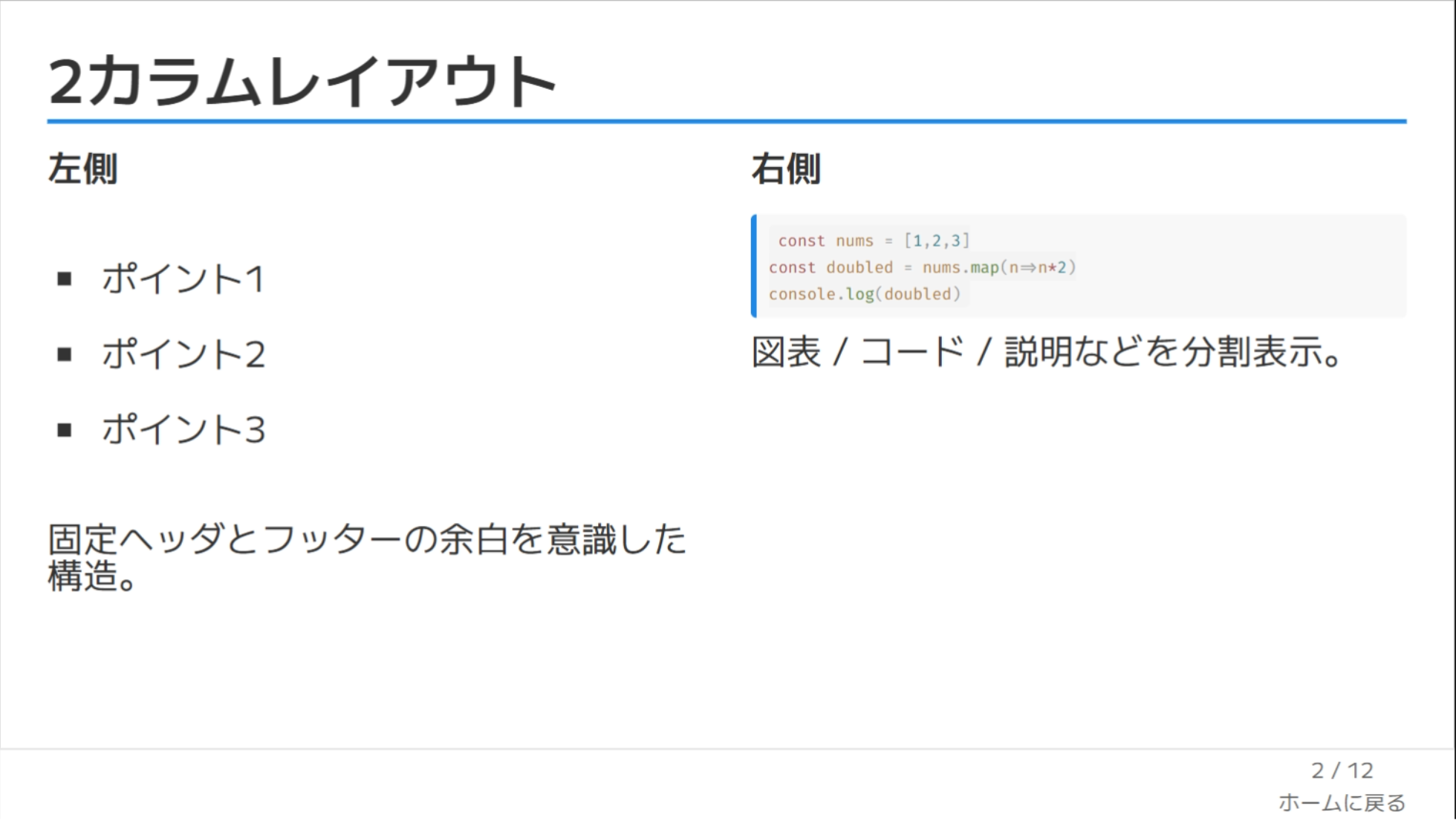
image Example
---
layout: image
image: /path/to/bg.jpg
---
<TextBox :x="120" :y="160" :width="360">Note</TextBox>
image-scroll Example
---
layout: image-scroll
image: /path/to/long-bg.jpg
imageScroll:
  offsetY: -120
---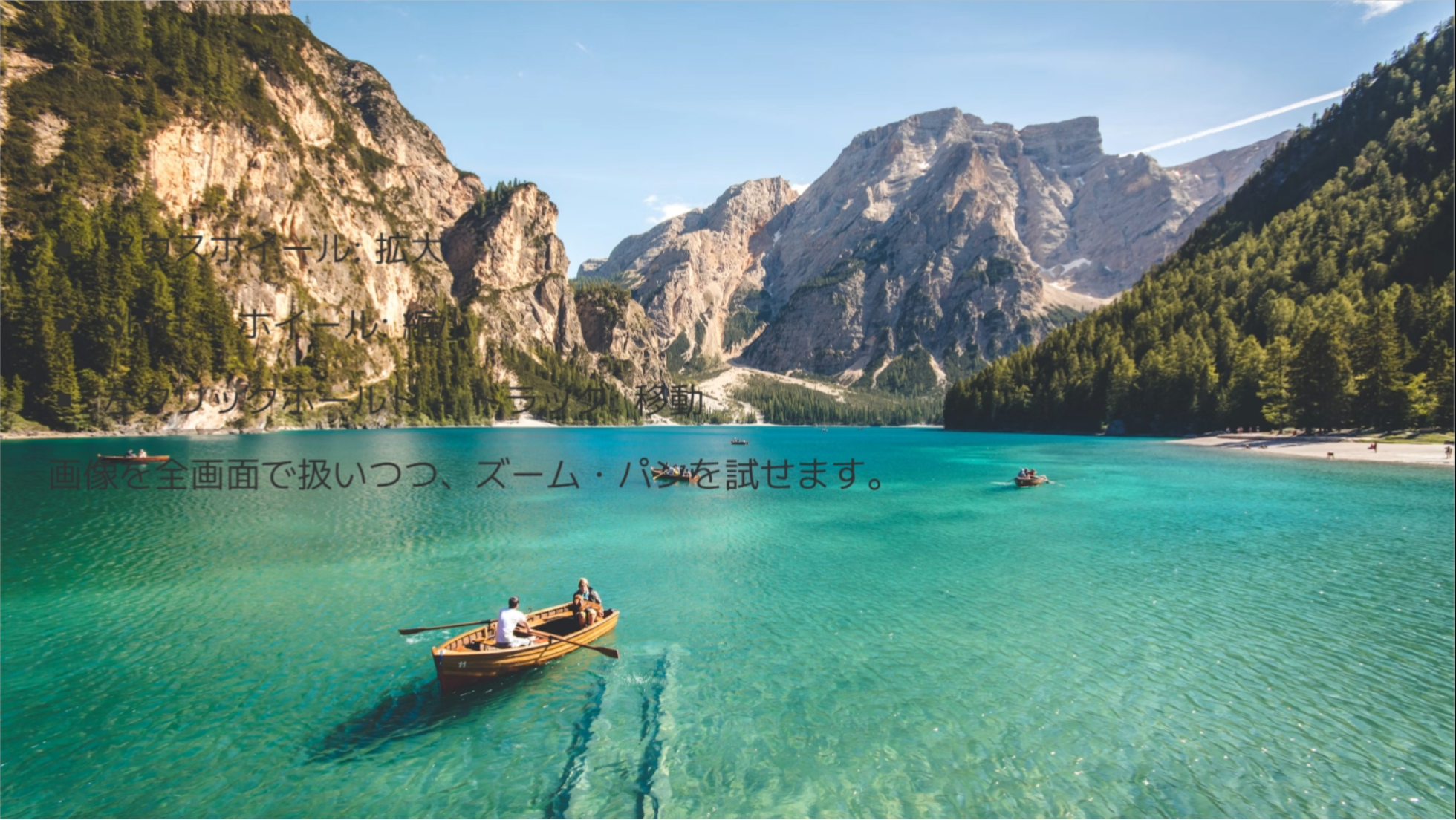
image-scroll options (frontmatter imageScroll):
offsetY: initial scroll offset from image center in px
Controls:
- Wheel / trackpad: vertical scroll
- Touch: vertical scroll
Example with initial position:
---
layout: image-scroll
image: /path/to/long-bg.jpg
imageScroll:
  offsetY: 180
---
Components
QuestionList
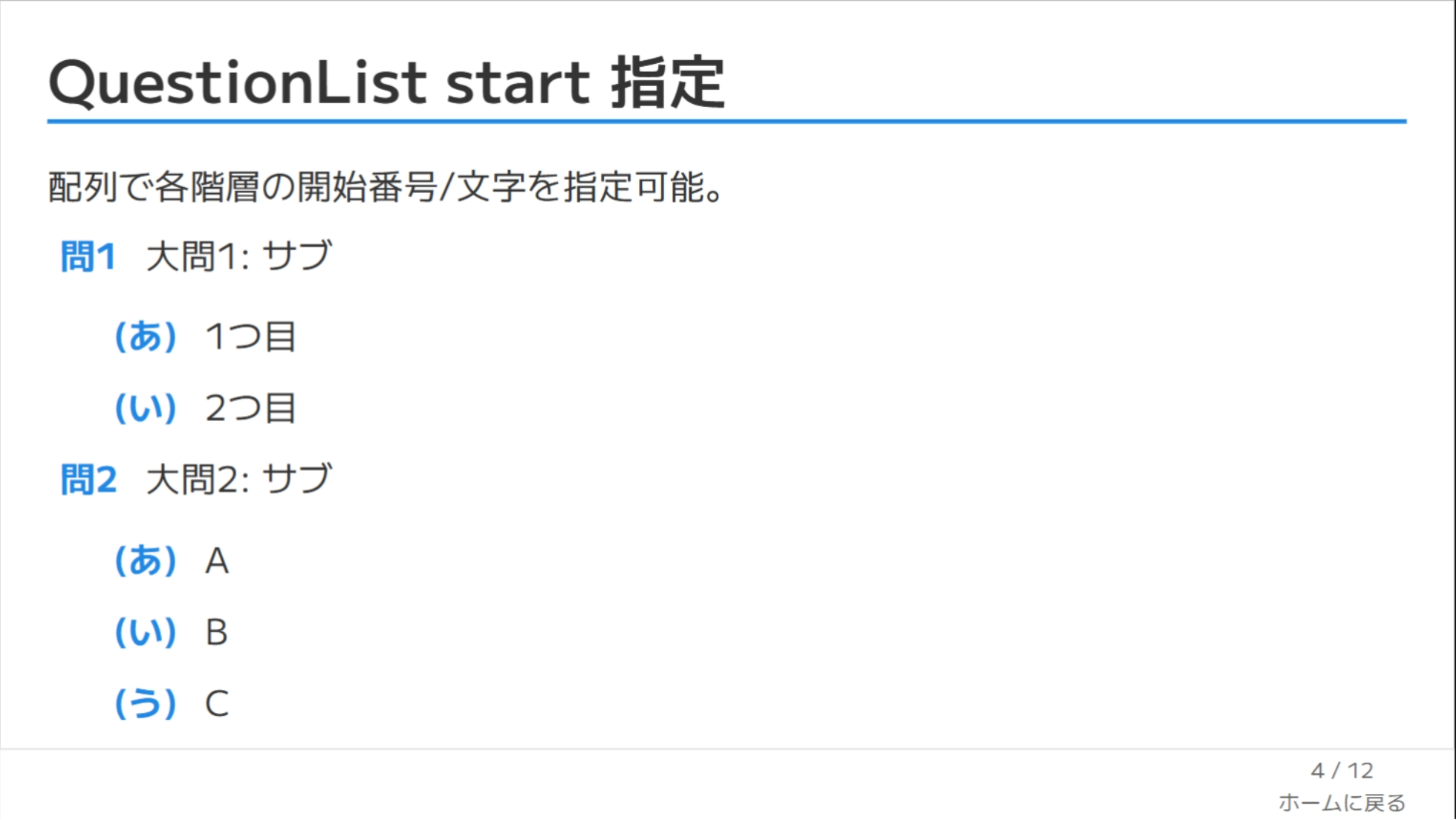
Nested questions/answers with per-level styles and Markdown rendering.
<QuestionList
  :items="['First **OK**', { text: 'Second', items: ['Child A','Child B'] }]"
  :styles="['decimal-circle','katakana-paren','loweralpha-dot']"
  :start="[1,1,'c']"
/>
Counter types: decimal | hiragana | katakana | kanji | upperalpha | loweralpha | none
Decorators: circle | square | paren | dot | q | big-q | none
If an item includes a label, it overrides the computed label.
Raw HTML inside text is escaped. Markdown links only allow safe protocols (http, https, mailto, tel) plus relative URLs.
TextBox
Absolutely positioned overlay (useful on image / image-scroll or for callouts).
<TextBox :x="100" :y="220" :width="400" textBg="green" v-click="1">Memo</TextBox>Props: x, y, width, height, textBg, color, vClick
KaTexReveal
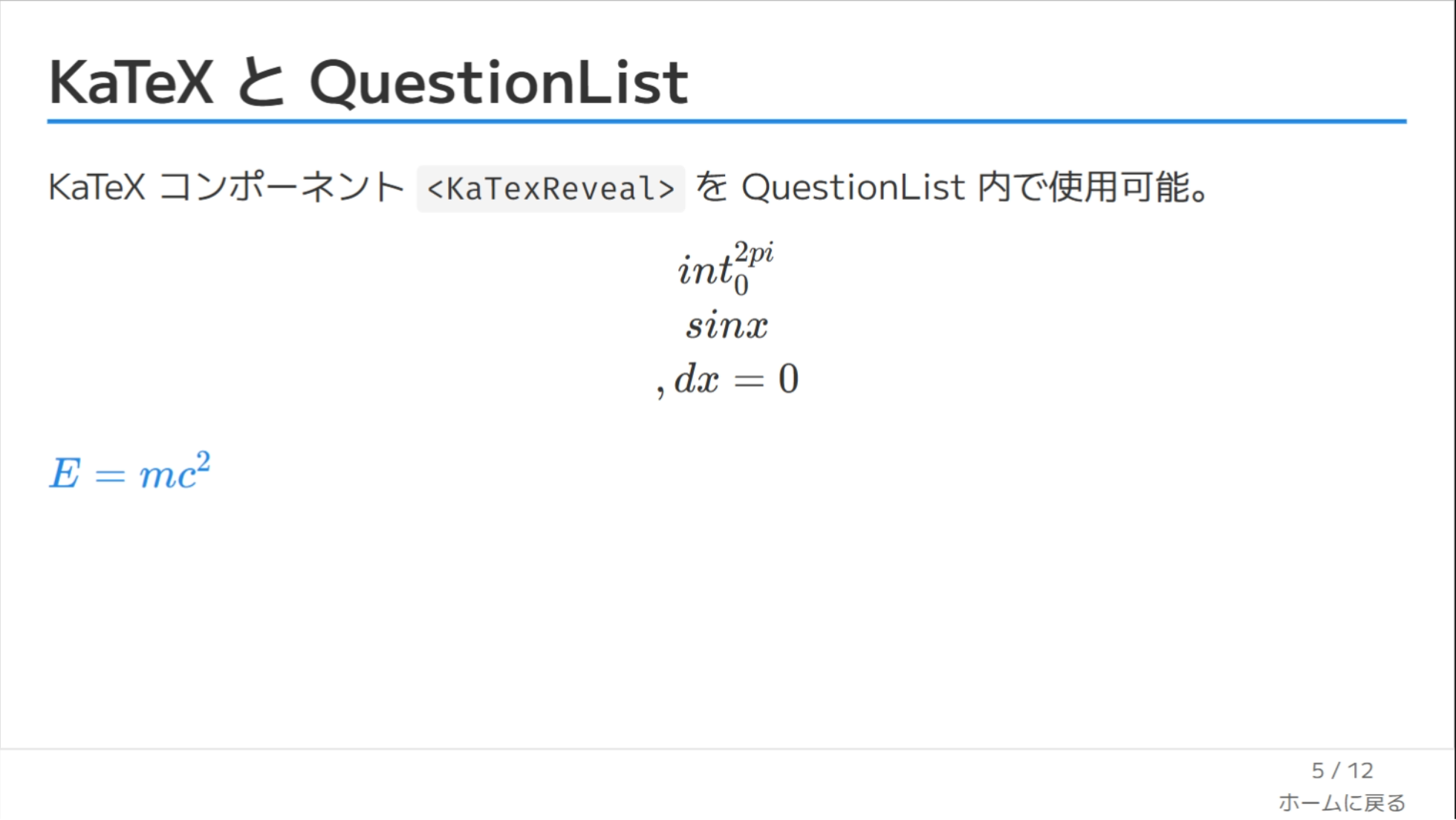
KaTeX renderer to ensure math always draws. Slidev auto-registers components/*.vue, so drop it directly into Markdown or QuestionList items that contain TeX.
<KaTexReveal formula="\\int_0^{2\\pi} \\sin x\\,dx = 0" block class="text-2xl" />
<KaTexReveal formula="E = mc^2" :block="false" v-click="1" />
Props: formula (required), block (default false), tag (auto div/span), other attrs (class, v-click, etc.) are forwarded.
Footer & Shortcuts
- Footer (except on
cover/image/image-scroll): showsdate+ current/total pages. - Enter: next fragment or slide.
- Backspace: previous fragment or slide.
Utility Classes
.text-highlightline-marker style highlight.cardrounded box with padding and border
Development
pnpm install
pnpm dev
pnpm dev:polling
pnpm build
pnpm export
pnpm screenshot
If pnpm dev hits Linux file watcher limits (ENOSPC), use pnpm dev:polling.
FAQ
Q. Do I need to configure fonts manually?
No. Google Fonts are loaded inside the theme.
Q. How can I remove the footer?
Override global-bottom.vue in your own custom theme.
Q. How do I change the numbering start?
Use :start="[1,'c']" (array per hierarchy level).
See Also
Japanese documentation: README.ja.md
Happy teaching! 🎓