
socket-lab
v1.0.1
Published
A terminal-first Socket.IO client for local server testing.
Downloads
33

Maintainers
 shashwat07
Readme
socket-lab
A terminal-first CLI for testing Socket.IO servers locally.
GitHub repository: ShashwatDhingra/socket-lab
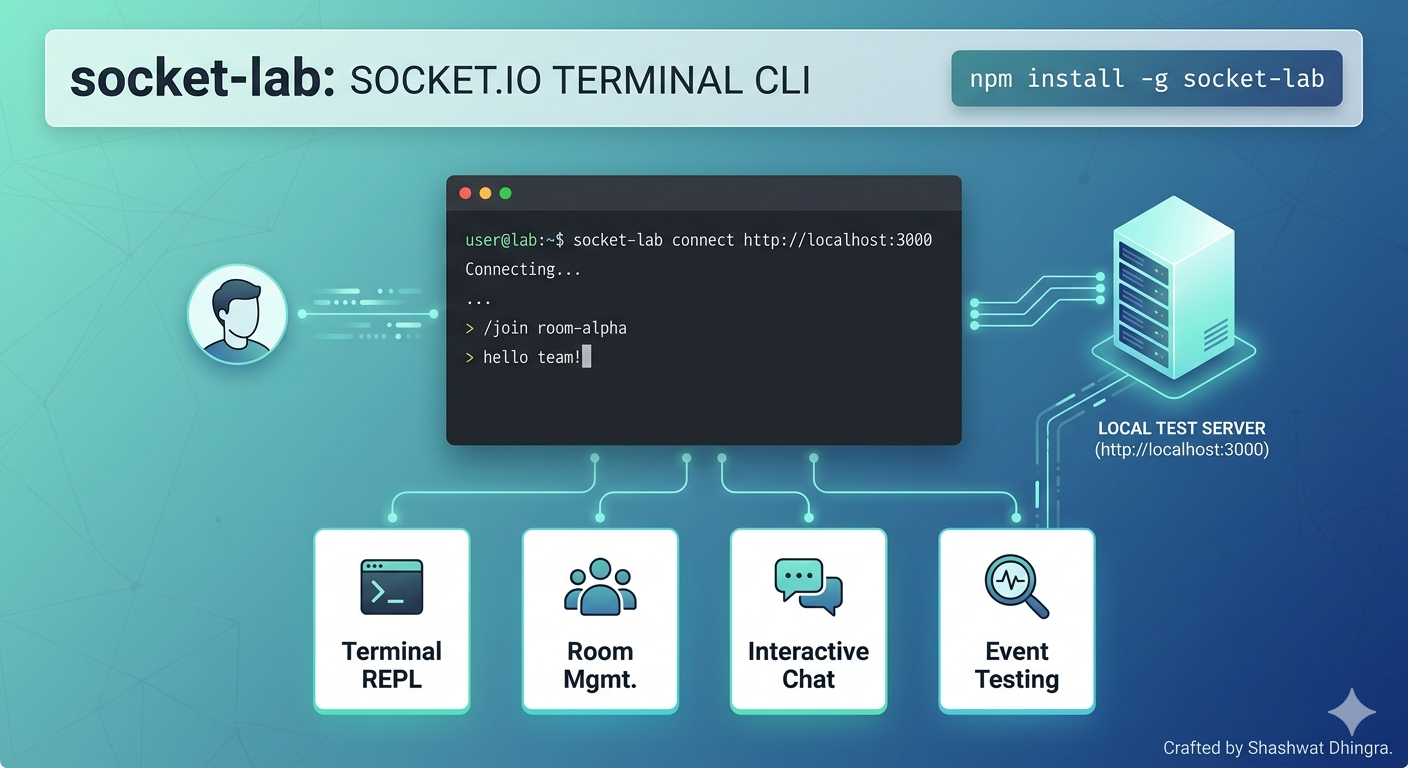
socket-lab gives you a simple interactive REPL for connecting to a Socket.IO server, joining rooms, sending messages, and watching live events from the terminal.
Features
- Connect to Socket.IO servers from the terminal
- Join, switch, and leave rooms interactively
- Send chat-style messages directly from the REPL
- Inspect events with built-in debug commands
- Use the included local test server for quick development
Requirements
- Node.js 18 or newer
Install
npm install -g socket-labOr run it without a global install:
npx socket-lab connect http://localhost:3000Usage
socket-lab connect http://localhost:3000If you are developing this project locally:
npm install
npm start -- connect http://localhost:3000
The REPL is chat-native:
- Slash commands drive control flow, for example
/join backend-room - Plain text is sent directly to the active room
- The prompt shows your active identity and room context
Example Session
socket-lab connect http://localhost:3000
/nick john
/join backend-room
hello from terminal one
/status
Local Test Server
Run the included Express + Socket.IO server:
npm run test-serverThen connect the CLI in another terminal:
socket-lab connect http://localhost:3000Try this sequence:
/nick john
/join backend-room
hello from terminal one
/status
/rooms
/history
Open another terminal and connect a second client:
socket-lab connect http://localhost:3000
/nick alice
/join backend-room
hello from terminal two
Both terminals will receive the shared room_message and room_system events.
Development
Install dependencies:
npm installRun the syntax check:
npm run checkStart the local test server:
npm run test-serverSlash Commands
/nick <username>/join <room_name>/use <room_name>/leave [room_name]/say <message>/msg <message>/rooms/status/whoami/clear/history/help/exit
Advanced transport/debug commands still exist for power users:
/emit <event_name> <json_payload>/on <event_name>/off <event_name>
Notes
- All incoming events are logged with a global
onAny()listener. - Session logs are persisted to
.socket-lab.login the current working directory. - Command and event-name autocomplete is available in the REPL.
Contributor
This package is maintained by: