
spcoin-hardhat-contract-access-test
v1.0.1
Published
## Overview


Readme
0x Next.js Demo App
Overview
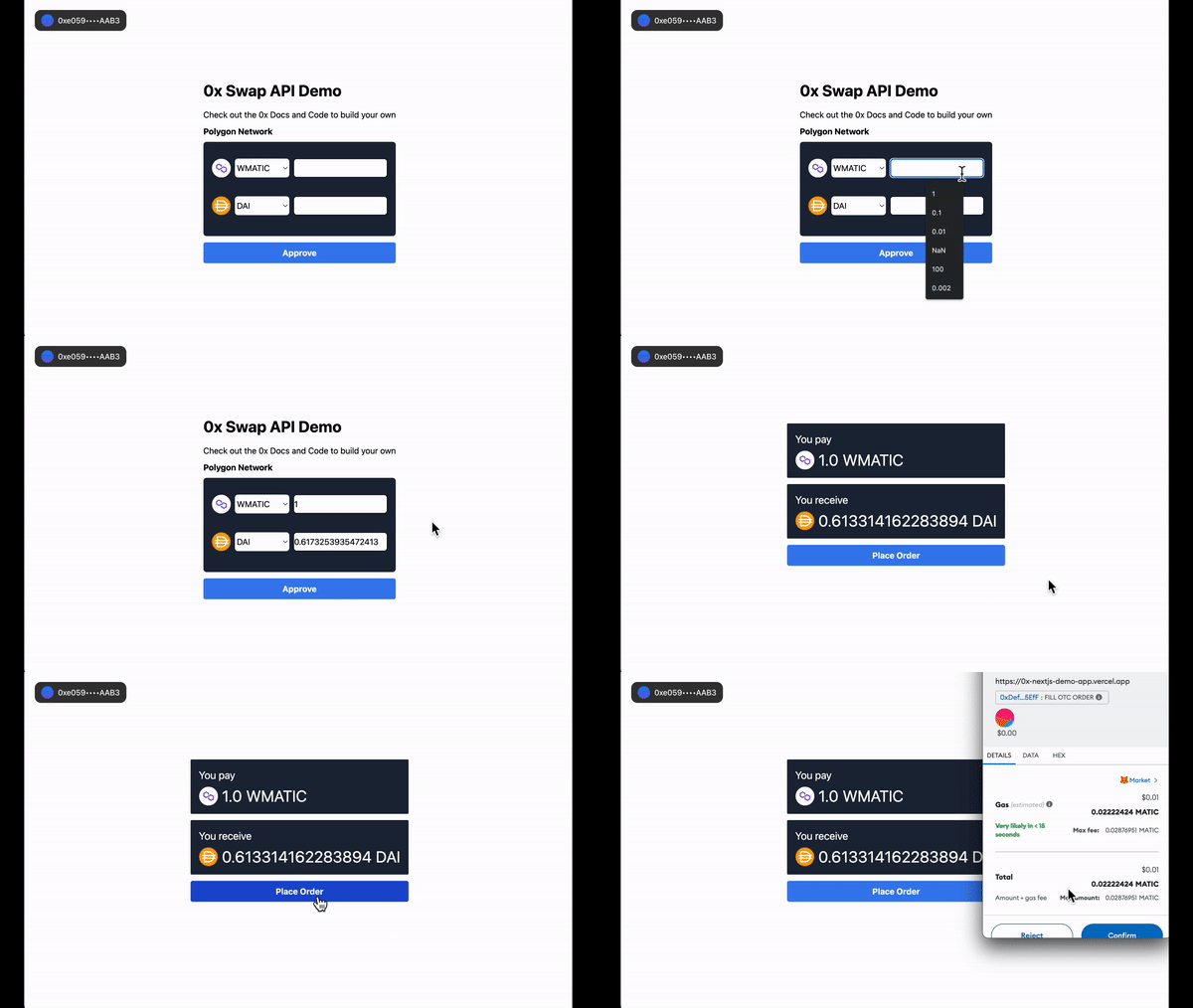
An example ERC-20 swap application built on Next.js 13 with 0x Swap API and ConnectKit.
Swap API enables your users to easily and conveniently trade tokens at the best prices directly in your app. With one simple integration, 0x unlocks thousands of tokens on the most popular blockchains and aggregated liquidity from 100+ AMMs and professional market makers.
This demo app covers best practices for how to use the 0x Swap API's /price endpoint for indicative pricing and the /quote endpoint for firm quotes.
Live Demo
Checkout with live demo 👉 here
Getting Started
- Setup the required API keys
| API Keys | Description | Code | | ---------------------- | ---------------------------------------------------------------------------------------------------------------------- | --------------------------------------------------------------------------------------------------------------------------------------------------------------------------------------------------------------- | | alchemyId | Alchemy API key (create one here) | Add here | | walletConnectProjectId | WalletConnect's SDK to help with connecting wallets (create one here) | Add here | | 0x | 0x API key (create one here) | Add for /price here and for /quote here |
- Install project dependencies
npm install- Start the Next.js development server
npm run dev- Navigate to http://localhost:3000
open http://localhost:3000Resources
Video
🎥 Watch this video for a walk-through of this app.
Documentation
Swap API Docs
- Intro to Swap API
- How to Use Swap API
- Quote API References
- Price API References
- Swap API Endpoints on All Networks
RFQ Integration on Swap API
The 0x Swap API makes it simple to easily integrate RFQ liquidity for the best pricing. This demo app is setup to enable RFQ liquidity by default because it requires a non-null connectedAccountAddr. For more implement details and the difference between indicative pricing and requesting a firm quote, check out How to Integrate RFQ Liquidity.
Monetizing Your Swap Integration
And as your business grows, Swap API offers low-friction ways to monetize your products.
Web3 teams can leverage Swap API to unlock new revenue streams by easily tapping into affiliate fee and trade surplus features. Regardless of whether you’re on a free or paid plan, monetization options are available to all integrators.
Swap API offers two monetization options out-of-the-box:
- Collect affiliate fees (i.e. trading fee or commission) <- shown in this demo app
- Collect trade surplus (i.e. positive slippage)
For more details about monetizing, check out the How to monetize your app using 0x Swap API guide which discusses pricing considerations and shows code samples for how to easily implement these options.