
spool.page
v0.39.0
Published
Live prototyping canvas: agent-authored TSX frames on an infinite canvas, repo-native.


Readme
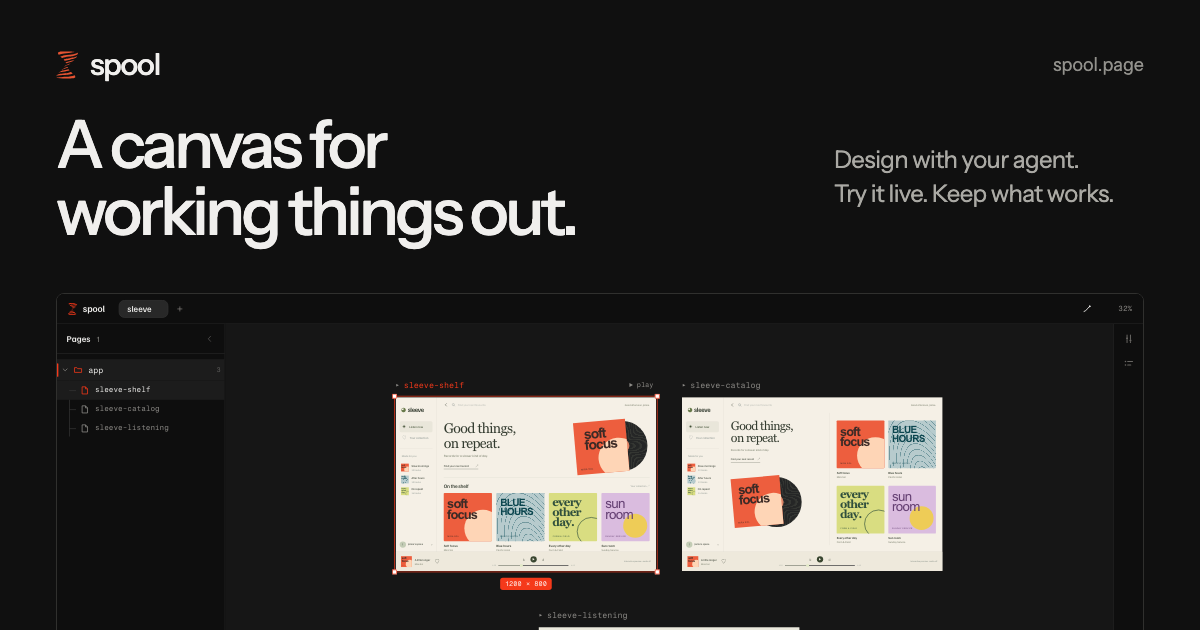
Website and live demo · Download for Mac · Contributing
Design websites, apps, and presentations with your agent. Try them live. Keep what works.
Free and open source. Runs locally. Pre-1.0, actively developed and used every day.
Get spool
Mac app
Apple silicon, macOS 14 or later. Includes everything you need and updates itself.
Command line
npm i -g spool.page
cd your-product
spool init
Node 22.19 or later. macOS and Linux; on Windows, use WSL. Open the canvas in Chrome.
If your npm setup blocks dependency install scripts, use npm i -g spool.page --allow-scripts=esbuild to permit esbuild’s required install script.
Work with your agent
The agent rail runs the agent you already use, Claude Code, Codex or pi, with its own login, models and settings. Spool includes no agent; with none installed, the rail shows how to install one. See agent requirements and permissions.
Ask your agent to run spool skill, then describe what you want to make. Your agent writes TSX frames into your project’s design/ folder, and spool shows the result on the canvas.
- Try it live. Click buttons, fill in forms, and walk through flows between frames.
- Compare directions. Put variations side by side, then keep the parts that work.
- Keep your files. Frames and shared components live in your project. Use Git to track changes.
Commands
spool             # open your canvas in the browser
spool init        # create design/, register the project, and open its tab
spool open        # register an existing project and open its tab
spool remove      # forget the registered root; project files stay untouched
spool serve       # start the daemon; any spool command starts it too
spool autostart   # start at login on macOS; spool autostart off removes it
spool --no-open prints the canvas address. The released daemon uses http://localhost:7766 by default. local.spool.page finds the daemon on your machine and takes you there.
Develop
pnpm install
pnpm dev <command>   # the checkout cli. own state dir (~/.spool-dev), own port (7767)
Real projects run the released version; a checkout daemon serves beside it on its own port and state dir (the dev script sets SPOOL_DIR and SPOOL_PORT). Shipping: changesets on main feed the release PR; merging it is the one human gate, and the publish workflow re-runs the gates, then npm trusted publishing releases spool.page.
CONTRIBUTING.md covers the gates, what gets merged, and how to find your way around the source. GLOSSARY.md is the canonical vocabulary and docs/adr/ records why the load-bearing decisions went the way they did.
License
MIT. Fork it, rework it, rename it, ship it. It is a tool for designing things; make it your own if you want to.
Third-party components keep their own licenses, listed in THIRD_PARTY_NOTICES.md.
Security issues go to SECURITY.md, never to a public issue.