
sqlite3-admin
v0.0.5
Published
A lightweight web admin panel for sqlite3

Maintainers
 jahongir_sobirov
Readme
SQLite3 Admin
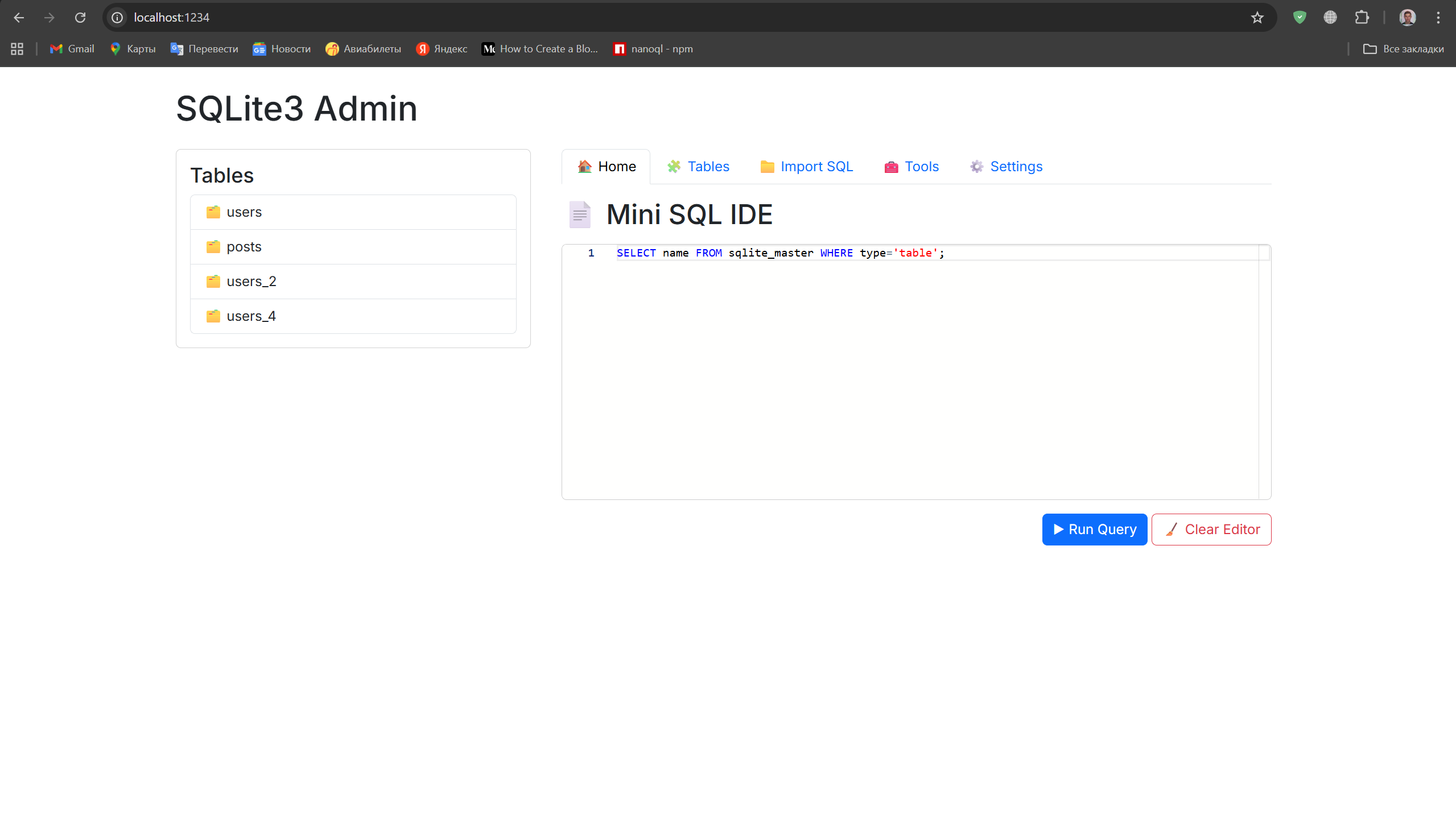 A lightweight, beautiful, zero-config web based SQLite admin panel.
Try online demo
In 1 second:
npx sqlite3-admin mydb.sqlite—or install globally—
npm i -g sqlite3-admin
sqlite3-admin mydb.sqlite
This will open your default browser with a modern admin UI.
Features
- 🔍 Browse tables
- ➕ Insert rows
- 📝 Edit rows
- ❌ Delete rows
- 📥 Import .sql files
- ⚙️ Settings page (dark mode, rows per page etc.)
- 🧰 Tools page (quick utilities)
- Autodetect primary key and autoincrement
- No setup. No config. Just run.
Usage
Start admin panel
npx sqlite3-admin ./database.dbDefault port
http://localhost:1234
Automatically opens browser.
Import SQL
Go to the “Import SQL” tab → upload .sql file
The file will be executed directly on the database.
Settings page
- Dark mode
- Rows per page (pagination)
- UI preferences
Settings are stored in small JSON file (persistent).
Why this exists?
Because sqlite browsers are either:
- not cross-platform
- look old
- too heavy (Electron apps) This one is:
- Node.js based
- front-end modern
- runs anywhere
Development
git clone https://github.com/USERNAME/sqlite3-admin
cd sqlite3-admin
npm install
npm start test.db
License
MIT
Powered by Jahongir Sobirov