startbit-timezone-select
v2.1.5
Published
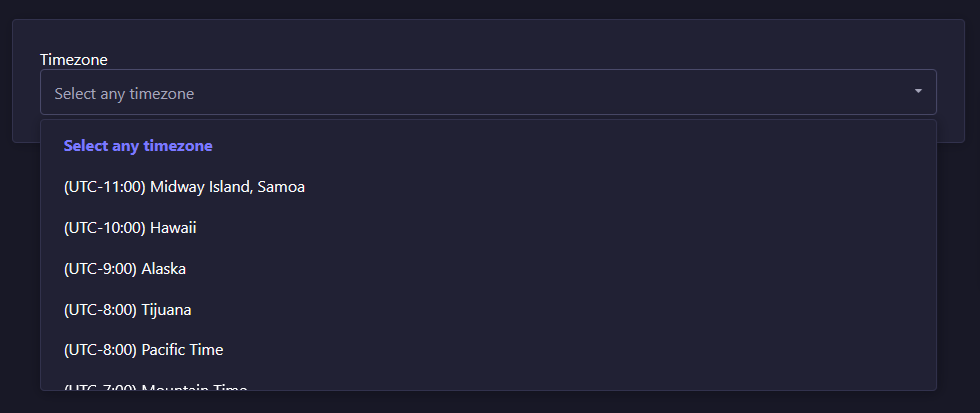
Startbit Timezone Select is a Strapi plugin that adds a custom Timezone field, allowing users to select and display time zones listing in UTC format.


Readme
Strapi plugin Startbit Timezone Select
The official plugin to provide custom select field into admin
Plugin Name: Startbit Timezone Select
Description: Startbit Timezone Select is a Strapi plugin that adds a custom Timezone field, allowing users to select and display time zones listing in UTC format.
Features
- Display timezones list of all countries.
- List the timezones in the UTC format that is useful to identify.
- Used the strapi SingleSelect component.
Installation
To install this plugin, you need to add an NPM dependency to your Strapi application.
# Using Yarn
yarn add startbit-timezone-select
# Or using NPM
npm install startbit-timezone-select
Run command
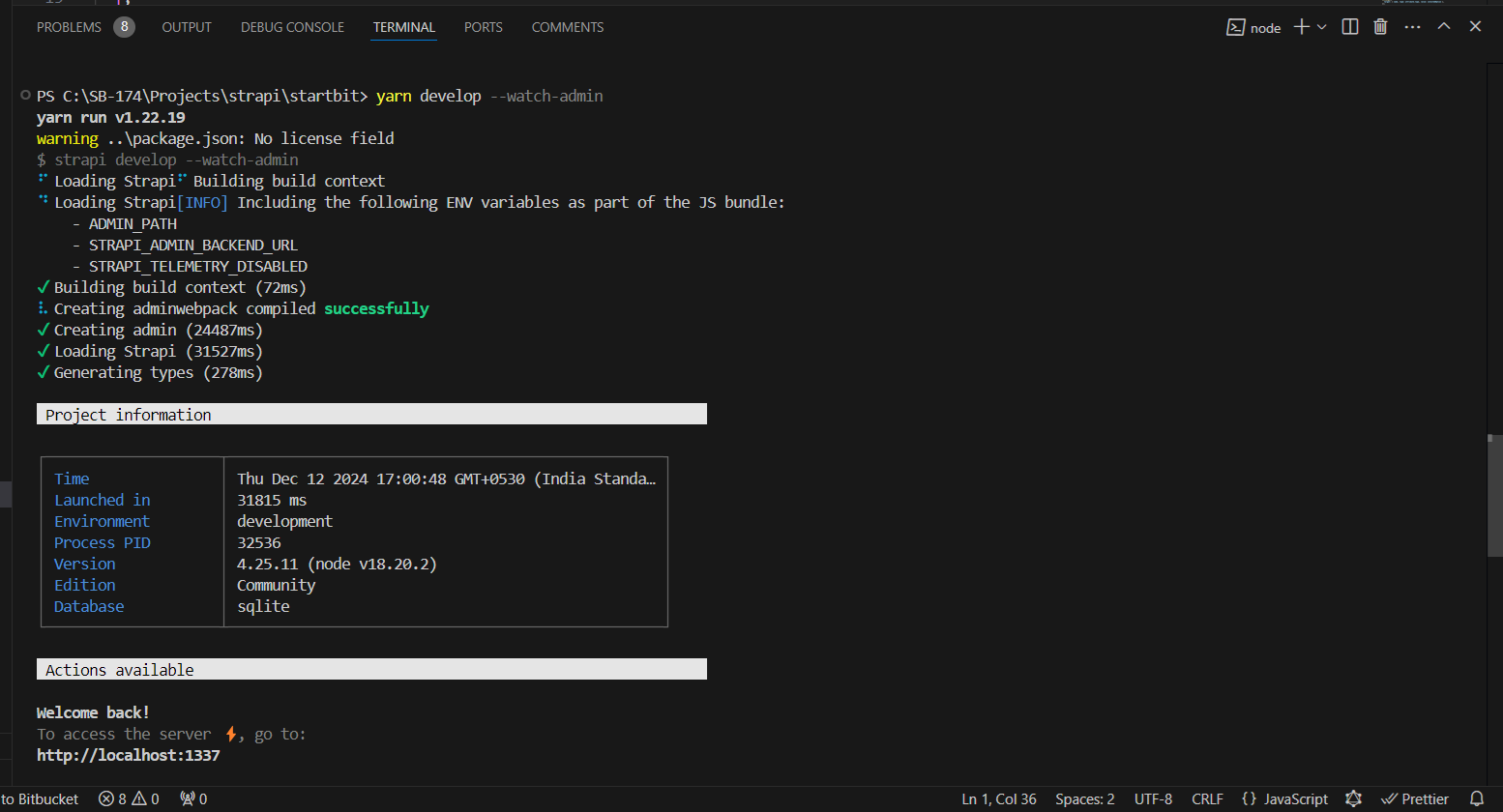
Run the below command to start your strapi project on local system and go to admin by typing /admin into your home URL.
Usage
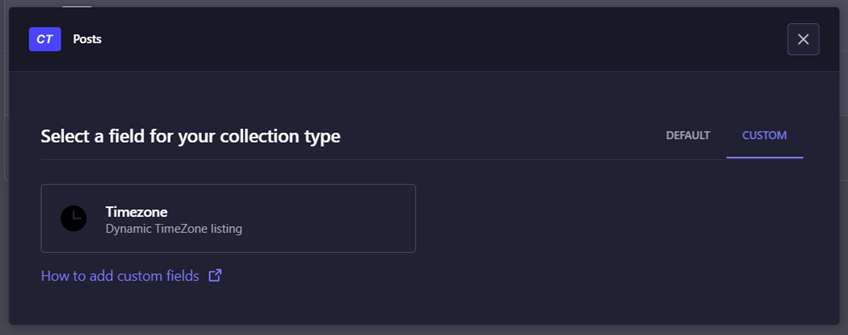
After installation you will find the timezone-select at the custom field section of the content-type builder.
Now you can select any country from the list. The Alpha-2 code of the selected timezone is stored in the database.