
sticky-list
v1.0.4
Published
A javascript timeline module that features a sticky index.
Downloads
37


Readme
Sticky List
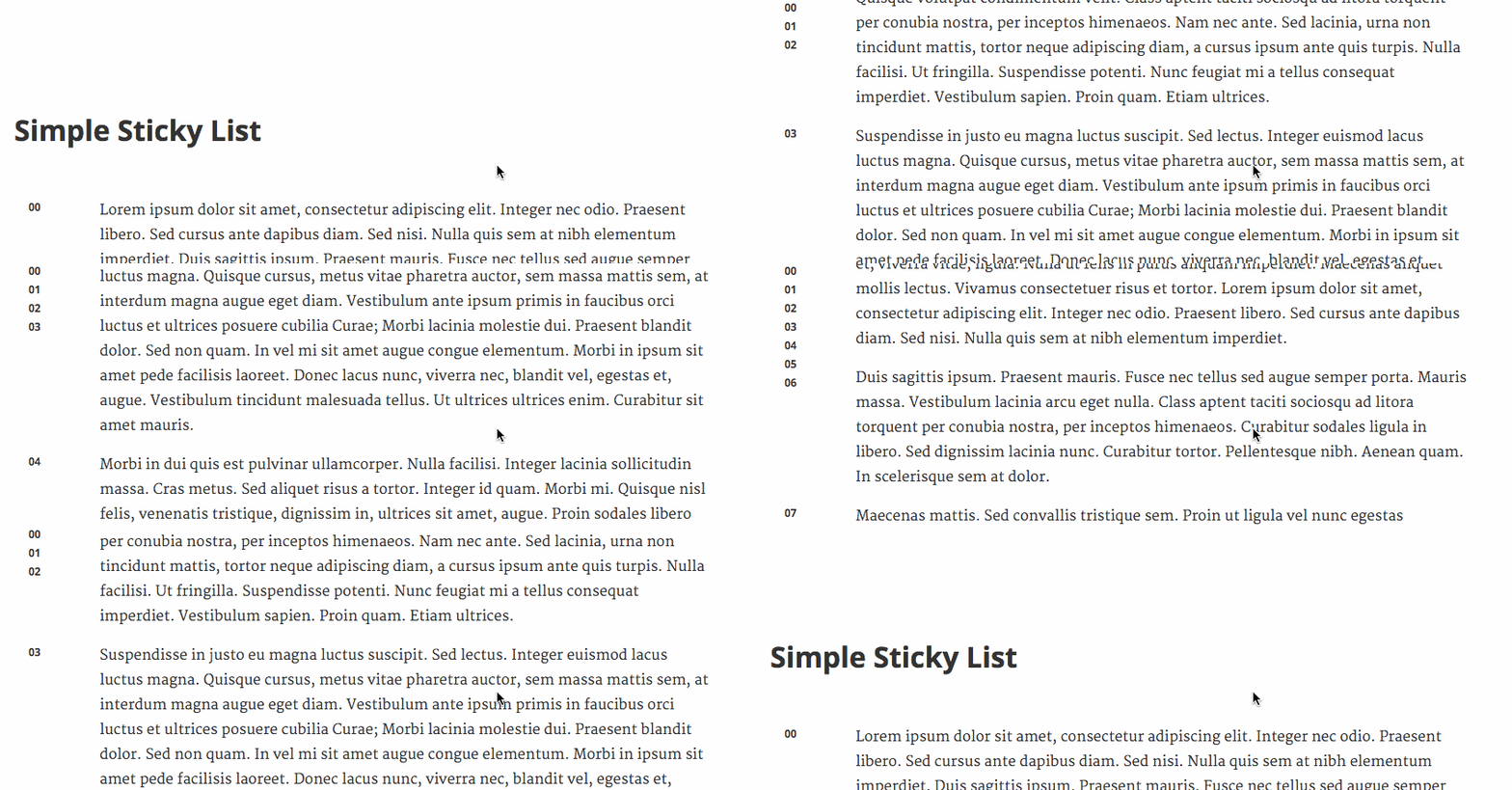
This is a framework agnostic javascript module that applies a sticky index to any point value list (e.g. timelines, lists).
Inspired by webkit's position: sticky, your list keys are statically positioned until the key hits the top of the page. It then becomes fixed. The difference is that the key's fixed position is relative to the previous key. This allows for a clean index that allows to user to jump easily between points.

Installation
To install the stable version:
npm install sticky-listThis assumes that you are using https://www.npmjs.com/ with a module builder like https://webpack.github.io/ or http://browserify.org/.
Alternatively, you can grab the single-file UMB from https://npmcdn.com/ that makes StickyList available as a global object.
<script src="https://npmcdn.com/sticky-list/dist/sticky-list.min.js"></script>Usage
Start by including the StickyList module:
import StickyList from ‘sticky-list’;Next, you'll want to instantiate your sticky-list:
// Vanilla JS
var stickyListTarget = document.getElementById('sticky-list');
var stickyListItems = stickyListTarget.getElementsByClassName('sticky-list-items');

// ...or with jQuery
var stickyListTarget = $('#sticky-list');
var stickyListItems = stickyListTarget.find('sticky-list-items');

var StickyListSource = StickyList(stickyList);

// Bind items to list
for (var i = 0; i < stickyListItems.length; i++) {
  StickyListSource.bindItem(stickyListItems[i]);
}
And that's it!
Configuration
The bindItem method has a single configuration option to change the key className.
{
  // This is used to query the node and change the state of the
  // key (fixed or not fixed).
  keyClassName:   String
}