strapi-custom-action-perform-page
v0.0.15
Published
A configurable Strapi admin page to trigger custom actions via buttons linked to API endpoints.

Maintainers
 uzai.s
Readme
Custom Action Perform Page Plugin
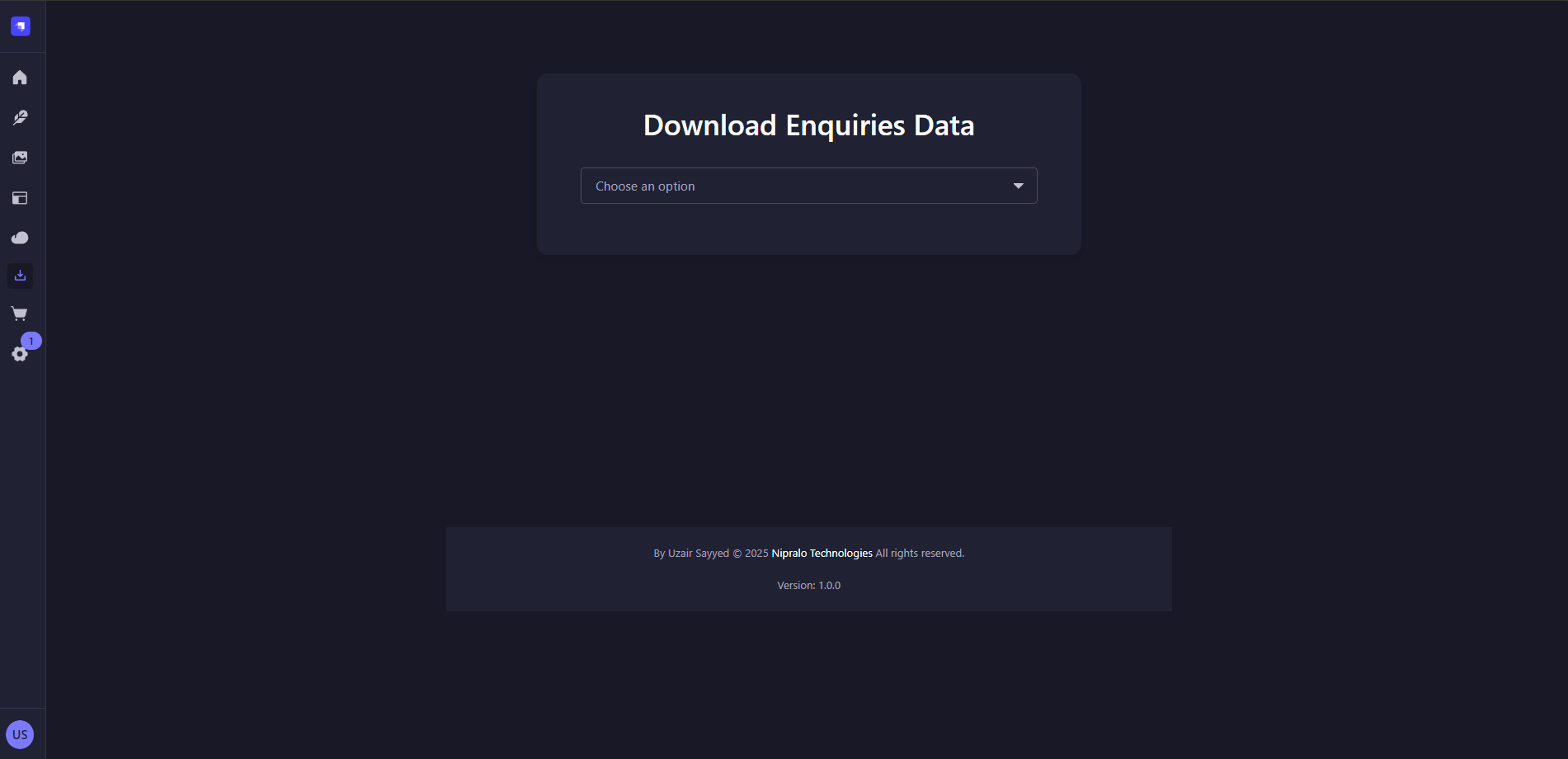
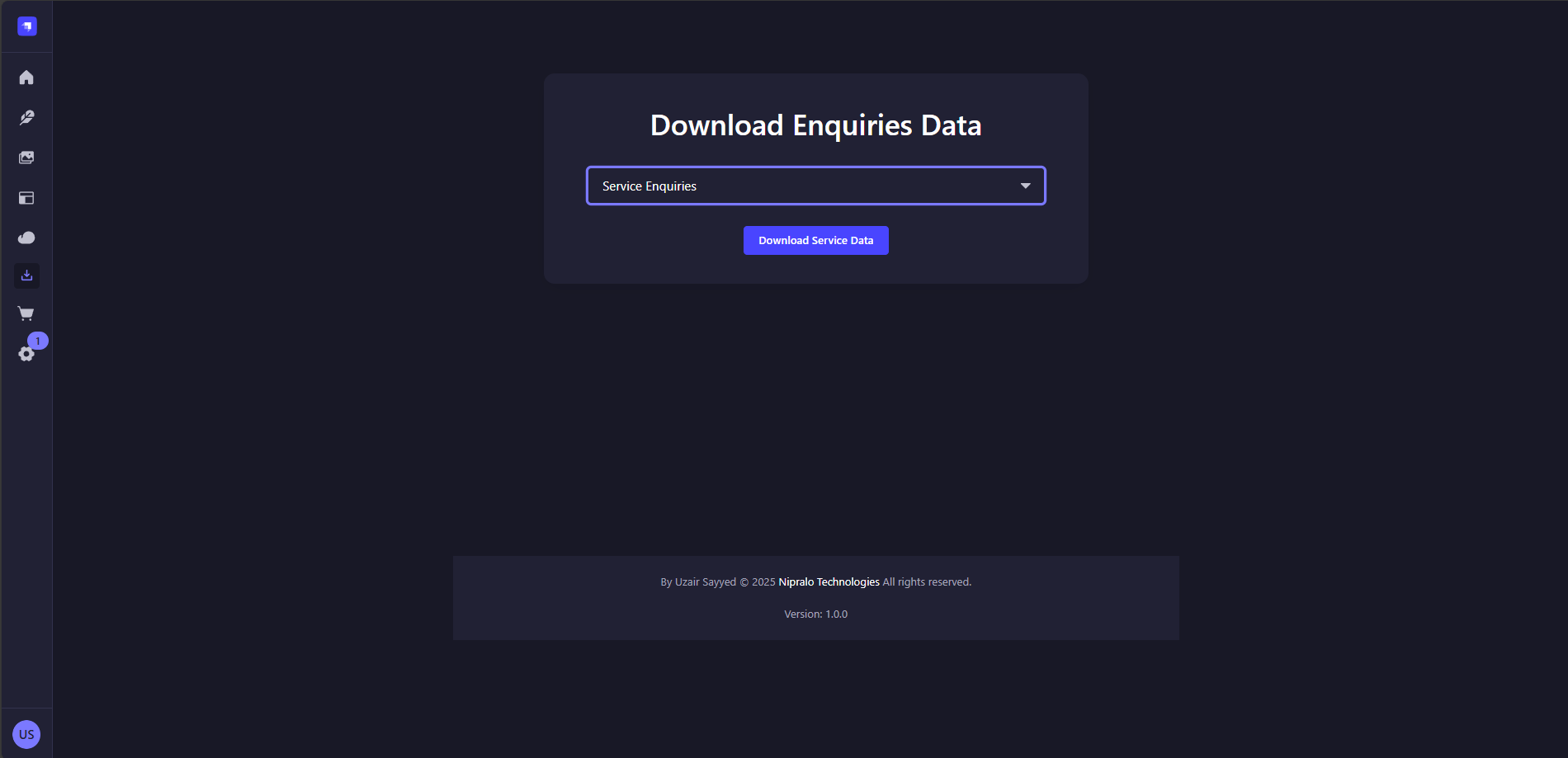
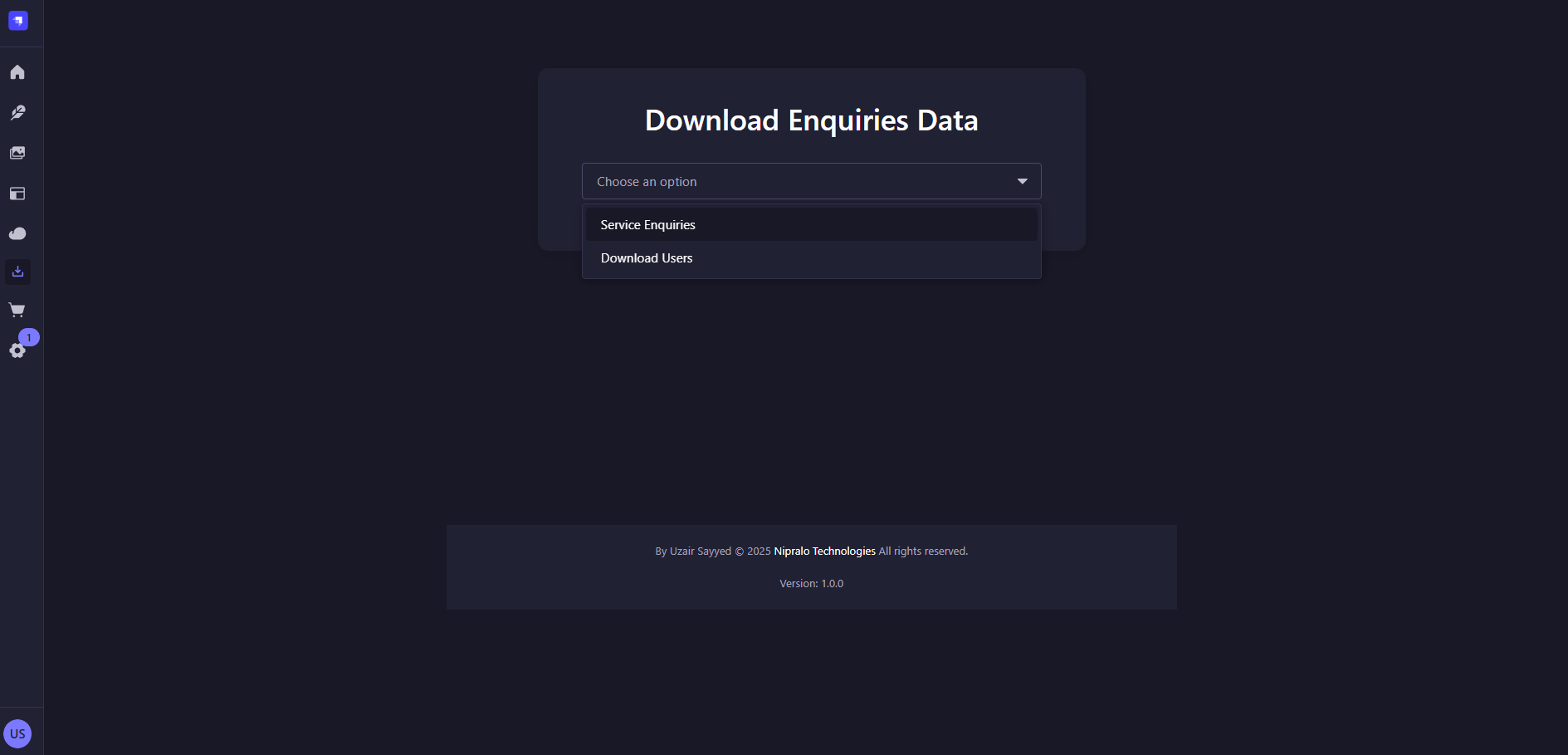
The Custom Action Perform Page Plugin for Strapi allows you to create a configurable page in the Strapi admin panel. This page displays a dropdown menu populated with options defined in the plugin configuration. Each option is linked to a specific API endpoint, and a customizable button allows users to trigger actions on those endpoints.
Features
- Display a dropdown list with configurable options in the Strapi admin panel.
- Set Custom Component Heading Title
- Each option is associated with a unique API endpoint to perform custom actions.
- Support for multiple environments (e.g., localhost, production) with environment-specific endpoints.
- Customizable button text for each option.
- Easy JSON-based configuration via the plugin settings.
Screenshots
Installation
To install and use the Get Download Page Plugin for your Strapi project:
- Install the plugin from npm:
npm i strapi-custom-action-perform-page- Enable the plugin by adding it to your Strapi configuration: In your Strapi project, navigate to config/plugins.js (create this file if it doesn't exist) and add the following configuration:
module.exports = ({ env }) => ({
  "strapi-custom-action-perform-page": {
    enabled: true,
    config: {
      title: 'Component Title',
      downloadButtons: [
        {
          label: "Service Enquiries",
          endpoints: {
            localhost: "http://localhost:1337/api/collection(api)/controllerfunction",
            production: "https://your-domain.com/api/collection(api)/controllerfunction",
          },
        },
        {
          label: "Download Users",
          endpoints: {
             localhost: "http://localhost:1337/api/collection(api)/controllerfunction",
            production: "https://your-domain.com/api/collection(api)/controllerfunction",
          },
        },
        // Add more buttons as needed
      ],
      someSetting: true,
    },
  },
});- Install dependencies and start your Strapi project: npm install npm run develop
Configuration
The plugin is configured via the Strapi plugin configuration config/plugins.js. Here’s an example configuration:
module.exports = ({ env }) => ({
  "strapi-custom-action-perform-page": {
    enabled: true,
    config: {
      title: 'Component Title',
      downloadButtons: [
        {
          label: "Name (will render in select dropdown)",
          buttonText: "Send Notification", // 👈 Custom button text
          endpoints: {
            localhost: "http://localhost:1337/api/collection(api)/controllerfunction",
            production: "https://your-domain.com/api/collection(api)/controllerfunction",
          },
        },
        {
          label: "Name (will render in select dropdown)",
          buttonText: "Download Data", // 👈 Custom button text
          endpoints: {
            localhost: "http://localhost:1337/api/collection(api)/controllerfunction",
            production: "https://your-domain.com/api/collection(api)/controllerfunction",
          },
        },
        // Add more buttons as needed
      ],
      someSetting: true,
    },
  },
});
Re Run Strapi by npm run develop after configuration
Configuration Notes
Each object in downloadButtons must include:
label: Text shown in the dropdown.
buttonText: Text displayed on the action button (required).
endpoints: Object with URLs for different environments (localhost, production).
title: Plain Text for the component heading (Not required contains fallback 'Perform Action)
Example Usage
Once configured, go to the Get Download Page from the Strapi admin left sidebar. Select an option and click the custom download button to trigger the respective endpoint.
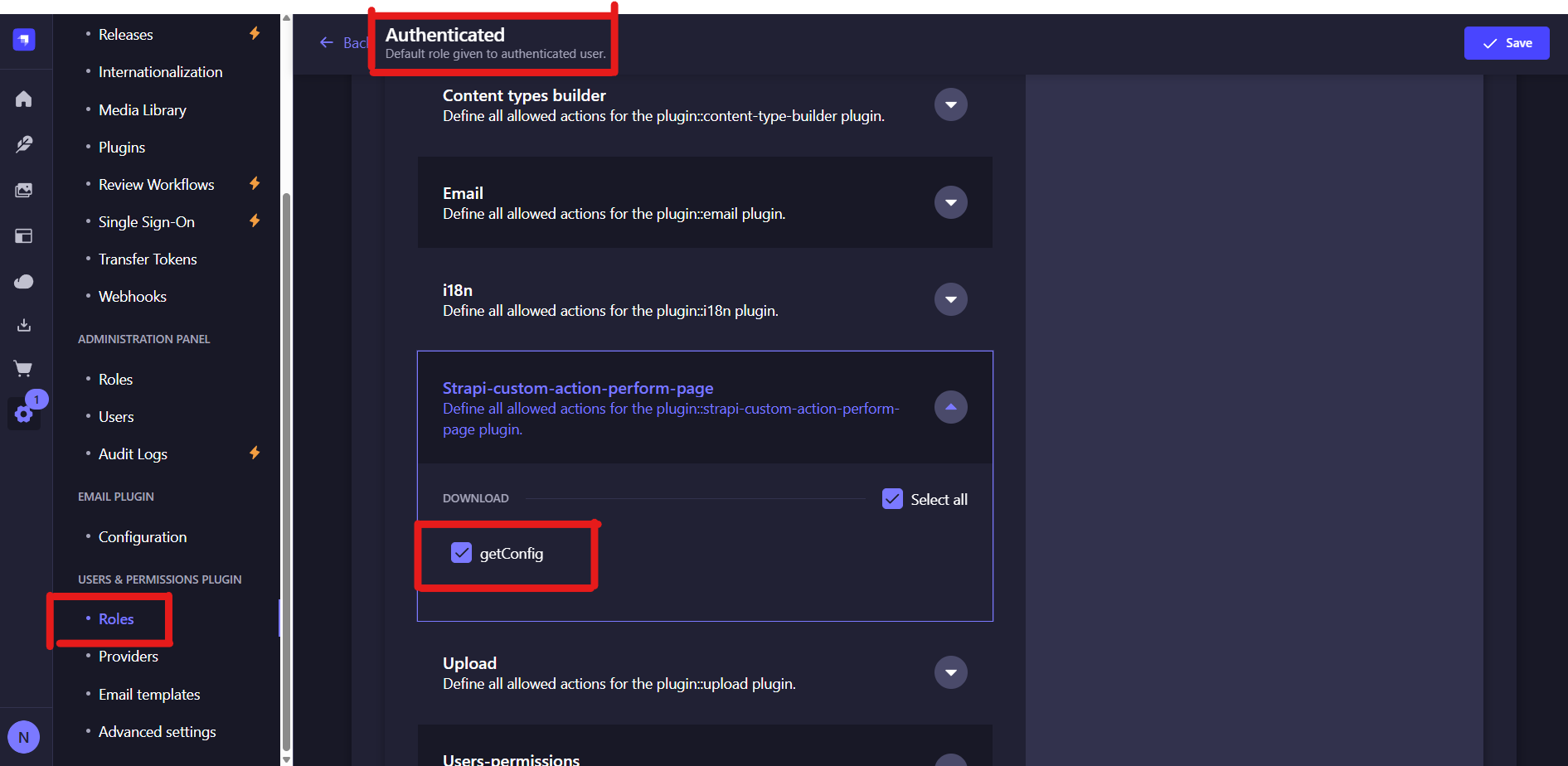
Make sure you give the permission to this Plugin