
stratametriq-extension
v1.4.8
Published
Architecture Intelligence & Pre-Deployment Safety in VS Code

Maintainers
 aabidhussainwani
Readme
StrataMetriq — Architecture Intelligence & Pre-Deployment Safety for VS Code


StrataMetriq helps engineering teams understand software architecture, predict the impact of code changes, and prevent risky deployments before they happen.
StrataMetriq is an enterprise-grade Visual Studio Code extension that delivers 360° Architectural Visibility, Interactive Dependency Explorer, and 13-Point Pre-Deployment Safety Auditing directly inside your editor.
🌟 Key Features
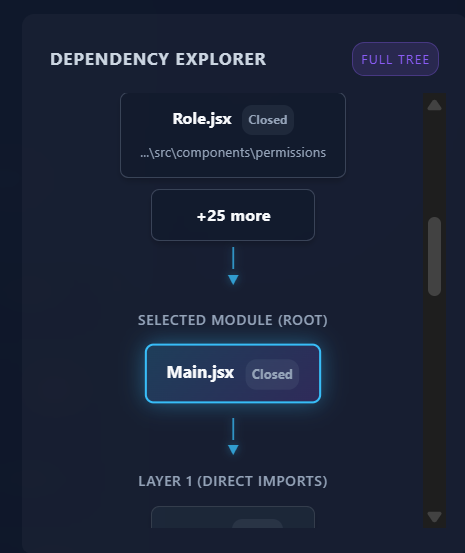
Dependency Explorer
Visualize your entire codebase architecture and how modules connect with an interactive dependency graph.
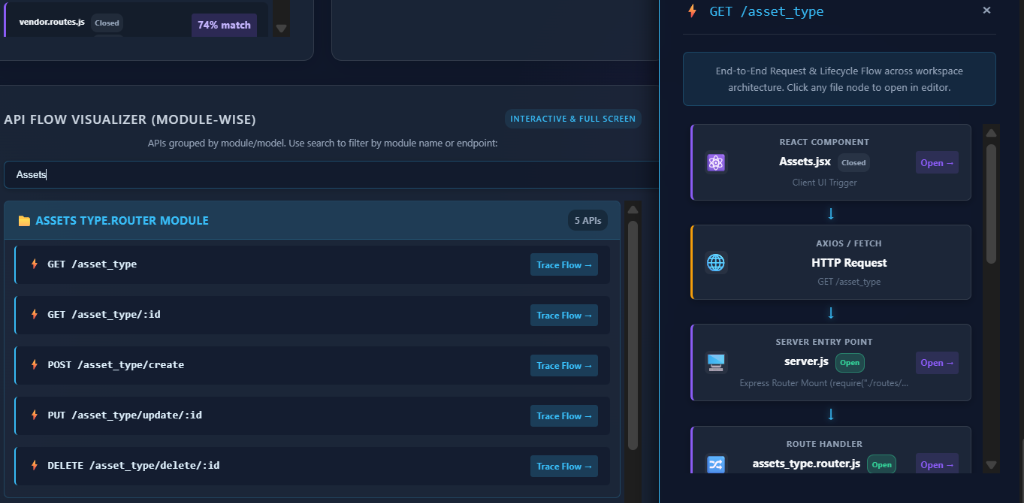
API Flow Visualizer
Automatically trace and visualize your API endpoints, routes, and their downstream data flow.
OpenTelemetry Runtime Traffic Overlay (Live Bridge)
Bridge the gap between static AST and live production traffic. Instantly detect dead APIs (0 traffic), production latency hotspots, and undocumented shadow routes right inside your editor.

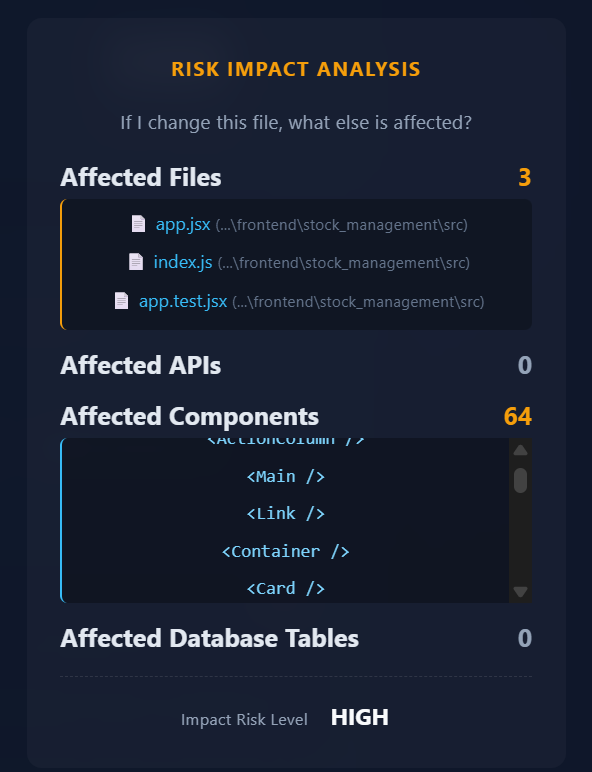
Risk Impact Analysis
Understand the downstream ripple effects of code changes before you commit.
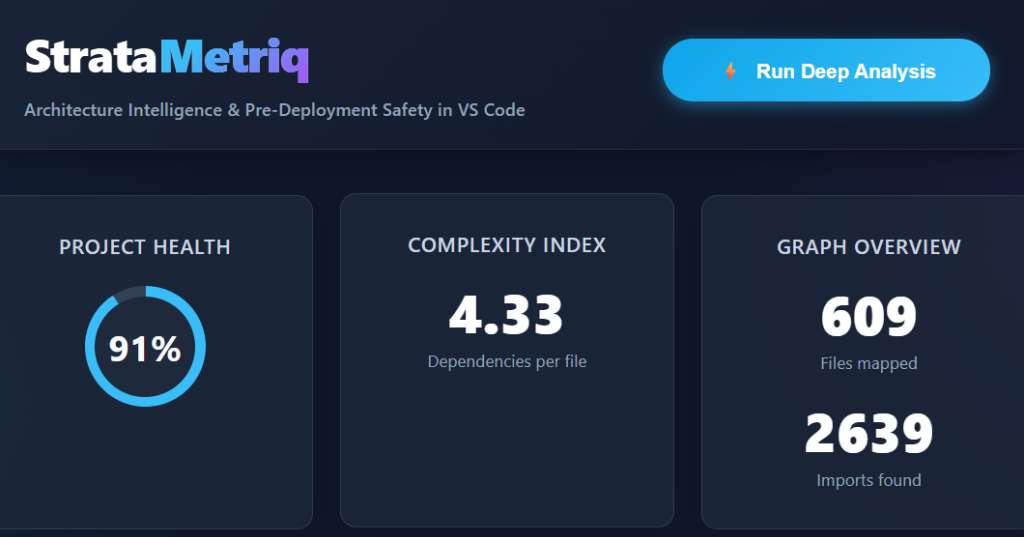
Architectural Health & Complexity
Monitor your workspace health score and structural complexity over time.
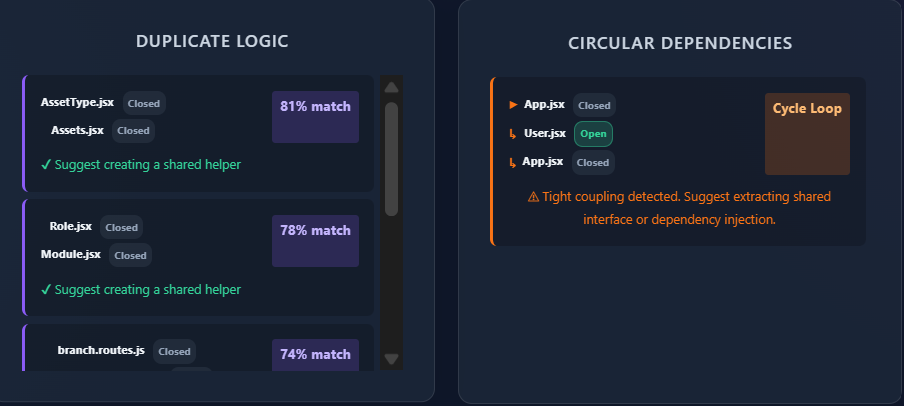
Duplicate Logic & Circular Dependencies
Instantly detect duplicated logic and circular imports that can break your builds.
🛡️ Pre-Deployment Safety Audit (13-Point Checklist)
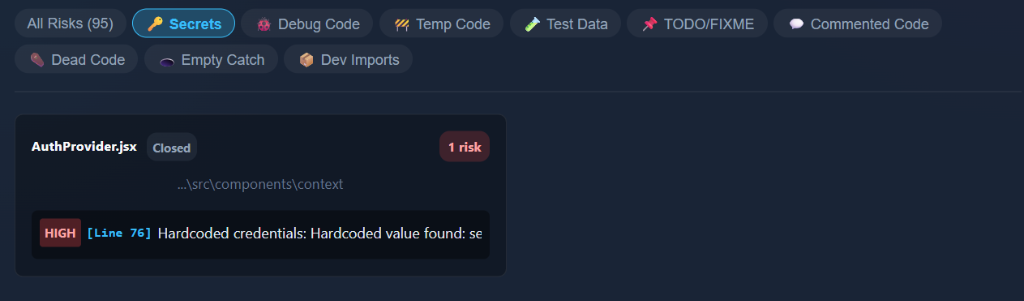
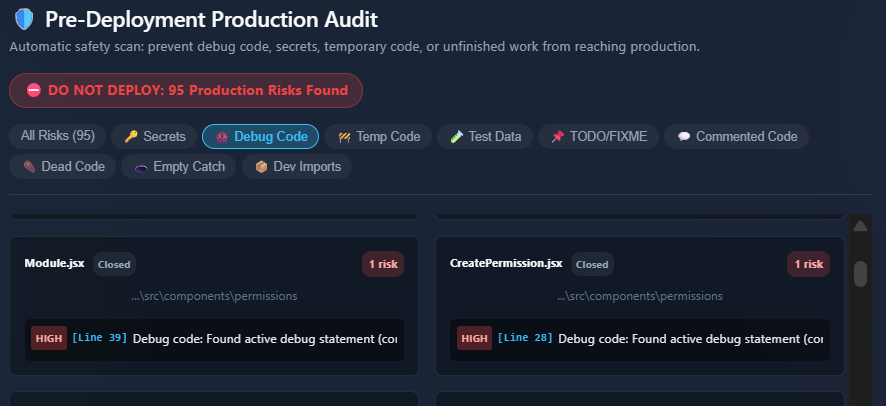
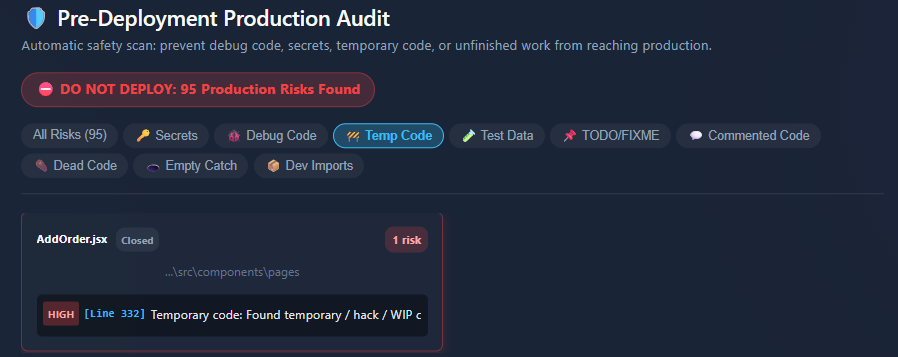
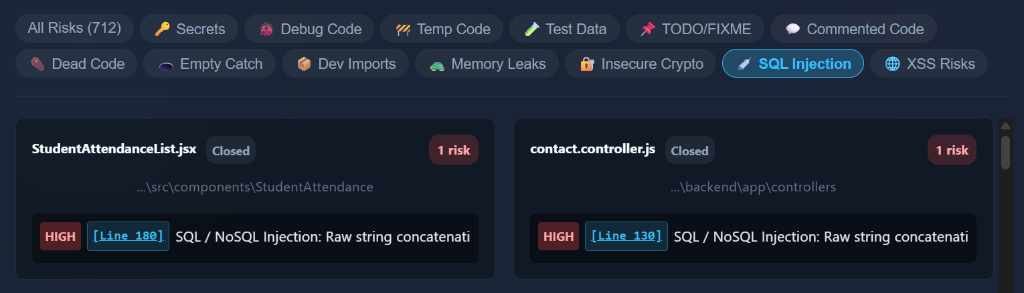
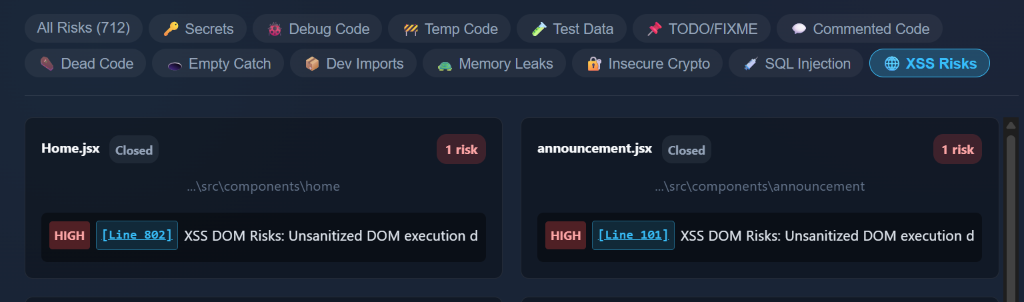
Identify and fix critical issues before they reach production. Our live dashboards scan for:
1. Hardcoded Secrets & Credentials
2. Active Debug Code (console.log, debugger)
3. Temporary Code (TEMP, HACK)
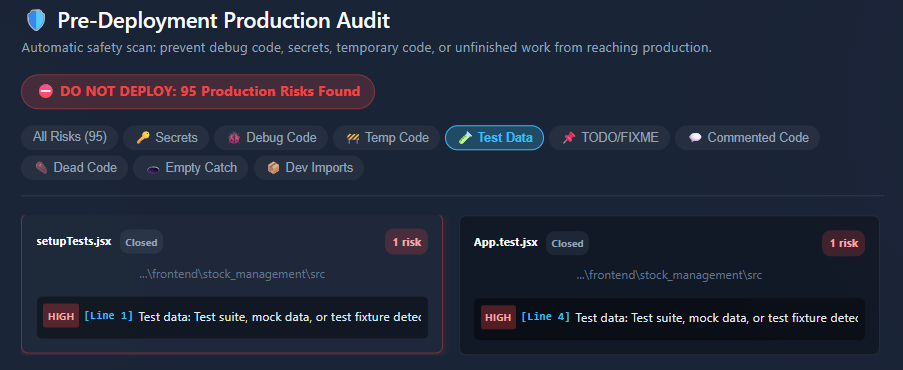
4. Test Data in Production
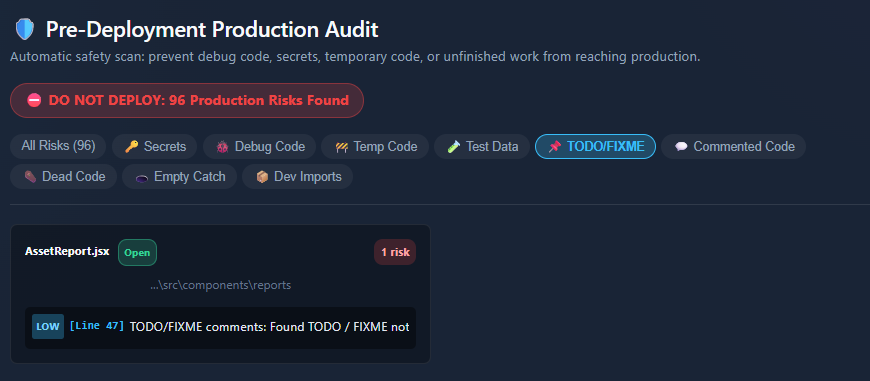
5. Unresolved TODOs & FIXMEs
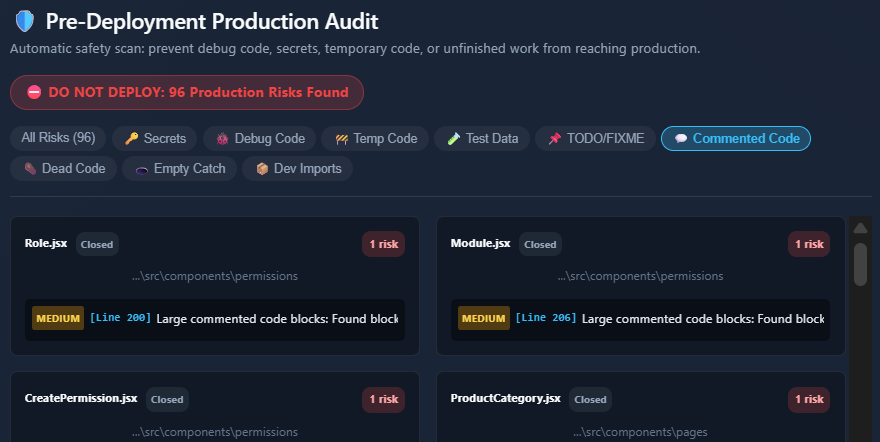
6. Commented Out Code Blocks
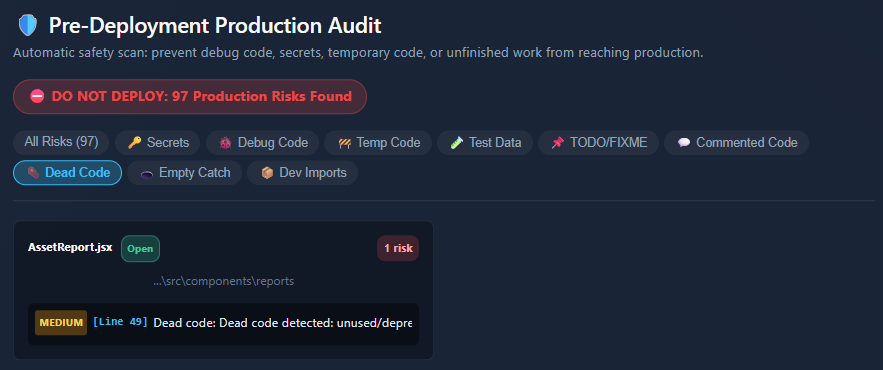
7. Dead Code & Unused Exports
8. Empty Catch Blocks (Swallowed Errors)
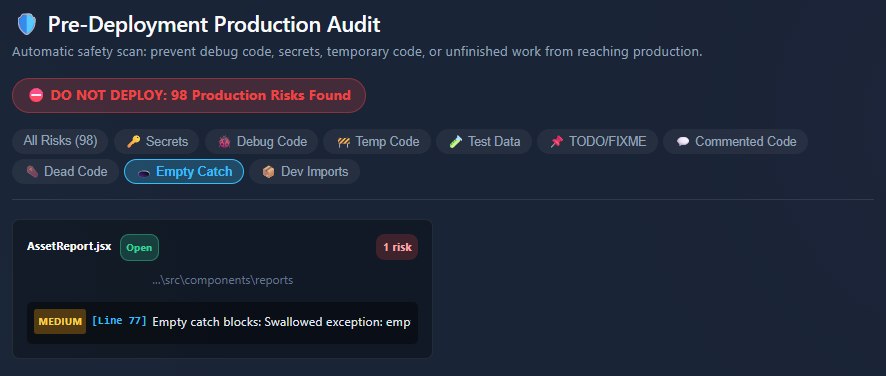
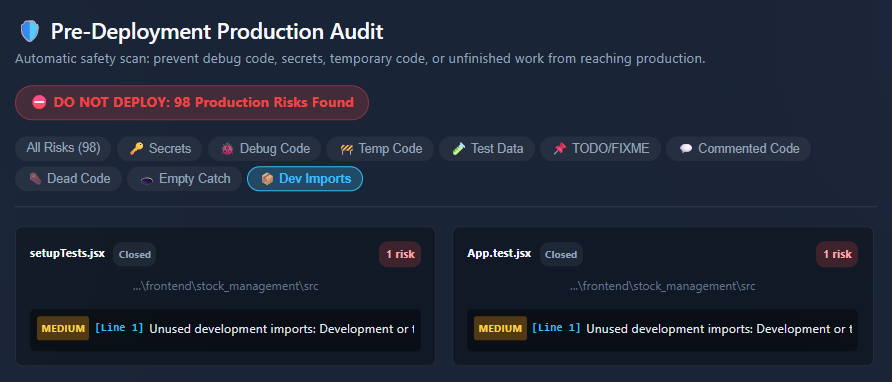
9. DevDependencies Imported in Production
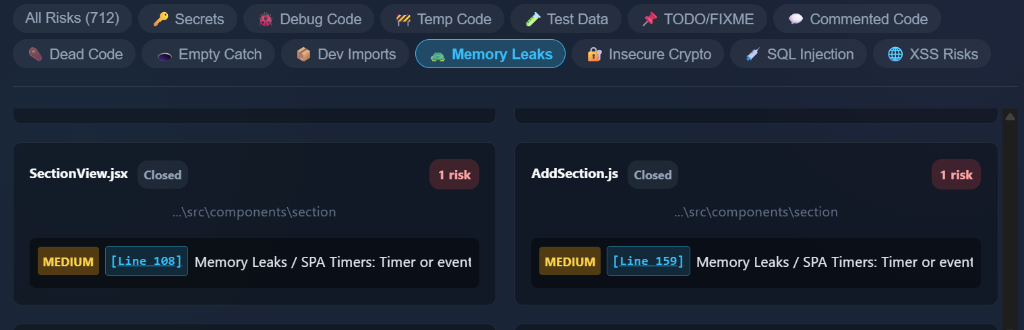
10. Memory Leaks (Event Listeners, Timers)
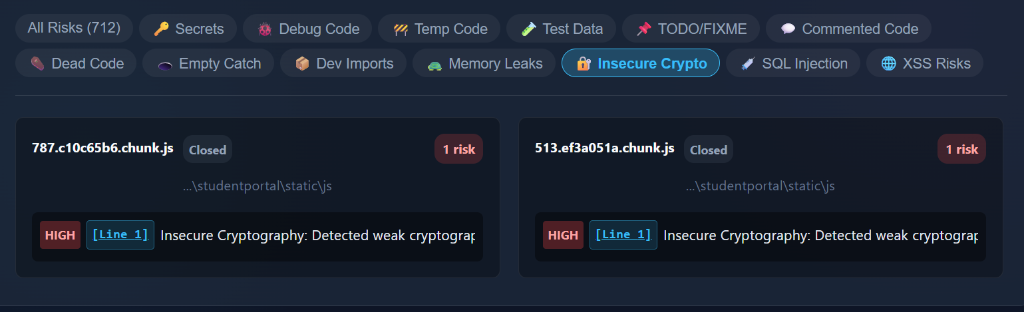
11. Insecure Cryptography
12. SQL Injection Risks
13. Cross-Site Scripting (XSS) Risks
🚀 How to Install & Use
- Install from VS Code Marketplace:
- Open VS Code, go to the Extensions view (
Ctrl+Shift+XorCmd+Shift+X). - Search for
StrataMetriq. - Click Install.
- Alternatively, install directly from the VS Code Marketplace.
- Open VS Code, go to the Extensions view (
- Launch Dashboard:
- Open Command Palette (
Ctrl+Shift+P). - Type and run:
StrataMetriq: Open Dashboard.
- Open Command Palette (
🔒 Zero Cloud Exfiltration
100% of Abstract Syntax Tree (AST) parsing and graph calculation is executed locally on your machine. Your source code never leaves your IDE.
📄 License
MIT © StrataMetriq Engineering Team